
Most people who want to create digital products already have the idea: a budget spreadsheet they built for themselves, a lesson plan template colleagues keep asking for, a planner layout that finally works. What’s missing is the path from that file to something a stranger can buy, open and use. Learning how to create digital products comes down to seven steps, and free tools you likely already have cover every one of them.
To create a digital product, pick one product type that matches a skill you have, check that people already buy similar products, outline exactly what yours includes, build it in a tool you know, package it for easy delivery, price it from your break-even cost and list it on Etsy or your own site.
Step 1: Pick a digital product type
The easiest way to create digital products is to start with the format you can make well today. The table shows the most common types, the free tools that build them and who usually buys them.
| Product type | Examples | Build it in | Typical buyers |
|---|---|---|---|
| Templates | Resume, invoice, social media, lesson plan | Google Docs, Word, Canva | Job seekers, small businesses, teachers |
| Spreadsheets | Budget tracker, wedding budget, bookkeeping, inventory | Google Sheets, Excel | Households, sellers, freelancers |
| Printables | Planners, checklists, worksheets, wall art | Canva, Google Slides, any design app, exported to PDF | Parents, students, planners |
| Ebooks and guides | How-to guides, recipe collections, workbooks | Google Docs, Word, Canva | Anyone learning a specific skill |
| Journals and prompt books | Gratitude, reflection, goal-setting journals | Canva or Docs, exported to PDF | Journalers, tablet note-takers |
Pick the one closest to what you already do. A bookkeeper has a head start on spreadsheets; a teacher on worksheets; a designer on printables. Your first product goes much faster in a format you already know inside out.
Step 2: Validate the idea before you build it
Validation means checking that people already pay for something like your idea. It saves weeks of building a product nobody looks for.
- Search the marketplace. Type your product idea into Etsy’s search bar and note how many listings show up, their price range and how many reviews the top results have. Reviews on a competitor’s listing are proof that buyers exist.
- Read the reviews. Look for repeated complaints: “wish it had a monthly view,” “hard to edit,” “too many pages.” Each complaint is a feature for your version.
- Write a one-sentence promise. “A Google Sheets budget that splits every paycheck into bills, savings and spending” is specific enough to build and to sell.
- Ask five real people. Show your promise to people who fit the buyer and ask if they’d use it and what they’d expect inside.
If the market is empty, that’s usually a warning rather than an opening. If it’s crowded, narrow the audience (“wedding budget spreadsheet for small weddings”) instead of giving up.
Step 3: Outline what your product includes
Before you design anything, write a plain list of every page, tab or section. An outline keeps the product focused and makes the listing easy to write later.
A good outline answers three questions:
- What does the buyer get? Number of pages, tabs or templates, file formats and paper size.
- What will they be able to do once they’ve used it? The outcome, in one sentence.
- What does it leave to them? Being clear about scope prevents disappointed reviews.
Aim for complete rather than big. A focused 12-page printable that solves one problem usually beats a 200-page bundle that buyers never finish.
Step 4: Build your digital product
When you create digital products, build in the tool your buyer will open most easily. Then test the product as if you were the buyer.
Templates. Set up styles for headings and body text so buyers can change fonts in one click. Leave clear placeholder text like “Your Name” and add a short “how to edit” page. Check the license of every font, photo and graphic you include; some free assets allow personal use only.
Spreadsheets. Separate input cells from formula cells with color, and lock or protect the formulas. Include an example tab filled in with realistic numbers so buyers see how each cell works. Test every formula with odd inputs: zero, blank cells, very large numbers. If you deliver an Excel file, also open it in Google Sheets, because some functions behave differently.
Printables. Design at the final paper size (US Letter is 8.5 × 11 inches for US buyers), keep important content inside a safe margin of at least 0.25 inches, and export to PDF. Print one copy at home on an ordinary printer to catch faint colors and text that’s too small.
Ebooks and guides. Write the outline as headings first, then fill each section. Add a table of contents, short paragraphs and examples. Export to PDF so the layout stays fixed on every device.
The mechanism behind good digital products is simple: the buyer is paying to skip work. Every minute they spend figuring out your file eats into that value, so instructions, examples and clean structure matter as much as the design.
Step 5: Package and deliver your files
Packaging decides whether the first experience is “this is easy” or “how do I open this?”
- Name files clearly:
Budget-Planner-Letter.pdfbeatsfinal_v3.pdf. - Add a short PDF guide that explains what each file is, how to open it and where to start.
- Include an example file for spreadsheets and templates.
- Offer a Google Sheets or Docs copy link for buyers who don’t use Excel or Word.
On Etsy, instant downloads have firm limits. Etsy’s help article on managing digital listings allows up to five files per listing, each up to 20MB, in formats including PDF, PNG, JPG and ZIP. Plan your file set around that before you start uploading.
Step 6: Price your digital product
A digital product costs nothing to copy, but it costs time to make. Price it from the bottom up, then check it against the market.
- Add up your costs. Hours spent × a fair hourly value, plus tools, fonts and design assets.
- Estimate realistic first-year sales. Be conservative.
- Divide costs by sales to get your break-even price per copy.
- Add platform fees and your profit goal on top.
- Compare with the median price of similar products from Step 2.
For example, a printable that takes 20 hours at $25 an hour plus $60 in tools costs $560 to make. Spread over 80 sales in the first year, that’s a break-even of $7 per copy before fees.
Fees come out of every sale, so build them in. As of November 2026, per Etsy’s fees and taxes page, a listing costs $0.20 and lasts four months, and the transaction fee is 6.5% of the order total. Etsy’s payment processing fees for US sellers are 3% + $0.25, charged on the total the buyer pays, including any sales tax. On a $12 digital download with no sales tax, that comes to about $1.59 in fees ($0.20 + $0.78 + $0.61), leaving roughly $10.41 before your own time and tools.
Our free digital product pricing calculator does this math for you: enter your hours, costs and expected sales to see a break-even and a target price.
Step 7: List it on Etsy or your own site
Your listing has one job: show a buyer quickly what they get and whether it fits them.
- Title: the product type plus the buyer’s words (“Wedding Budget Spreadsheet, Google Sheets and Excel”).
- Images: a cover image, two or three pages shown clearly, and one image listing everything included.
- Description: your one-sentence promise first, then the outline from Step 3, file formats, paper size and how delivery works.
- FAQ: answer the questions you heard in Step 2.
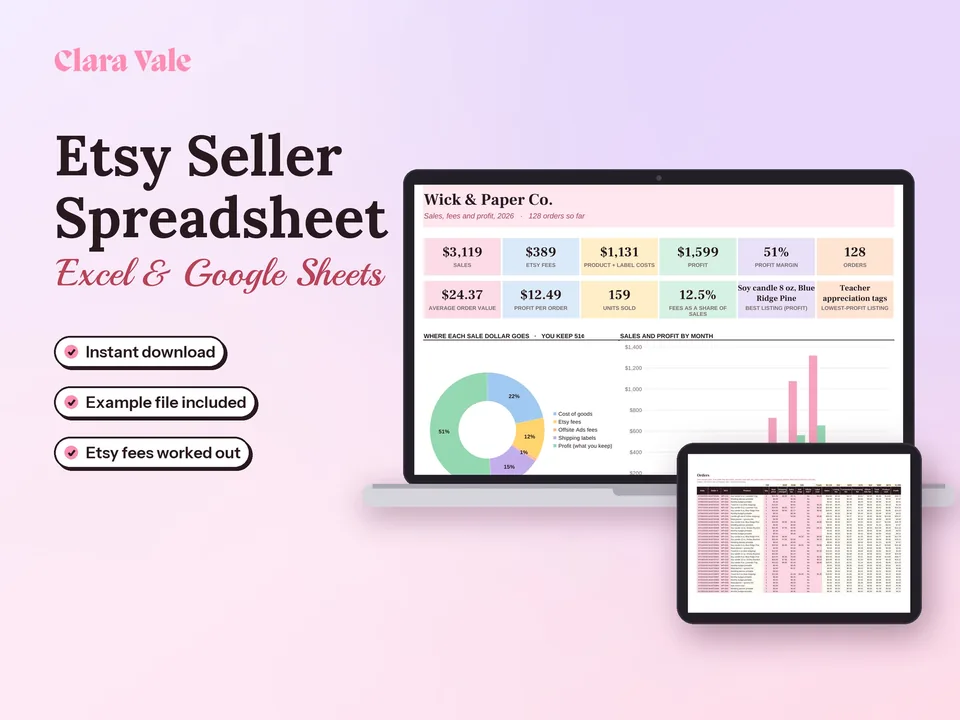
Etsy brings built-in buyer traffic in exchange for fees; our guide on how to sell on Etsy walks through opening a shop and your first listing. Your own site keeps more of each sale but needs you to bring the visitors. Many sellers do both at the same price. Before you set a final price for Etsy, run it through our Etsy fee calculator to see exactly what you keep per sale, including Offsite Ads if they apply.
After launch, track views, sales and fees by channel for the first month. Those numbers tell you whether to adjust the price, improve the listing images or build a second product for the same buyer.
Plan your first launch
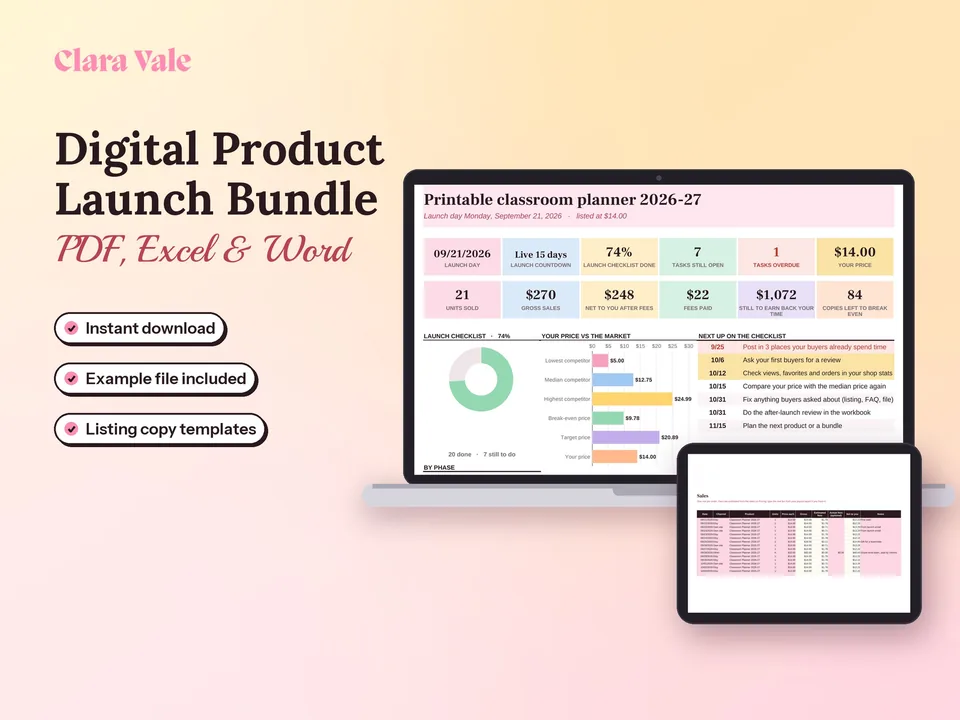
Once you know how to create digital products, the process repeats for every new idea: choose a type you can make well, prove there’s demand, outline it, build it with clear instructions, package it simply, price it from your real costs and list it where your buyers already shop. Results vary from product to product, so start small and let your first numbers guide the next step. If you’d like the whole process on paper, our Digital Product Launch Planner & Checklist includes a 21-page workbook, a planning spreadsheet with a 27-task launch checklist and listing copy templates for Etsy and your own site.
Questions people ask
What are the top 10 digital products to sell?
Popular digital products include planners, budget and business spreadsheets, Google Docs and Canva templates, resume templates, printable worksheets and checklists, journals and prompt books, ebooks and guides, wall art printables, social media templates and lesson plans for teachers. The best one for you is the type that matches a skill you already have and a problem a specific group of buyers wants solved.
Can ChatGPT create digital products?
Text tools like ChatGPT can help draft outlines, brainstorm titles or rewrite rough notes, but the product's value comes from your judgment: choosing the right problem, checking every fact and formula, and designing pages that work for a real buyer. Treat any draft as a starting point, test it yourself and make sure the final product reflects your own expertise.
Do I need an LLC to sell digital products?
An LLC is optional for most people starting out. According to the US Small Business Administration, if you do business under your own legal name without registering another structure, you're automatically treated as a sole proprietorship, and you're personally liable for the business's debts. Many sellers start that way and form an LLC later for liability protection. A local accountant or attorney can advise on your situation.
Do digital products make money?
Some do and many sell slowly, so results vary widely. A digital product earns once its price covers your time, tools and platform fees across the sales it actually makes. Start with one small product, track views, conversion and fees from the first week, and improve or bundle what sells before building the next one.
How can I create my own digital products as a beginner?
Start with one simple product in a format you already use, such as a Google Sheets tracker or a printable checklist. Check that similar products sell, outline what yours includes, build it in a tool you know, test it on a friend, then price it from your break-even number and list it on Etsy or your own site.
How do I create digital products for free?
Free tools cover most beginner products. Google Docs and Google Sheets handle templates, planners and spreadsheets; Canva's free plan handles printables and social templates; and any of them exports to PDF. The real costs are your time and, once you sell, platform fees such as Etsy's listing, transaction and payment processing fees.
What file format should a digital product be?
Use the format your buyer will open most easily. Printables and ebooks work best as PDF, spreadsheets as .xlsx plus a Google Sheets copy link, and editable templates as .docx or a share link. Etsy accepts formats including PDF, PNG, JPG and ZIP for instant downloads, with up to five files of 20MB each per listing.