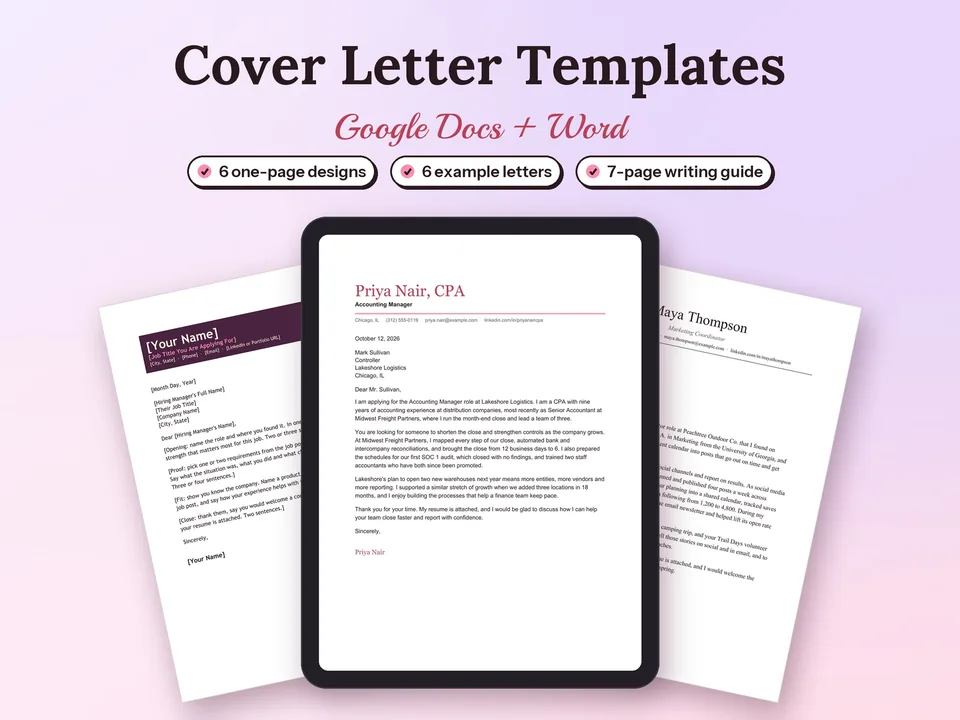
Cover Letter Templates for Google Docs
A clear, one-page cover letter for every application, in a design that matches your field.
$4.90Regular price $7-30%$7Buy now

Free cover letter templates for Google Docs and Word: Classic, Modern and Minimal, three one-page designs where every [bracket] says what to write. Click Make a copy to open one in your own Google Drive, fill in the four short paragraphs and download a clean PDF. Every design also comes as a Word file.


Verdana · white space · students, interns, engineers
Sign in to Google, click Make a copy in Google Docs under the design you like and confirm with Make a copy. The copy opens in your own Google Drive; rename it with your name and the company, for example Daniel Reyes Cover Letter - Brightpath.
Replace each [bracket] with your own words, from the header down to the signature. When it is ready, choose File → Download → PDF Document. Prefer Word? Download the .docx file and open it in Word 2016 or later, Word on the web or Apple Pages.
Every template follows the same short structure, about 175 to 250 words on one page:
Rather fill in a form? The free cover letter builder uses the same three designs and downloads Word or PDF. Want more? Cover Letter Templates for Google Docs adds three more designs, six finished example letters and a writing guide, and the Resume and Cover Letter Templates set pairs every letter with a matching resume and references page. For a free matching resume, see the free resume templates.
A clear, one-page cover letter for every application, in a design that matches your field.
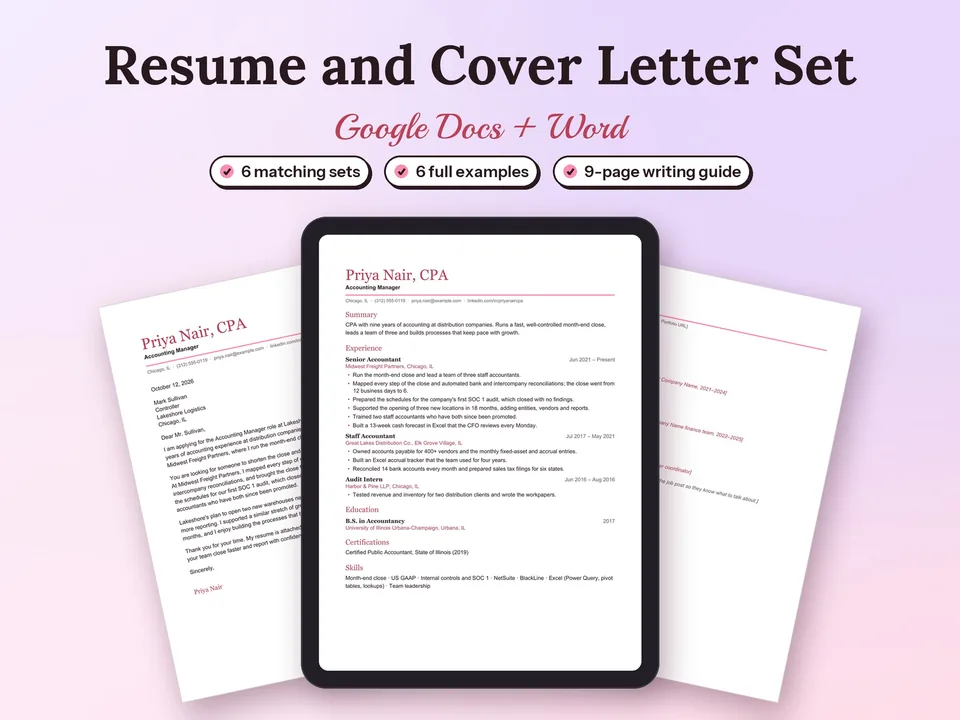
A one-page resume, a matching cover letter and a references page in one of six designs, ready to fill in.
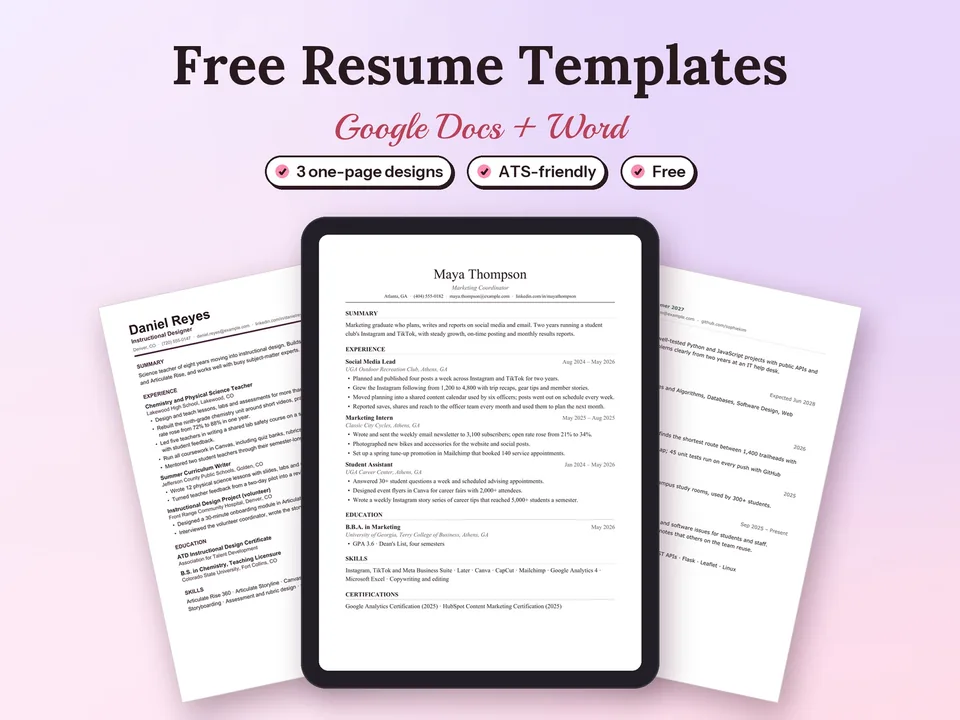
Three one-page, ATS-friendly resume designs that open in Google Docs with one click.
Yes. Classic, Modern and Minimal are free to copy into Google Docs or download as Word files, for your own job applications.
For the Make a copy button, yes: the copy is saved in your own Google Drive, and only you can see it until you share it. The Word (.docx) download opens in Microsoft Word, Word on the web or Apple Pages.
One page, about 175 to 250 words in four short paragraphs. Each template fits one US Letter page with room to spare.
Yes. Each design is a single column of real text with your contact details in the body of the page, so applicant tracking systems read every line.
In Google Docs, choose File, then Download, then PDF Document (.pdf). In Word, choose File, then Save As, and pick PDF.
Yes. The free resume templates come in the same Classic, Modern and Minimal designs, with the same header, so your application reads as one set.