
Job Application Tracker
Every application, interview and follow-up in one spreadsheet, so you know what to do next and which job sources actually reply.
$4.90Regular price $7-30%$7Buy now

1 / 9
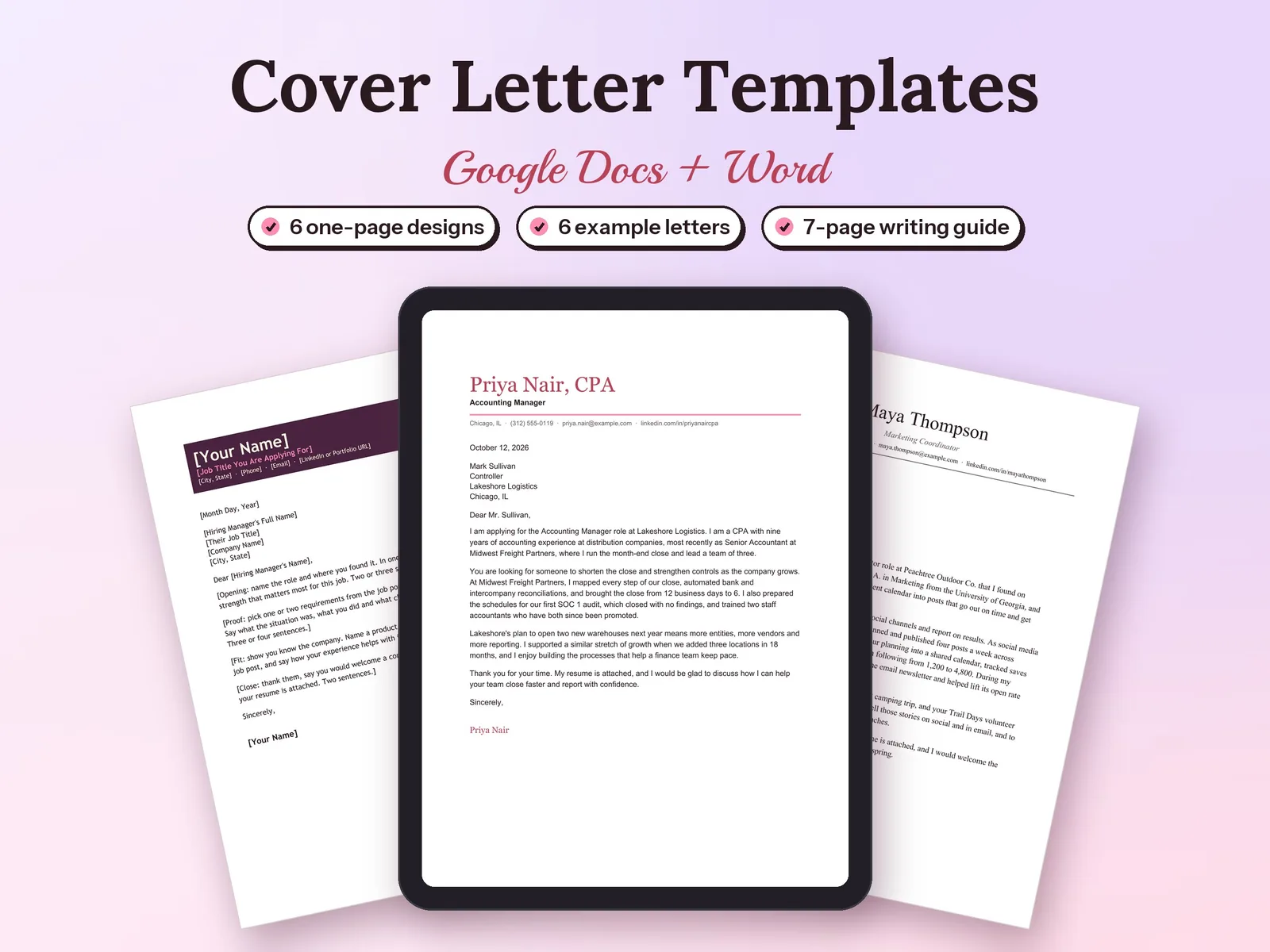
A clear, one-page cover letter for every application, in a design that matches your field.
$4.90Regular price $7-30%$7
Fall Sale: 30% off at checkout, ends Nov 15.
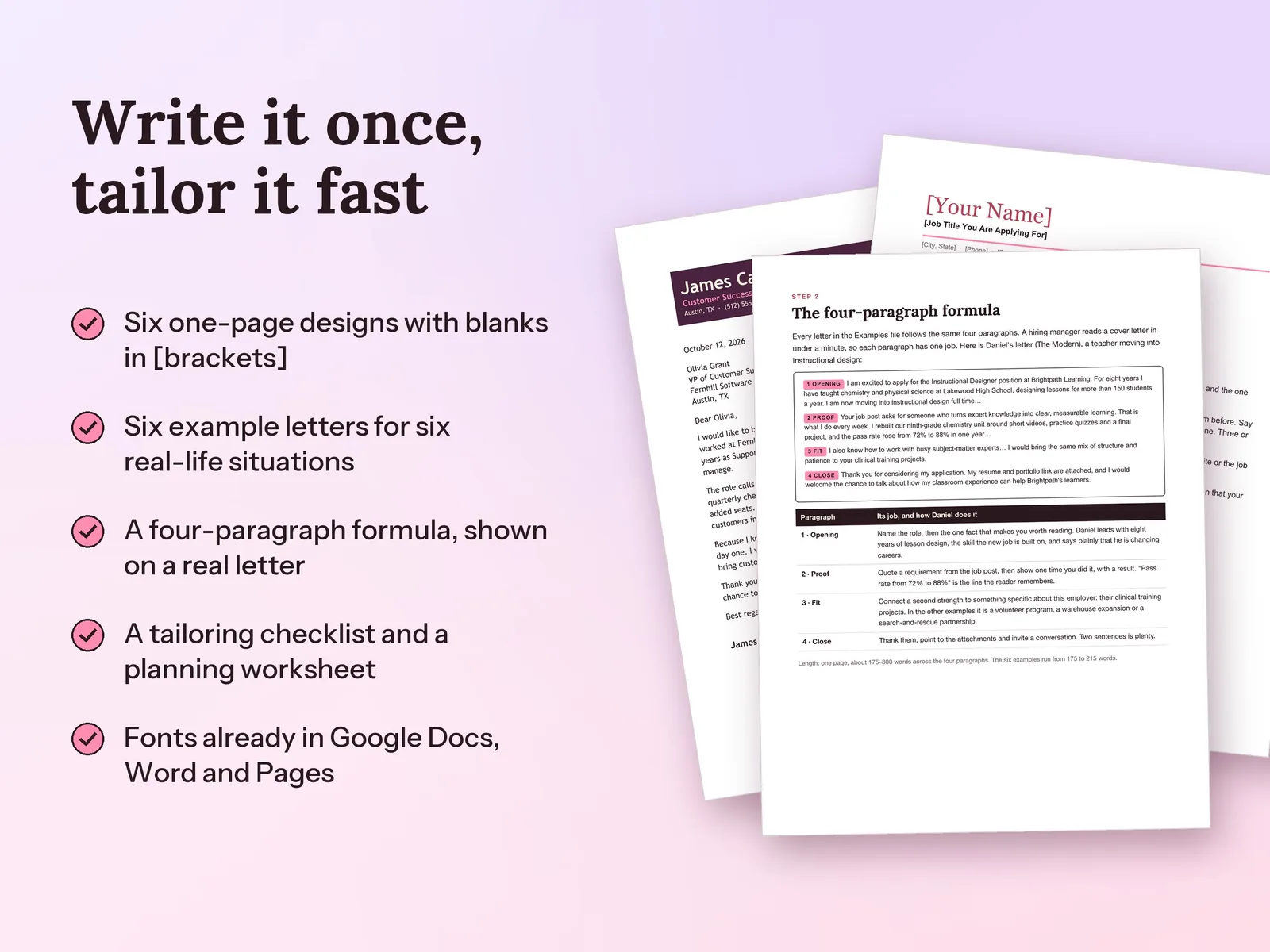
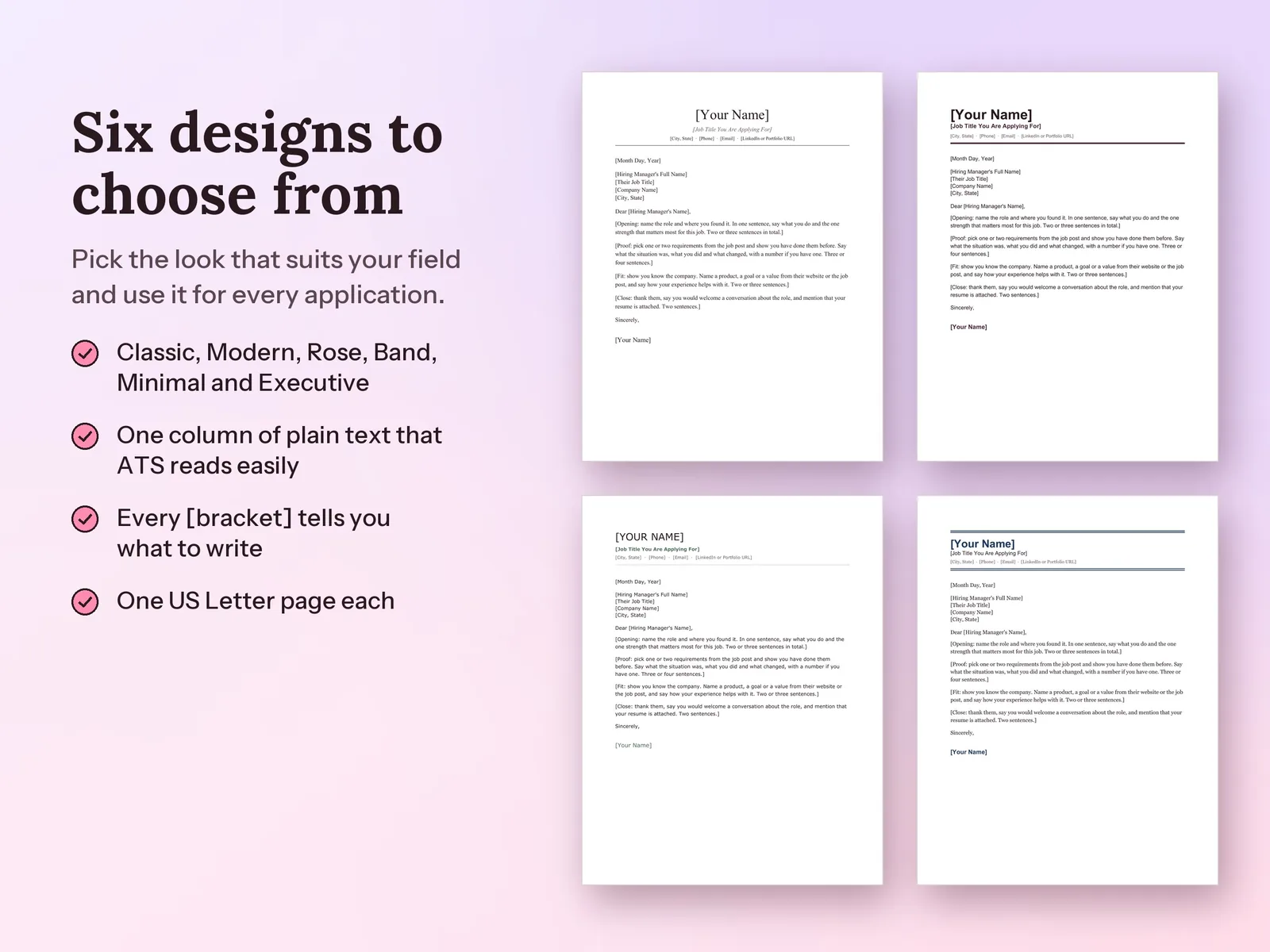
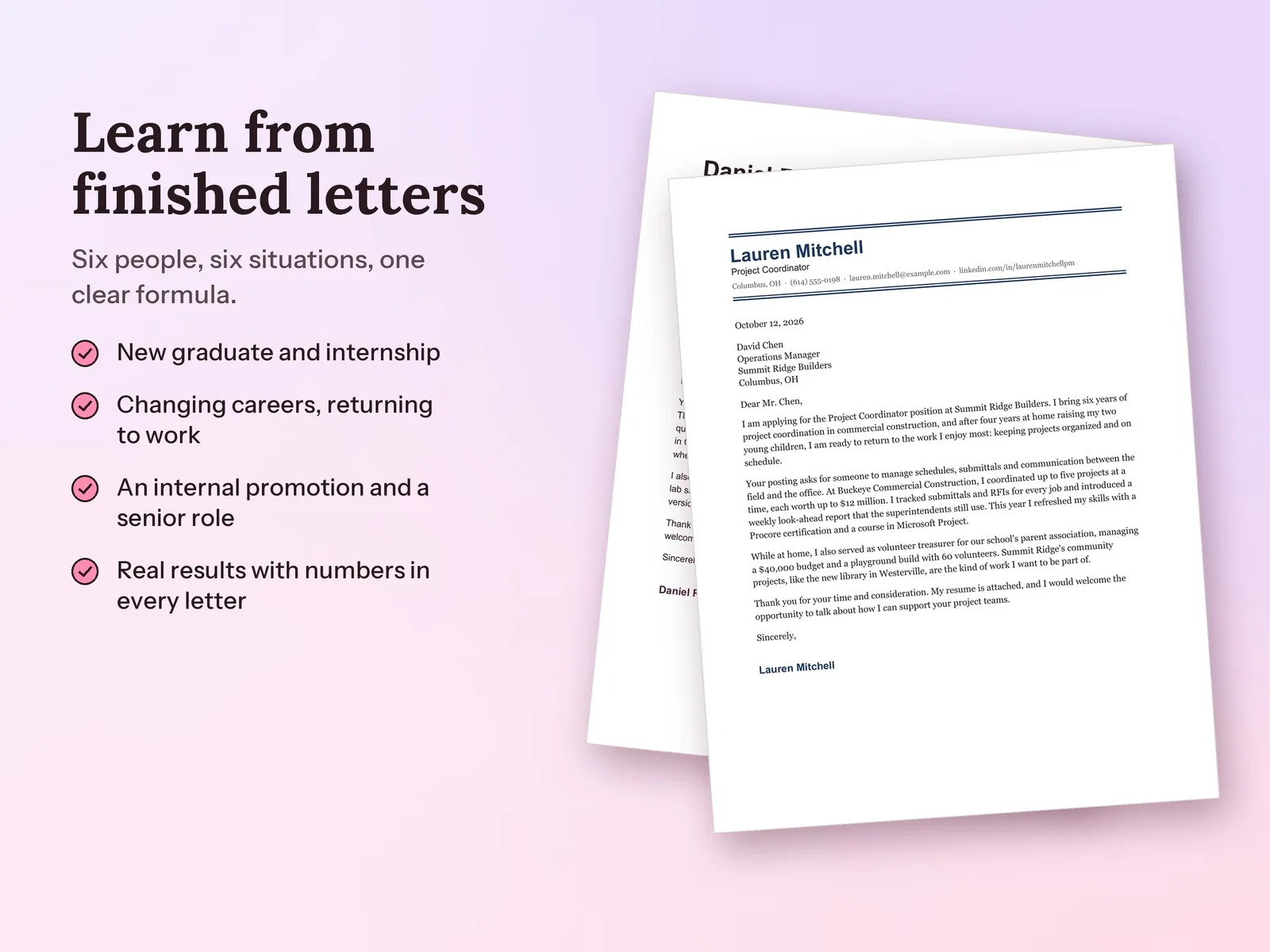
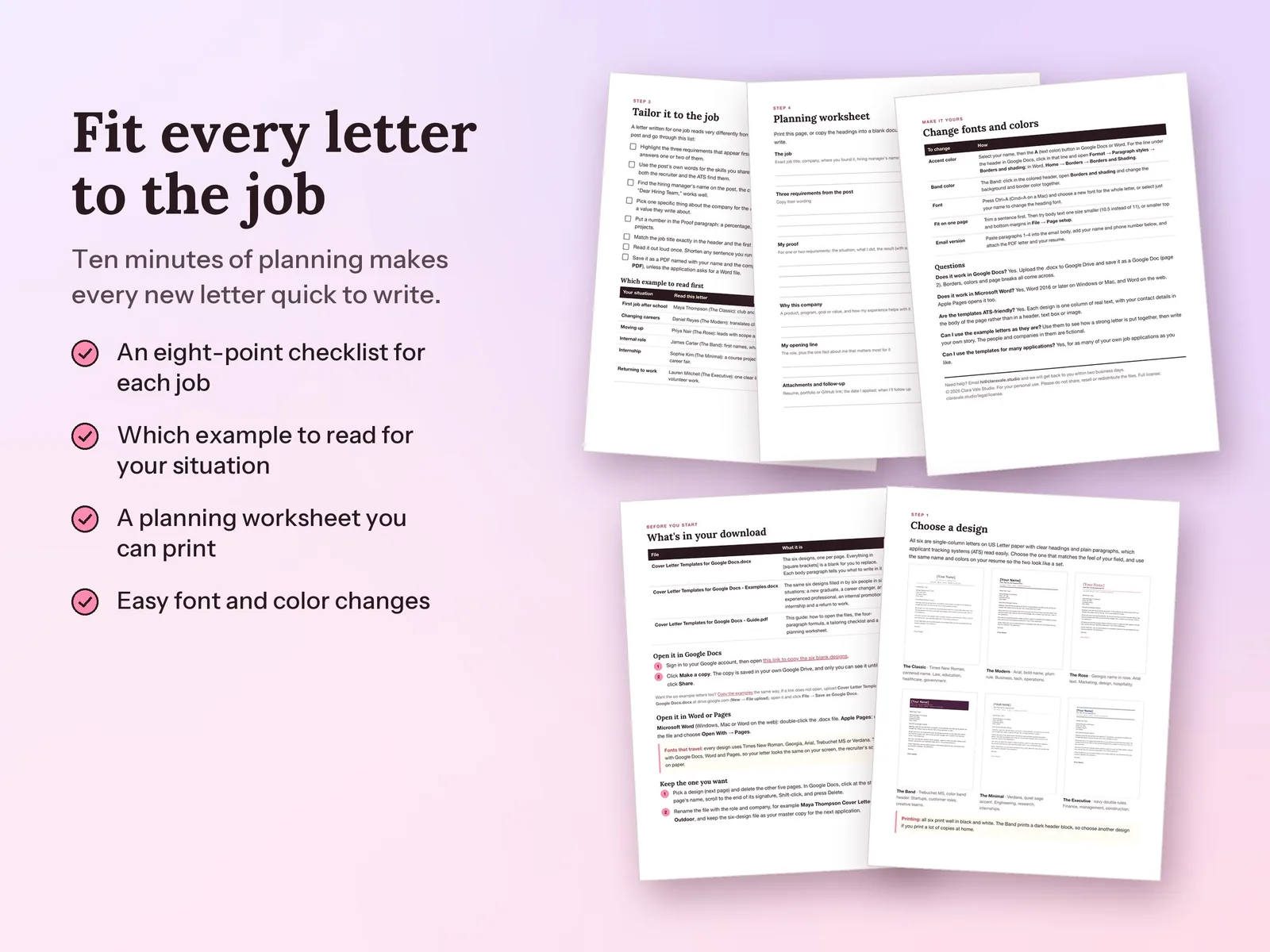
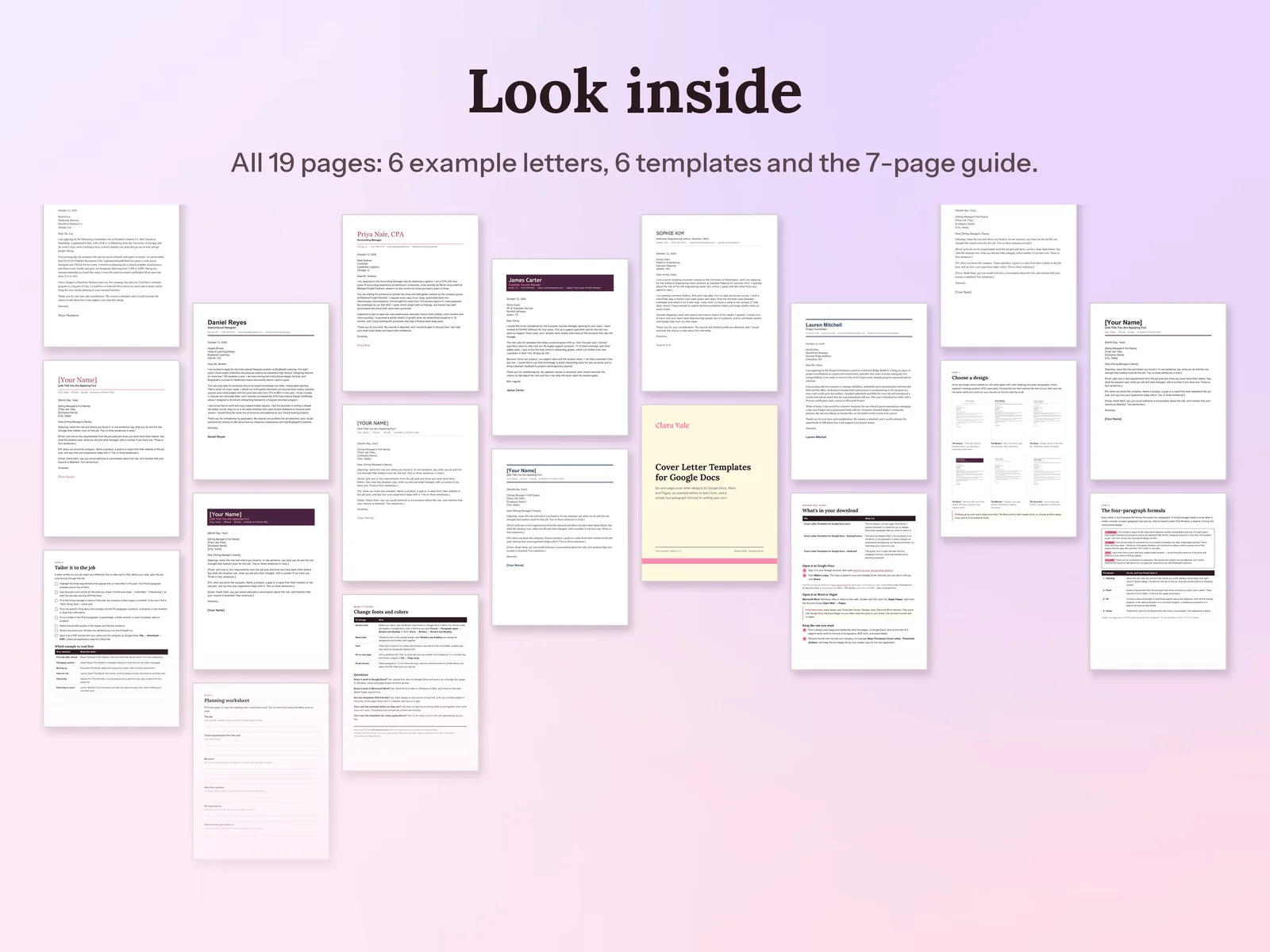
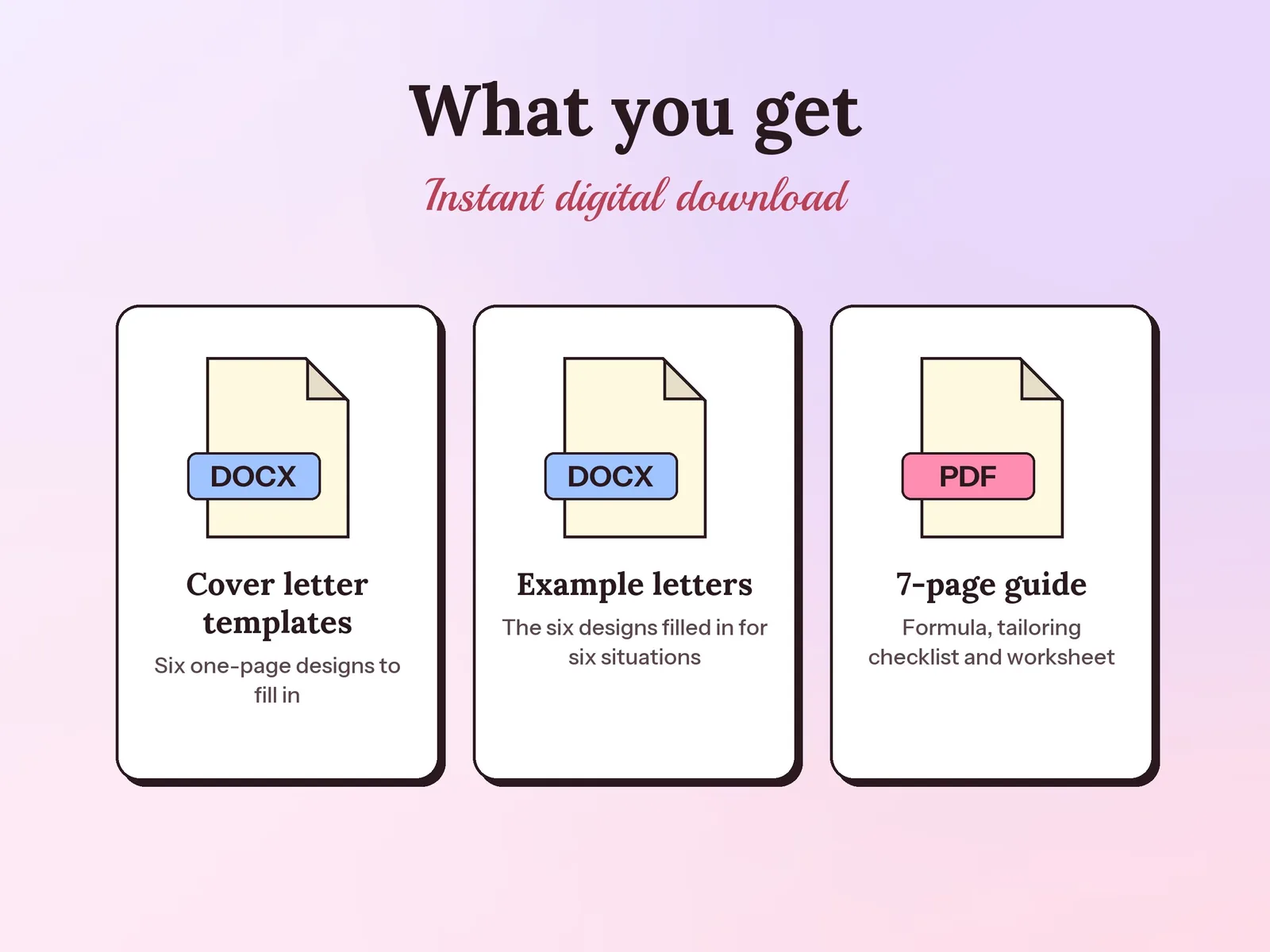
–Days––Hours––Min––SecCover letter templates for Google Docs, Microsoft Word and Apple Pages: six one-page, single-column designs that applicant tracking systems read easily, with guided blanks in [brackets]. Copy them into your Google Drive with one click, then follow six finished example letters and a 7-page guide to the four-paragraph cover letter formula and tailoring each letter to the job post.
Format: Google Docs + Word · PDF guide
License: Personal & Business
Every application, interview and follow-up in one spreadsheet, so you know what to do next and which job sources actually reply.
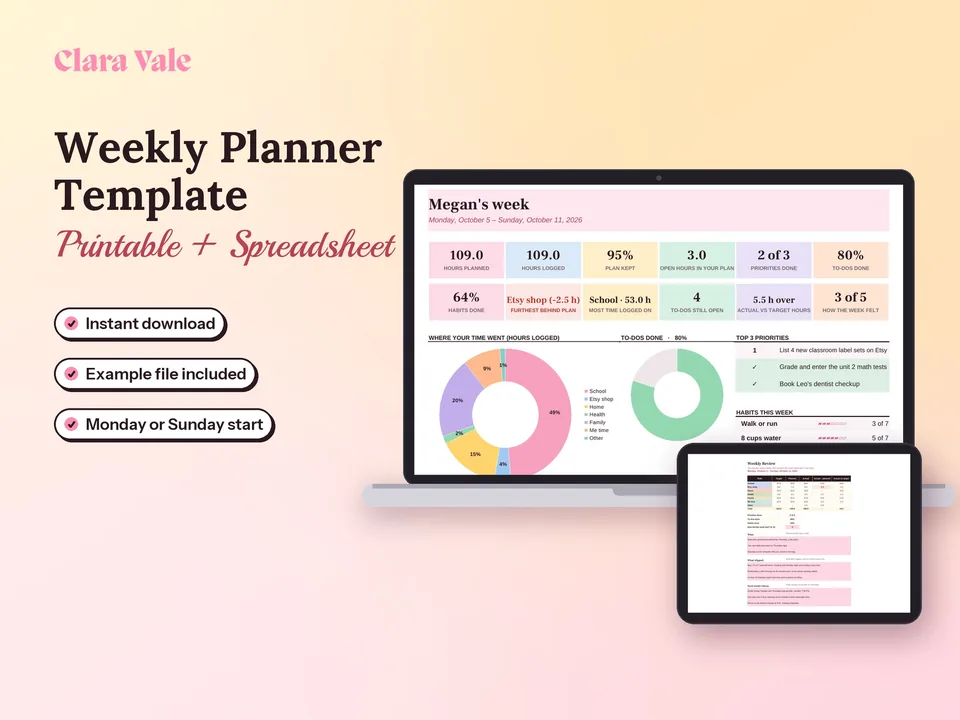
Fit a job, a side hustle and a life into one realistic week, then see where your time really went.
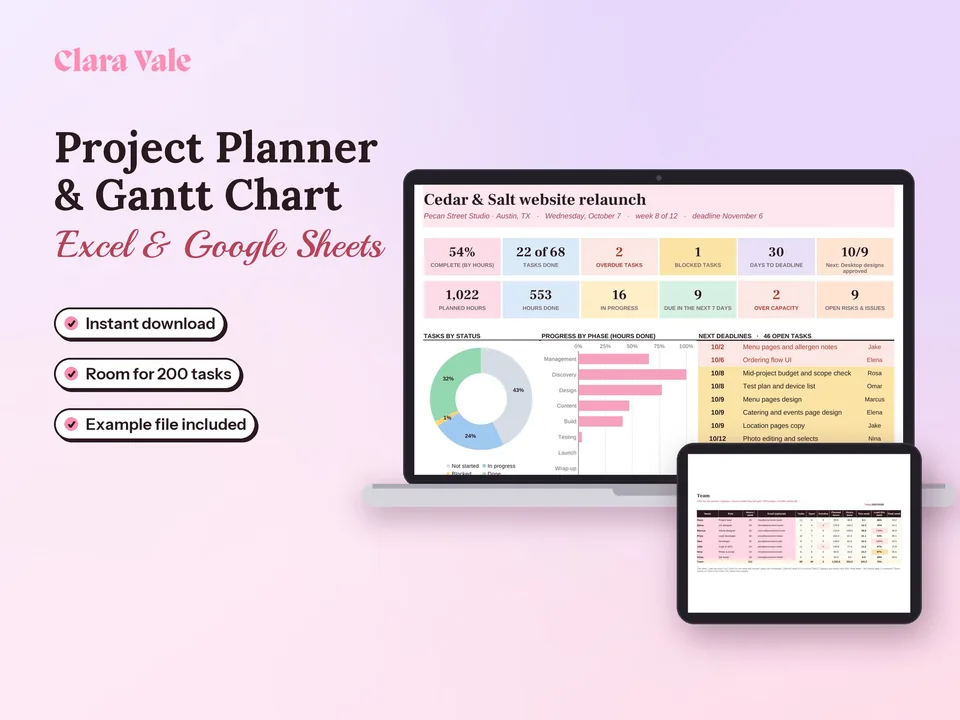
Plan the work, see who is overloaded and spot what is late, in one spreadsheet.
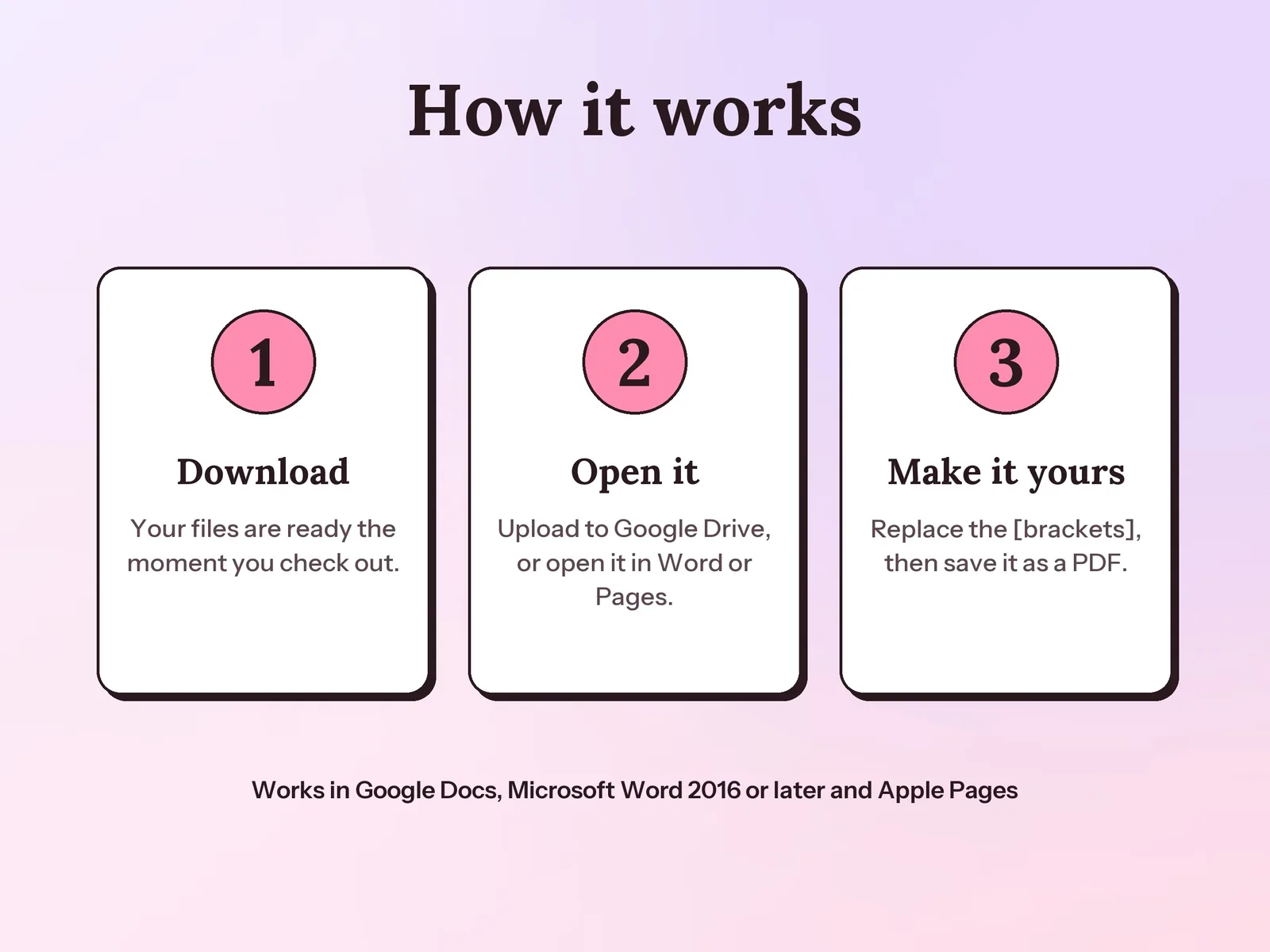
Open the link in the PDF guide while signed in to Google and click Make a copy. The six designs land in your own Google Drive as an editable Google Doc, with the fonts, colors and page breaks in place. You can also upload the .docx file and choose File, then Save as Google Docs.
Yes. The .docx file opens in Word 2016 or later on Windows and Mac, Word on the web and Apple Pages. Every design uses Times New Roman, Georgia, Arial, Trebuchet MS or Verdana, which come with all three.
Yes. Each design is a single column of real text, with your contact details in the body of the page, so applicant tracking systems read every line.
One page, about 175 to 250 words in four short paragraphs: an opening, proof from your experience, why this company, and a close. Every template fits one US Letter page, and the example letters run 175 to 215 words.
Using the same name, header and font on both makes your application look like one set. Each template has a simple name block at the top that you can copy onto your resume.
Use them to see how a strong letter is built, then write your own story with the formula in the guide. The people and companies in the examples are fictional.
A one-time download. Pay once and keep the templates, examples and guide for all of your own job applications.