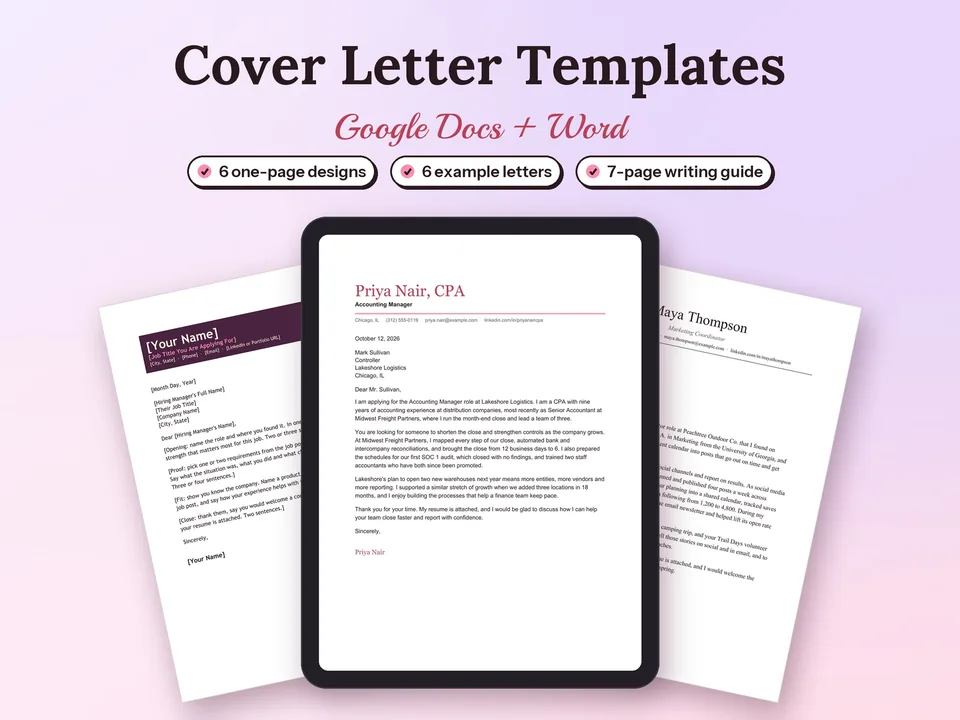
Cover Letter Templates for Google Docs
A clear, one-page cover letter for every application, in a design that matches your field.
$4.90Regular price $7-30%$7Buy now

1 / 8
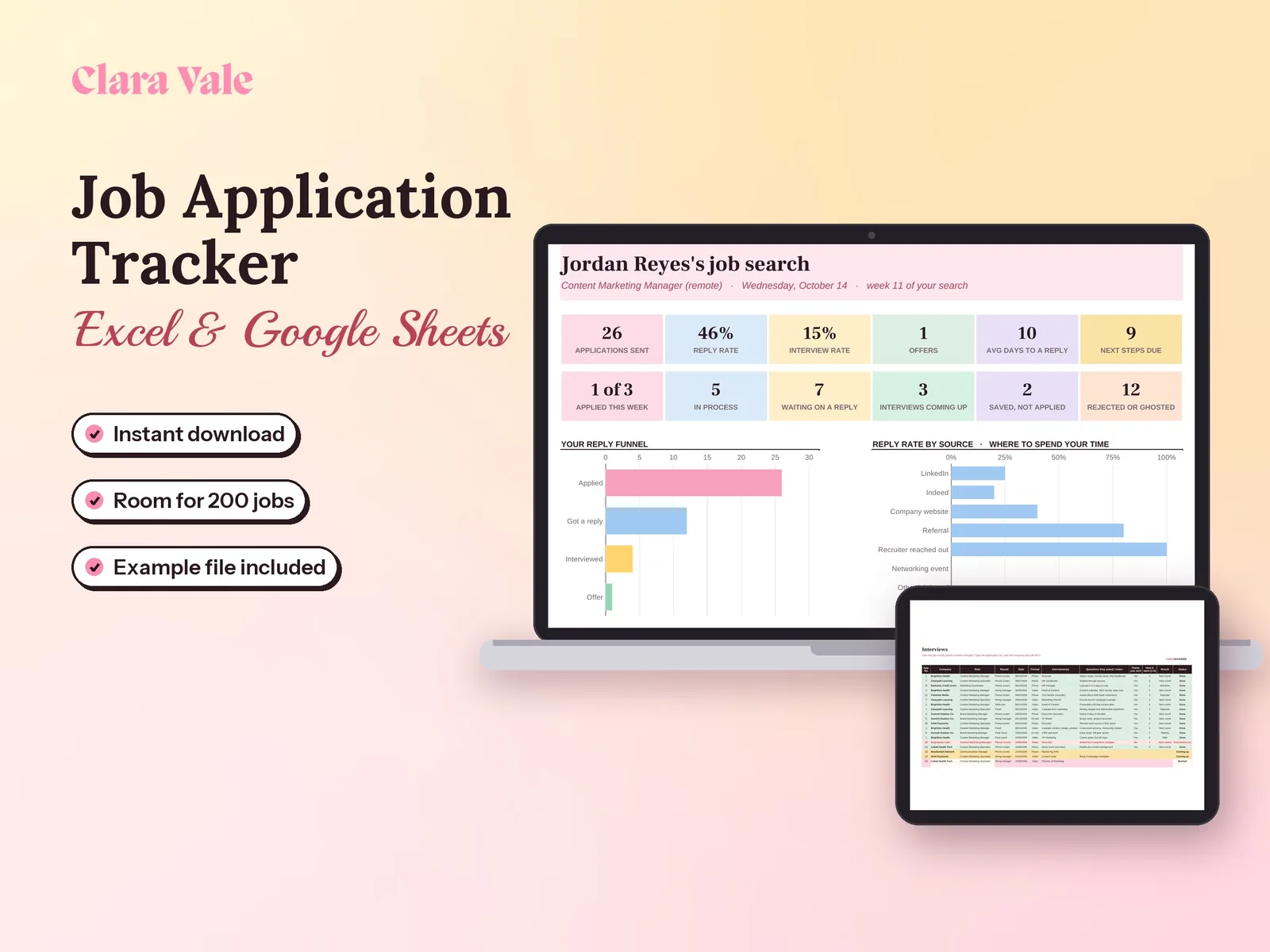
Every application, interview and follow-up in one spreadsheet, so you know what to do next and which job sources actually reply.
$4.90Regular price $7-30%$7
Fall Sale: 30% off at checkout, ends Nov 15.
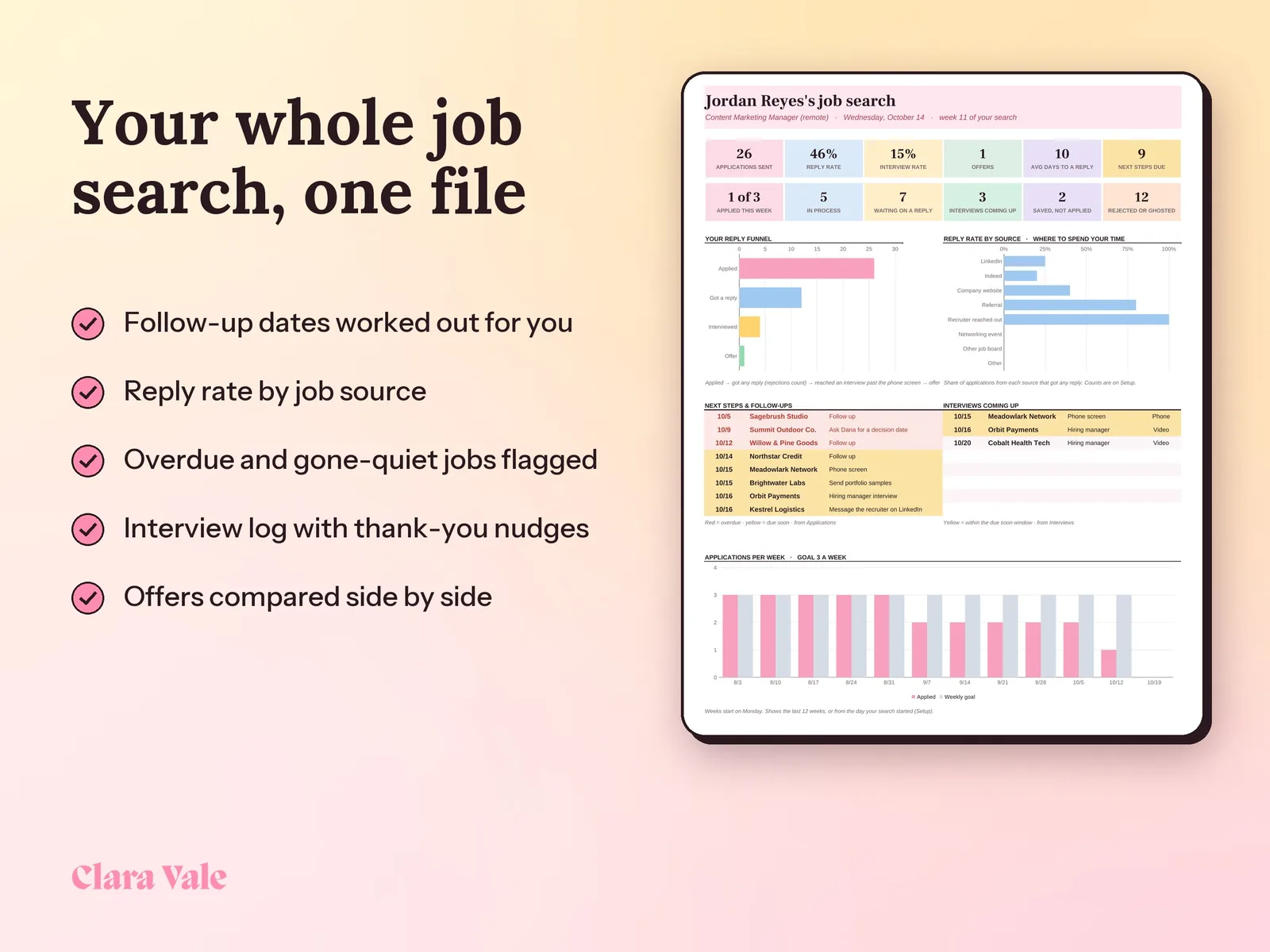
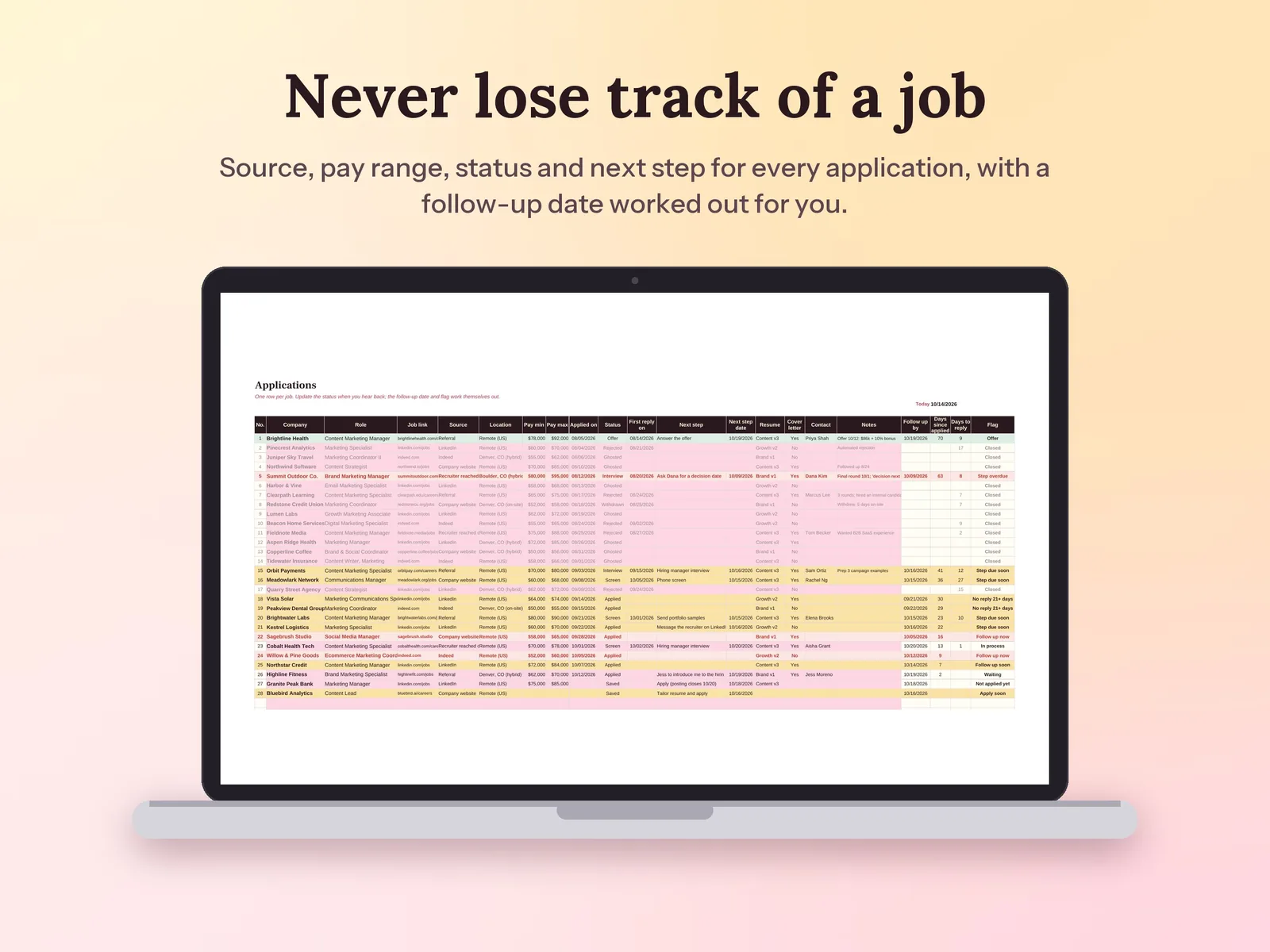
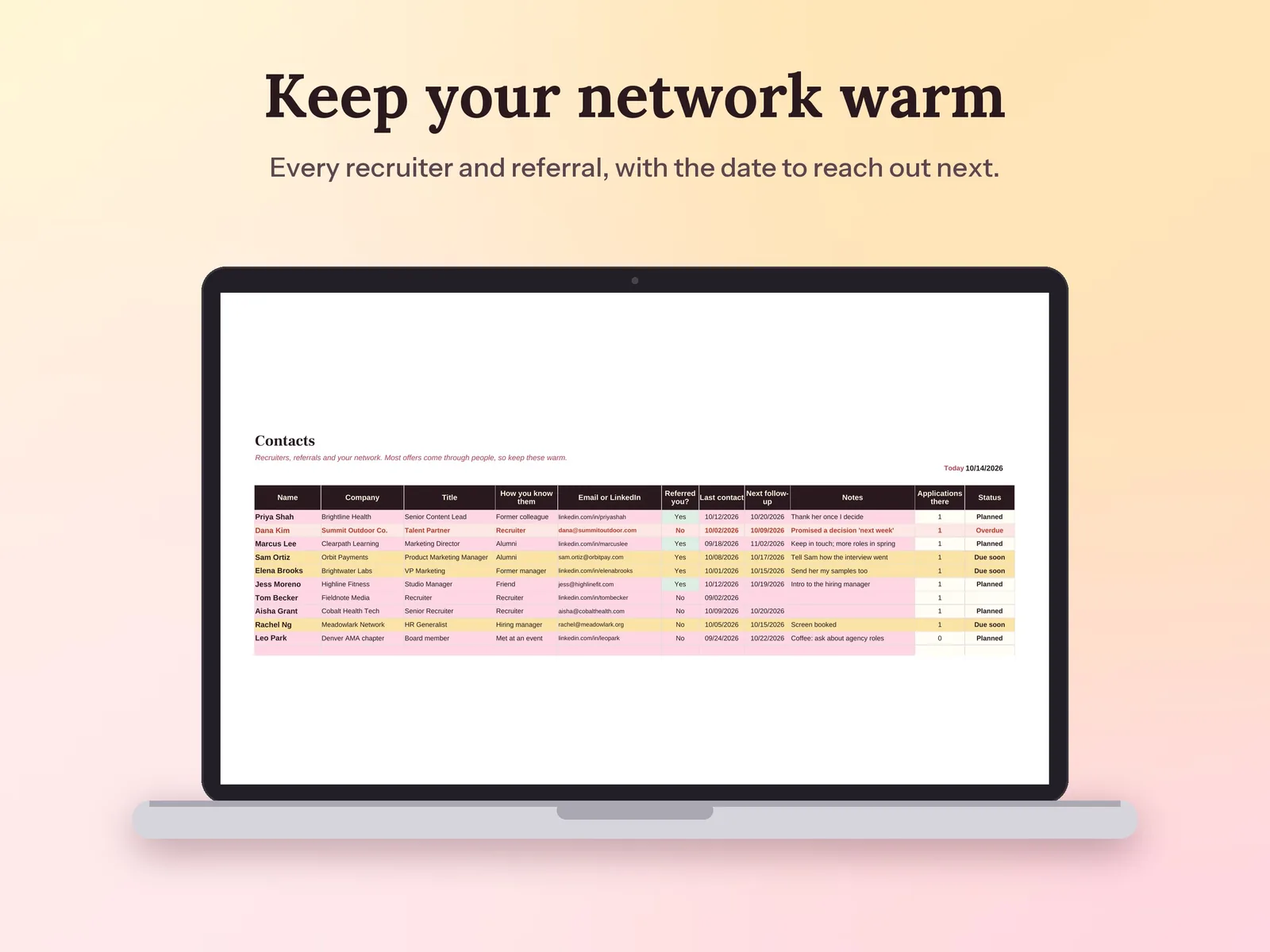
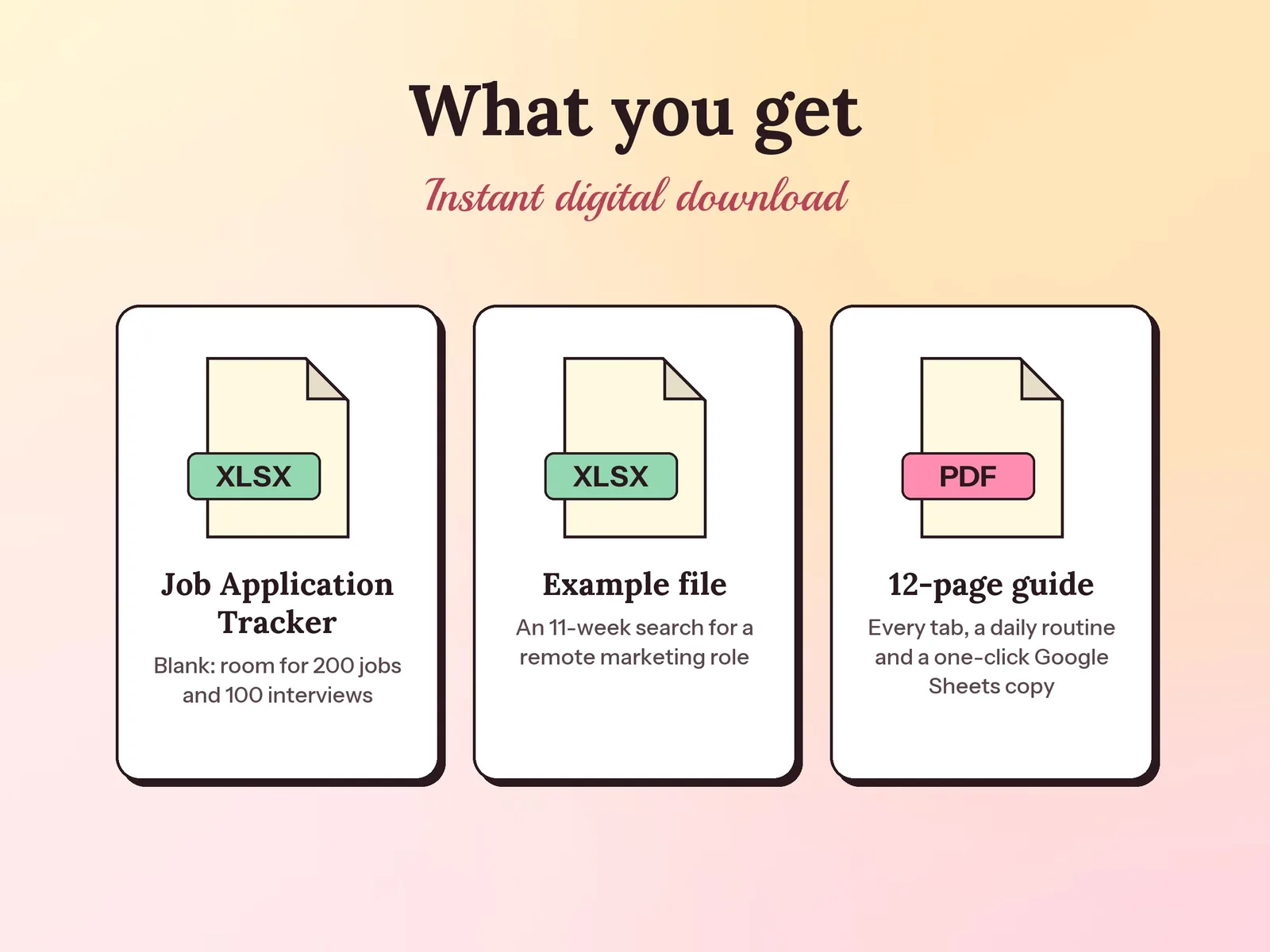
–Days––Hours––Min––SecA job application tracker spreadsheet for Excel and Google Sheets. Log every job with its source, pay range, status and next step; the tracker suggests follow-up dates, flags what is overdue and shows your reply rate and interview rate by source. It also keeps an interview log, a networking contacts list and an offer comparison that weighs pay, benefits and commute. Includes a filled-in example and a step-by-step PDF guide.
Format: Excel + Google Sheets · PDF guide
License: Personal & Business
A clear, one-page cover letter for every application, in a design that matches your field.
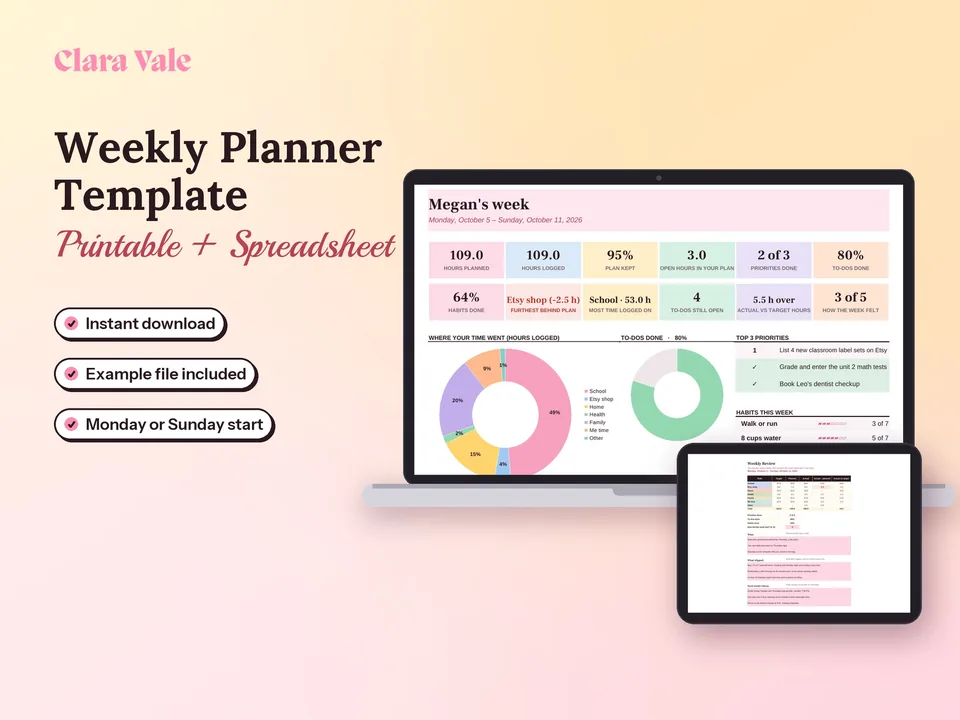
Fit a job, a side hustle and a life into one realistic week, then see where your time really went.
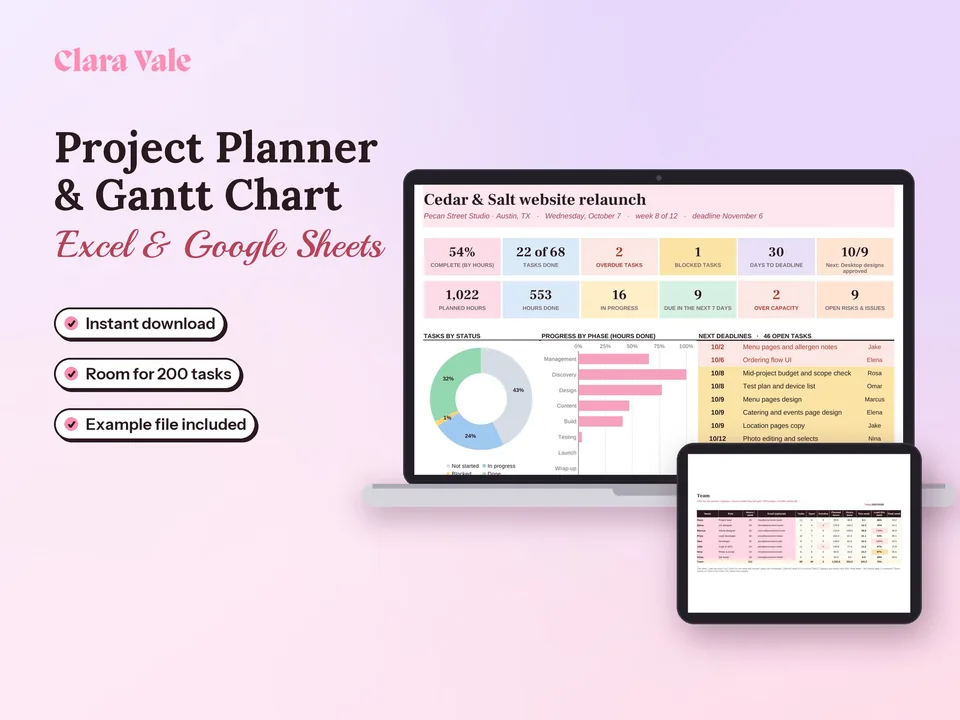
Plan the work, see who is overloaded and spot what is late, in one spreadsheet.
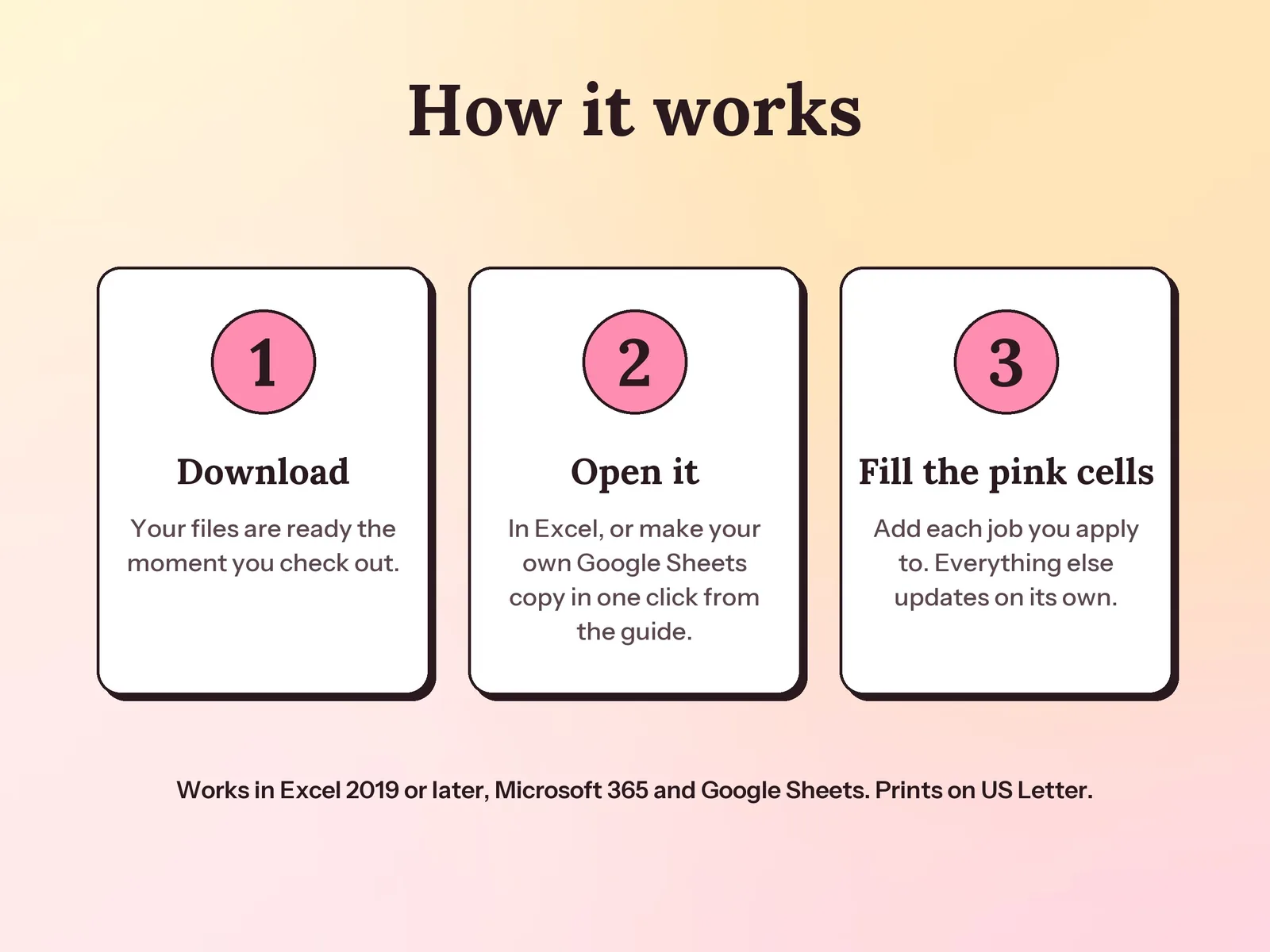
Yes. Copy it to your Google Drive with the one-click link in the guide, or upload the .xlsx file and save it as a Google Sheet. The colors, charts and drop-downs all work, on a computer or a phone. It also works in Excel 2019 or later and Microsoft 365.
Add a row on Applications the day you apply: company, role, source, pay range and resume version. Update the status when you hear back. The tracker fills in a follow-up date, flags anything overdue, and the dashboard shows which sources and resume versions get replies.
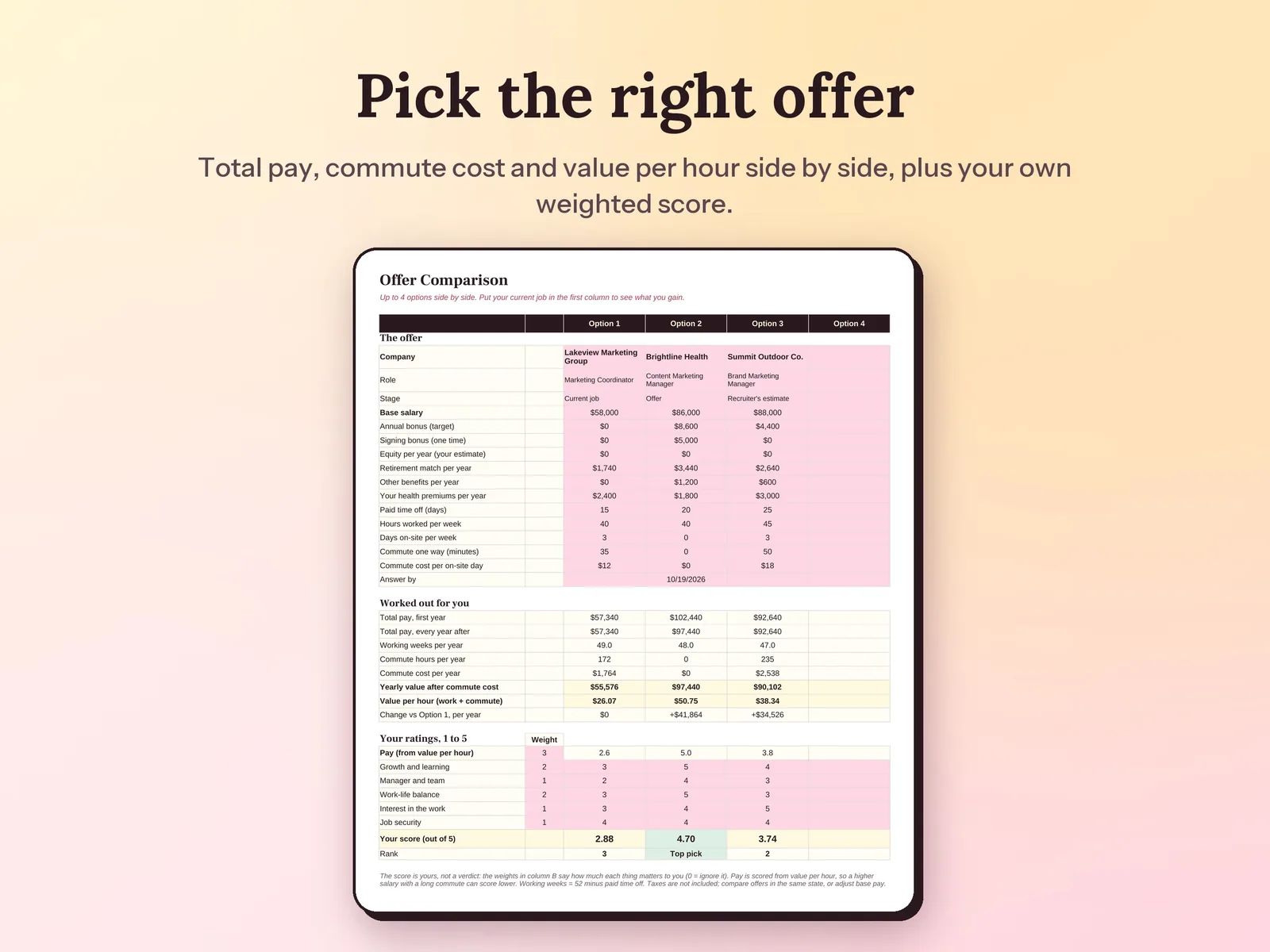
A follow-up date for every open application, flags for anything overdue or with no reply after 21 days, your reply rate and interview rate overall and by source, the reply rate of each resume version, and, on the Offers tab, total pay, commute cost and value per hour for each offer.
Type up to four options, such as your current job and one or two offers: base, bonus, signing bonus, equity, retirement match, benefits, health premiums, time off and commute. The tracker works out total pay and value per hour, then combines that with your own 1 to 5 ratings and weights into one score. All amounts are before tax.
200 applications, 100 interview rounds and 100 contacts. You can unprotect a tab (no password) to add more rows.
A one-time download. Pay once and keep the spreadsheet, example file and guide for your whole job search.