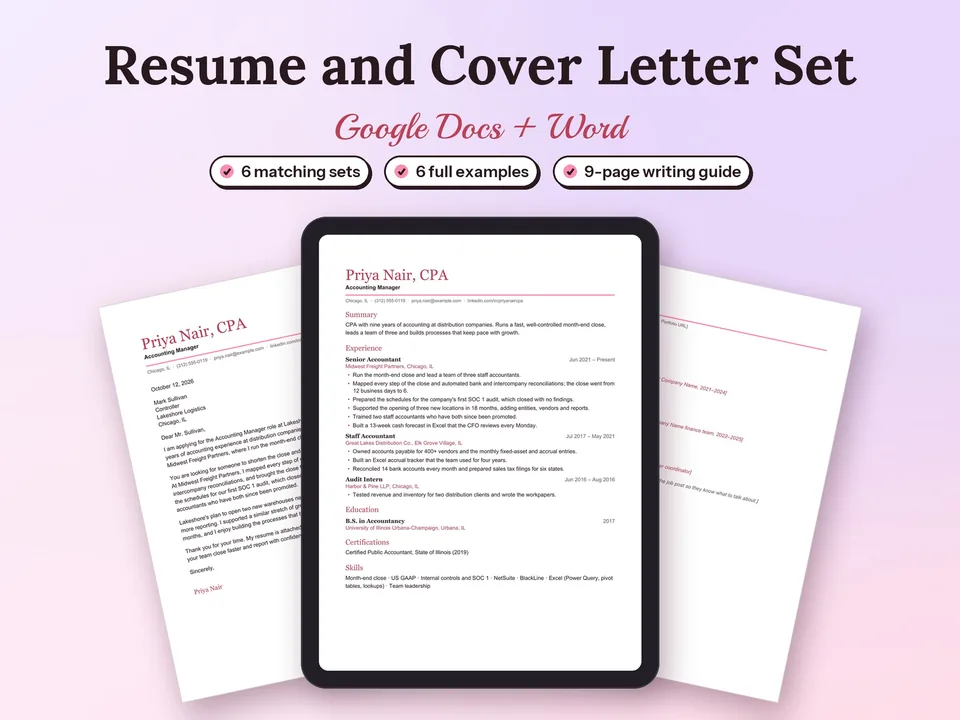
Resume and Cover Letter Templates for Google Docs
A one-page resume, a matching cover letter and a references page in one of six designs, ready to fill in.
$6.30Regular price $9-30%$9Buy now

Free resume templates for Google Docs and Word: Classic, Modern and Minimal, three one-page, single-column designs that applicant tracking systems read easily. Click Make a copy to open one in your own Google Drive, type over the sample, and download a clean PDF. Every design also comes as a Word file.

Times New Roman · centered · business, education, healthcare


Verdana · white space · students, interns, engineers
Sign in to Google, then click Make a copy in Google Docs next to the design you like and confirm with Make a copy. The copy opens in your own Google Drive; rename it with your name, for example Maya Thompson Resume.
Replace the sample name, title and contact line, then work down the page: Summary, Experience, Education, Skills. Type over the sample text so the fonts, spacing and bullets stay in place. When it is ready, choose File → Download → PDF Document.
Prefer Word? Download the .docx file and open it in Word 2016 or later, Word on the web or Apple Pages. Want to fill in a form instead? The free resume builder uses the same three designs and downloads Word or PDF.
Most employers run applications through an applicant tracking system (ATS) that reads your resume as plain text. These templates are built for that:
Each design has a cover letter with the same header, so your application reads as one set. Write yours with the free cover letter builder, or get all six resume designs with matching cover letters, references pages and example pairs in the Resume and Cover Letter Templates set. Applying to several jobs at once? The Job Application Tracker keeps every application, follow-up and interview in one spreadsheet.
A one-page resume, a matching cover letter and a references page in one of six designs, ready to fill in.
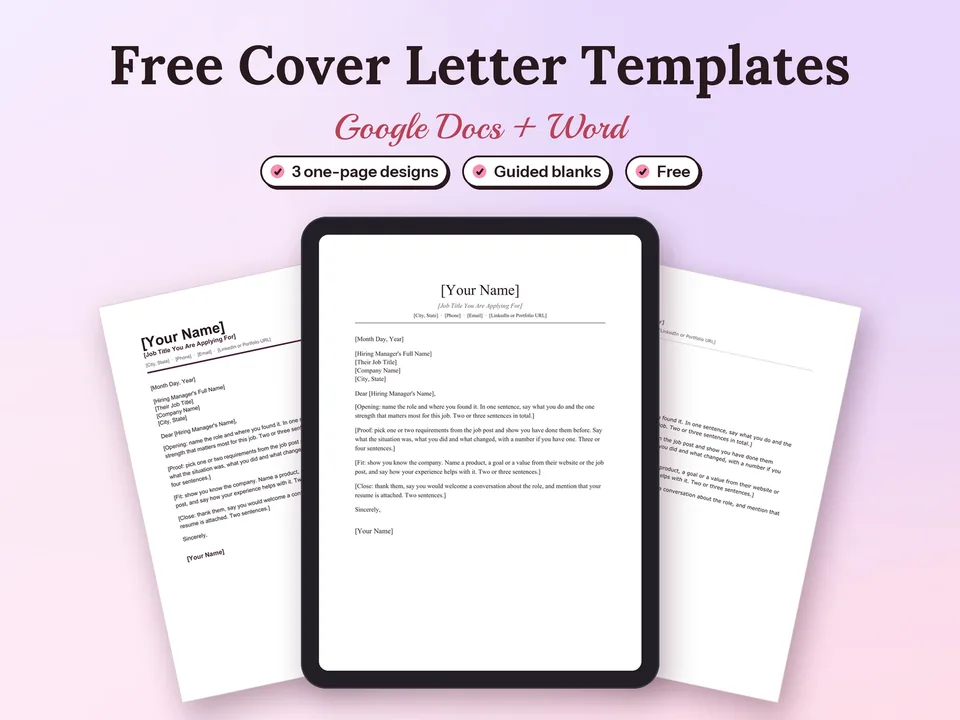
Three one-page cover letter designs with guided blanks, ready in Google Docs with one click.

Every application, interview and follow-up in one spreadsheet, so you know what to do next and which job sources actually reply.
Yes. Classic, Modern and Minimal are free to copy into Google Docs or download as Word files, for your own job applications, straight from this page.
To use the Make a copy button, yes: the copy is saved in your own Google Drive, and only you can see it until you share it. The Word (.docx) download opens in Microsoft Word, Word on the web or Apple Pages, ready to edit.
Yes. Each template is also a .docx file that opens in Word 2016 or later, Word on the web and Apple Pages. Every design uses Times New Roman, Arial or Verdana, which come with Google Docs, Word and Pages, so the layout stays the same.
Yes. Each resume is a single column of real text with standard section titles (Summary, Experience, Education, Skills) and your contact details in the body of the page, so applicant tracking systems read every line in order.
One page suits students, recent graduates and most people with under ten years of experience. Each template is built for one US Letter page. With a long career, a second page works well when every line on it is recent and relevant.
Open your copy and choose File, then Download, then PDF Document (.pdf). Name the file with your name and the word resume, for example Maya Thompson Resume.pdf, unless the job post asks for Word.
Yes. Every design has a matching cover letter with the same header. Write one for free with the cover letter builder, or get all six resume designs with matching cover letters, references pages and example pairs in the Resume and Cover Letter Templates set.