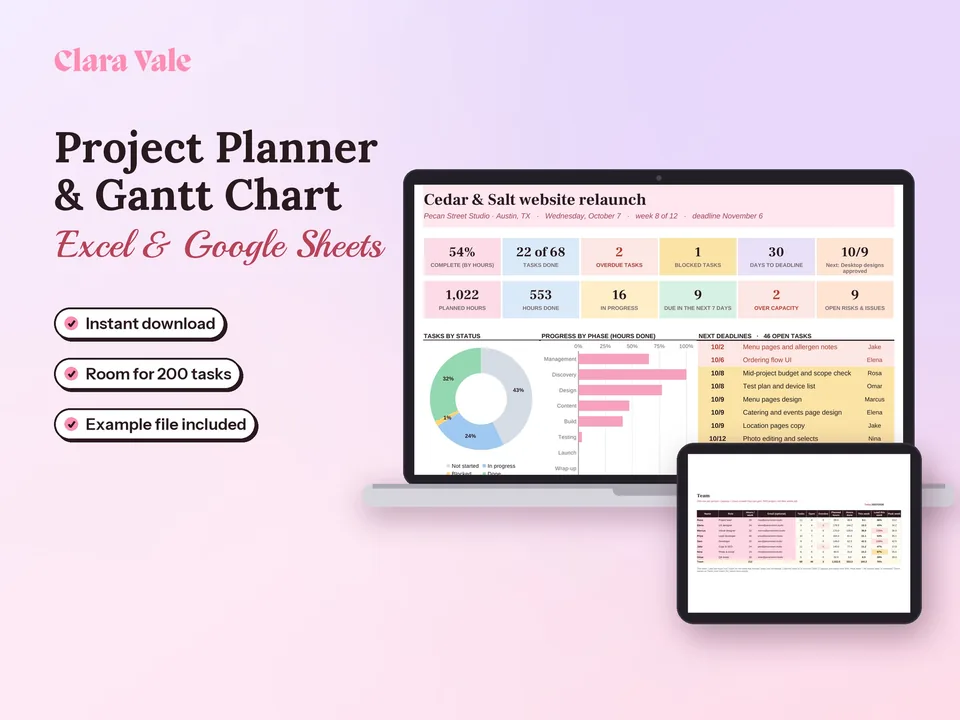
Project Planner & Gantt Chart Template
Plan the work, see who is overloaded and spot what is late, in one spreadsheet.
$4.50Regular price $9-50%$9Buy now

Free meeting minutes templates for Google Docs and Word: a Standard template with agenda, discussion, decisions and action items; a Board template with roll call, motions, votes and quorum for boards, nonprofits and LLCs; and a one-page Team Notes template for weekly syncs. Click Make a copy to open one in your own Google Drive, or download the Word file.

Agenda, discussion, decisions, action items, next meeting

Call to order, roll call, motions and votes, adjournment

Goal, updates, notes, decisions, action items
Click Make a copy in Google Docs under the template you need and confirm with Make a copy. The copy opens in your own Google Drive; rename it with the meeting and date, for example Marketing Sync Minutes - Nov 18. Prefer Word? Download the .docx file instead.
Fill in the details table before the meeting starts, then replace each [bracket] as the meeting goes. Share the minutes within a day, while everyone still remembers the details.
Good minutes are short. They record what was decided and what happens next, rather than everything that was said:
Boards of nonprofits, HOAs, clubs and LLCs keep a formal record. The Board template follows the usual order: call to order, roll call and quorum, approval of the previous minutes, reports, old and new business with each motion, who moved and seconded it and the vote, then adjournment, with lines for the secretary and chair to sign. Check your bylaws or operating agreement for anything your organization must record.
Plan the work, see who is overloaded and spot what is late, in one spreadsheet.
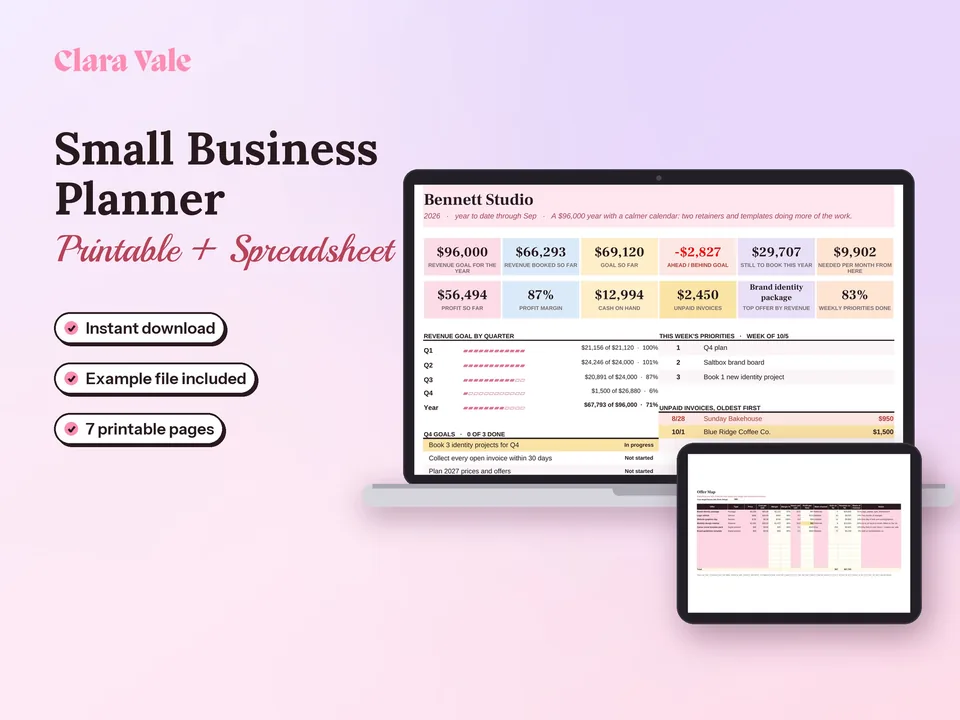
Goals, sales, cash and weekly priorities for a business of one, in a sheet and on paper.
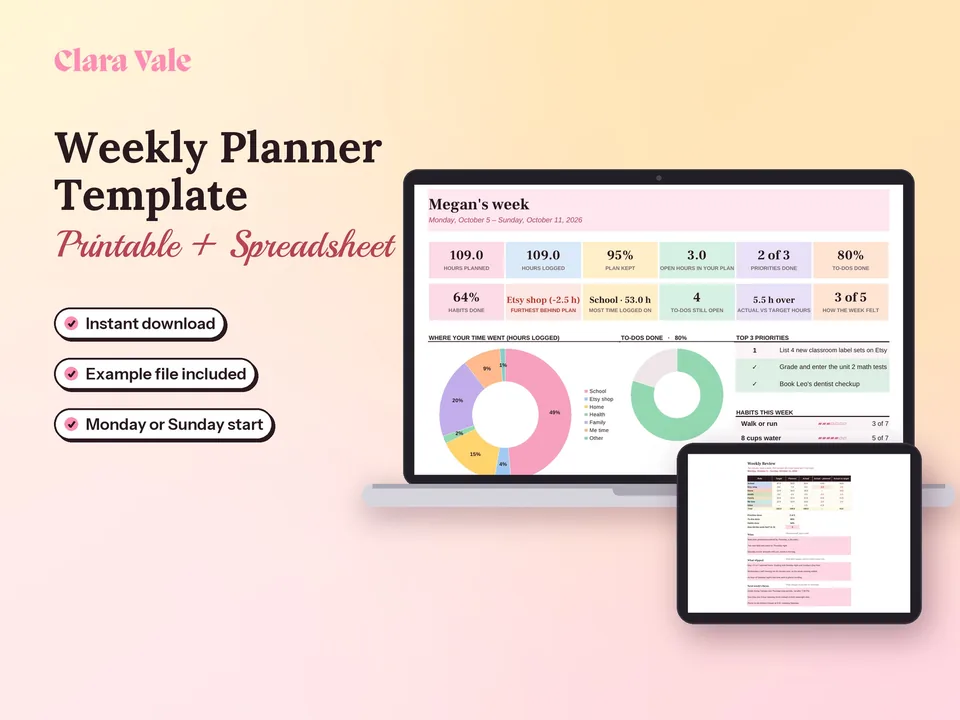
Fit a job, a side hustle and a life into one realistic week, then see where your time really went.
Yes. Standard, Board and Team Notes are free to copy into Google Docs or download as Word files, for your own meetings at work, school or in a club.
For the Make a copy button, yes: the copy is saved in your own Google Drive. The Word (.docx) download opens in Microsoft Word, Word on the web or Apple Pages.
Minutes are the official record of a meeting: who attended, what was decided and who will do what. Notes can be more informal and personal. Use the Board or Standard template for minutes and the Team Notes template for a quick weekly sync.
Pick one person per meeting, often the secretary for a board or a rotating team member for a team. The facilitator runs the meeting, so it works best when someone else takes the minutes.
In Google Docs, choose File, then Download, then PDF Document (.pdf). In Word, choose File, then Save As, and pick PDF.