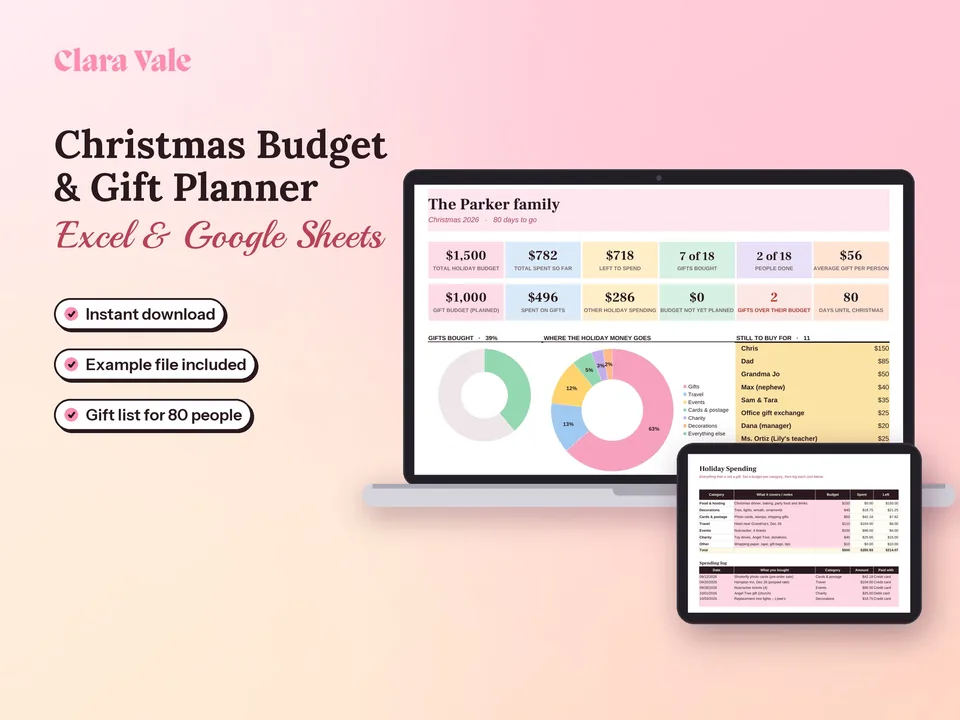
Christmas Budget Planner & Gift Tracker
One holiday budget, a gift for everyone on your list, and no January surprise.
$3.50Regular price $5-30%$5Buy now

1 / 8
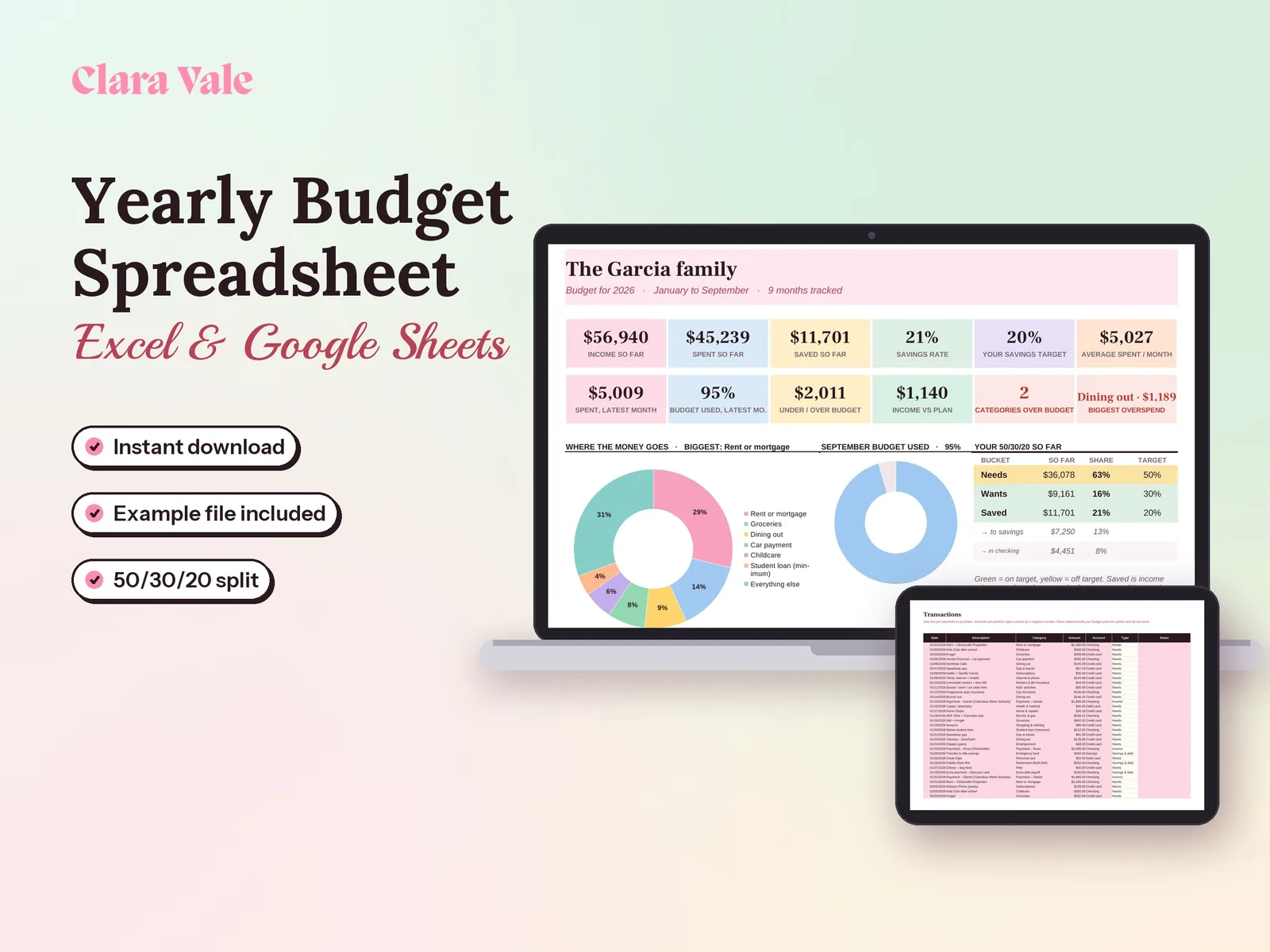
Plan a whole year of household money, track every month, and see your real savings rate.
$4.90Regular price $7-30%$7
Fall Sale: 30% off at checkout, ends Nov 15.
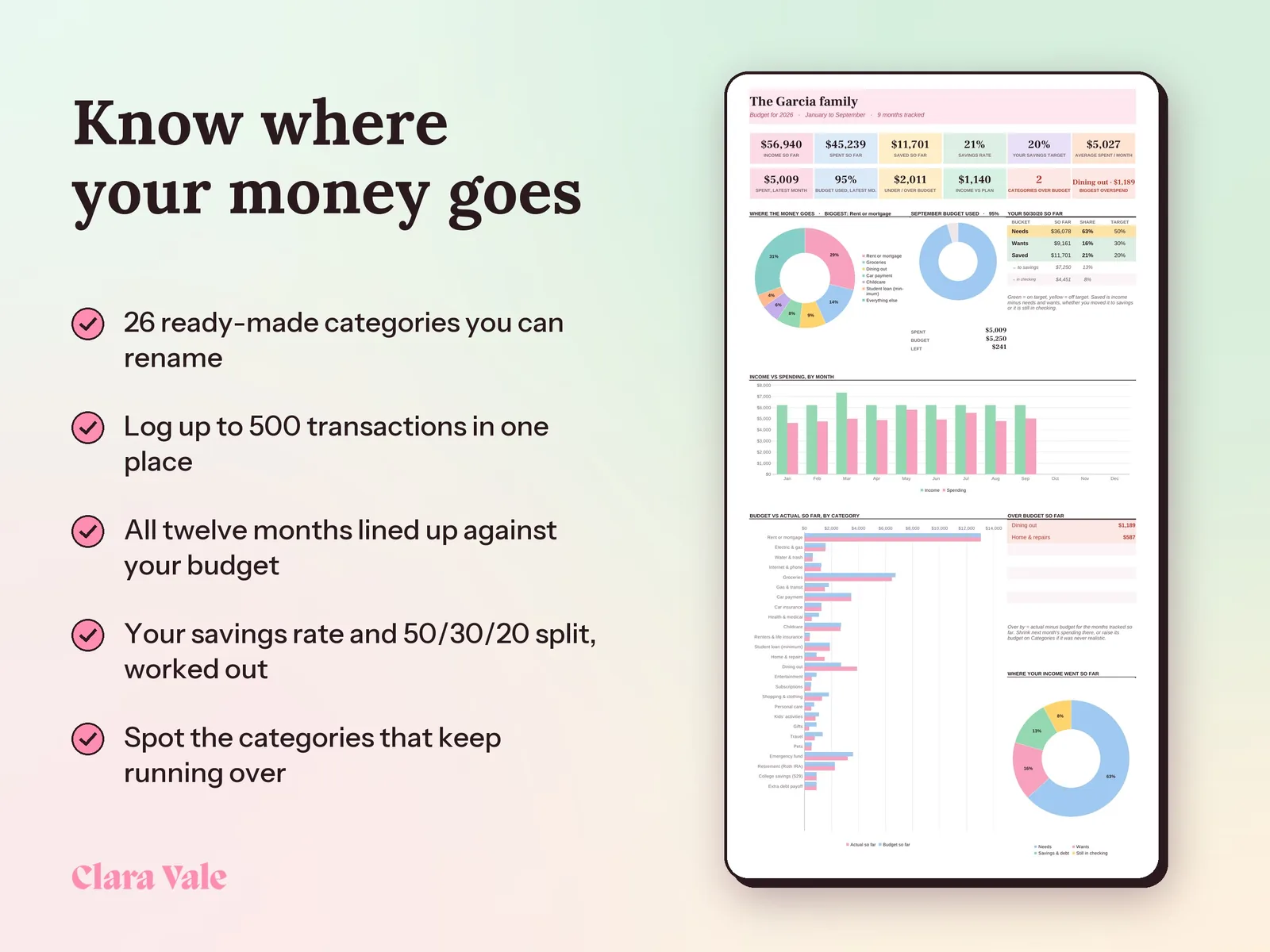
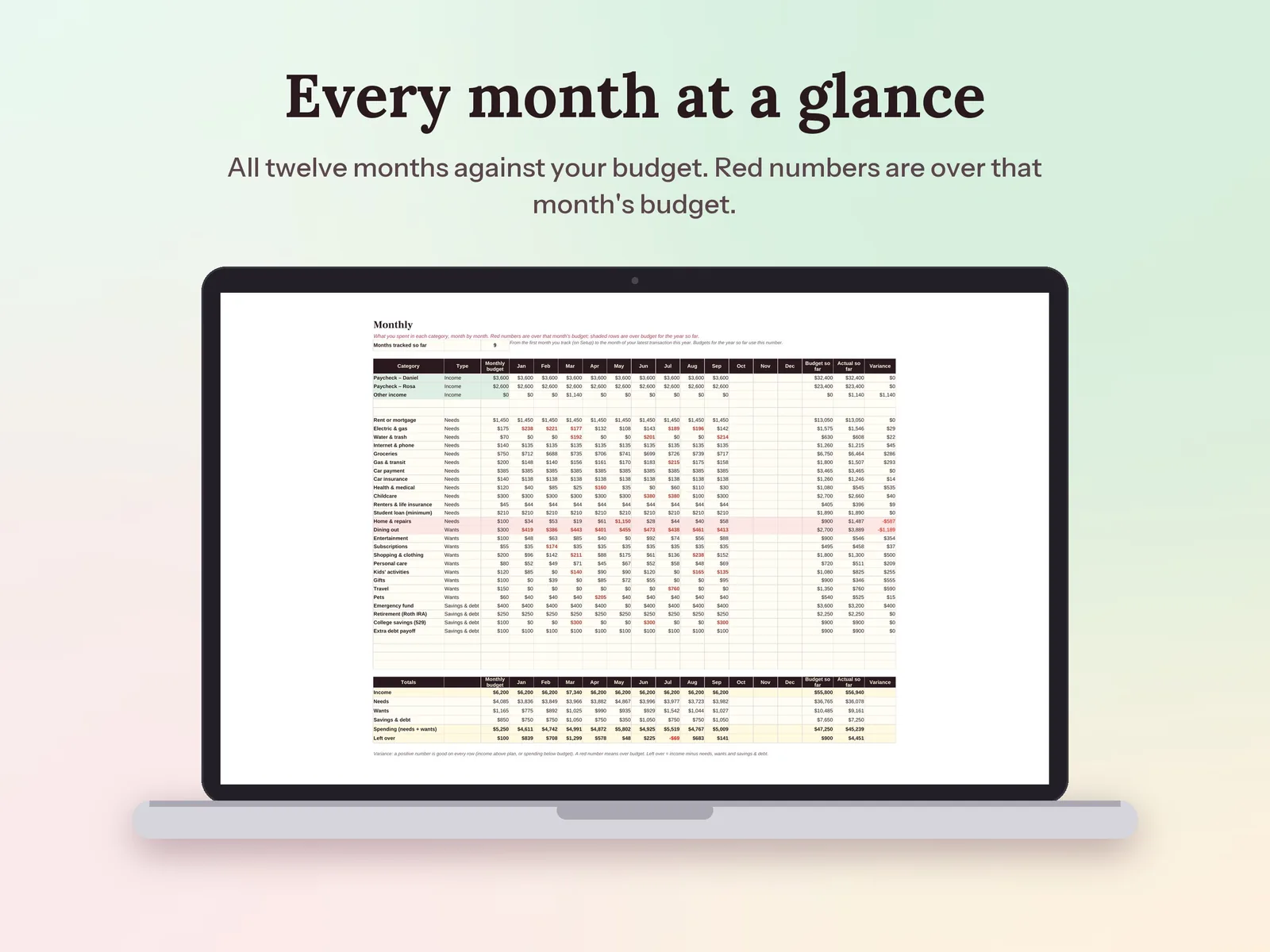
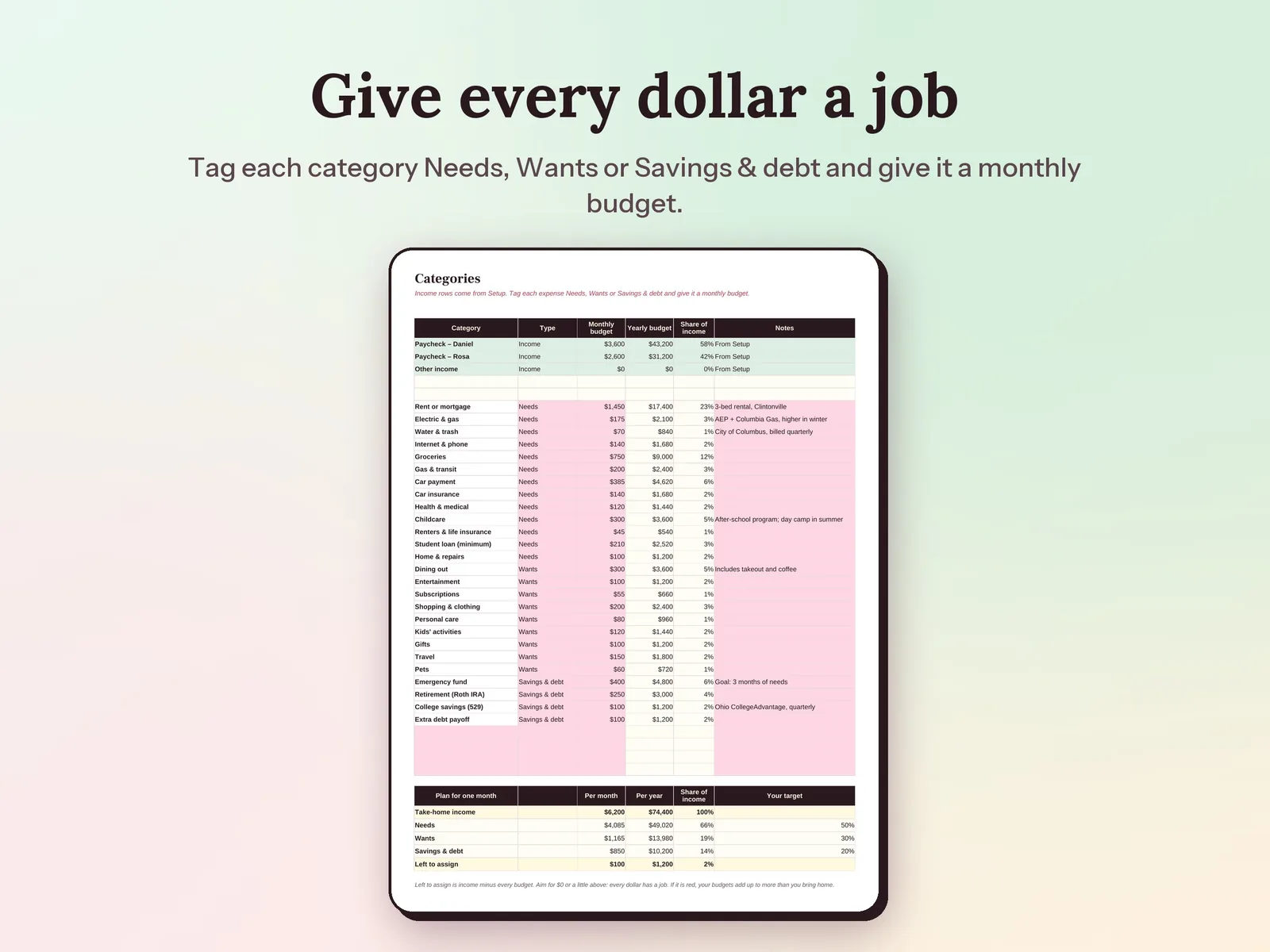
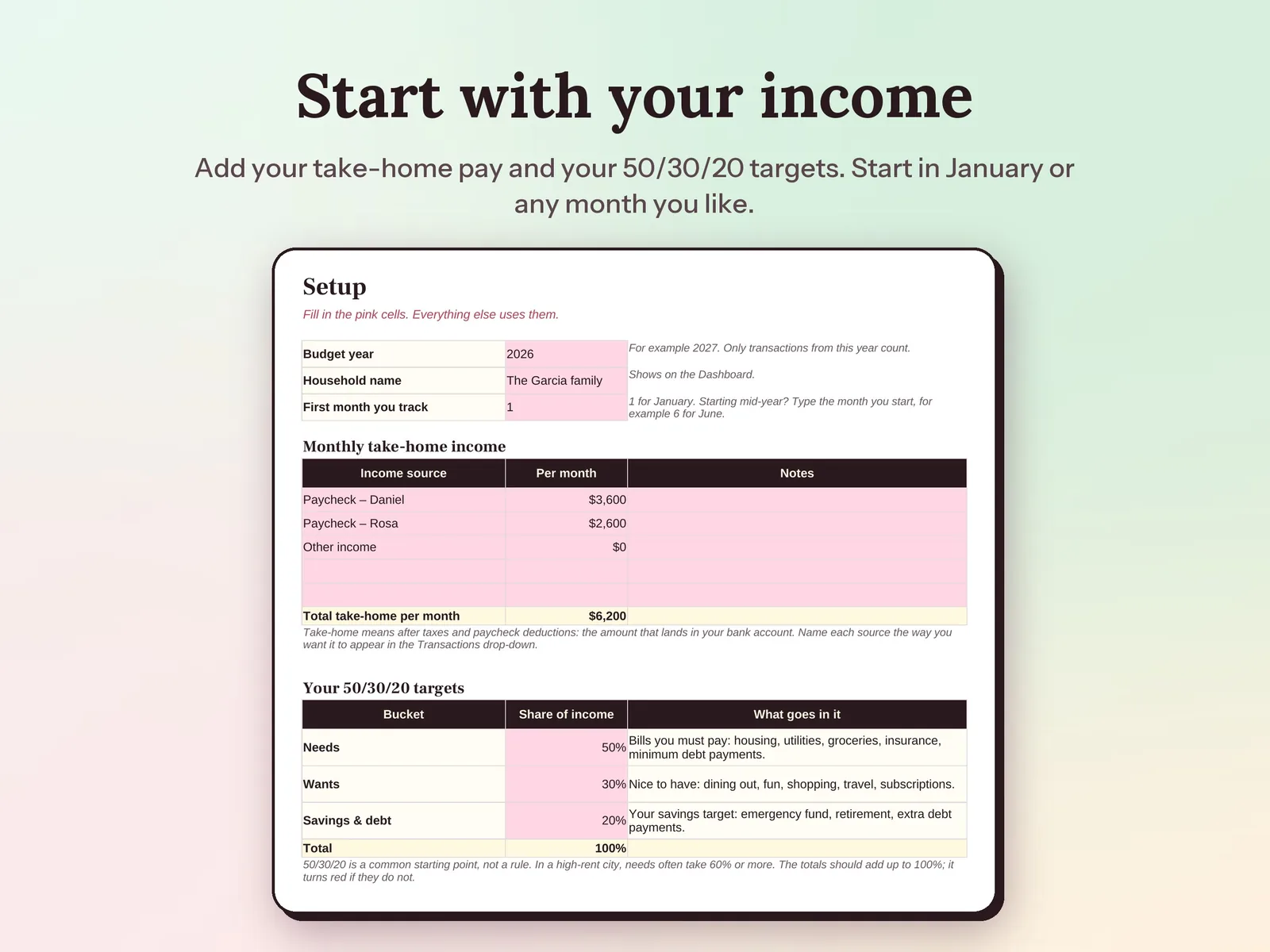
–Days––Hours––Min––SecA yearly budget spreadsheet for your whole household. Set a monthly budget for each category, log transactions as they happen, and the Monthly tab lines up all twelve months against your plan. The dashboard shows your savings rate, your 50/30/20 split and which categories are running over.
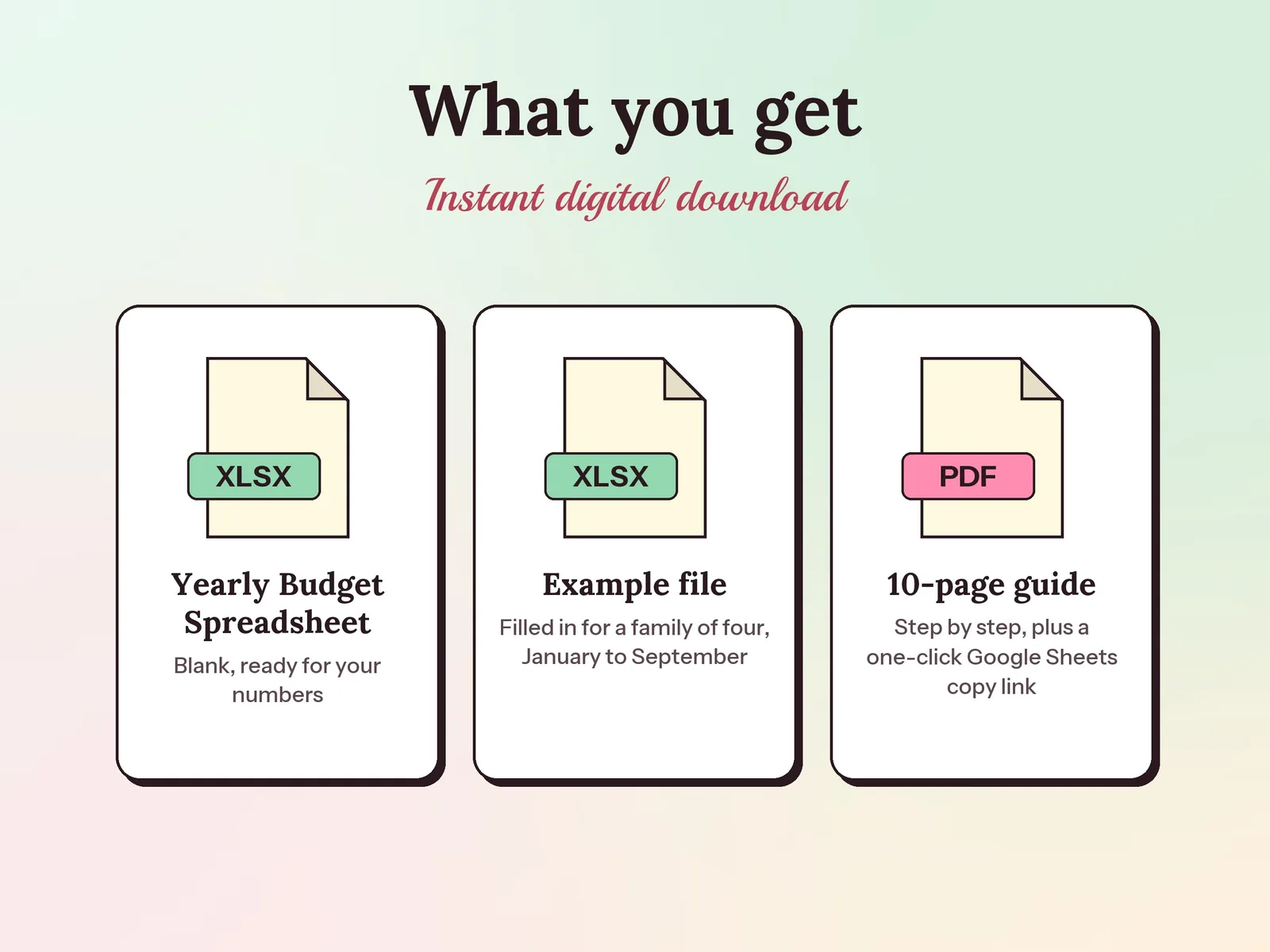
Format: Excel + Google Sheets · PDF guide
License: Personal & Business
One holiday budget, a gift for everyone on your list, and no January surprise.
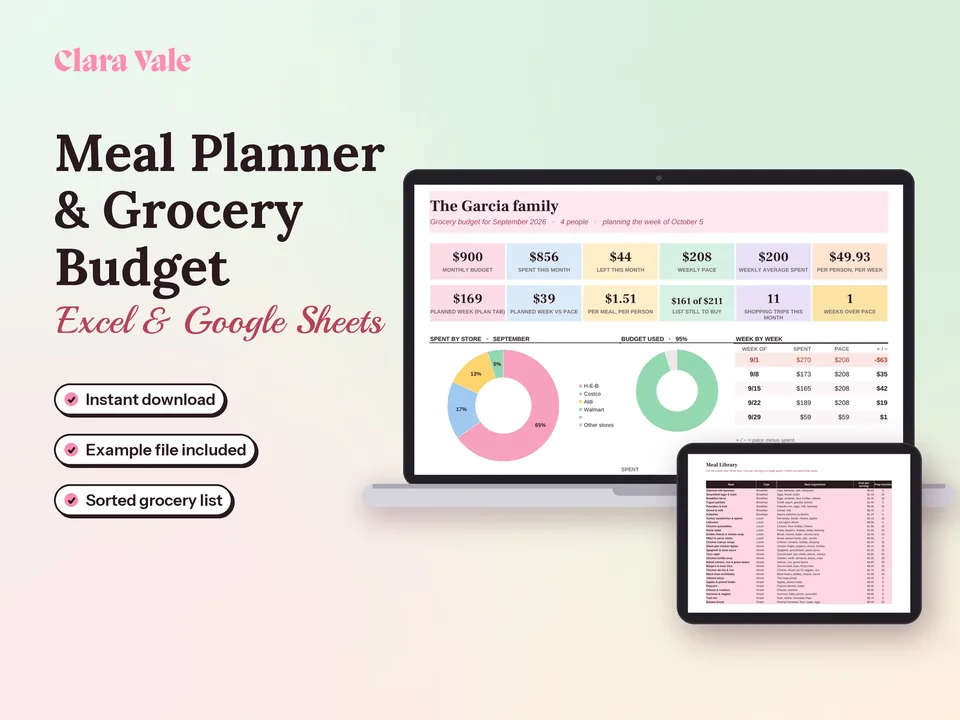
Plan the week's meals, shop from one list and see where your grocery money goes.
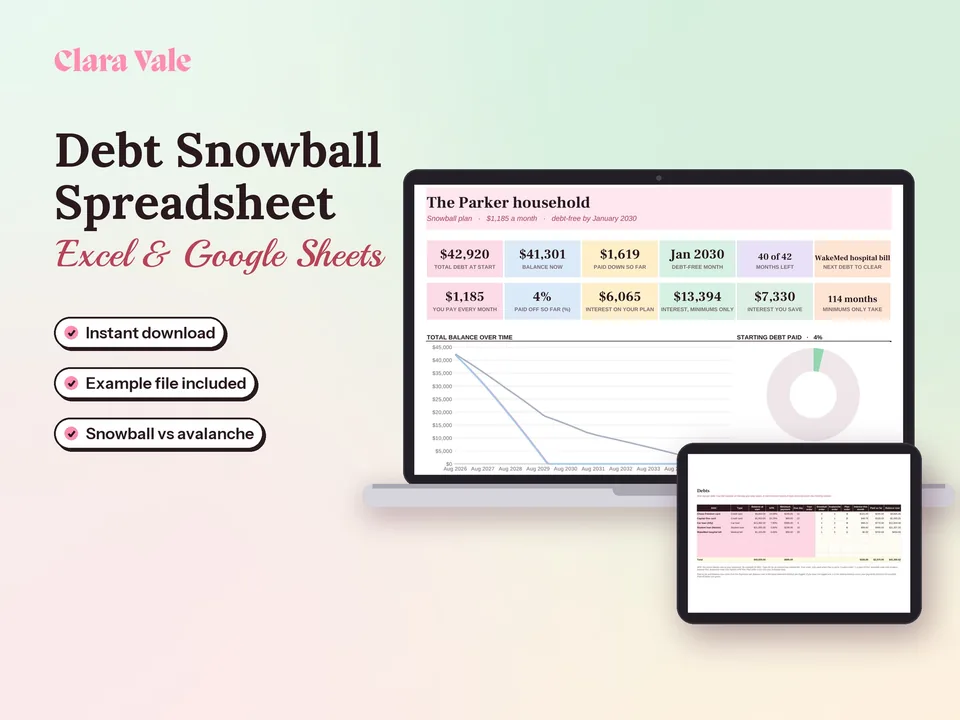
List your debts, pick snowball or avalanche, and see the month you will be debt-free.
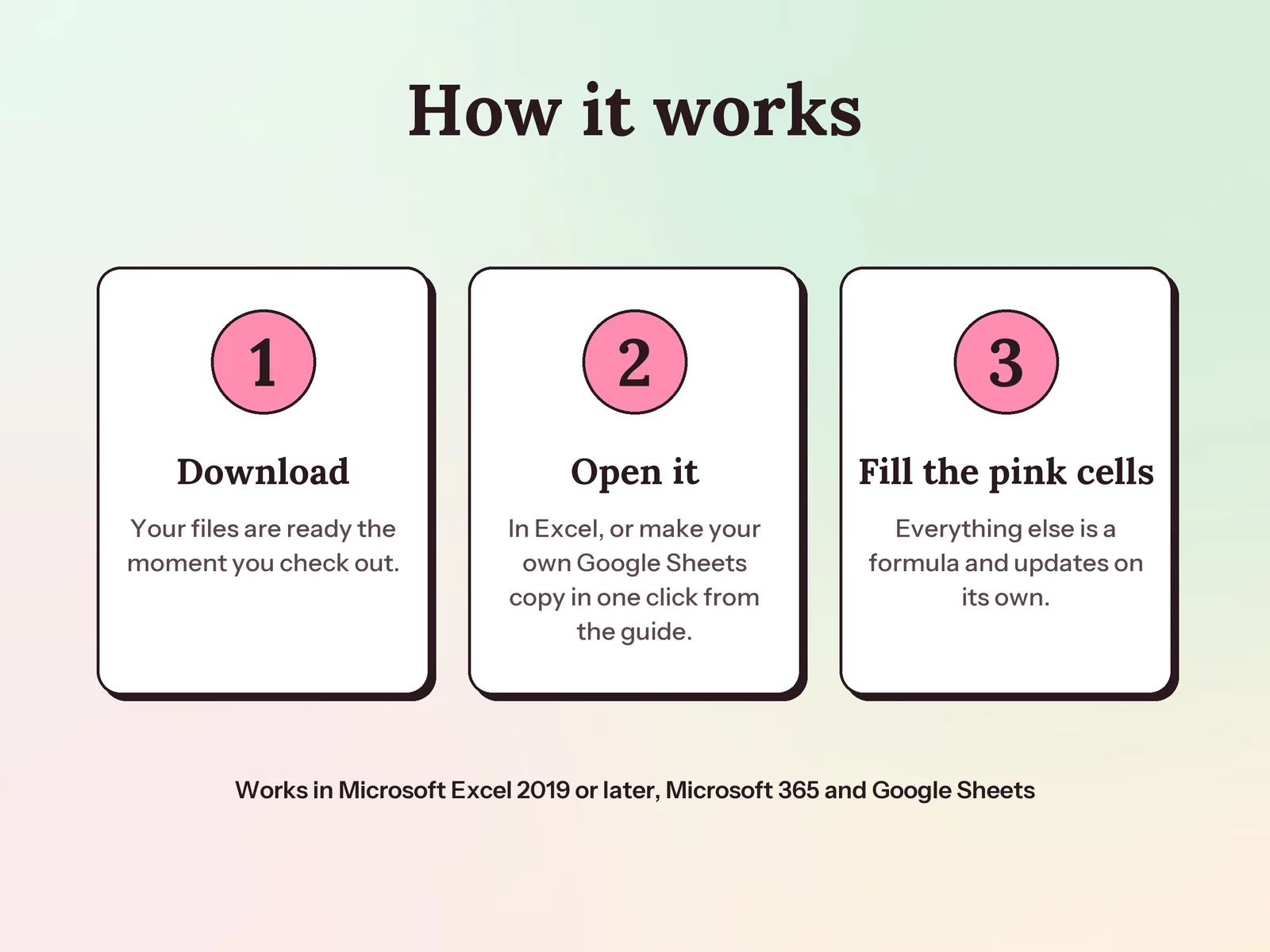
Yes. Your PDF guide has a link that makes your own Google Sheets copy in one click, with no upload needed. It also works in Excel 2019 or later and Microsoft 365.
Yes. It comes with 26 common categories that you can rename, plus four blank rows. Tag each one Needs, Wants or Savings & debt and it counts in the right part of your 50/30/20 split.
No. Start in any month. The budget so far is based on the months you have tracked, so the numbers stay fair if you start mid-year.
A one-time download. Pay once and the files are yours. Use it again next year by saving a copy and changing the year.