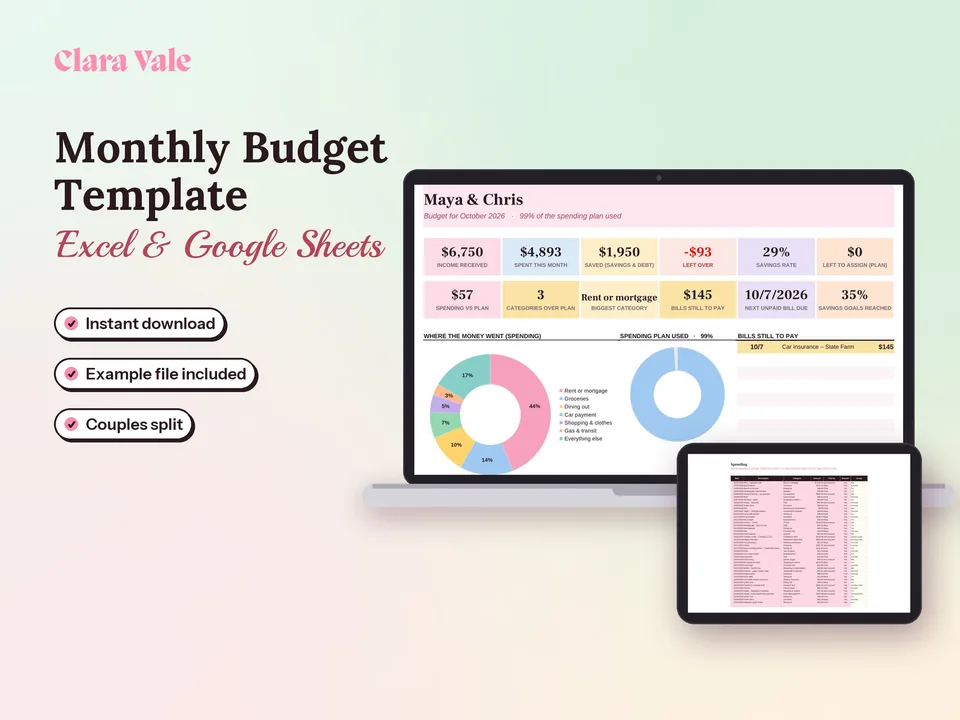
Google Sheets Budget Template & Spending Tracker
Give every dollar a job, track what you spend, and split shared costs as a couple.
$6.30Regular price $9-30%$9Buy now

1 / 8
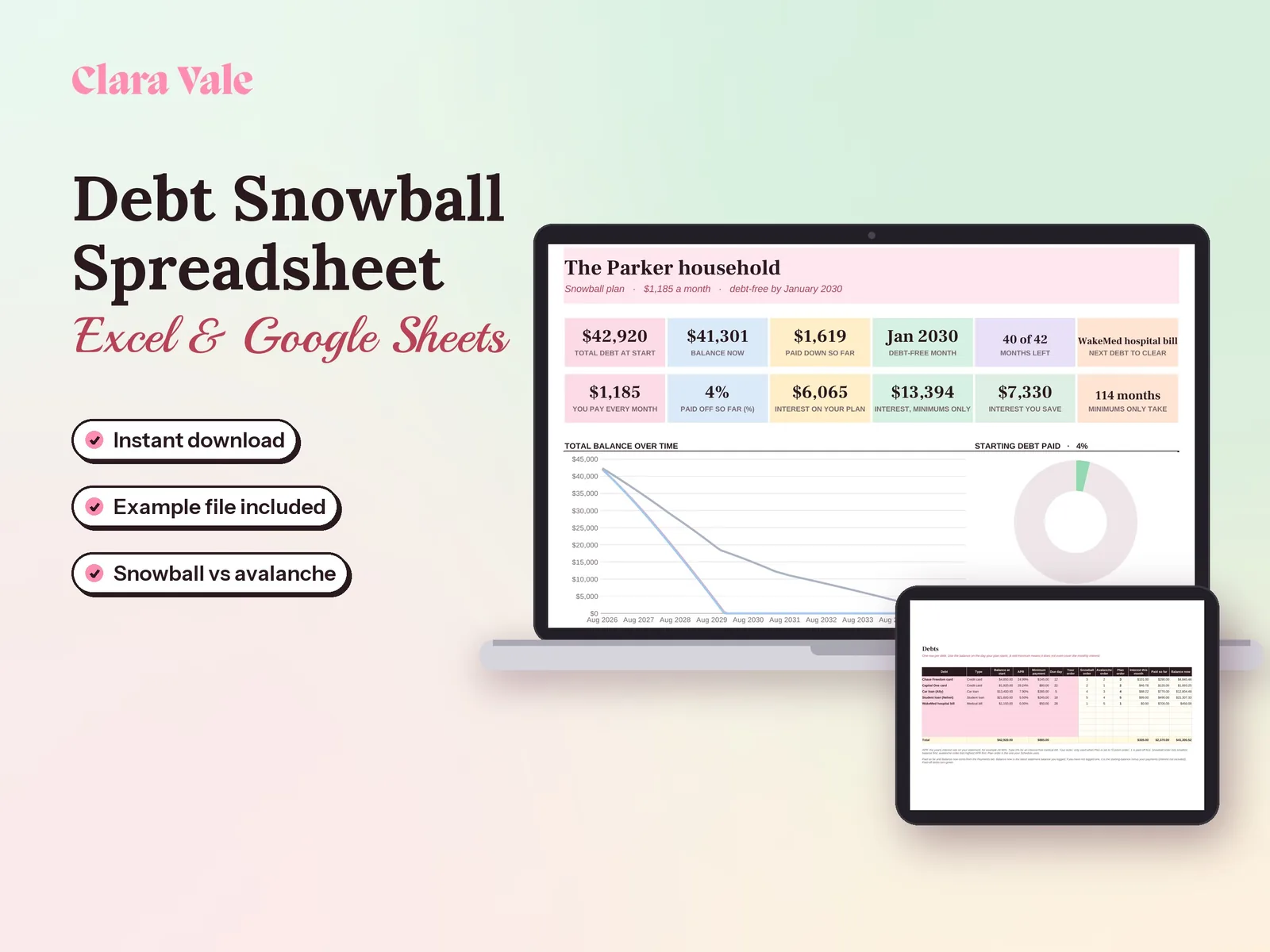
List your debts, pick snowball or avalanche, and see the month you will be debt-free.
$4.90Regular price $7-30%$7
Fall Sale: 30% off at checkout, ends Nov 15.
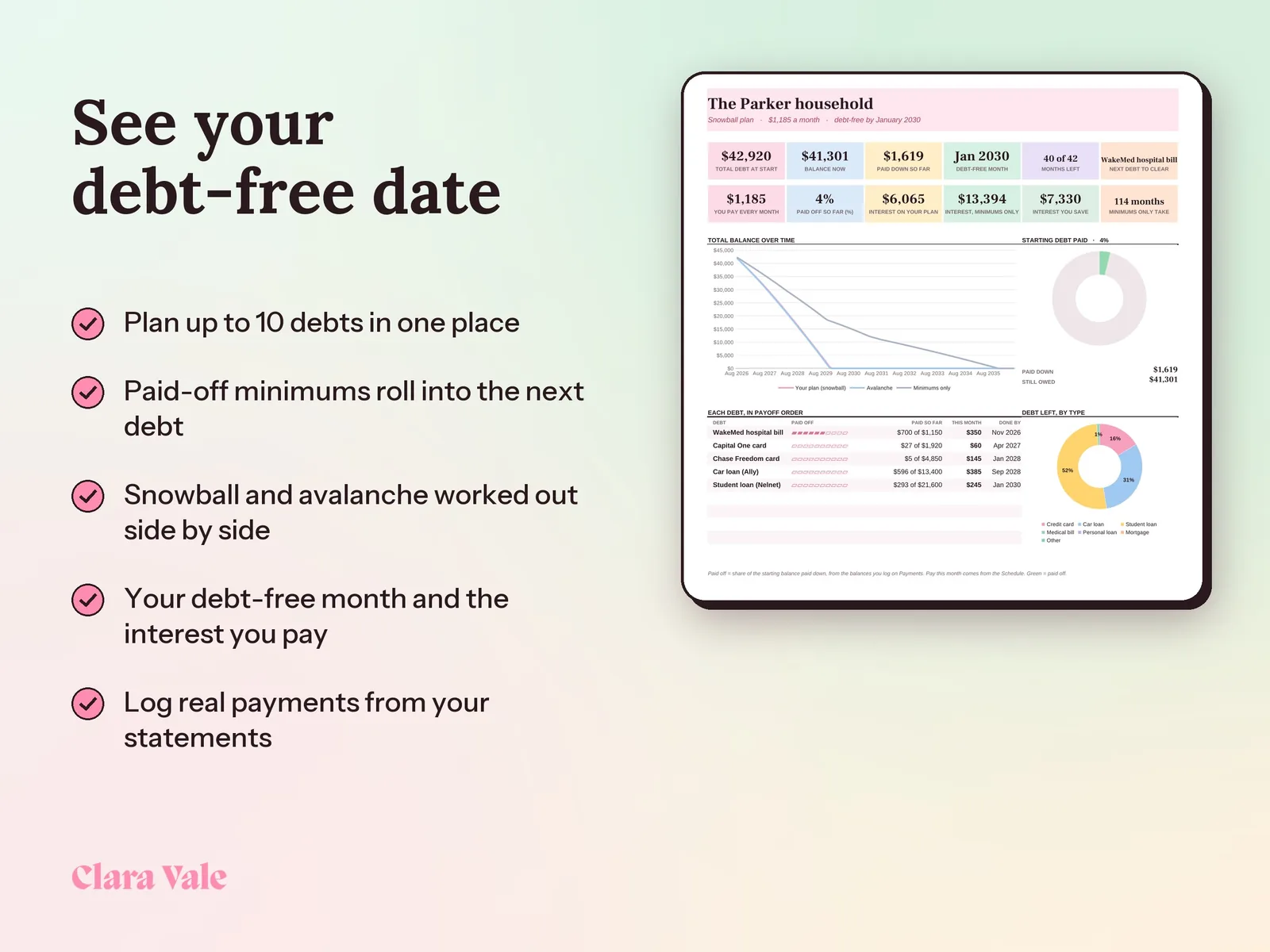
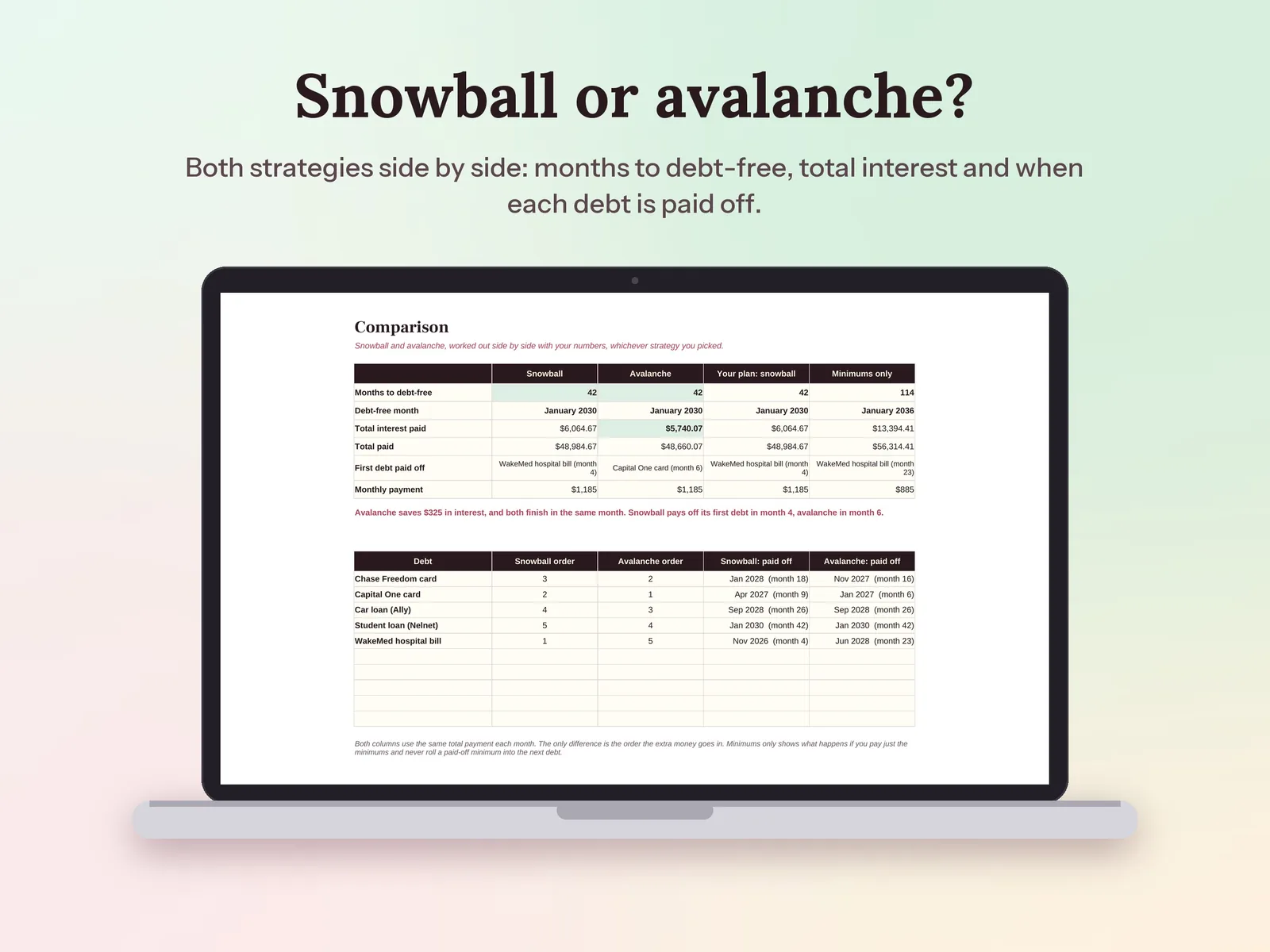
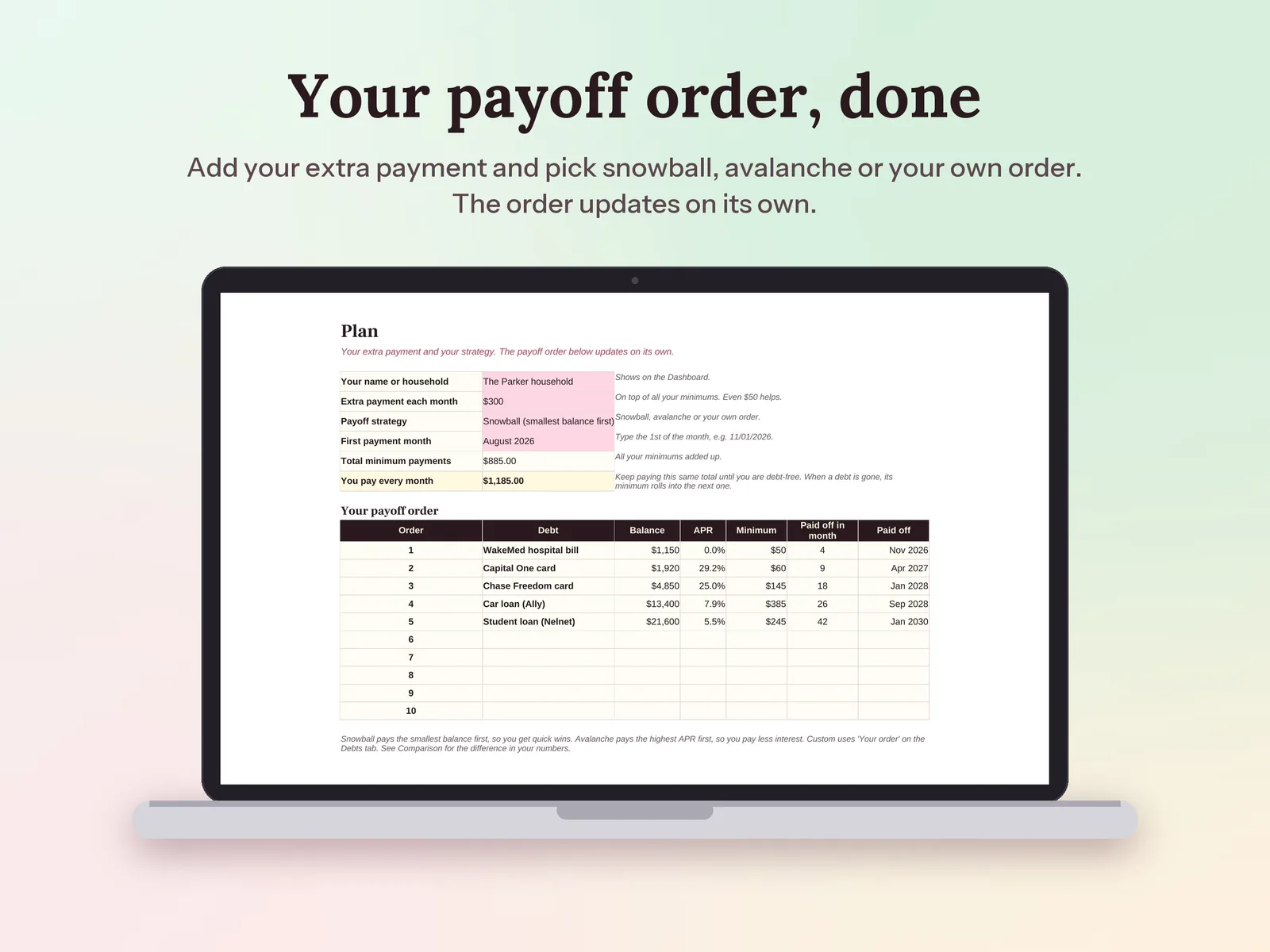
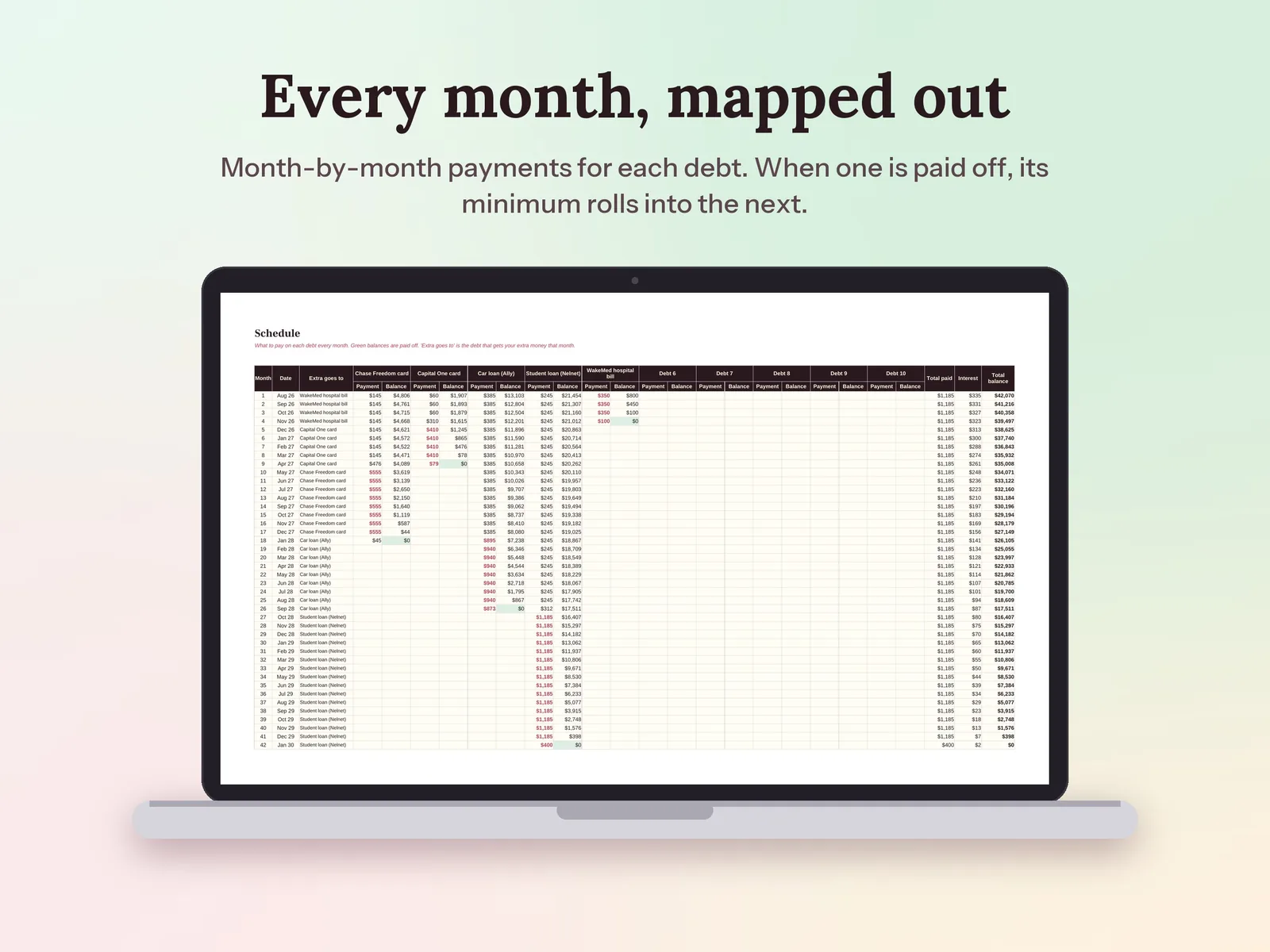
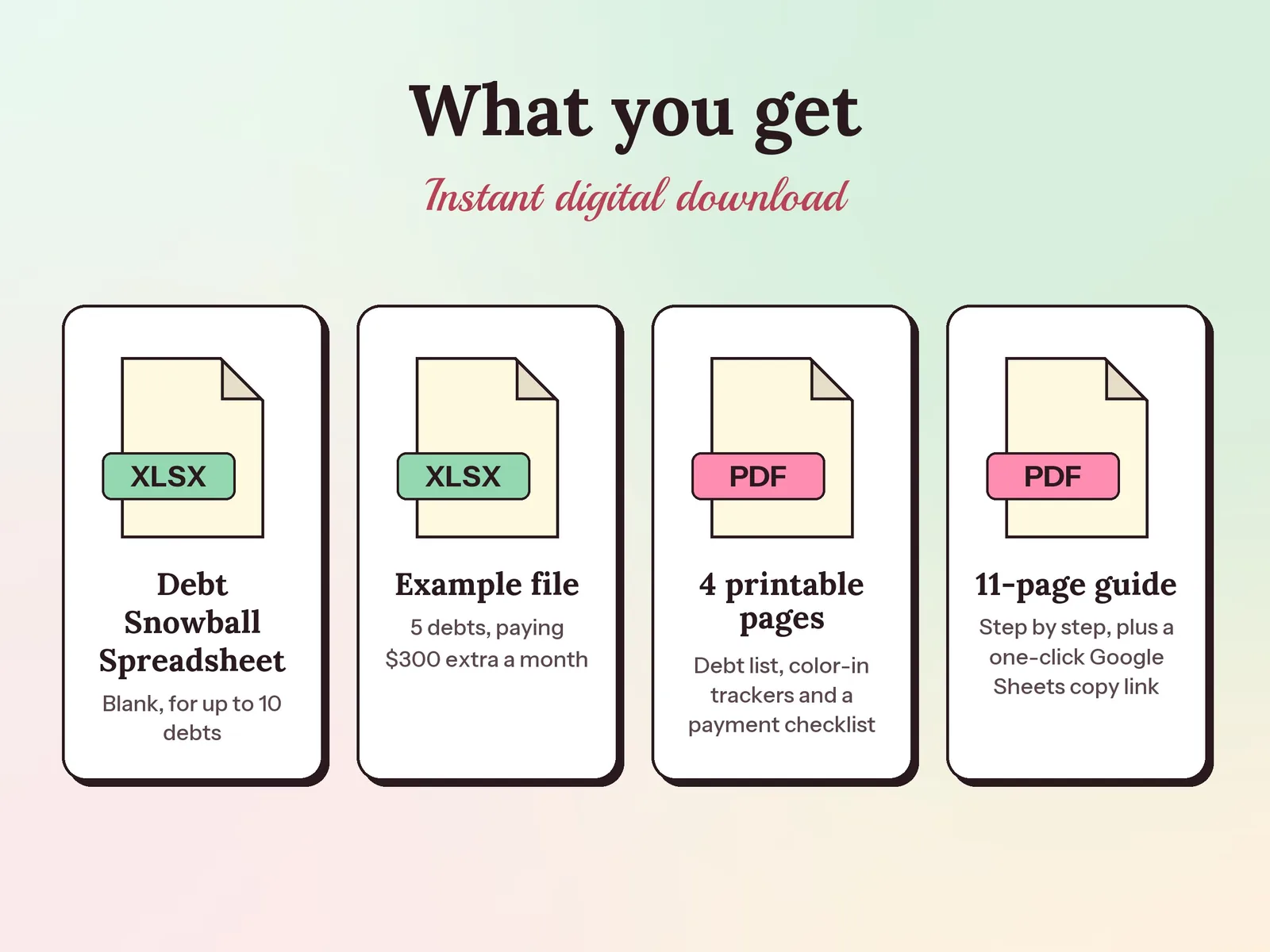
–Days––Hours––Min––SecA debt snowball spreadsheet that builds your month-by-month payoff plan for up to 10 debts, rolling each paid-off minimum into the next one. It works out snowball and avalanche side by side, so you see the interest and the debt-free date for both. Log real payments and statement balances, and print the color-in trackers to watch every balance shrink.
Format: Excel + Google Sheets · PDF guide
License: Personal & Business
Try the free version
See how fast you can be debt-free, and how much interest the snowball and the avalanche each save you. The Debt Snowball Spreadsheet & Payoff Planner keeps it going month after month.
Open the free tool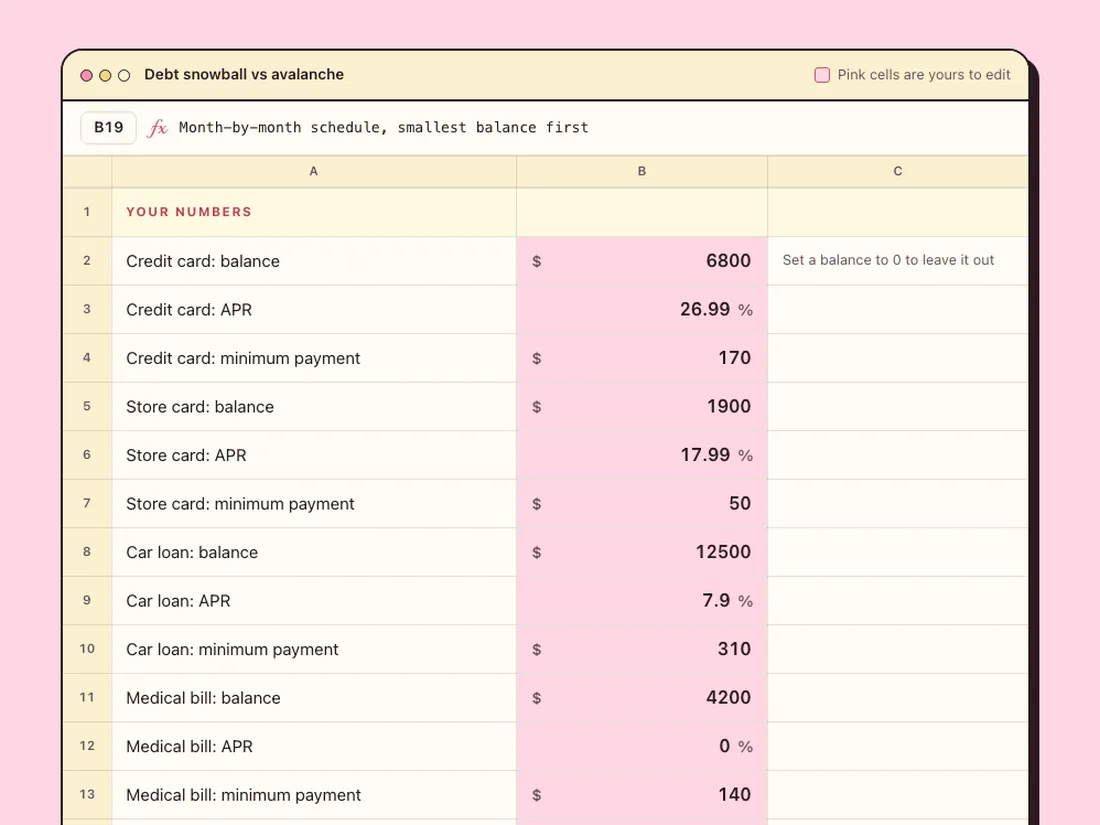
Give every dollar a job, track what you spend, and split shared costs as a couple.
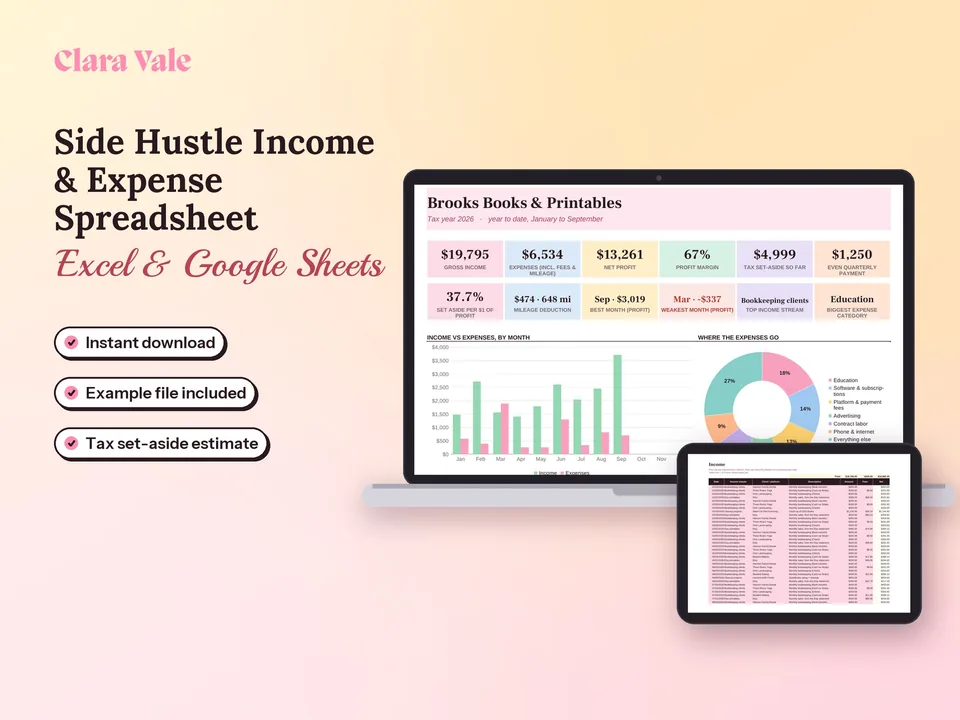
Log payments, expenses and miles, see profit by month, and know what to set aside for taxes.
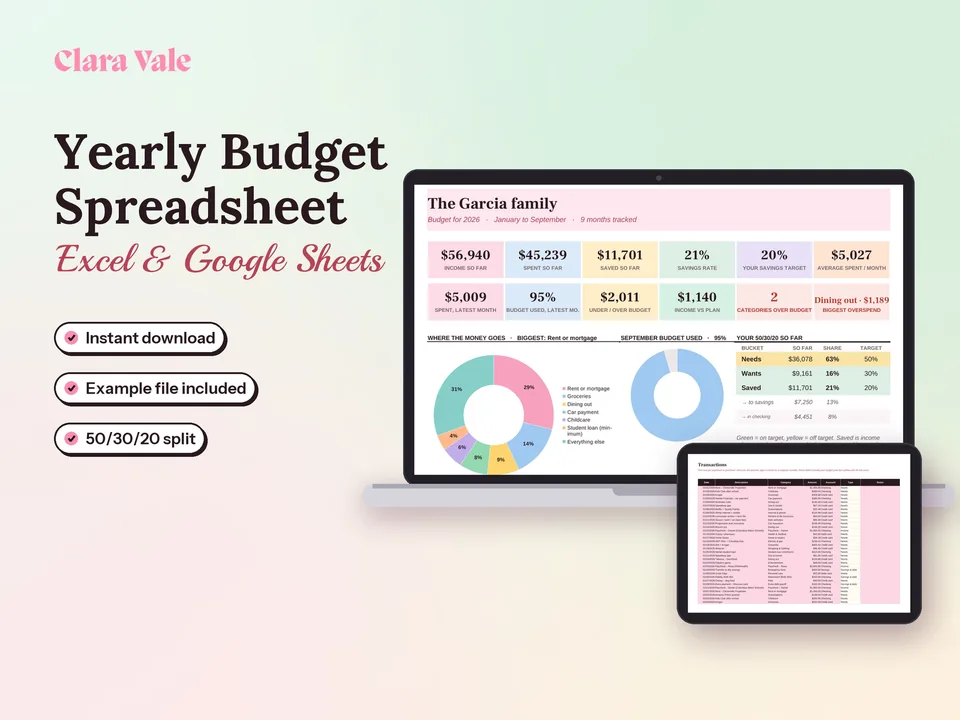
Plan a whole year of household money, track every month, and see your real savings rate.
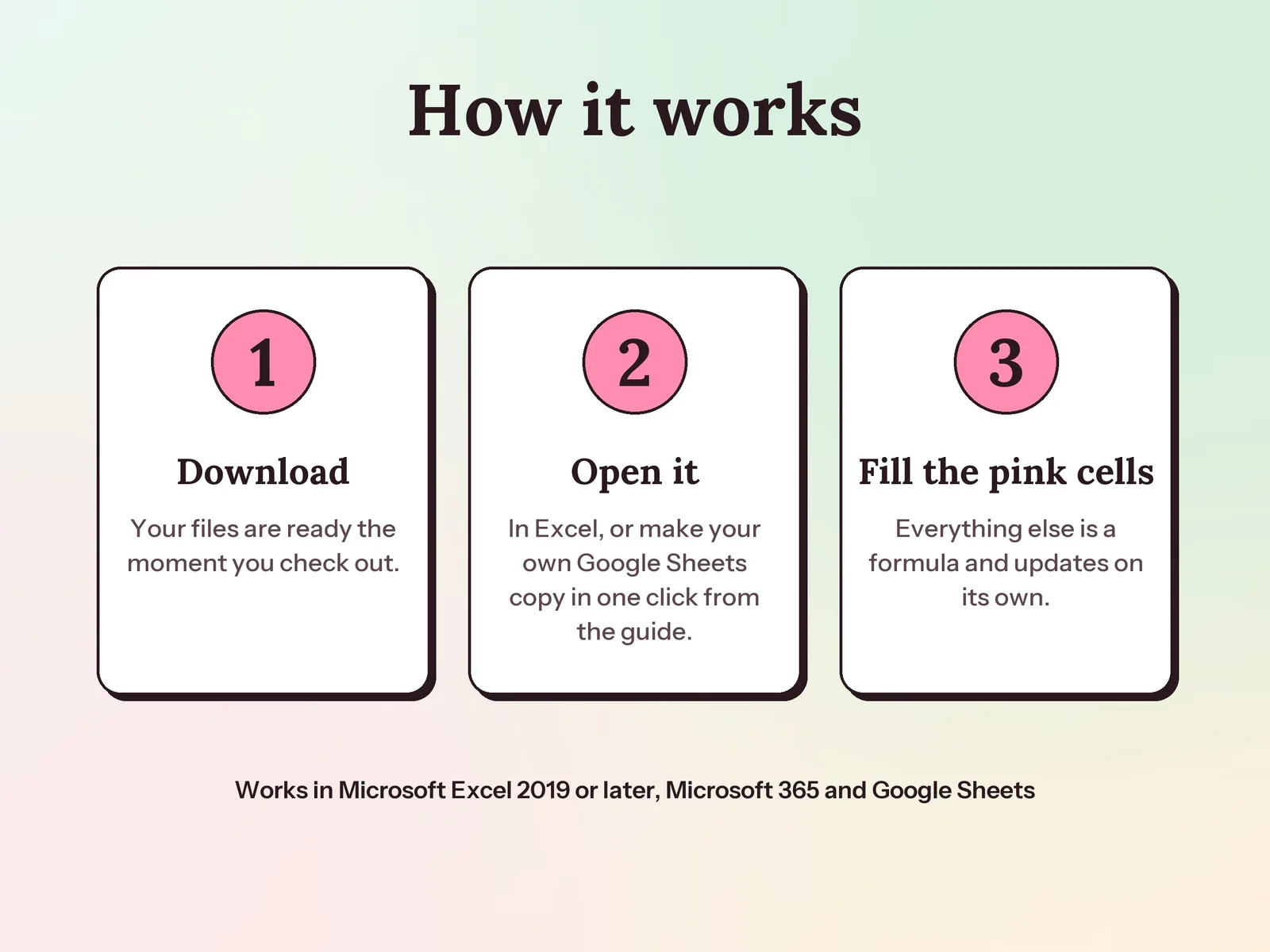
Yes. Your PDF guide has a link that makes your own Google Sheets copy in one click, with no upload needed. It also works in Excel 2019 or later and Microsoft 365. Everything is plain formulas, with no macros or scripts.
Yes. Pick Snowball (smallest balance first), Avalanche (highest APR first) or your own custom order from a drop-down. The Comparison tab always works out snowball and avalanche side by side, so you can see the difference in interest and in your debt-free date before you choose.
Yes. Your monthly total stays the same. When a debt is paid off, its minimum moves onto the next debt in line, and the schedule shows the bigger payment month by month.
A one-time download. Pay once and the files are yours, including the printable pages to print as often as you like.