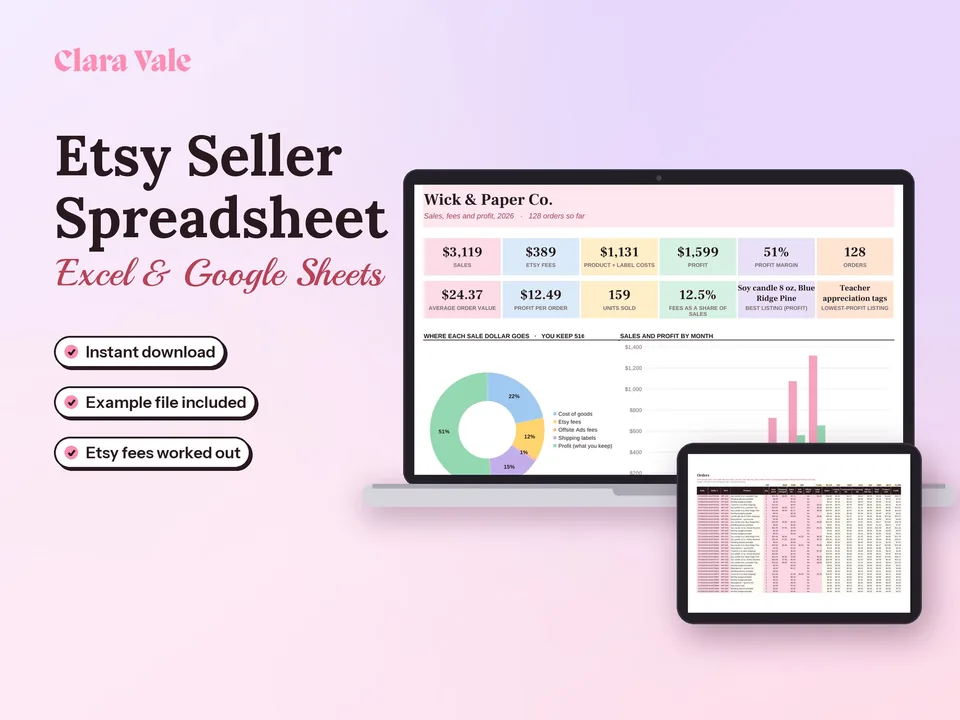
Etsy Seller Spreadsheet & Profit Tracker
Every order, fee and cost in one place, with your real profit per product.
$4.90Regular price $7-30%$7Buy now

1 / 8
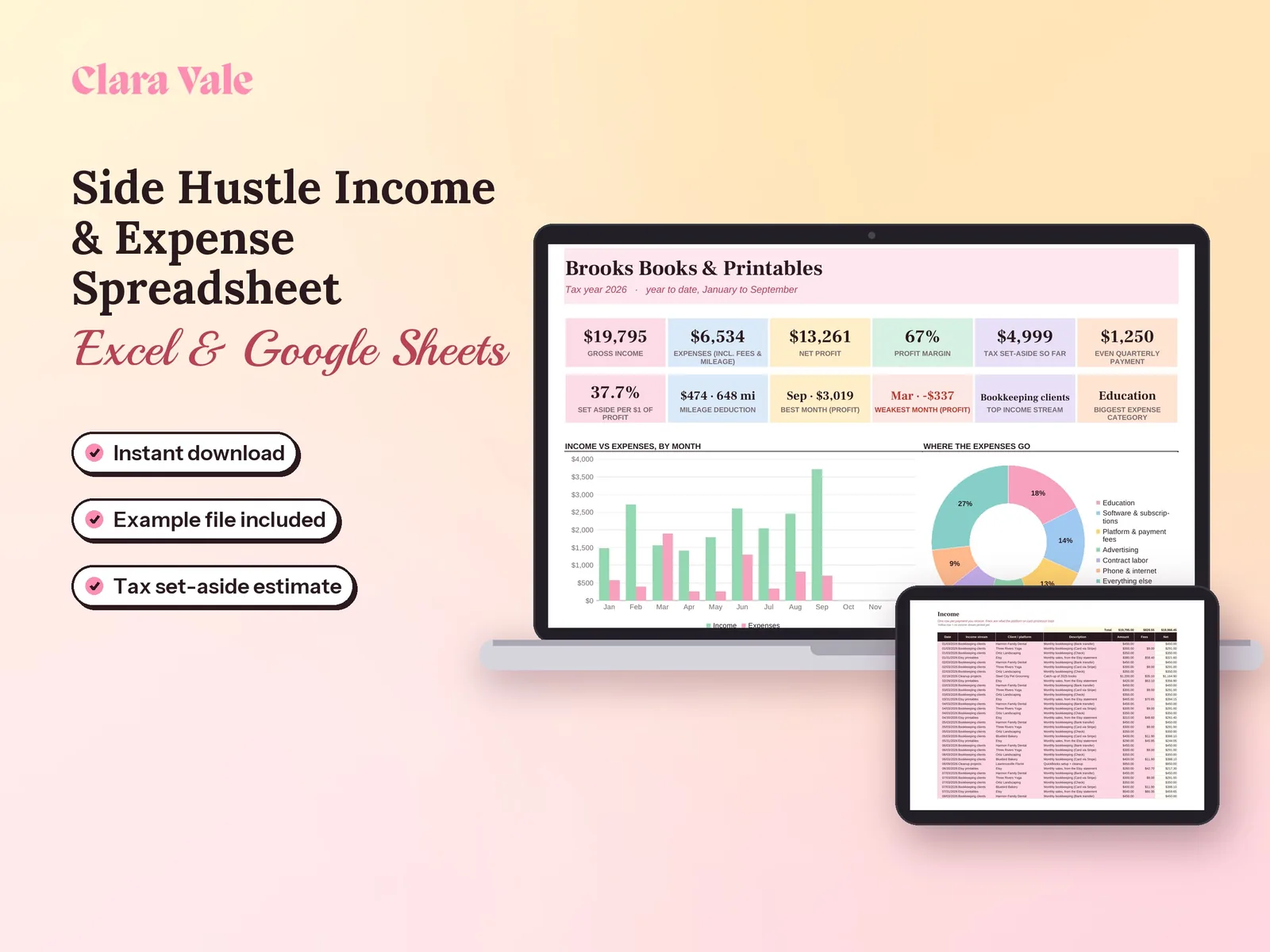
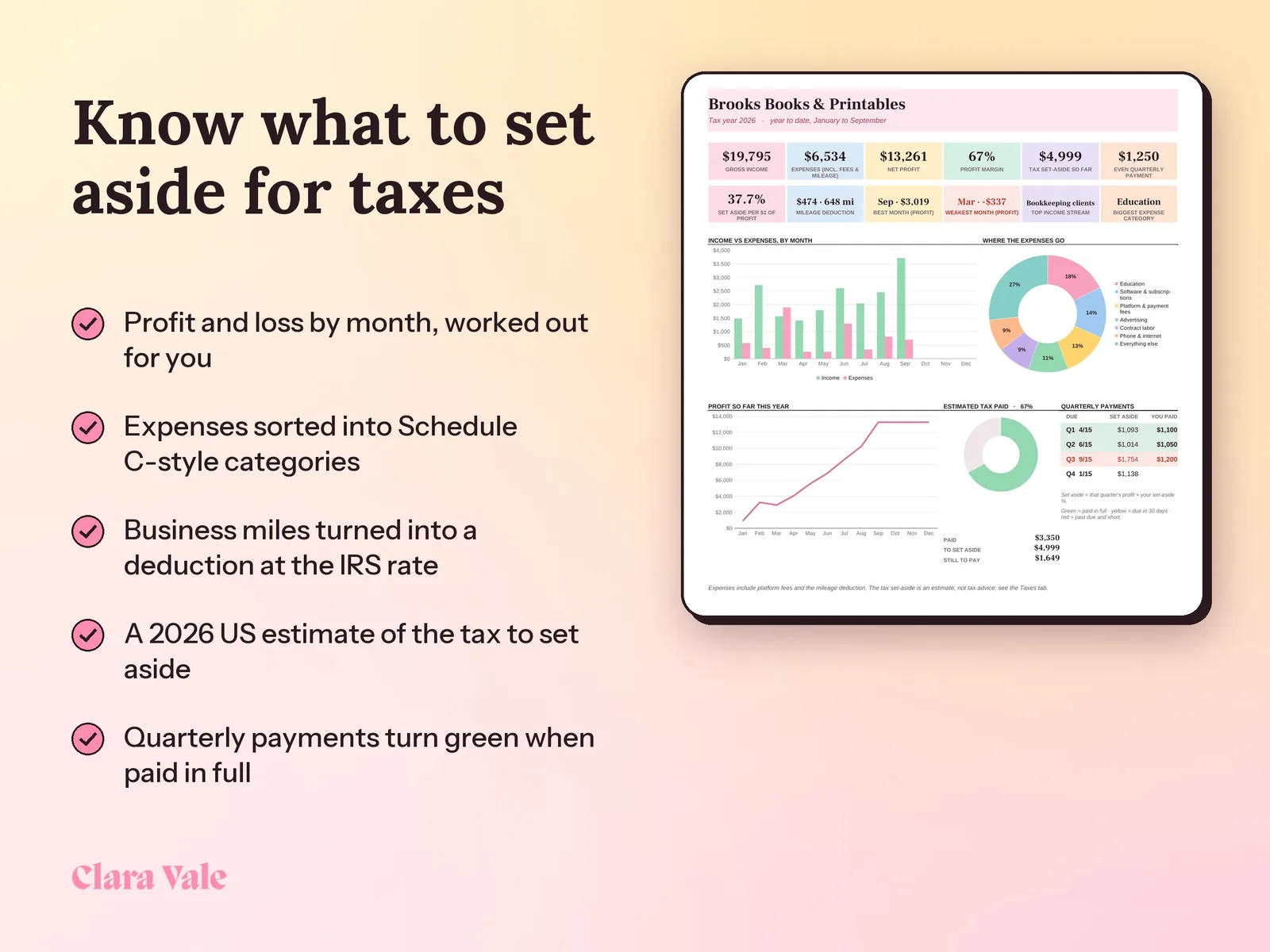
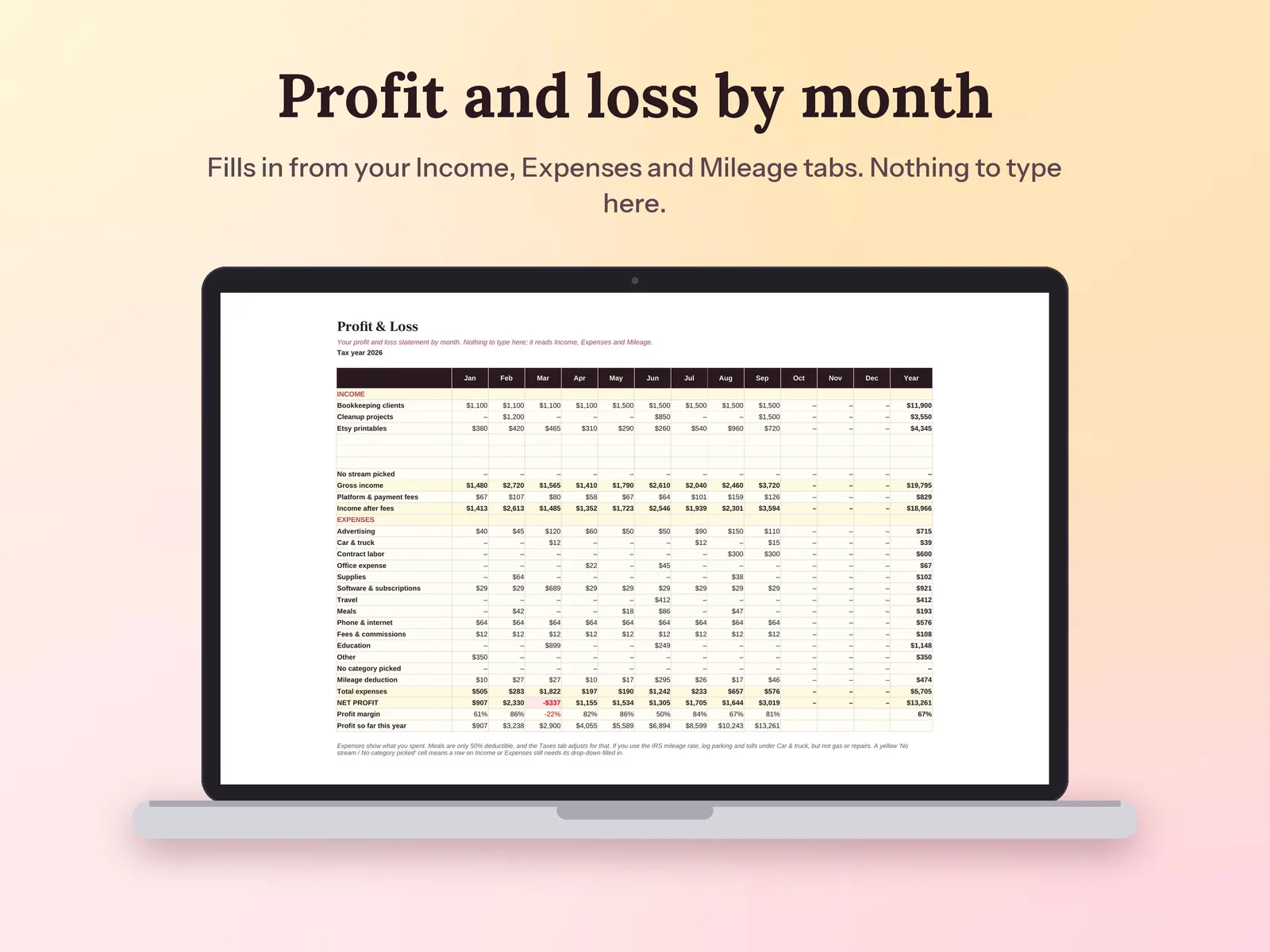
Log payments, expenses and miles, see profit by month, and know what to set aside for taxes.
$6.30Regular price $9-30%$9
Fall Sale: 30% off at checkout, ends Nov 15.
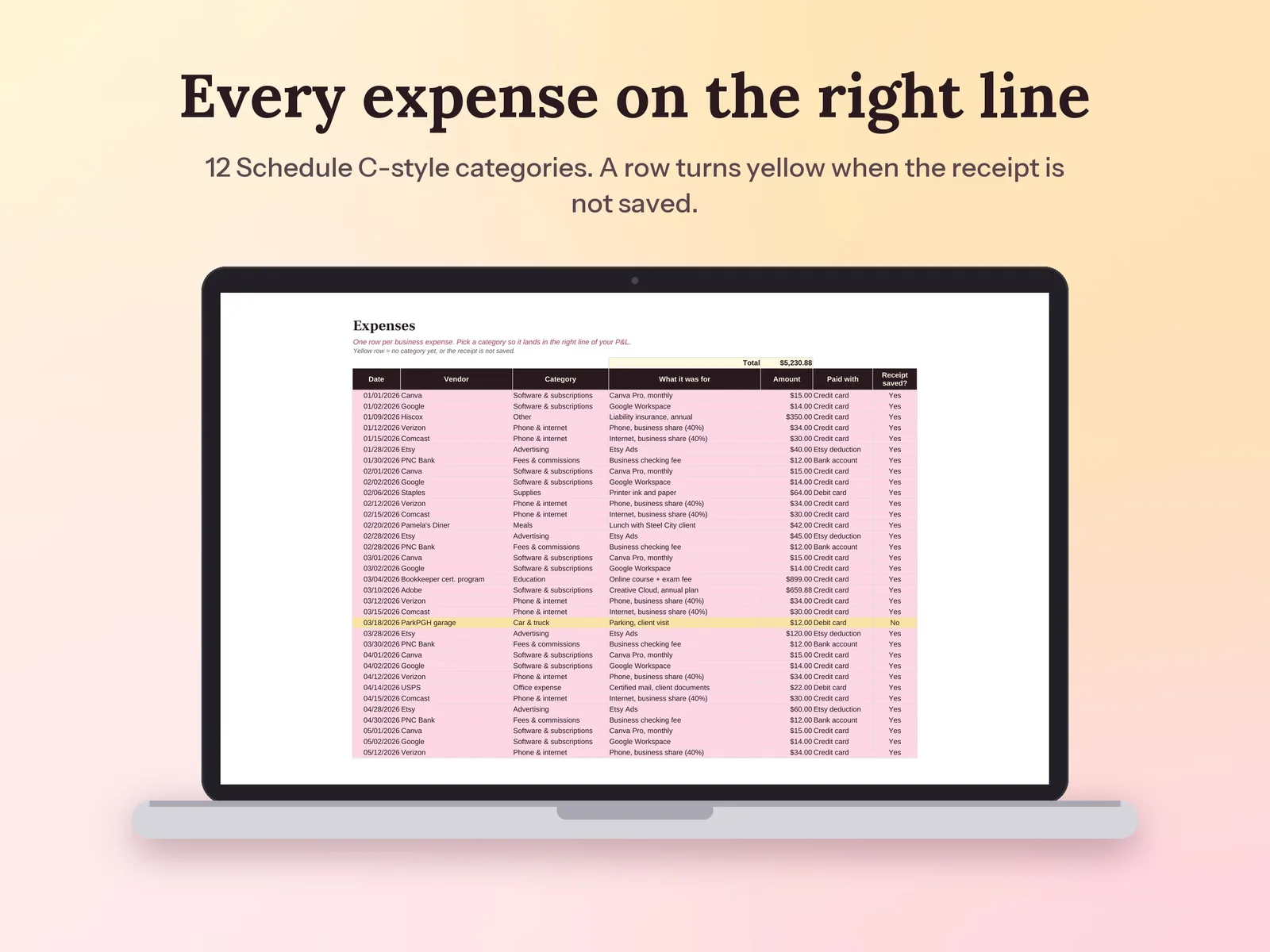
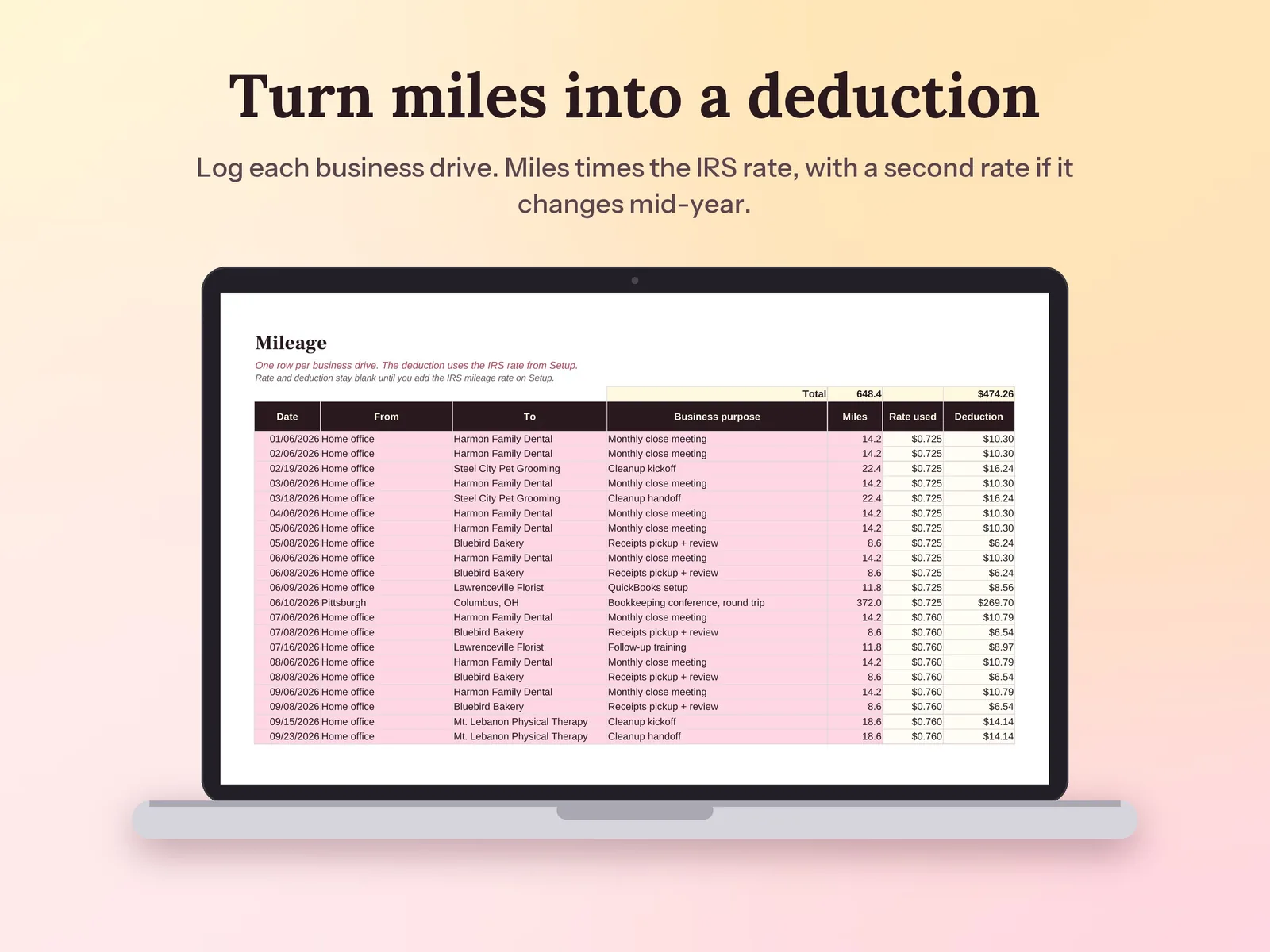
–Days––Hours––Min––SecAn income and expense spreadsheet for side hustles, freelancers and 1099 workers. Log payments, business expenses in Schedule C-style categories (so it doubles as a tax deduction tracker) and mileage, and it builds a monthly profit and loss statement, a dashboard and a 2026 US estimate of self-employment and income tax to set aside each quarter. Works in Excel or Google Sheets, with no app to learn.
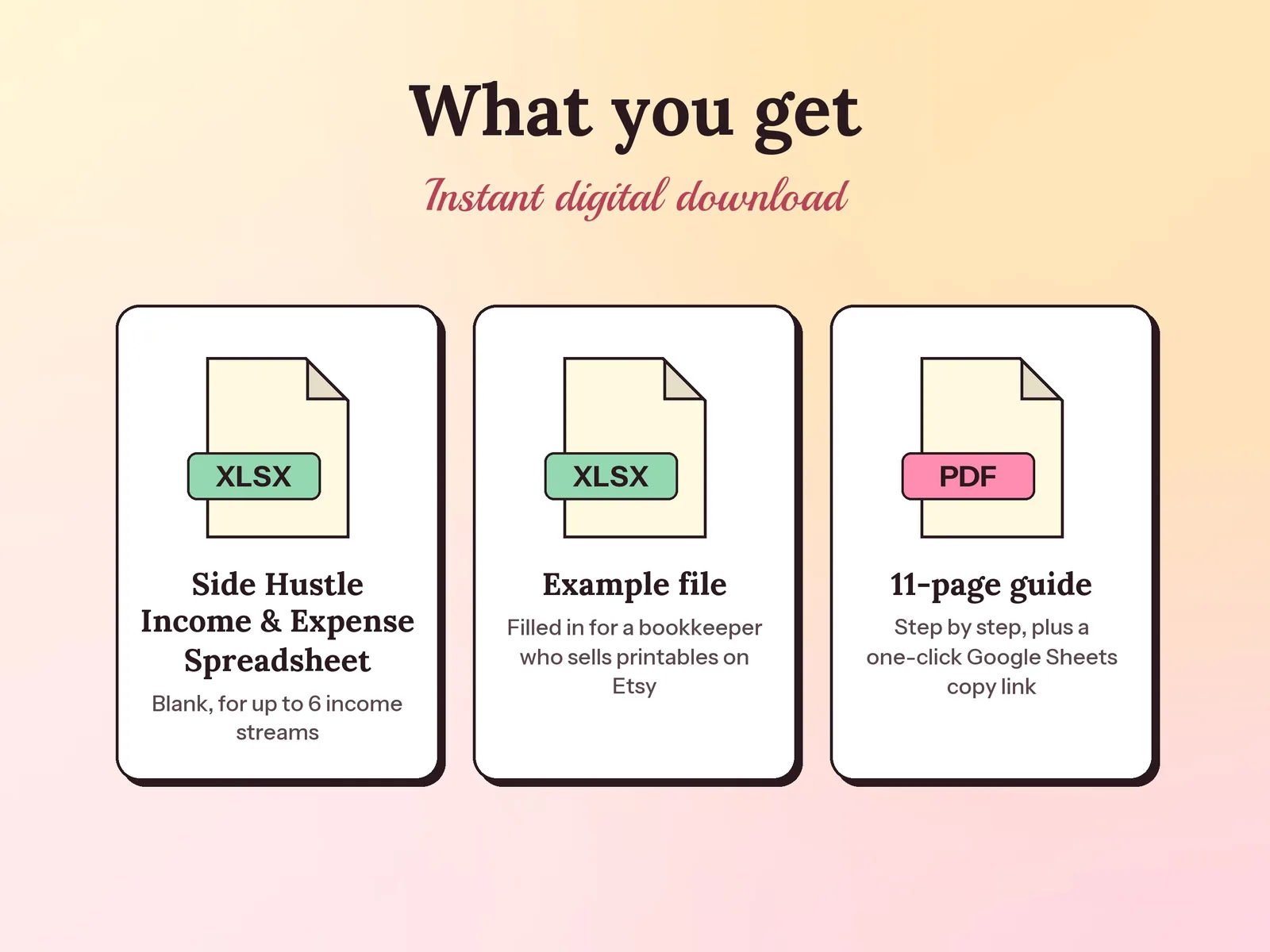
Format: Excel + Google Sheets · PDF guide
License: Personal & Business
Try the free version
A simple 2026 estimate of the tax on 1099 and side hustle income: what to set aside, and what each quarterly payment might be. The Side Hustle Income, Expense & Tax Tracker keeps it going month after month.
Open the free tool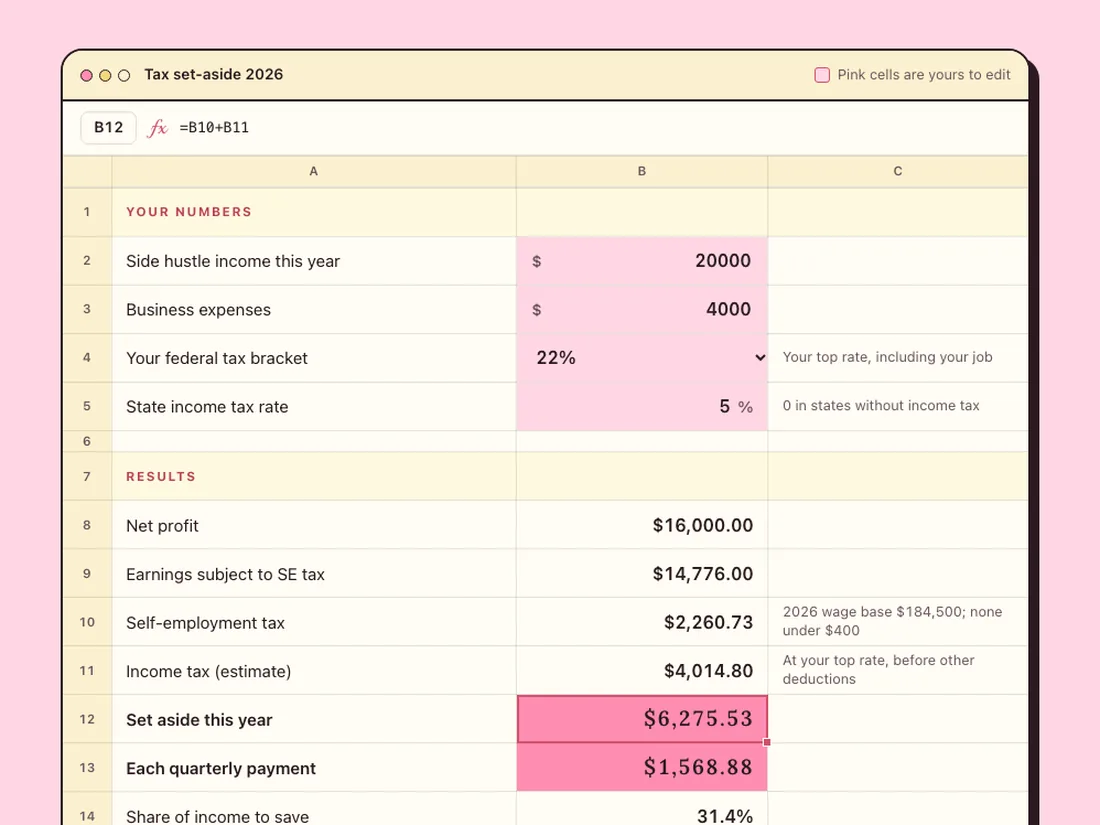
Every order, fee and cost in one place, with your real profit per product.
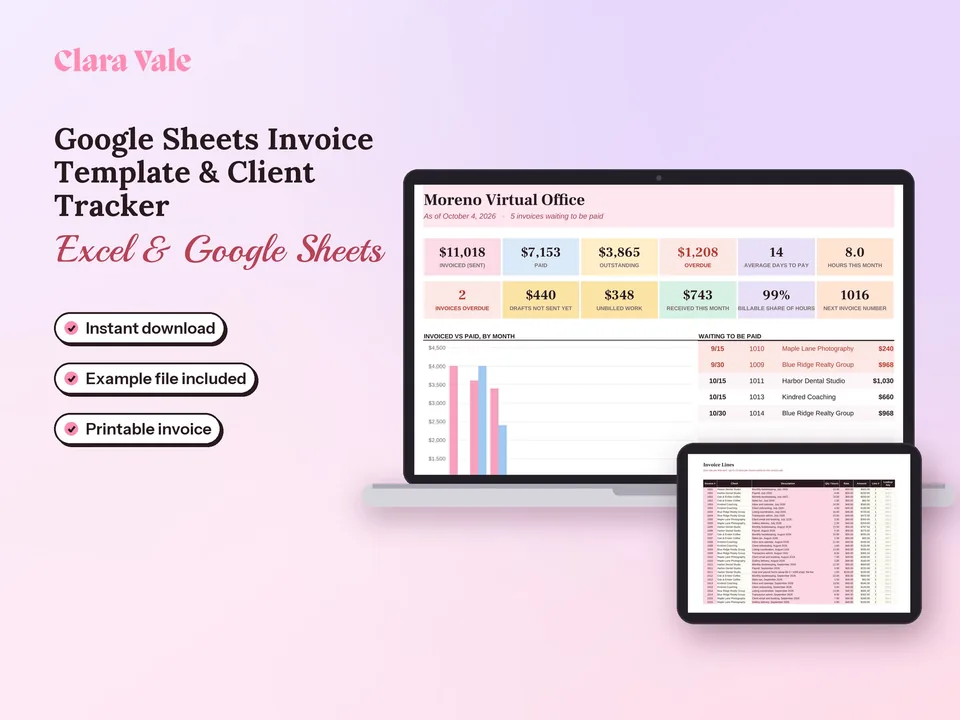
Log your hours, print a clean invoice in a few clicks, and see who has paid and who is late.
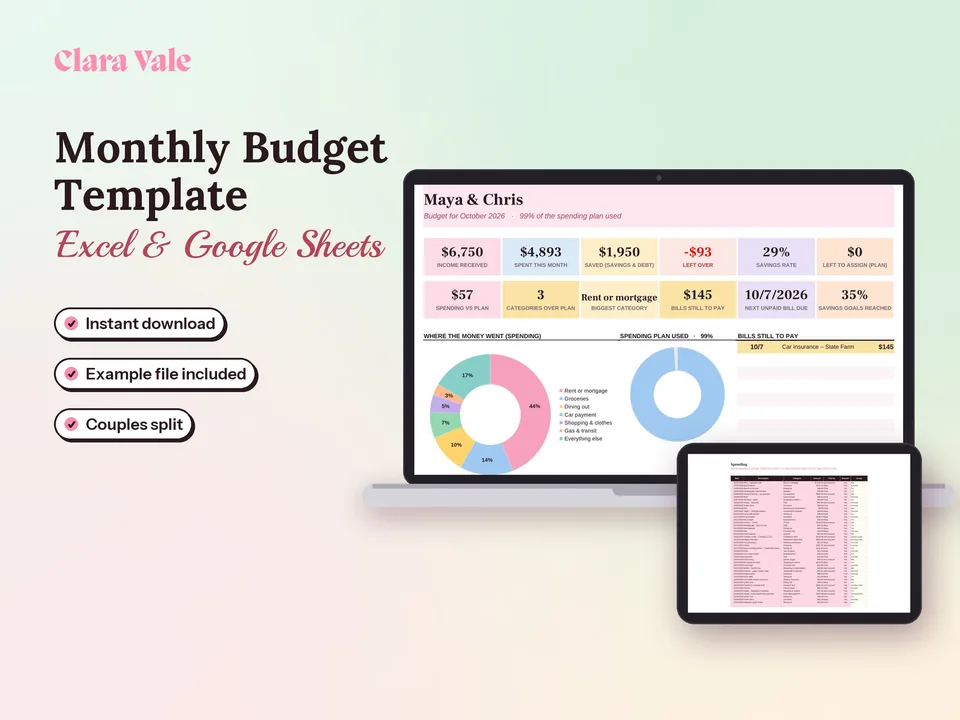
Give every dollar a job, track what you spend, and split shared costs as a couple.
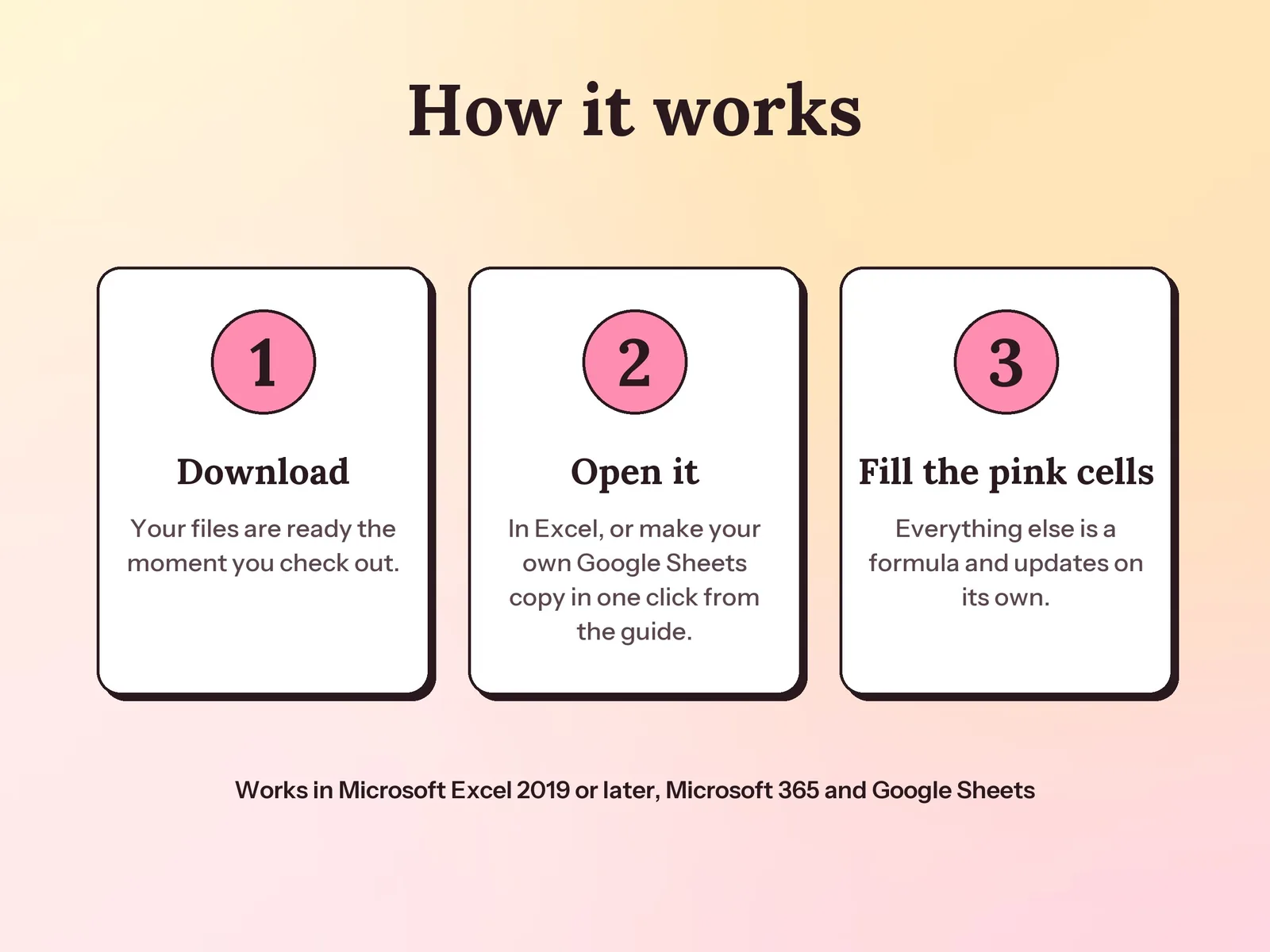
Yes. Your PDF guide has a link that makes your own Google Sheets copy in one click, with no upload needed. It also works in Excel 2019 or later and Microsoft 365.
No. It is a planning estimate to help you save, using 2026 US rules: self-employment tax of 15.3% on 92.35% of profit (Social Security only up to the $184,500 wage base) plus income tax at your bracket and state rate. Your real tax depends on your whole return.
Yes. You type the IRS rate from irs.gov on Setup. If the rate changes during the year, as it did on July 1, 2026, add the second rate and its start date, and each trip uses the right one.
A one-time download. You pay once, keep the files and use them for as long as you like.