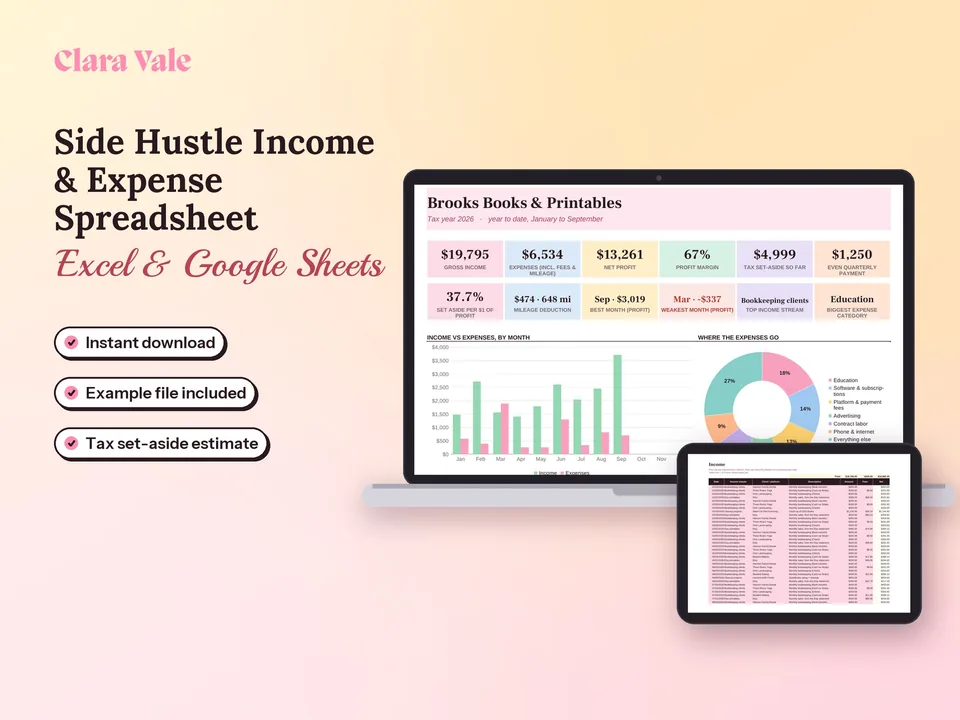
Side Hustle Income, Expense & Tax Tracker
Log payments, expenses and miles, see profit by month, and know what to set aside for taxes.
$6.30Regular price $9-30%$9Buy now

1 / 8
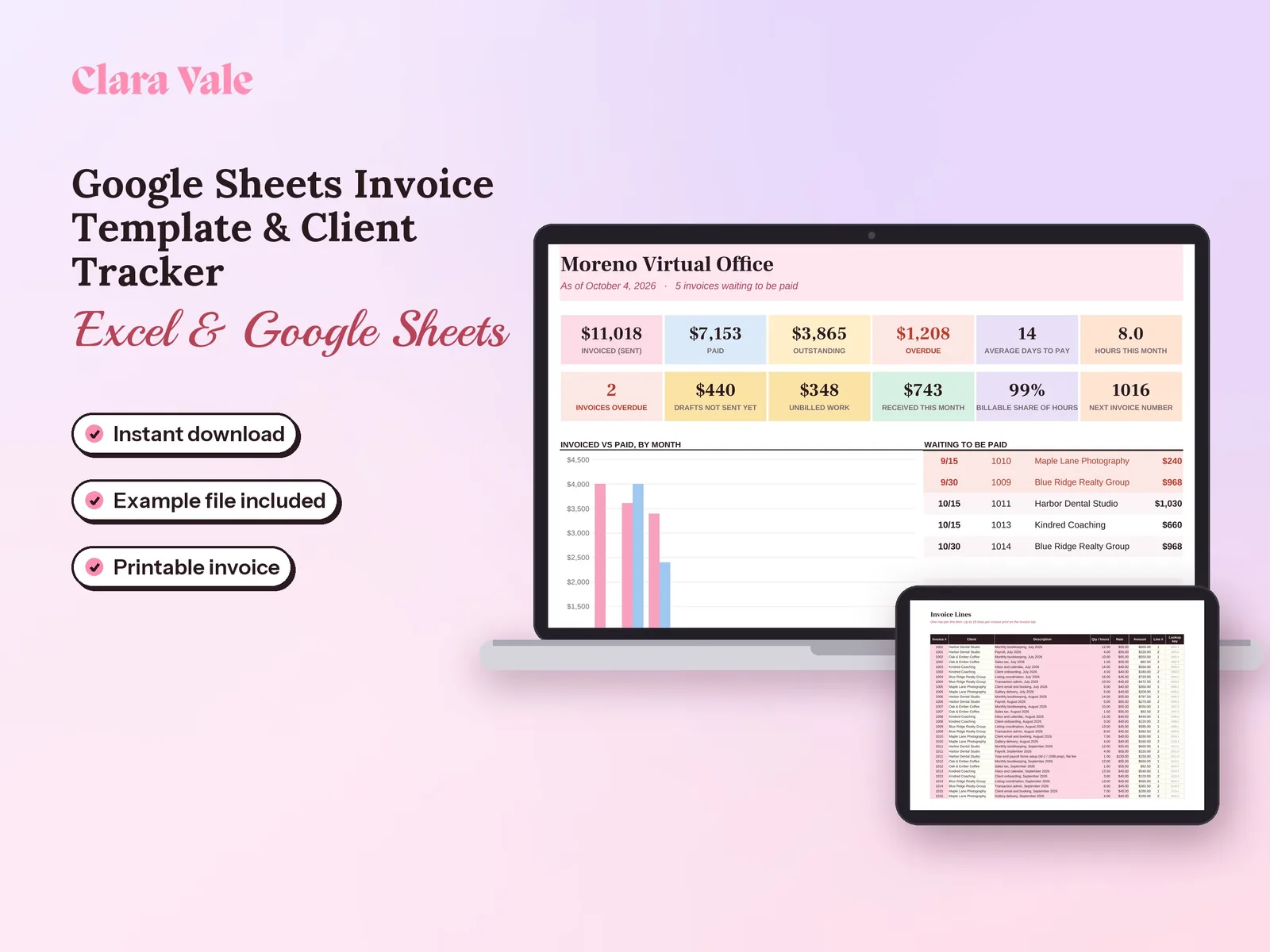
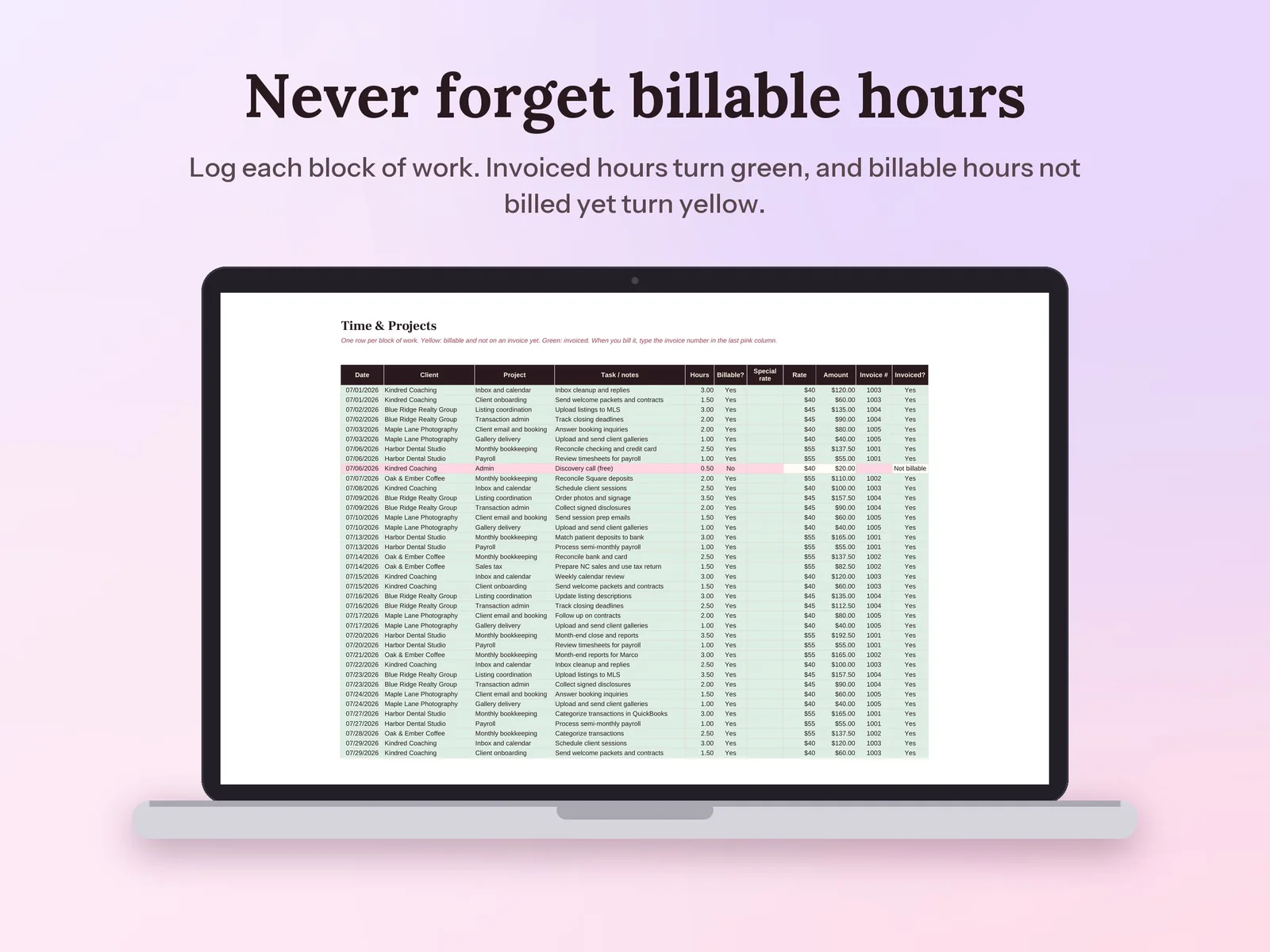
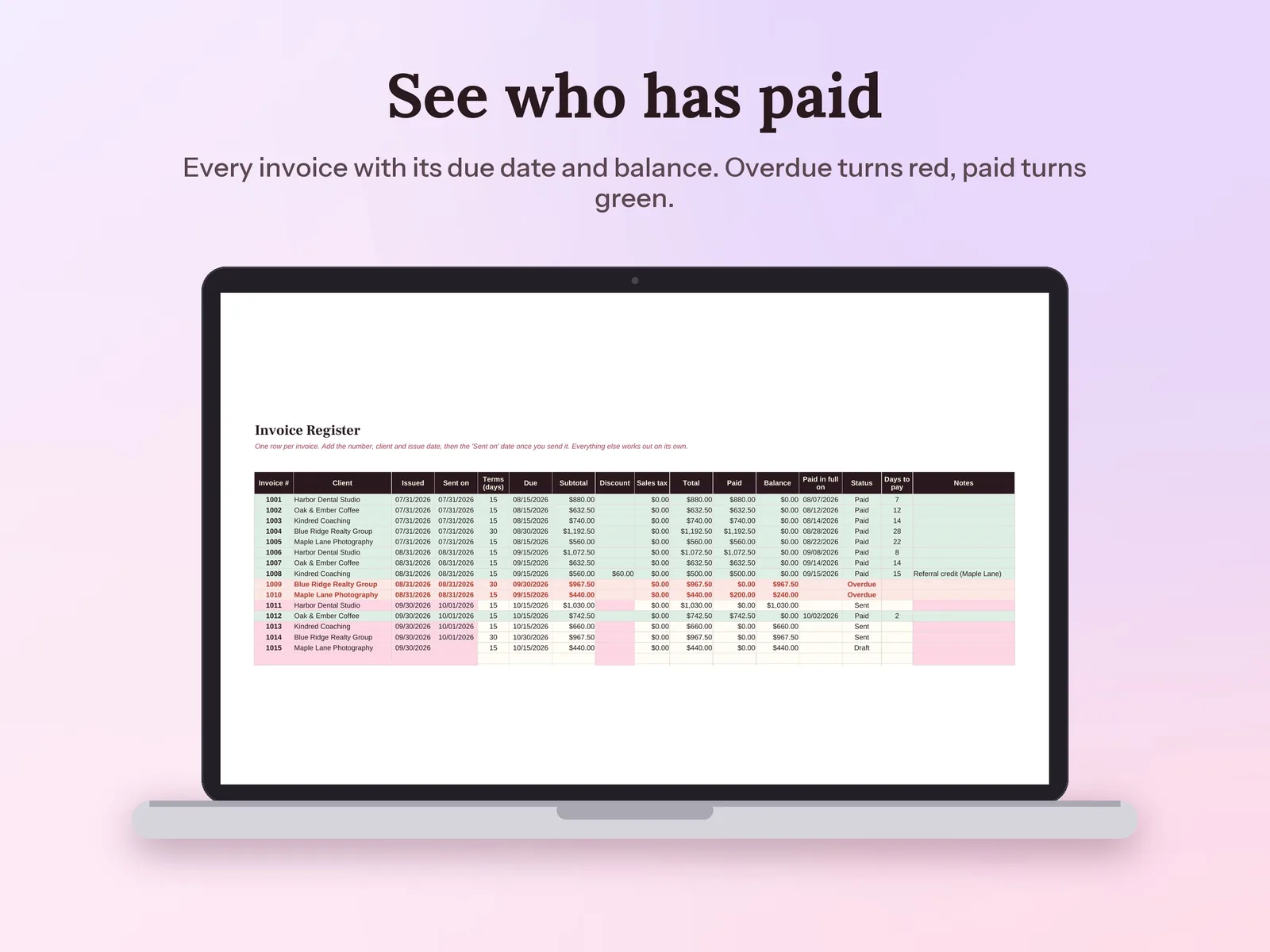
Log your hours, print a clean invoice in a few clicks, and see who has paid and who is late.
$6.30Regular price $9-30%$9
Fall Sale: 30% off at checkout, ends Nov 15.
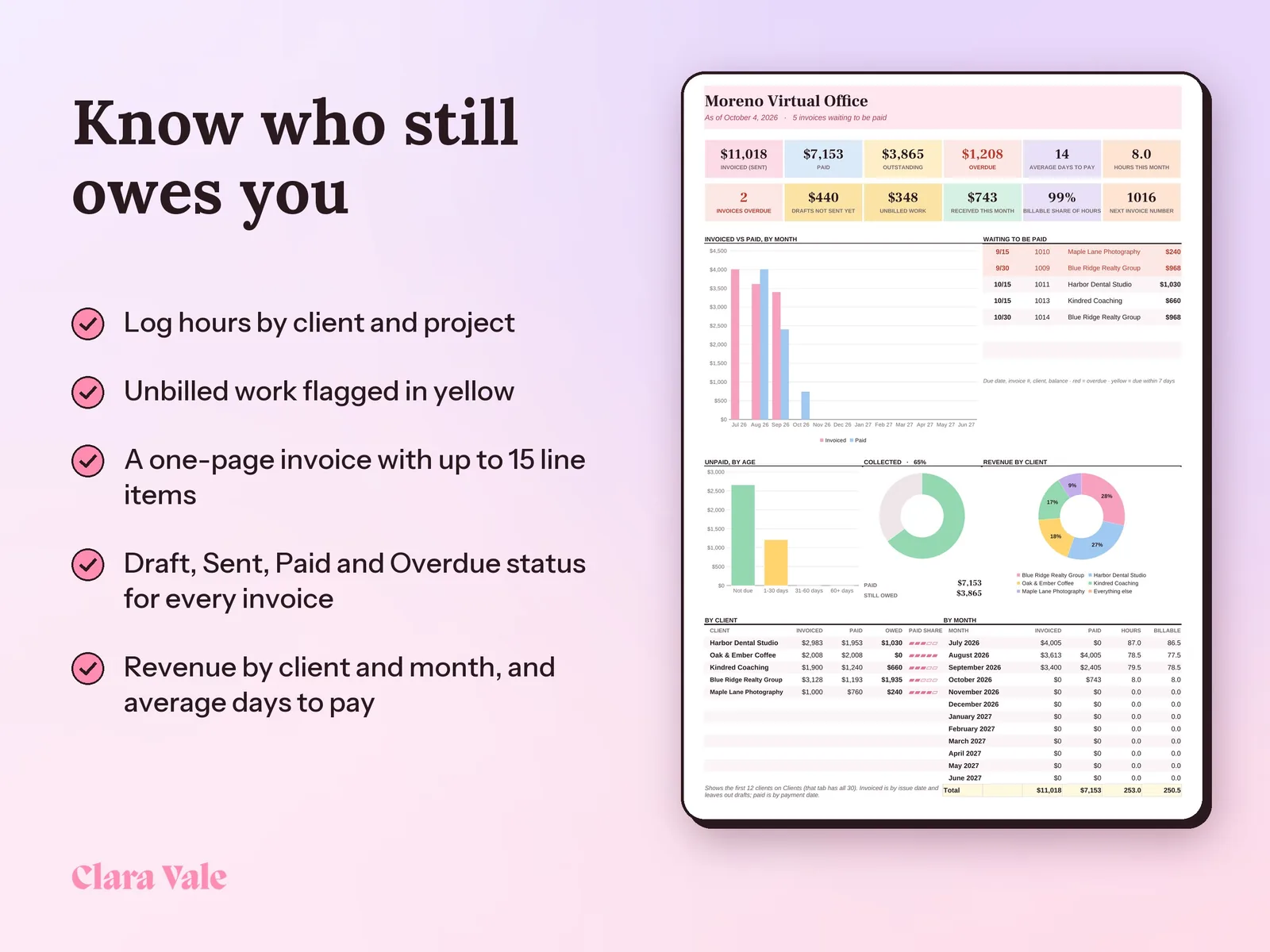
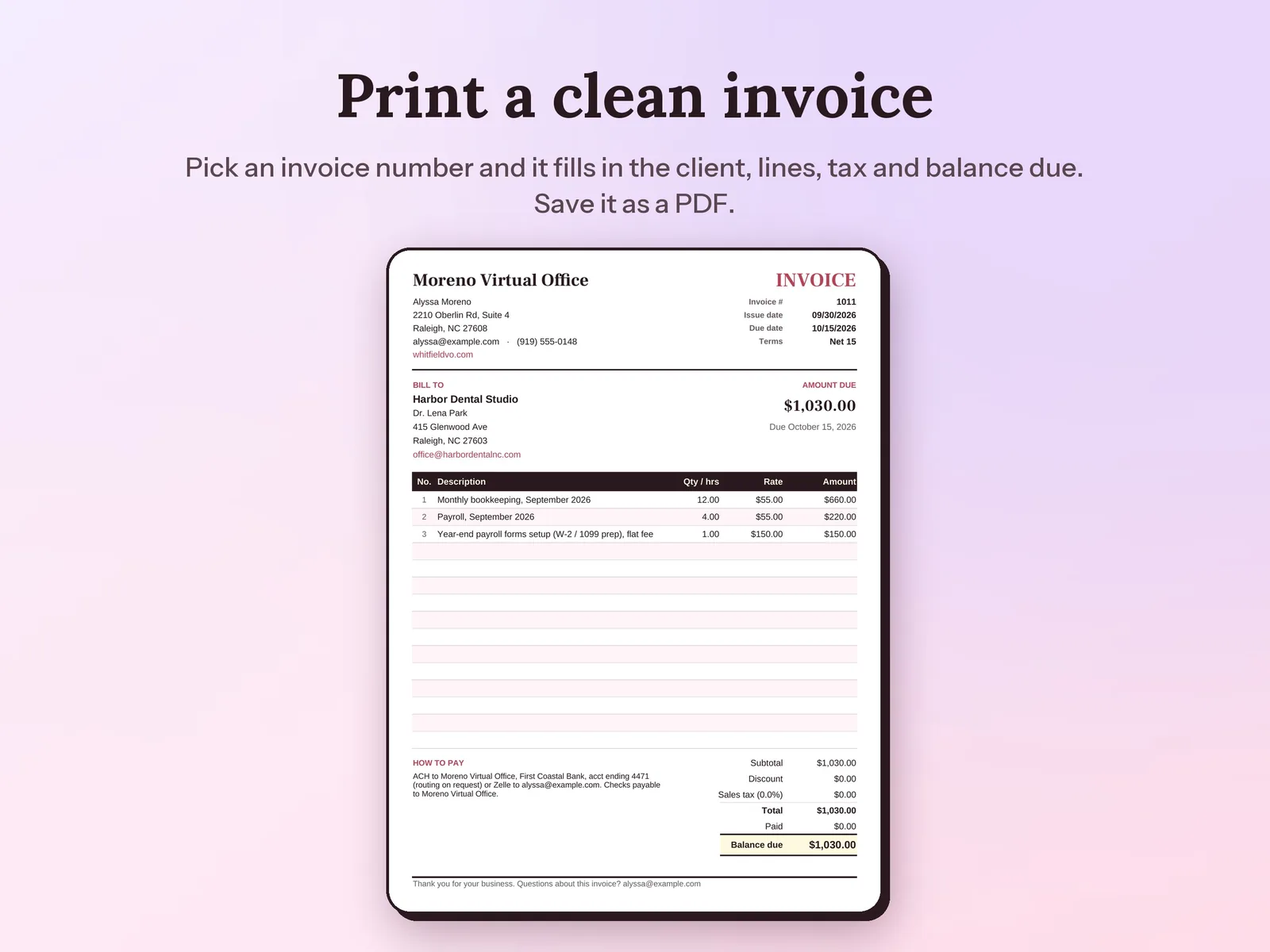
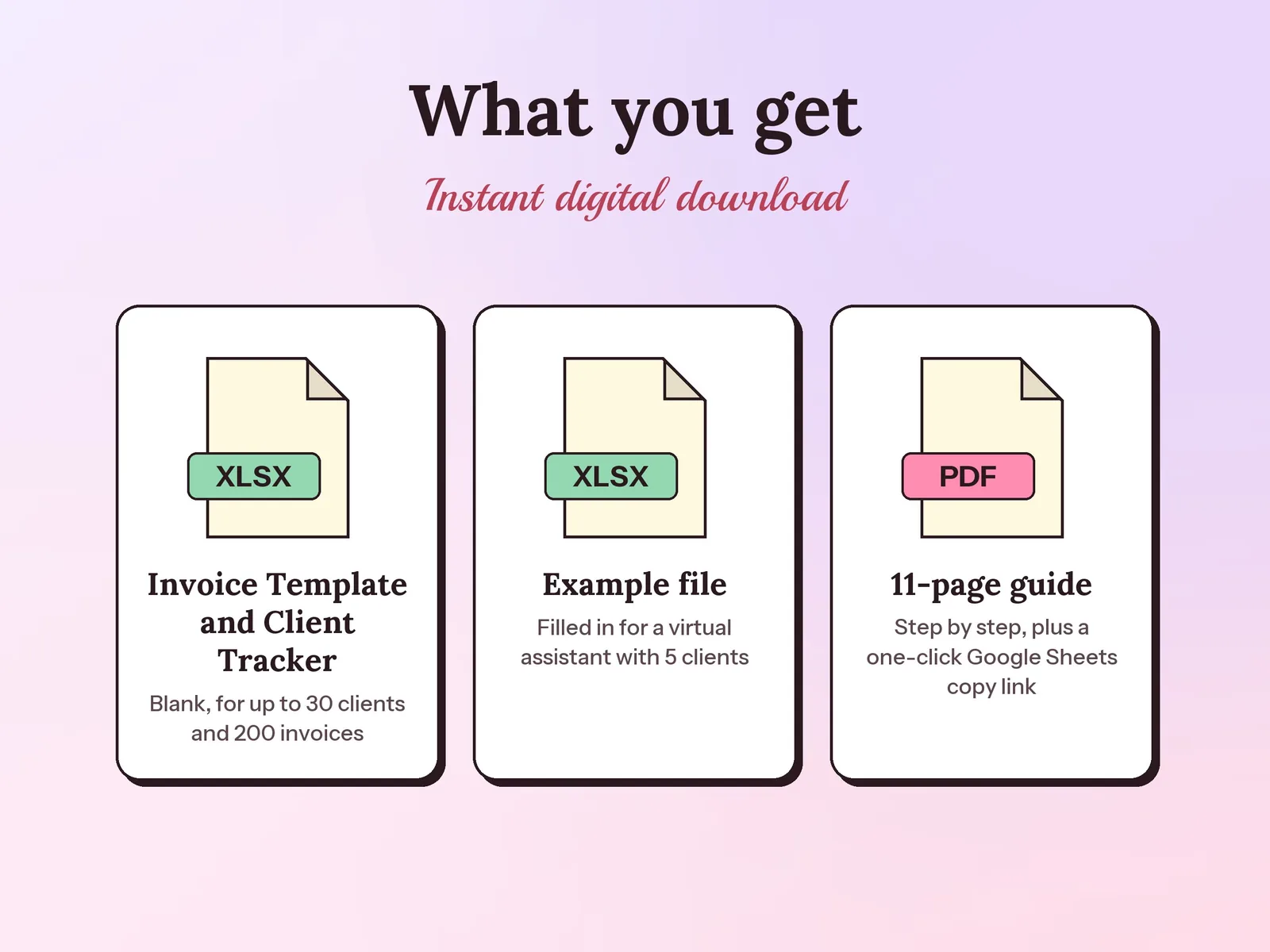
–Days––Hours––Min––SecA Google Sheets invoice template and client tracker for freelancers, virtual assistants and bookkeepers. Log time by client and project, pick an invoice number to print a one-page US Letter invoice, and track payments. The Dashboard shows billed, paid, outstanding and overdue amounts, revenue by client and month, and average days to pay. It is an .xlsx file that works in Google Sheets and Excel.
Format: Excel + Google Sheets · PDF guide
License: Personal & Business
Try the free version
Work backwards from what you want to take home, and see the hourly rate that actually gets you there. The Google Sheets Invoice Template & Client Tracker keeps it going month after month.
Open the free tool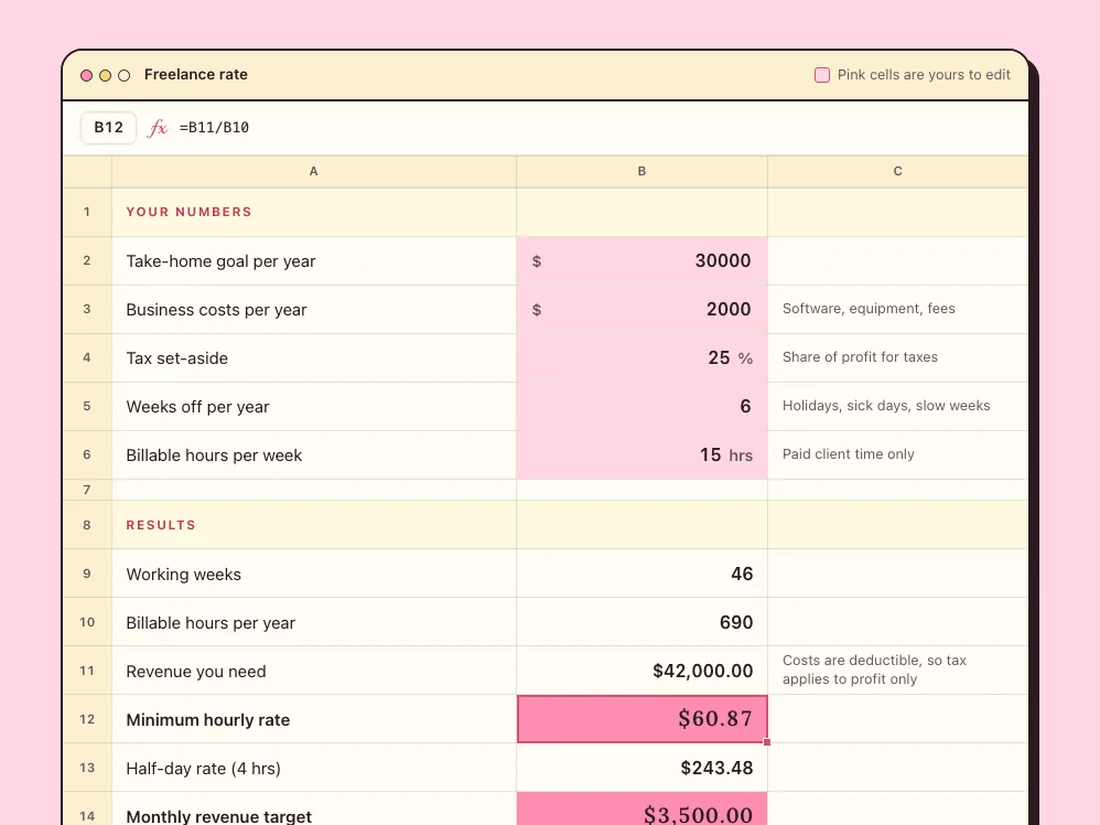
Log payments, expenses and miles, see profit by month, and know what to set aside for taxes.
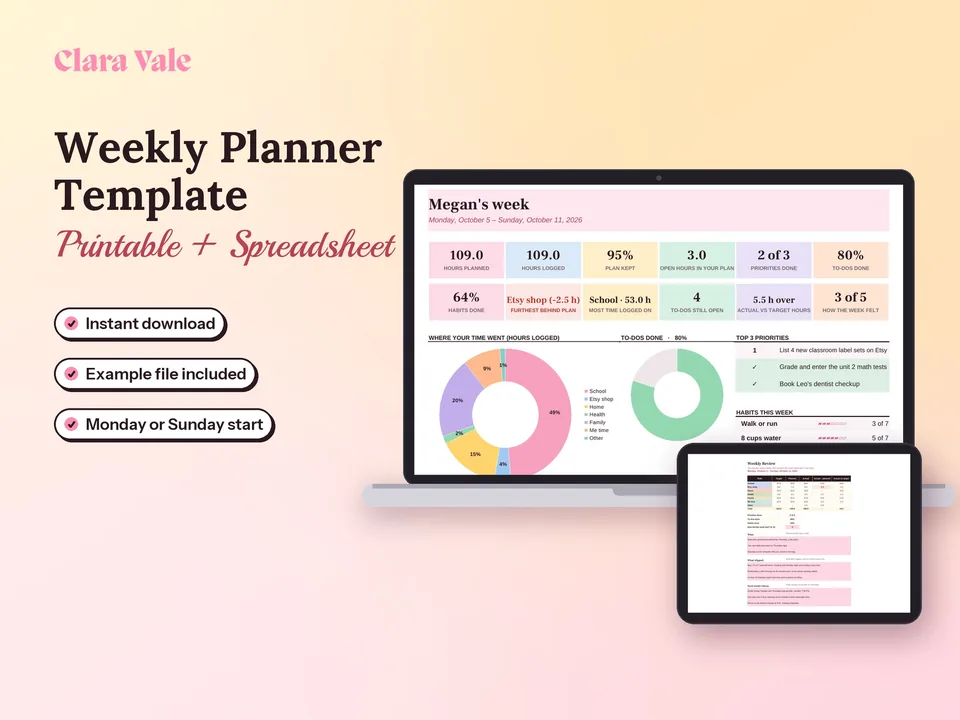
Fit a job, a side hustle and a life into one realistic week, then see where your time really went.
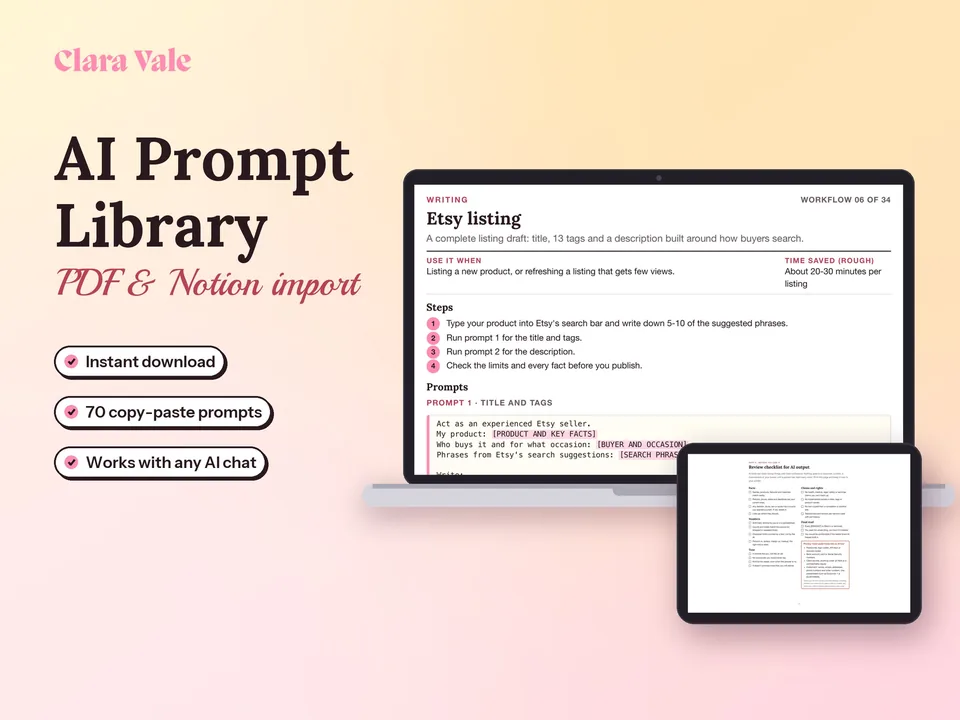
34 ready-to-run AI workflows for the work a small business does every week.
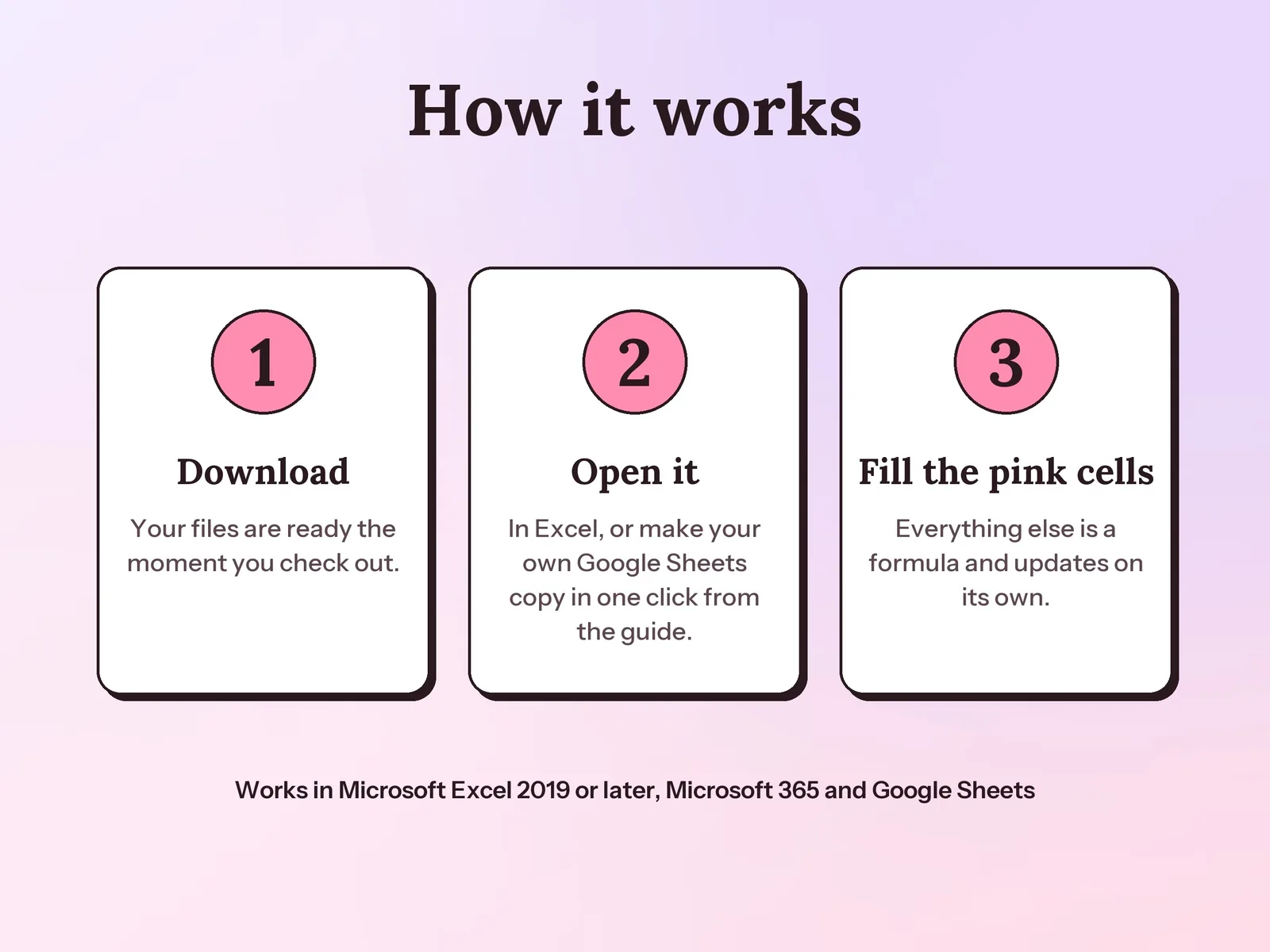
Yes. Your PDF guide has a link that makes your own Google Sheets copy in one click, with no upload needed. It also works in Excel 2019 or later and Microsoft 365.
Pick the invoice number on the Invoice tab, download it as a PDF and attach it to your email. The spreadsheet does not send email or take card payments; add your payment link to the payment instructions if you use one.
Yes. Set a sales tax rate on Setup (it starts at 0%, since most services are not taxed) and type a discount on any invoice.
A one-time download. You pay once and keep the files.