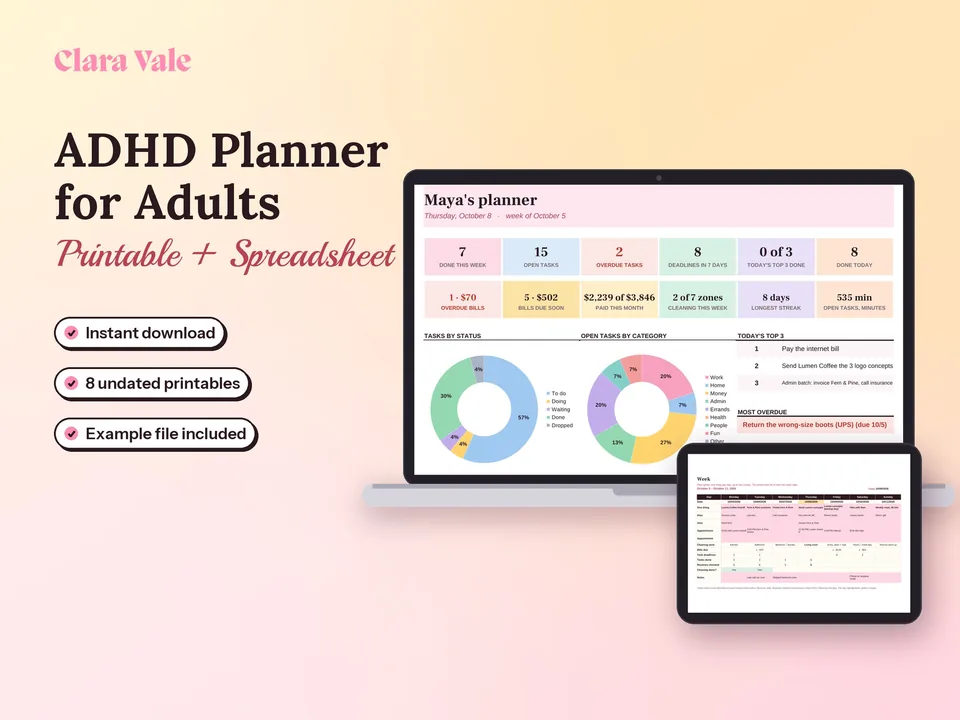
ADHD Life Planner & Daily Task Tracker
One place to dump every task, three to pick for today, and time blocks with room to breathe.
$4.50Regular price $9-50%$9Buy now

Free Cornell notes templates for Google Docs, Word and print: a Classic ruled page, a Guided page with study prompts and review dates, and a Digital page made for typing. Each page has the cue column on the left, notes on the right and a summary box at the bottom. Copy one into Google Drive in one click, download the Word file, or print all three from the PDF.


The Cornell method splits each page into three parts, so your notes turn into a study guide:
Classic is the traditional ruled page: print a stack for class, or type on the lines in Google Docs. Guided adds a short how-to, prompts in each column and review-date checkboxes, which helps when you are new to the method. Digital drops the ruled lines so you can type freely, with bullet points for main ideas and details.
Click Make a copy in Google Docs under the page you like and confirm with Make a copy. Name the copy with the class and date, then make a fresh copy for each lecture or chapter. Prefer Word? Download the .docx file. Prefer paper? Download the printable PDF and print as many pages as you need.
Writing questions after class makes you go back over the material while it is fresh, and answering them later is a form of active recall, one of the most reliable ways to remember what you study. The summary forces you to put the page in your own words, which shows quickly what you understood and what to review.
One place to dump every task, three to pick for today, and time blocks with room to breathe.
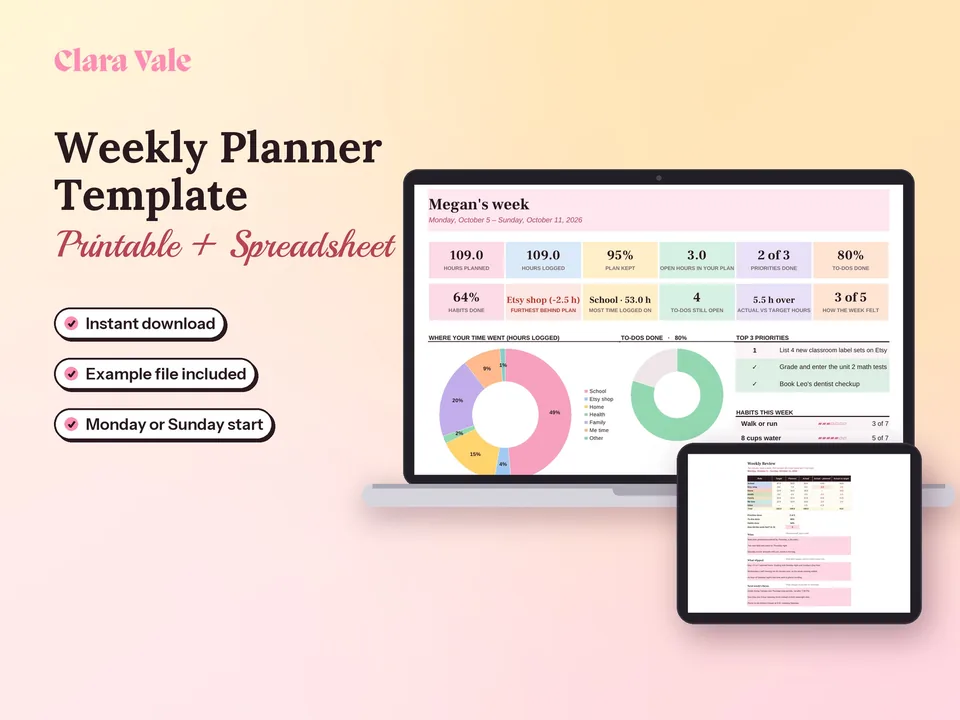
Fit a job, a side hustle and a life into one realistic week, then see where your time really went.
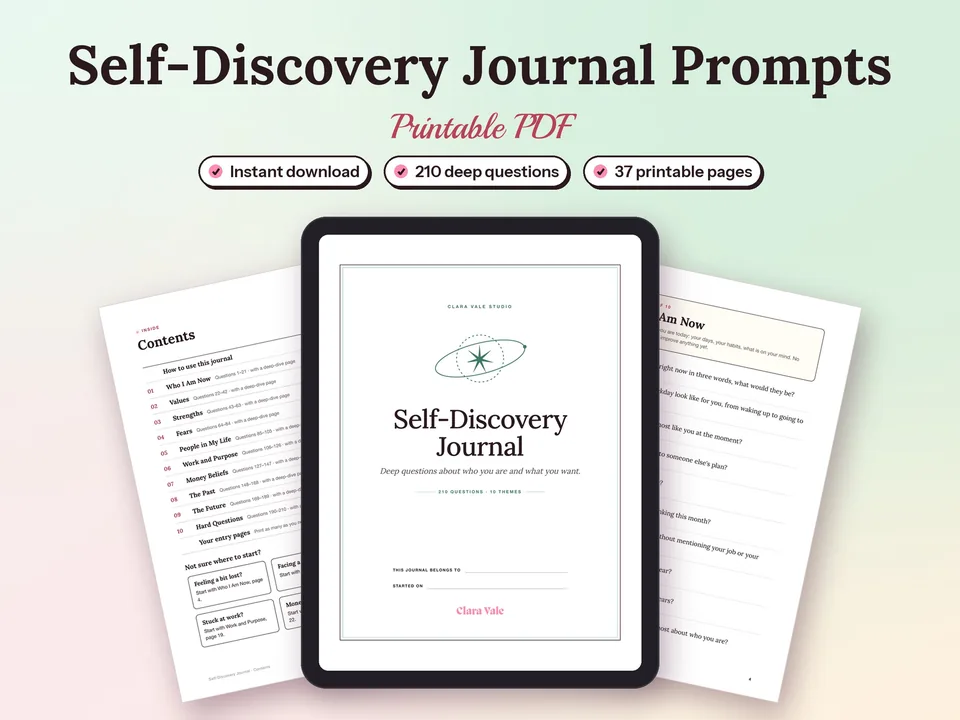
210 deep questions about who you are, what you value and what you want next.
Yes. All three pages are free to copy into Google Docs, download as Word files or print from the PDF, for school and personal study.
About a third of the page. These templates use a 2.25-inch cue column and a 4.95-inch notes column on US Letter paper, close to the original Cornell layout.
Yes. Copy the Digital page into Google Docs or open the Word file on your laptop. On an iPad, open the printable PDF in a notes app such as Goodnotes or Notability and write on it with a stylus.
Two or three sentences that answer: what were the most important ideas on this page? Write it in your own words, right after you add the cues.
For the Make a copy button, yes: the copy is saved in your own Google Drive. The Word file and the printable PDF work without one.