
Progress Camera: Habit Tracker
Progress photos & daily log
Small changes are hard to see in the mirror. Progress Camera is a progress photo app and habit tracker in one: guide lines on the camera help you take every photo in the same pose and spot, so your before and after shows the real change. Log water, workouts and measurements along the way.
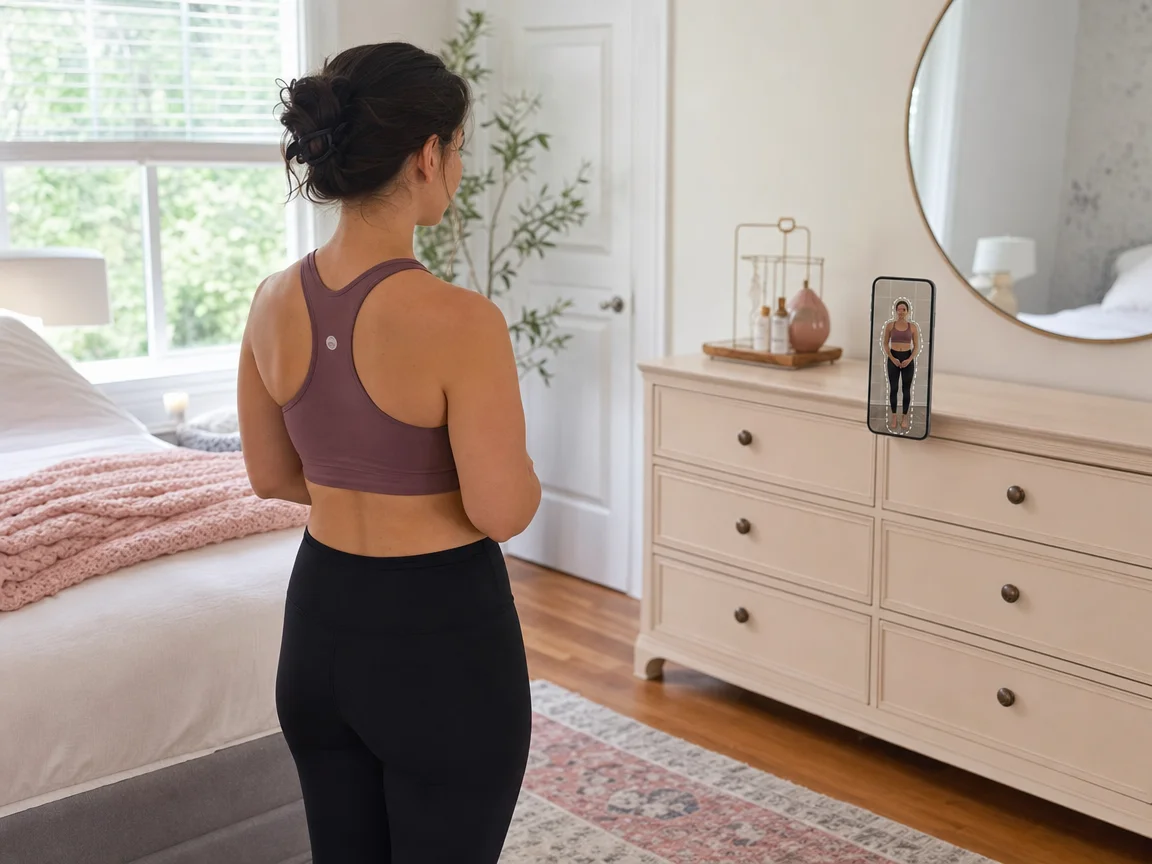
Guided camera
Progress photos that line up every time
Outlines on the camera show you where to stand, so every photo is taken in the same pose and from the same distance. Turn on a faint ghost of your last photo to match it, then step back and let the self-timer take the shot.
- Outlines for body (front or side), face, plate or a plain frame
- A ghost of your last photo to match pose and distance
- Grid lines, a 3 or 10-second timer, front or back camera
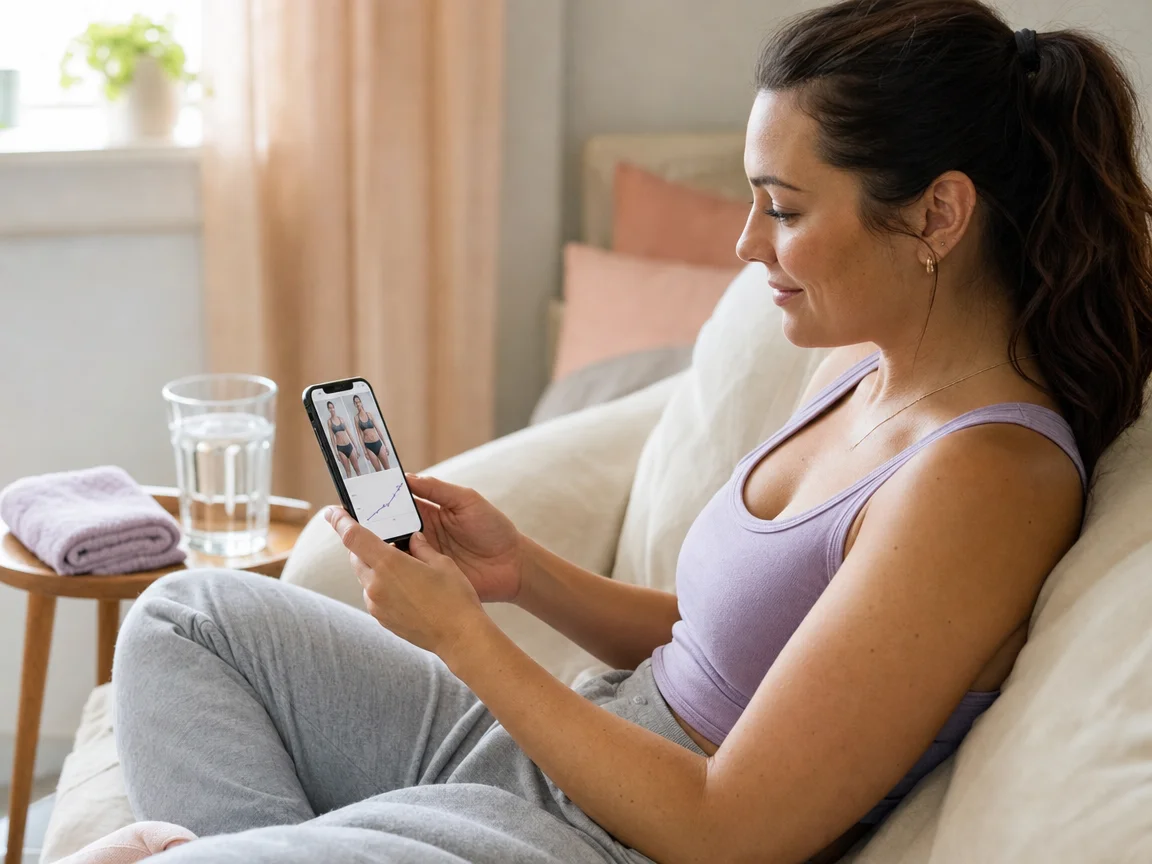
Before & after
See every change side by side
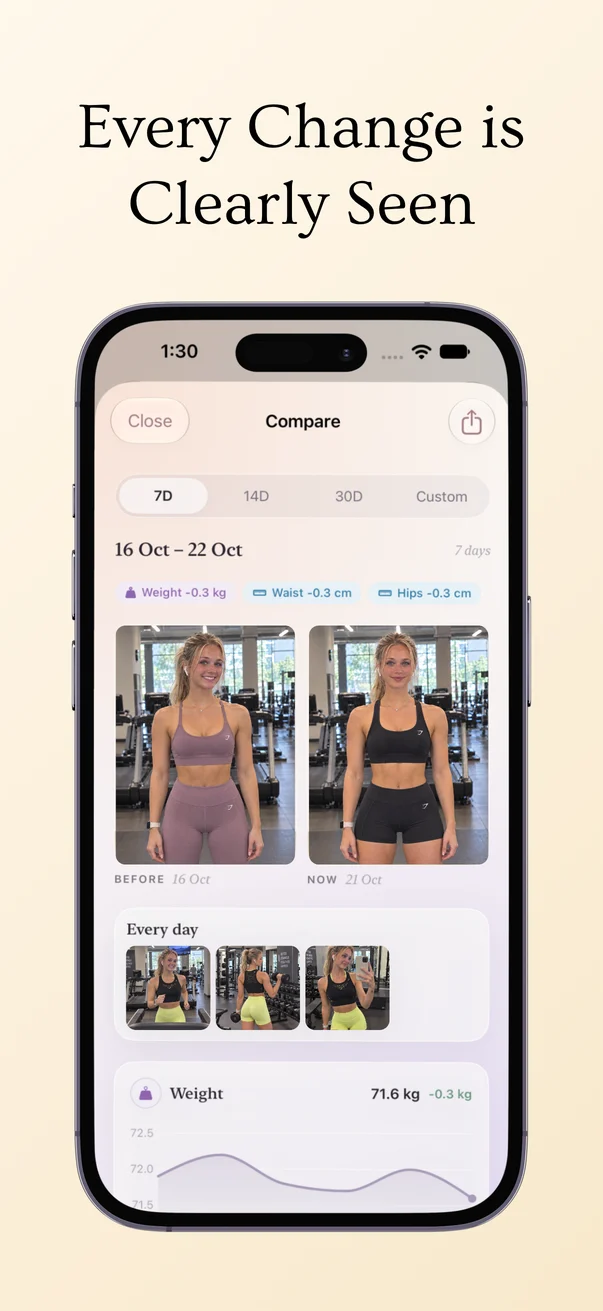
Small changes are hard to see in the mirror. Put your first photo next to your latest, or scroll through a numbered grid of every day, with your weight and measurement changes for the same dates right above.
- Before / After and a day-by-day grid
- The last 7, 14 or 30 days, or a custom range
- Save to Photos or share in one tap
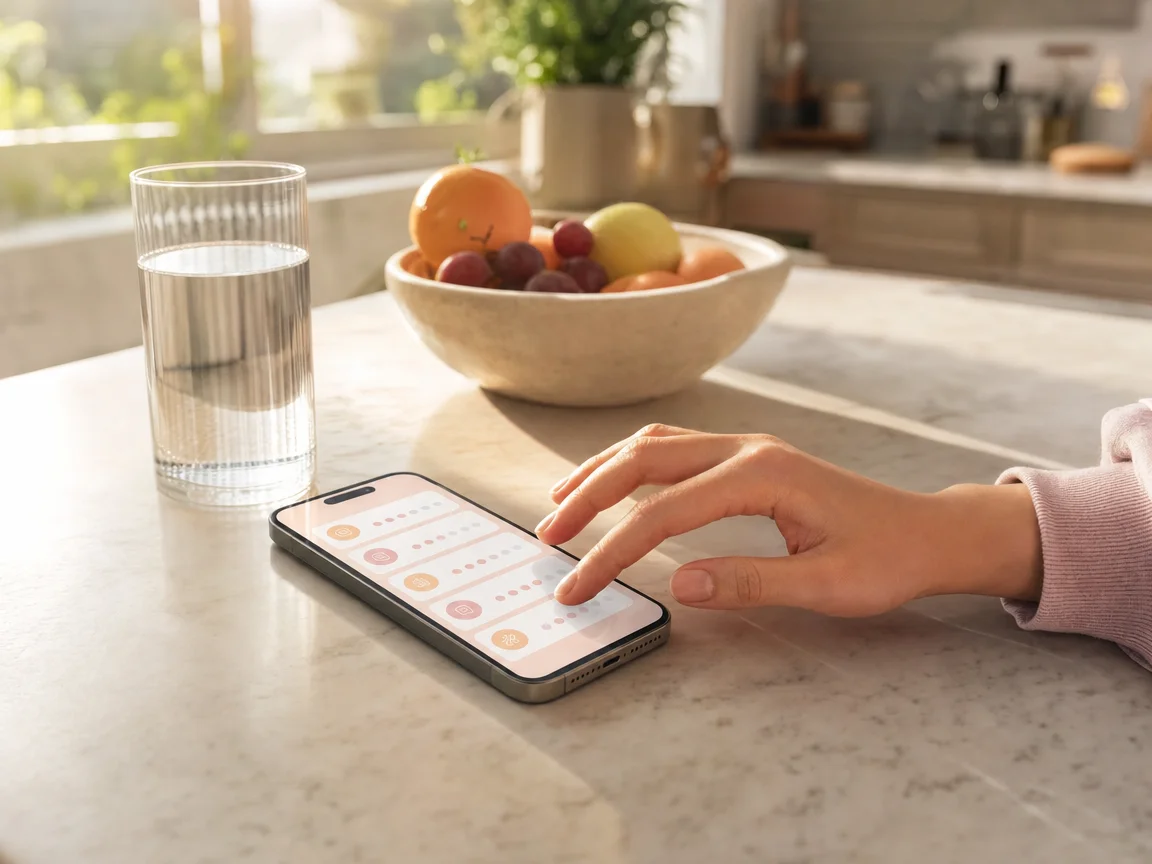
Habit tracker
Track the habits that matter to you
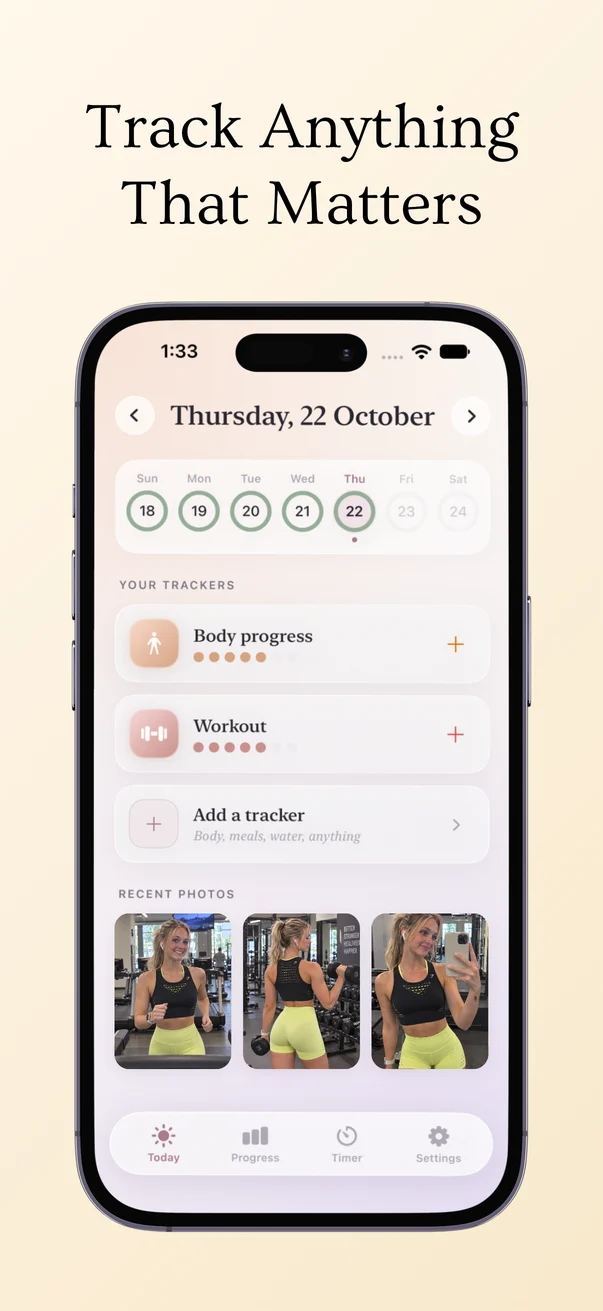
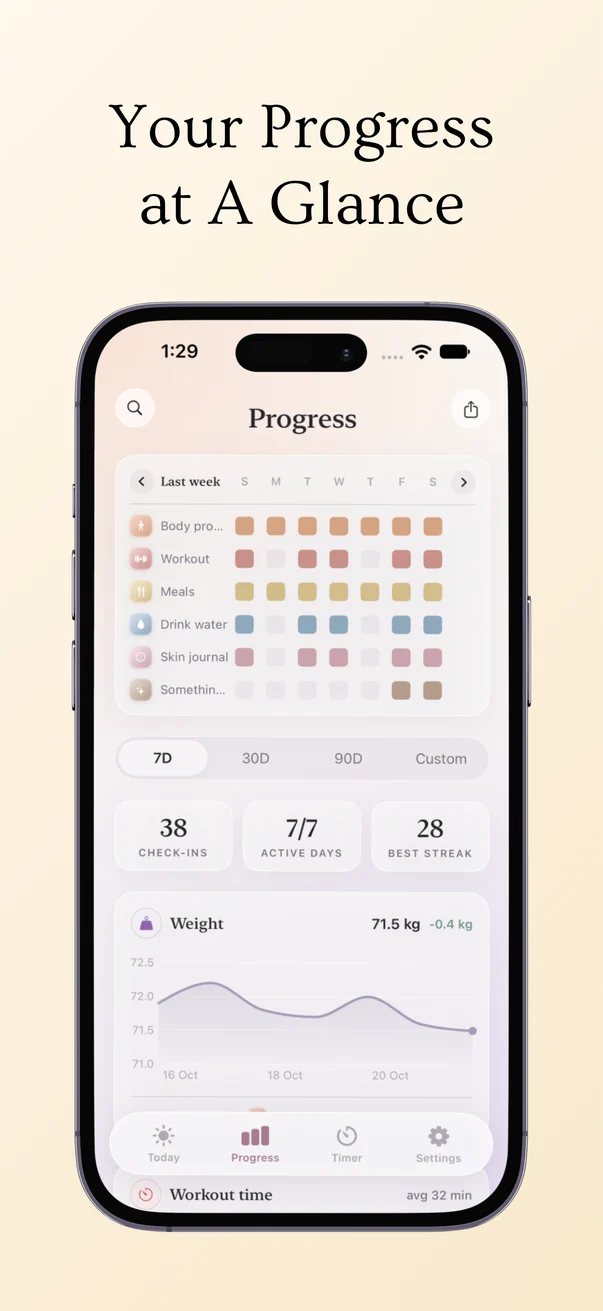
Keep one tracker for each goal: body progress, workouts, meals, drinking water, a skin journal or anything else. Log a number, take a photo, or check in with a single tap, and watch your streaks and charts grow.
- 25+ built-in metrics, or add your own with any name and unit
- Weight, body fat and measurements like waist, hips and chest
- Streaks, check-in counts and a weekly grid for every tracker
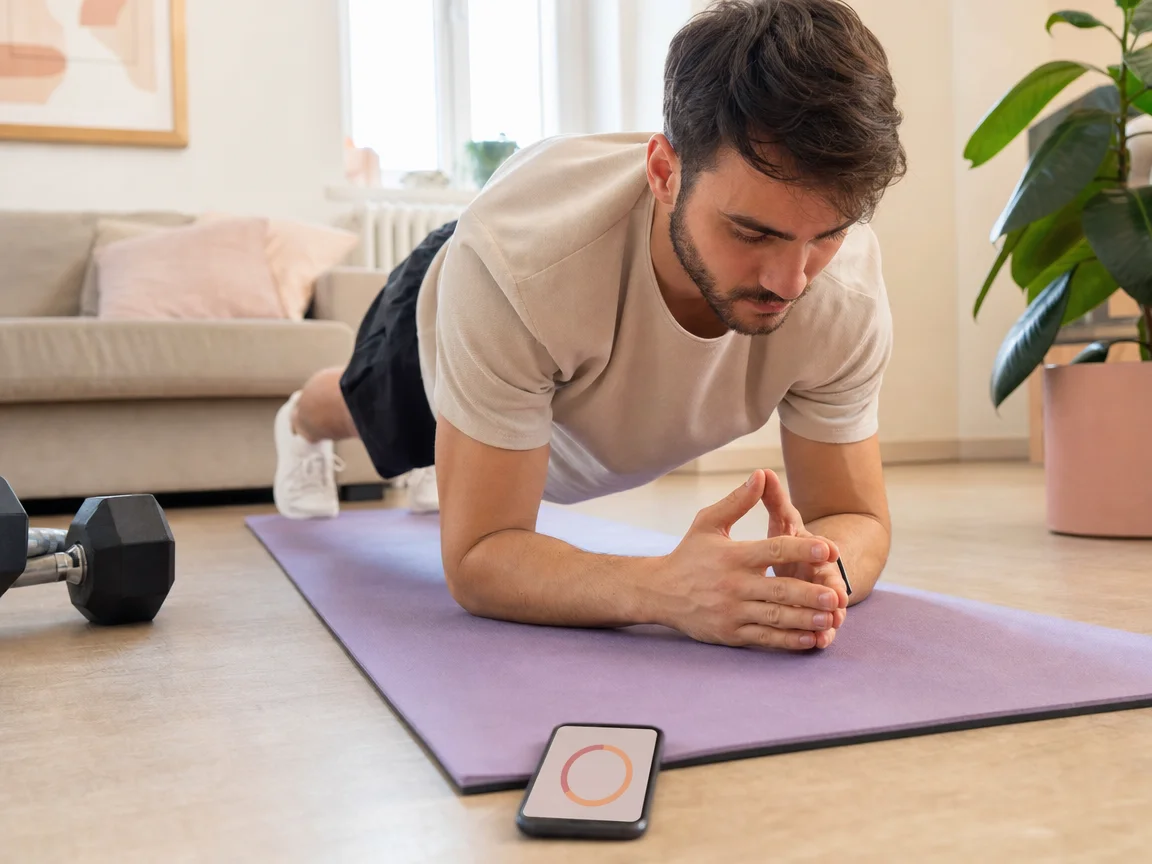
Timer & widgets
Time your workouts and check in from your Home Screen
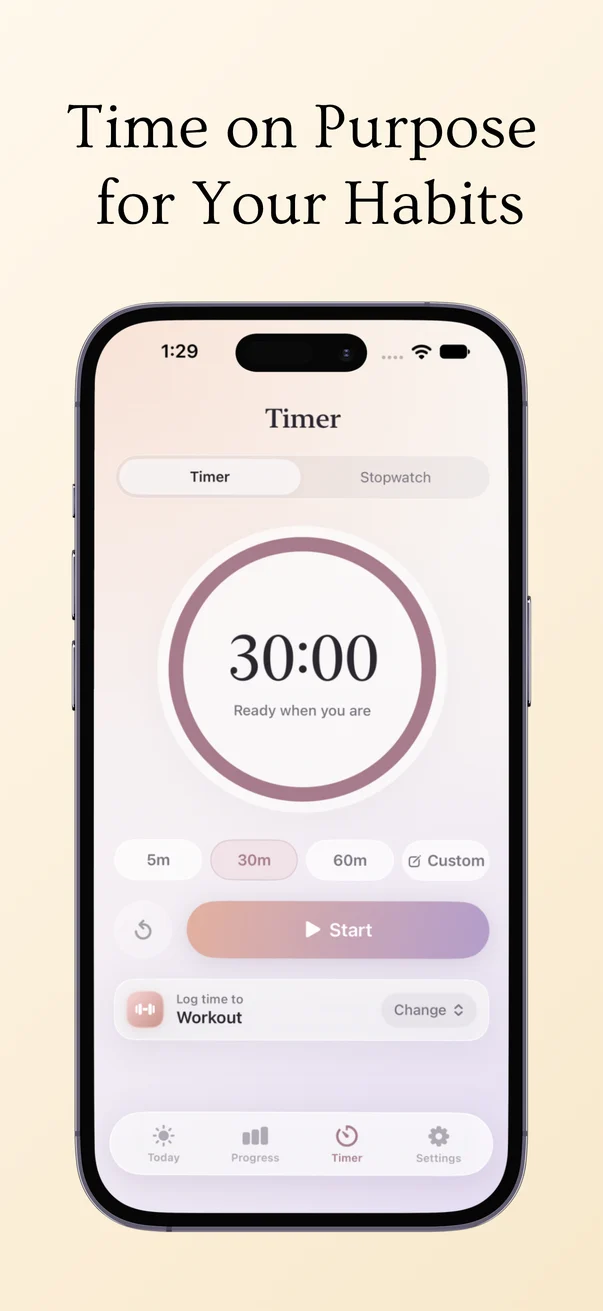
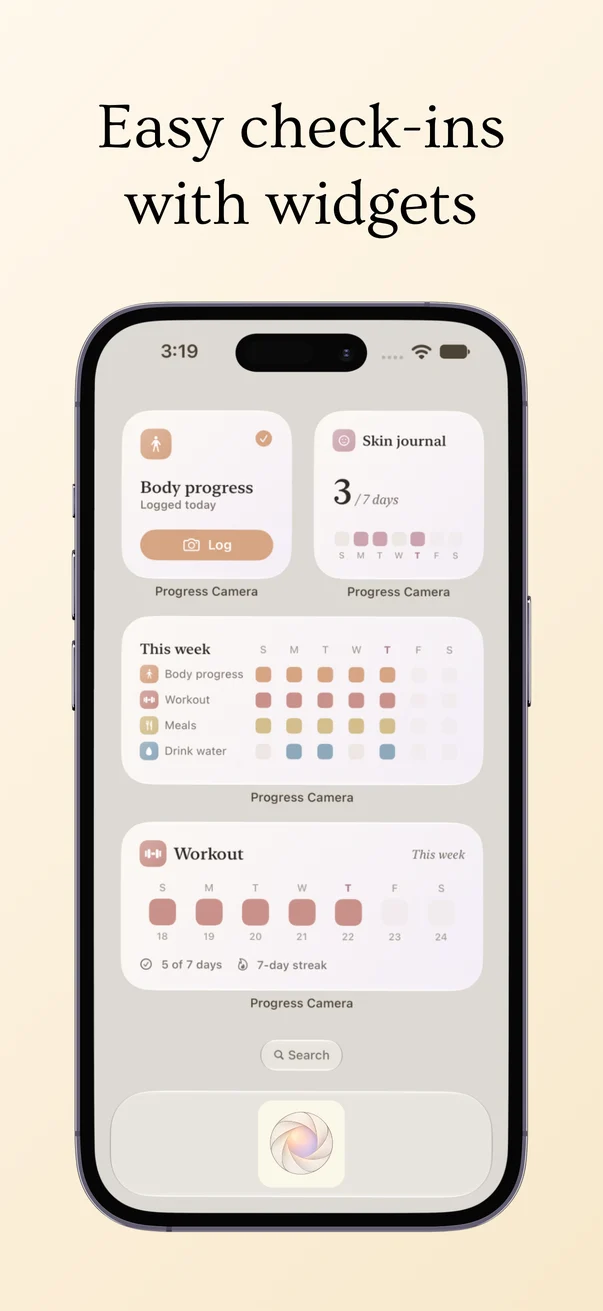
Start a timer or stopwatch and the time is logged to the tracker you choose, like Workout. Widgets show today’s check-ins and your week, so logging takes one tap.
- Timer presets of 5, 30 or 60 minutes, or your own
- A stopwatch for open-ended sessions
- Widgets for quick logging and your weekly progress
Inside the app
Progress photos
- Outline guides for body, face and plate
- A ghost of your last photo
- Self-timer, grid and front or back camera
- Before / After and a day-by-day grid
- Import photos you already have
Daily log
- Water, workouts, steps, meals, sleep and mood
- Weight, body fat and body measurements
- Charts for 7, 30 or 90 days
- Daily reminders for each tracker
- Kilograms and centimeters, or pounds and inches
Private by design
- No account and no sign-up
- Your photos and data stay on your device
- Light and dark mode
Planning your training? Read how to choose a workout split, or plan your weeks with the Workout Planner & Fitness Tracker Spreadsheet.
Frequently Asked Questions
What is Progress Camera: Habit Tracker?
Progress Camera is a progress photo app and habit tracker in one. Its camera has outline guides and a ghost of your last photo, so every progress photo is taken the same way, and you can log water, workouts, body measurements and daily habits alongside your photos.
How do you take progress pictures by yourself?
Prop your phone up in the same spot each time, use the same light, and stand where the outline on the camera shows you. Turn on the ghost of your last photo to match your pose and distance, then use the 3 or 10-second self-timer so you can step back into place.
How do I compare before and after photos?
Open Compare to see your first photo next to your latest, or switch to the day-by-day grid. Choose the last 7, 14 or 30 days or a custom range, and save or share the comparison in one tap.
What else can I track besides photos?
Each tracker can log water, workout time, calories, steps, distance, weight, body fat, body measurements, meals, sleep, mood and 1–5 ratings, or a metric you add yourself. Simple habits need only one tap to check in.
Are my progress photos private?
Yes. There is no account, and your photos and data are stored on your device only. Nothing is uploaded unless you choose to share or save an image yourself.
Is Progress Camera free?
Progress Camera is free to download on the App Store.