
Stripe vs Square is really a question about where your customers pay you. If most money comes through a website, an invoice or an app, the two processors behave very differently from a coffee counter, a farmers market stall or a salon chair. Both are pay-as-you-go, both cover Visa, Mastercard, Amex and Discover, and both deposit to a US bank account. The gaps show up in the rates for each payment type, in hardware, in how fast you get paid and in what a chargeback costs you. Below, we lay out the official US fees side by side, run the math on a $20, $100 and $1,000 sale, and end with a verdict for each kind of seller.
Quick answer: Pick Stripe if you sell online, send invoices or have a developer building checkout. It charges 2.9% + 30¢ per online card payment and caps ACH at $5. Pick Square for counters, cafés, salons and markets. In-person payments cost 2.6% + 15¢, the POS software is free, and transfers land the next business day at no cost.
All fees are for US businesses on standard pricing, taken from Stripe’s and Square’s official pricing pages on October 19, 2026. Both companies change rates from time to time, so check the linked pages before you set prices.
Stripe vs Square: which one fits your business?
Start with your main sales channel. The cheaper processor on paper can still be the wrong pick if its tools don’t match how you sell.
| Your business | Better fit | Why |
|---|---|---|
| Online store, digital products, SaaS, memberships | Stripe | 2.9% + 30¢ online vs 3.3% + 30¢ on Square Free; deep API and subscription tools |
| Freelancer or agency billing large invoices | Stripe | ACH Direct Debit is 0.8% with a $5 cap |
| Café, food truck, bakery, retail shop | Square | Free POS app, $59 reader, items and inventory |
| Farmers markets, pop-ups, craft fairs | Square | Tap to Pay on a phone at the standard in-person rate; offline payments |
| Salon, studio, appointments | Square | Booking and POS in one place, no chargeback fee |
| Shop with a counter and a separate custom website | Both | Square in person, Stripe online |
In our experience setting up payments for small shops, the mistake is rarely picking the “wrong” processor. It’s picking one for the channel that brings in 10% of revenue and forcing the other 90% through it.
Stripe vs Square fees side by side (US, 2026)
Every number below comes from Stripe’s pricing page and Square’s US pricing page. Square rates are shown for its Free plan, with Plus and Premium noted where they differ.
| Payment type | Stripe | Square (Free plan) |
|---|---|---|
| Online card payment | 2.9% + 30¢ | 3.3% + 30¢ (2.9% + 30¢ on Plus and Premium) |
| Online via API | 2.9% + 30¢ | 2.9% + 30¢ |
| In-person card (tap, dip, swipe) | 2.7% + 5¢ | 2.6% + 15¢ (2.5% Plus, 2.4% Premium, + 15¢) |
| Tap to Pay on a phone | +10¢ per authorization | Same as in-person rate |
| Manually keyed card | +0.5% (3.4% + 30¢) | 3.5% + 15¢ |
| Invoice paid by card | Card rate + 0.4% per paid invoice | 3.3% + 30¢ |
| ACH bank payment | 0.8%, $5 cap | Invoices: 1%, $1 min ($10 cap on Plus and Premium); API: 1%, $1 min, $5 cap |
| International card | +1.5% | +1.5% |
| Currency conversion | +1% | Not listed |
| Instant payout | 1.5% of the payout, 50¢ minimum | 1.95% per transfer |
| Chargeback / dispute | $15 per dispute + $15 if you counter it (refunded if you win) | No fee |
| Monthly fee | None on standard pricing | $0 Free, $49 Plus, $149 Premium (per location) |
Square lists instant transfers at 1.95% and states that chargebacks and dispute management carry no fee in its fees help article and its transfer options article. Stripe says it charges no setup fees, monthly fees or closure fees on standard pricing.
Two things stand out. Online, Stripe is cheaper unless you pay for a Square subscription. In person, Square’s lower fixed fee wins on small tickets, and Stripe’s lower percentage wins on large ones.
Stripe vs Square on a $20, $100 and $1,000 sale
Here’s the math for a US domestic card, rounded to the cent. Run your own amounts in our Stripe fee calculator.
| Sale | Stripe online | Square Free online | Stripe in person | Square Free in person |
|---|---|---|---|---|
| $20 | $0.88 | $0.96 | $0.59 ($0.69 with Tap to Pay) | $0.67 |
| $100 | $3.20 | $3.60 | $2.75 ($2.85 with Tap to Pay) | $2.75 |
| $1,000 | $29.30 | $33.30 | $27.05 ($27.15 with Tap to Pay) | $26.15 |
The in-person columns cross at exactly $100. Square’s fixed fee is 10¢ higher, and Stripe’s percentage is 0.1 points higher, so the two cost the same at $100. Below that, Stripe Terminal with a physical reader is a few cents cheaper; above it, Square is. Once Stripe’s Tap to Pay surcharge kicks in, Square wins at every amount.
Stripe’s 2.9% + 30¢ on a $1,000 online payment is $29.30, while Square Free’s 3.3% + 30¢ is $33.30, a $4 difference. On Square Plus at $49 a month, the online rate drops to 2.9% + 30¢, matching Stripe, so the subscription only pays for itself through its lower in-person rate and extra POS features, per Square’s pricing page.
For counter sales, our Square fee calculator shows the plan-by-plan difference on your average ticket.
Invoices and ACH: where the gap gets big
Invoicing is the one place where the base rates come out identical. Stripe charges its card rate of 2.9% + 30¢ plus 0.4% per paid invoice, which adds up to 3.3% + 30¢. That’s the same as Square Free’s invoice rate. A $1,000 invoice paid by card costs $33.30 on either one.
Bank payments are different. Stripe’s ACH Direct Debit is 0.8% capped at $5, so any ACH payment of $625 or more costs $5. Add the 0.4% invoicing fee on a Stripe invoice and a $1,000 ACH invoice costs $9. On Square Free, the same invoice paid by ACH bank transfer costs $10 (1%, $1 minimum). At $5,000, Stripe’s invoice costs $25 ($5 ACH + $20 invoicing), Square Plus costs $10 thanks to its cap, and Square Free costs $50.
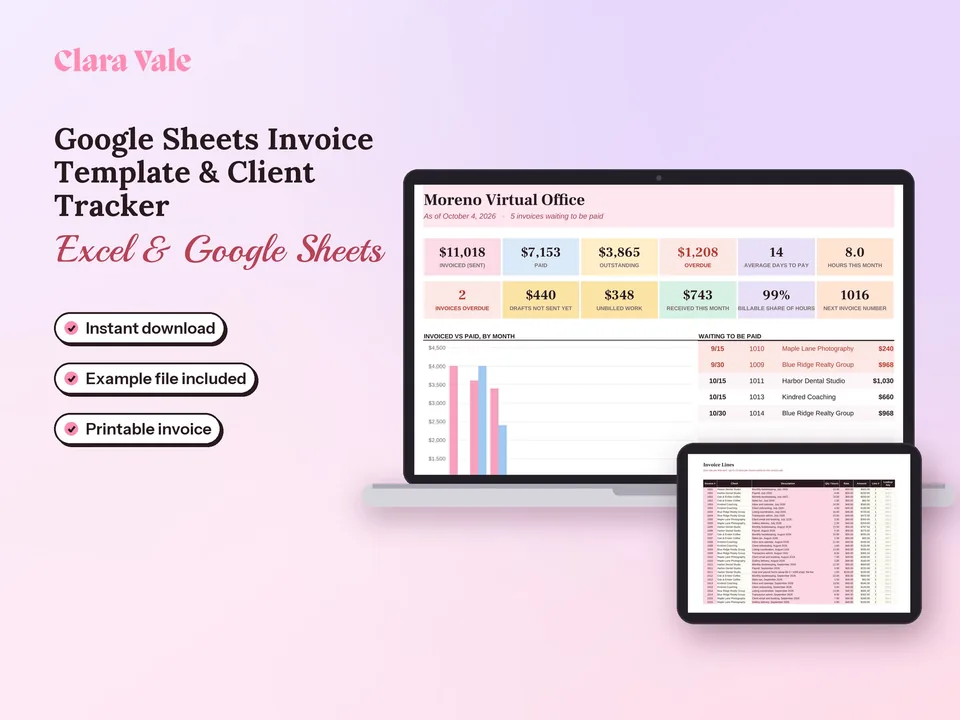
So freelancers who bill a few large invoices a month can save real money by steering clients toward bank payments. Whichever processor you use, a simple record of who owes what helps. Our Google Sheets invoice template prints a one-page invoice and tracks Draft, Sent, Paid and Overdue status alongside your hours and clients.
Hardware: readers and POS
Square sells more hardware and builds its POS software around it. Stripe sells card readers for businesses that already have their own POS app or a developer.
| Device | Stripe | Square |
|---|---|---|
| Portable card reader | Stripe Reader M2, $59 | Square Reader for contactless and chip, $59 |
| Countertop smart reader | Reader S700 or S710, $299 | Square Terminal (with receipt printer), $299 |
| Larger unit | Reader T600, $329 | Square Handheld $399; Square Stand $149 (iPad); Square Register $899 |
| Cellular data | $10 per reader per month | Not listed |
| Phone only | Tap to Pay, +10¢ per authorization | Tap to Pay on iPhone and Android |
Stripe’s reader prices come from its pricing page, and Square’s from the Square hardware shop. Square’s help center also lists a free magstripe reader.
The practical difference is software. Square’s POS app handles items, modifiers, tips, receipts and offline payments out of the box. Stripe Terminal readers need an app to run on, either one a developer builds with the Terminal SDK or a third-party POS that supports Stripe.
Stripe vs Square payouts: how fast you get paid
Square sends standard transfers to your bank the next business day for free. Payments taken before 5 PM PT arrive the next business day, and instant transfers cost 1.95%, with a $25 minimum balance, according to Square’s transfer options article.
Stripe pays out on a rolling schedule. Its payouts documentation lists standard T+2 settlement timing for US accounts, meaning funds from a payment become available two business days after capture and are sent daily by default. Instant Payouts to an eligible debit card or bank account cost 1.5% of the amount, with a 50¢ minimum.
For a market stall that needs Saturday cash for Monday restocking, Square’s schedule is easier to plan around. For an online store, the two-day lag rarely matters.
Disputes, chargebacks and the downsides of Stripe
Chargebacks are where the two differ most in principle. Stripe charges a $15 dispute fee for each dispute you receive and another $15 if you respond manually, with the second fee returned only if you win. Square charges nothing for chargebacks or dispute management, per its fees help article.
That makes Stripe’s real cost higher for businesses with frequent “item not received” or “didn’t recognize this charge” claims, such as low-ticket online sales. A $20 order lost to a dispute costs the sale, the original processing fee and $15 to $30 more.
Other Stripe drawbacks worth weighing:
- International buyers cost more. Cards issued outside the US add 1.5%, and currency conversion adds another 1%. Square also charges 1.5% on international cards.
- The POS is thin. Stripe is payments infrastructure first. A café would need a third-party POS on top of it.
- Custom setups need code. Payment Links and hosted invoices work without a developer, but custom checkout, Terminal and marketplace flows lean on Stripe’s API.
Square has trade-offs too: online card payments cost more on the Free plan, and its ecommerce tools are simpler than a full Stripe integration.
When to use both Stripe and Square
Plenty of businesses run both. A bakery might use Square at the counter and at weekend markets, and Stripe on its own website or for wholesale invoices paid by ACH. A yoga studio might book classes in Square and bill corporate clients through Stripe.
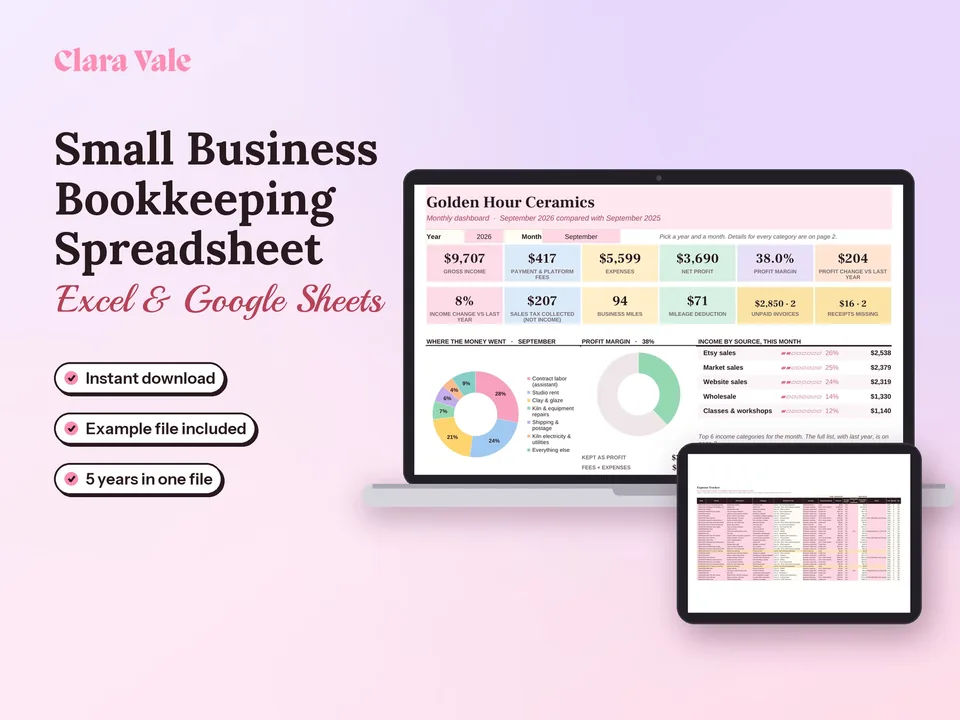
The cost of running two is mostly admin. You get two dashboards, two payout schedules and two sets of fees, and neither processor sees the other’s sales. Record each payout and its fees on its own line so your income matches your bank deposits. Our small business bookkeeping spreadsheet logs income and expenses, reconciles up to six bank and card accounts each month, and shows profit by month, quarter and year.
If PayPal is also in the mix, our PayPal fee calculator puts its cut next to the other two.
The Stripe vs Square verdict
Stripe wins for online sales, subscriptions and large invoices paid by bank transfer, where 2.9% + 30¢ and a $5 ACH cap beat Square’s Free plan. Square wins for in-person selling, where a $59 reader, free POS software, next-day transfers and no chargeback fee make it the simpler choice. If you sell in both places and the volume justifies it, use each for the channel it handles best. Before you commit, plug your average sale into both calculators and compare the totals for your plan.
Questions people ask
How much does Stripe charge per transaction vs. Square?
For a US domestic card online, Stripe charges 2.9% + 30¢ and Square Free charges 3.3% + 30¢ (2.9% + 30¢ on Square Plus or Premium). In person, Stripe Terminal is 2.7% + 5¢, plus 10¢ for Tap to Pay, and Square Free is 2.6% + 15¢. Square has no chargeback fee; Stripe charges $15 per dispute.
How much is the Stripe fee for $1000?
A $1,000 online payment with a US card costs $29.30 on Stripe (2.9% of $1,000 is $29, plus 30¢), so you receive $970.70. The same amount paid by ACH Direct Debit costs $5.00, because Stripe charges 0.8% with a $5 cap. If it's a Stripe invoice, add the 0.4% invoicing fee, which is $4.
What are the downsides of Stripe?
Stripe charges $15 for each dispute you receive and another $15 if you counter it manually, refunded only when you win. International cards add 1.5%, and currency conversion adds 1%. Its POS tools are lighter than Square's, readers cost $59 to $329, and custom checkout setups usually need a developer.
What are Square's fees per transaction?
On Square Free, in-person tap, dip or swipe payments cost 2.6% + 15¢, online and invoice card payments cost 3.3% + 30¢, and keyed-in or card-on-file payments cost 3.5% + 15¢. Square Plus ($49 a month per location) and Premium ($149) lower the in-person and online rates. Cards issued outside the US add 1.5%.
Is Stripe or Square cheaper for invoices?
For card payments on invoices, they cost the same on the base plans: Stripe's 2.9% + 30¢ plus its 0.4% invoicing fee equals Square Free's 3.3% + 30¢. ACH is where Stripe wins on large invoices. Stripe caps ACH at $5 per payment, while Square charges 1% with a $1 minimum, and caps it at $10 on Plus and Premium.
Can you use Stripe and Square at the same time?
Yes. Many businesses run Square at the counter or market stall and Stripe for their website, subscriptions or invoices. The trade-off is two dashboards, two payout schedules and two sets of fees to reconcile, so log each processor's payouts and fees separately in your books.
What are the top 5 best payment gateways?
For US small businesses, the five names that come up most are Stripe, Square, PayPal (with Braintree), Adyen and Authorize.net. Stripe and Square suit most small sellers. PayPal adds buyer trust and PayPal balance checkout. Adyen targets large enterprises, and Authorize.net is a gateway that sits on top of a separate merchant account.