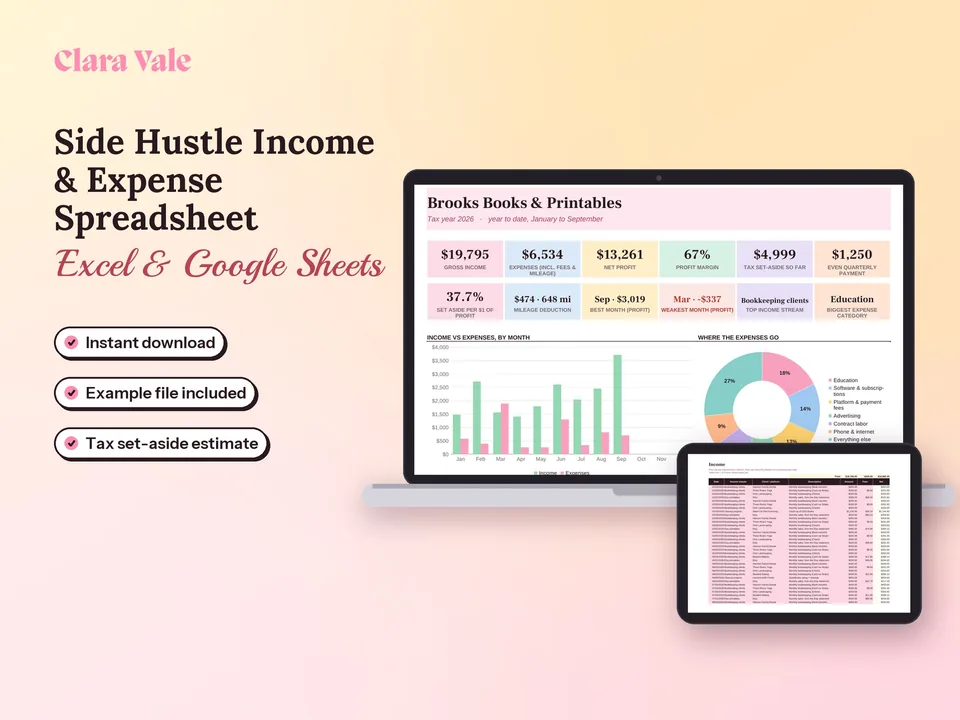
Side Hustle Income, Expense & Tax Tracker
Log payments, expenses and miles, see profit by month, and know what to set aside for taxes.
$6.30Regular price $9-30%$9Buy now

1 / 9
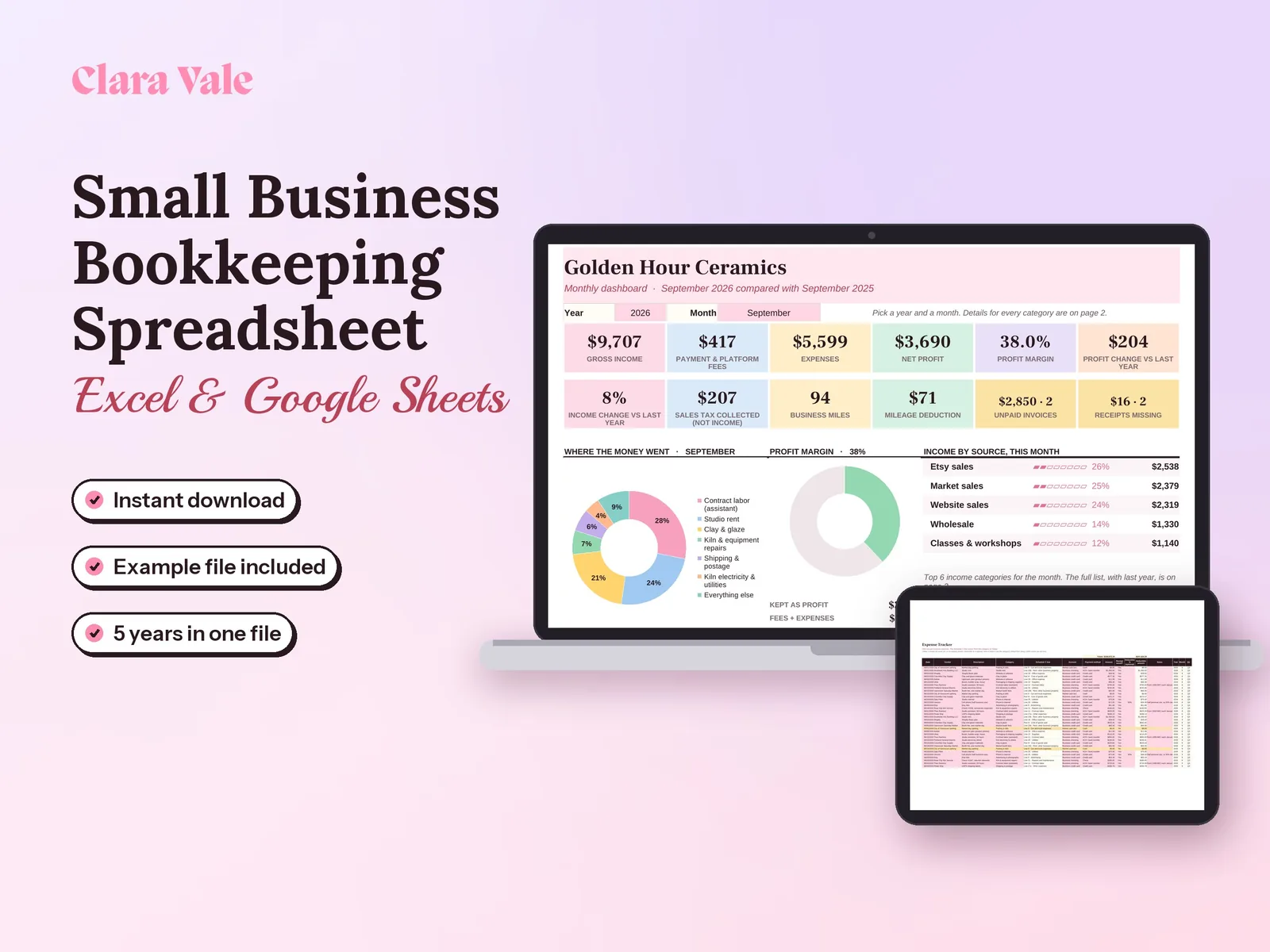
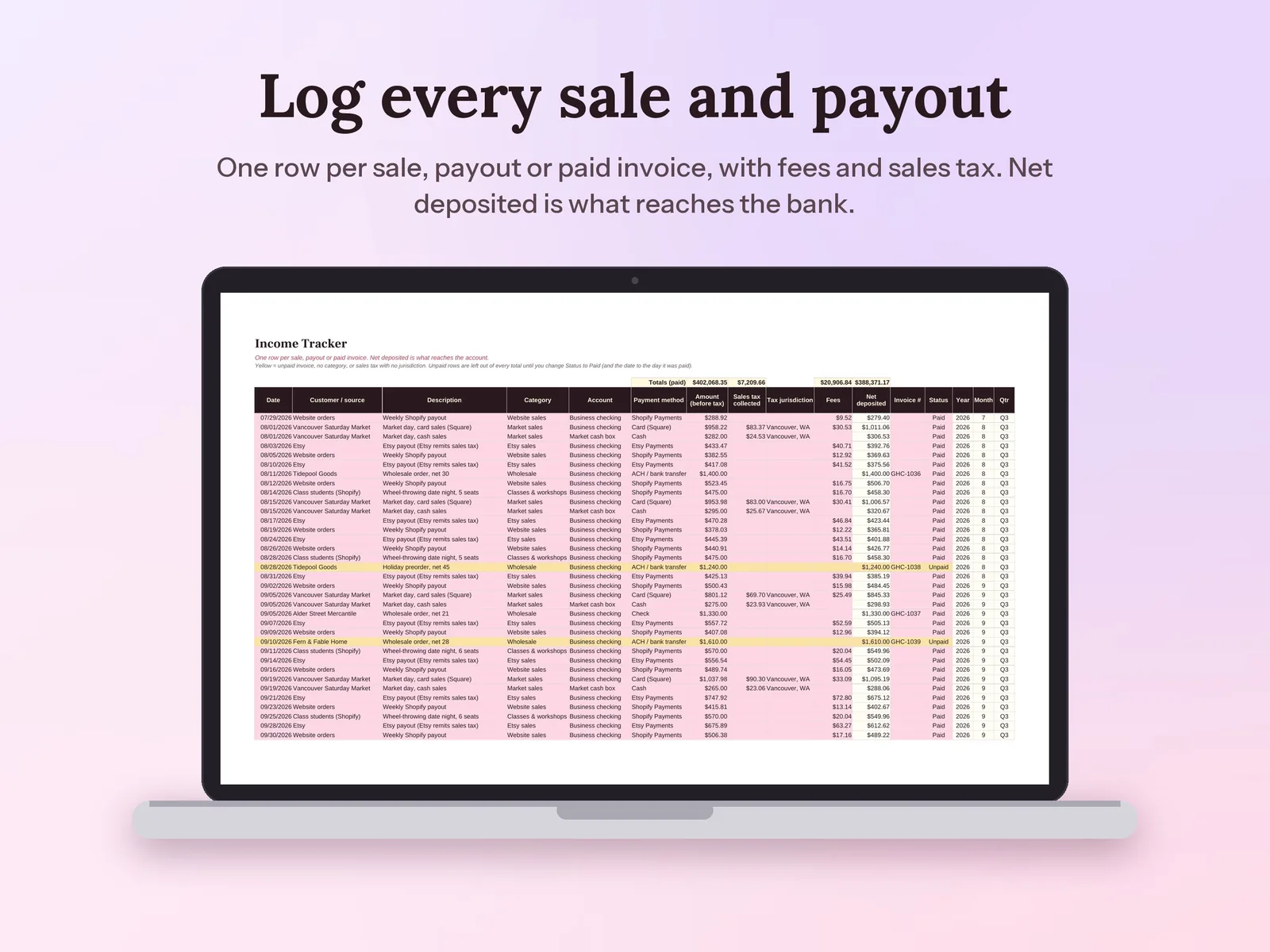
Every sale, expense and mile in one place, with sales tax and bank reconciliation.
$6.30Regular price $9-30%$9
Fall Sale: 30% off at checkout, ends Nov 15.
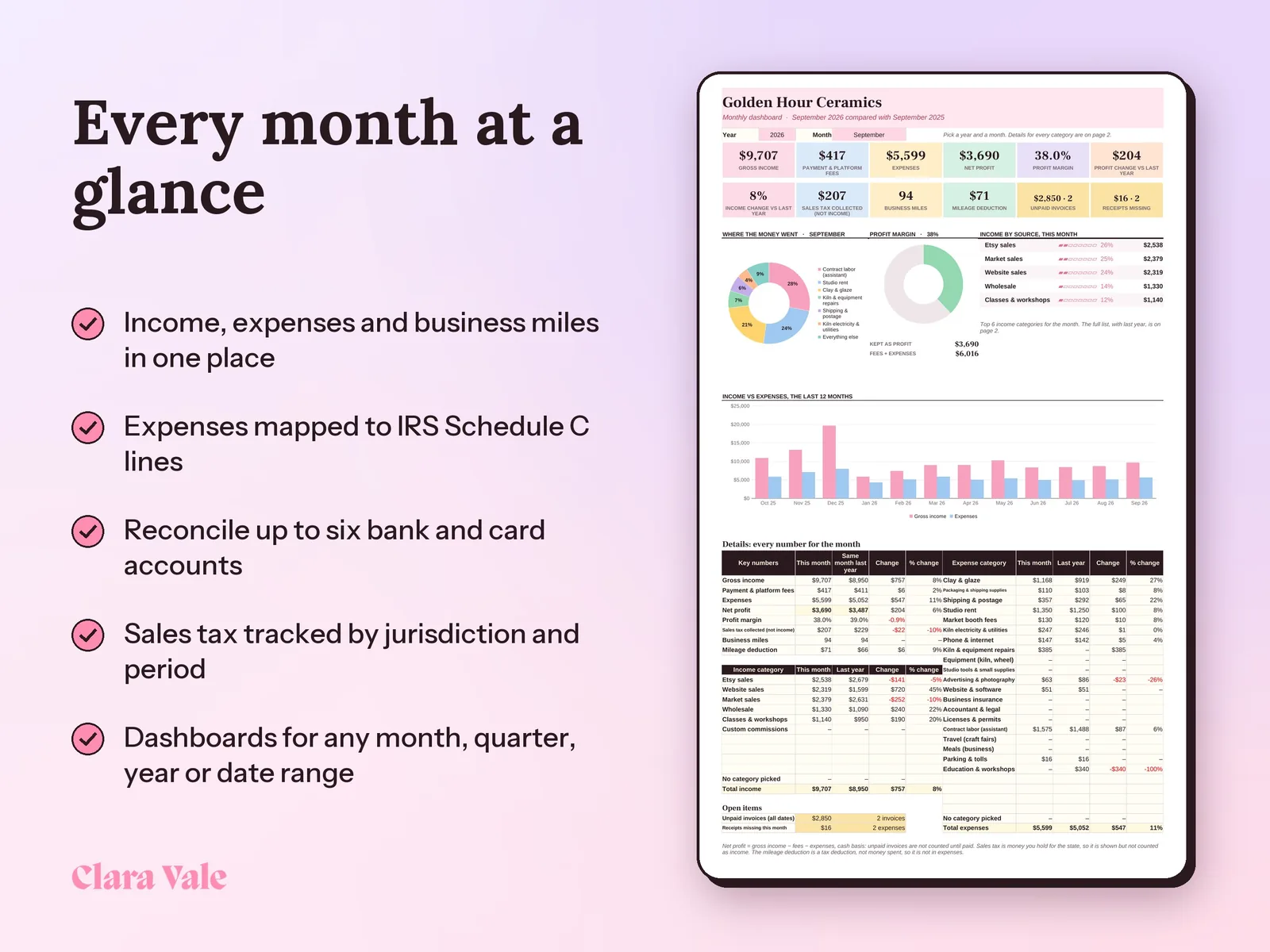
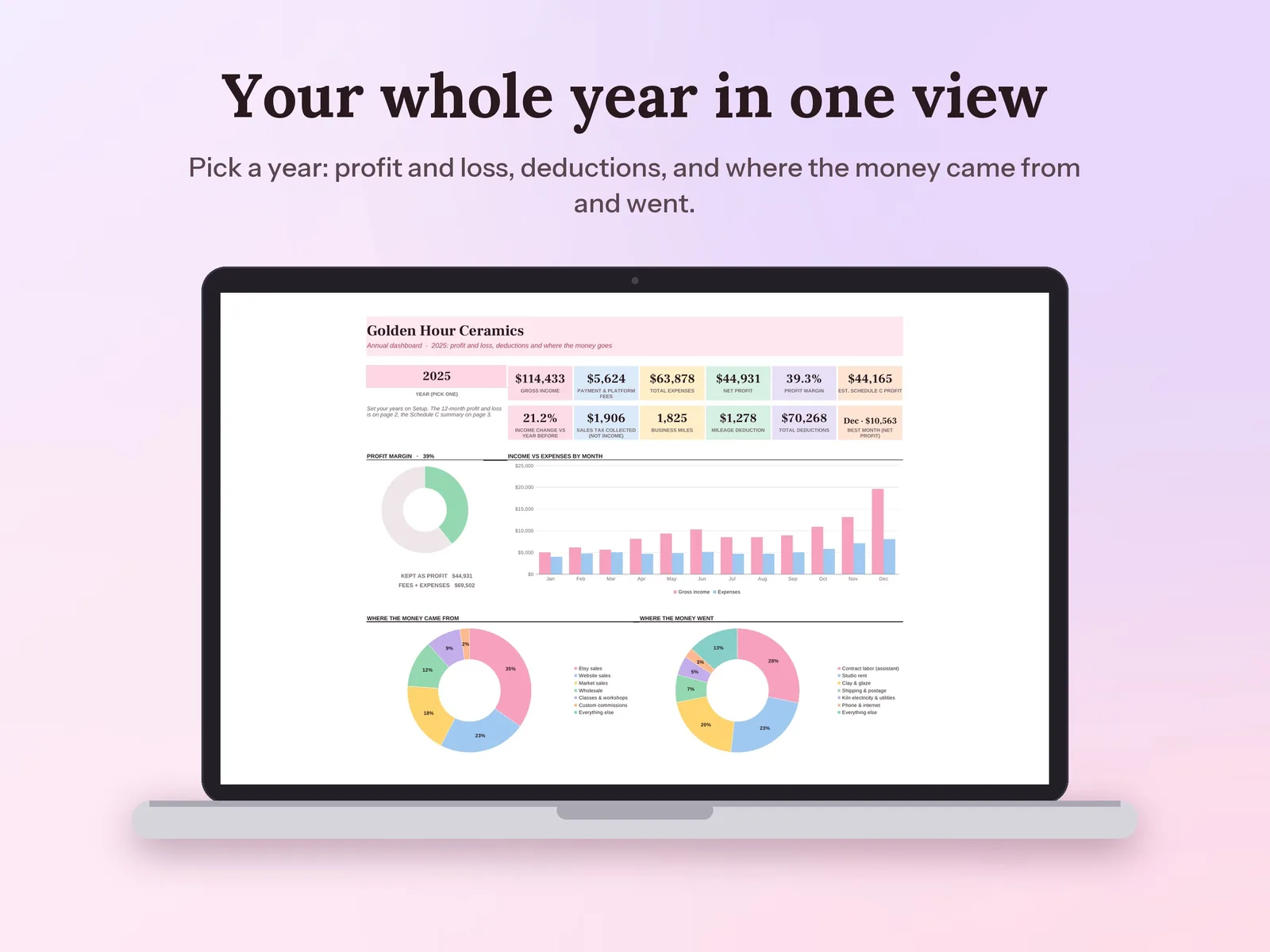
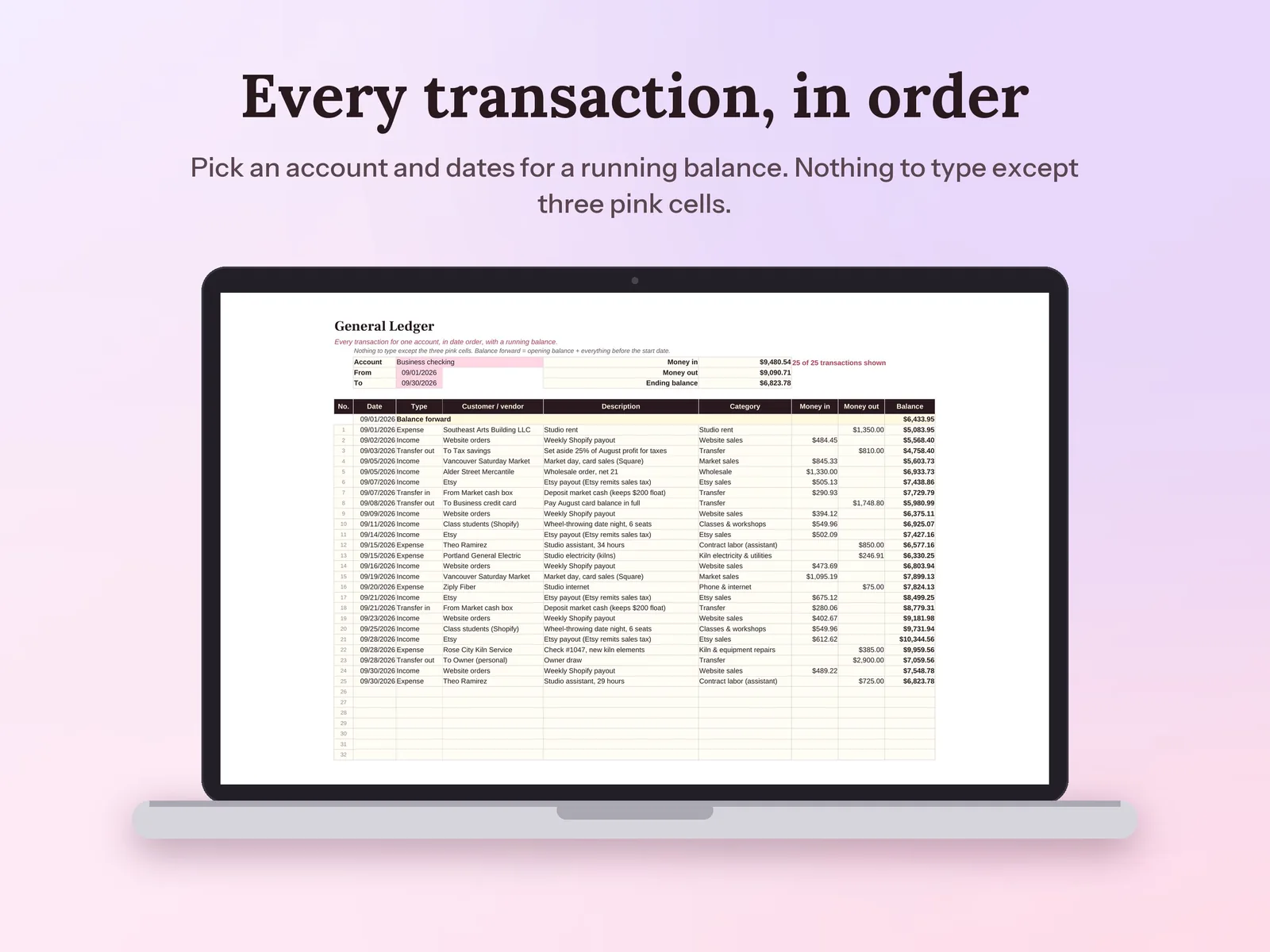
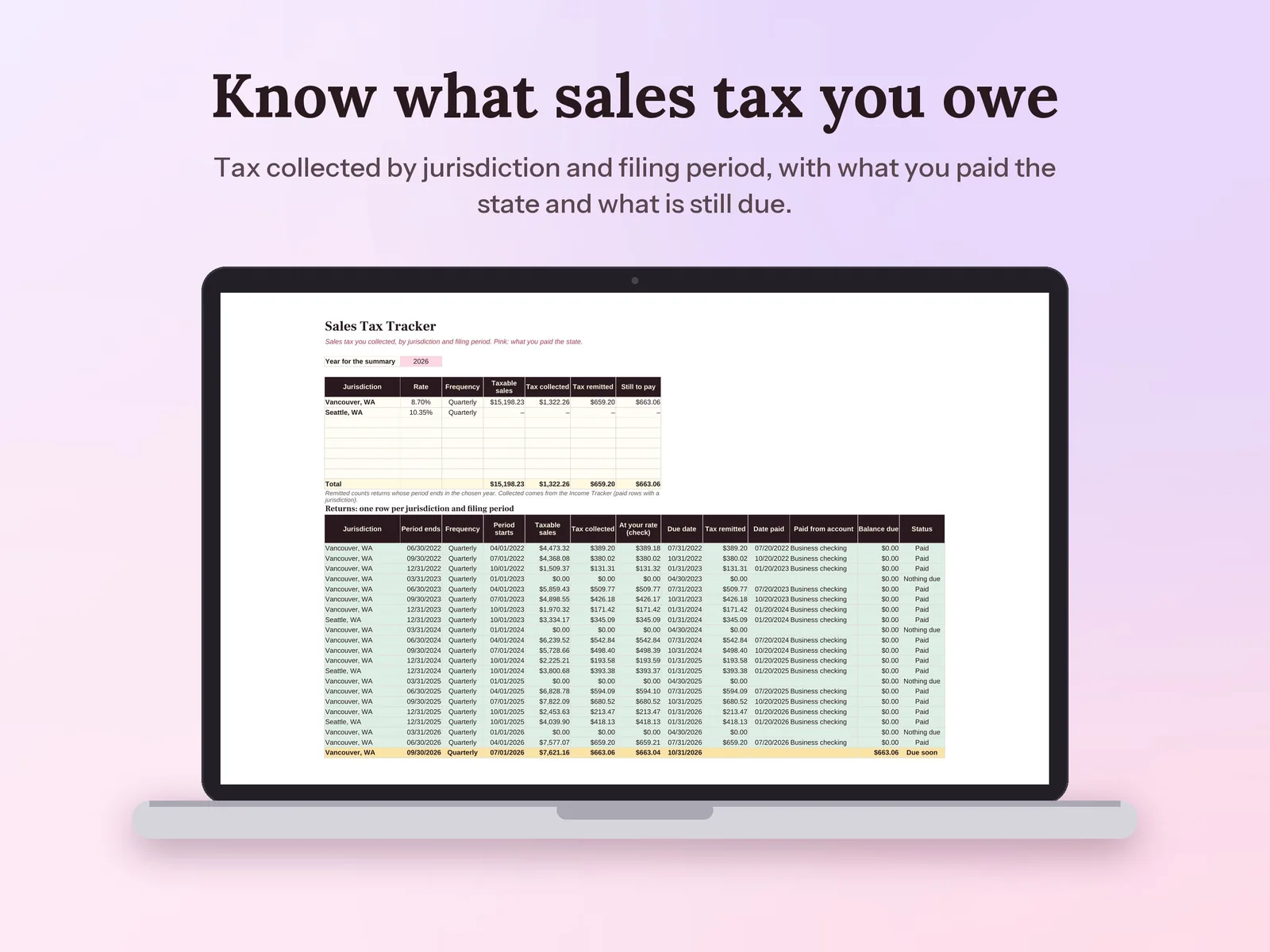
–Days––Hours––Min––SecA small business bookkeeping spreadsheet and bookkeeping template for Google Sheets and Excel. Log income, expenses mapped to IRS Schedule C lines, mileage at the IRS rate for each date, sales tax and transfers, then reconcile up to six bank and card accounts and read monthly, quarterly, annual and 5-year dashboards. It doubles as a tax deduction tracker and a general ledger.
Format: Excel + Google Sheets · PDF guide
License: Personal & Business
Log payments, expenses and miles, see profit by month, and know what to set aside for taxes.
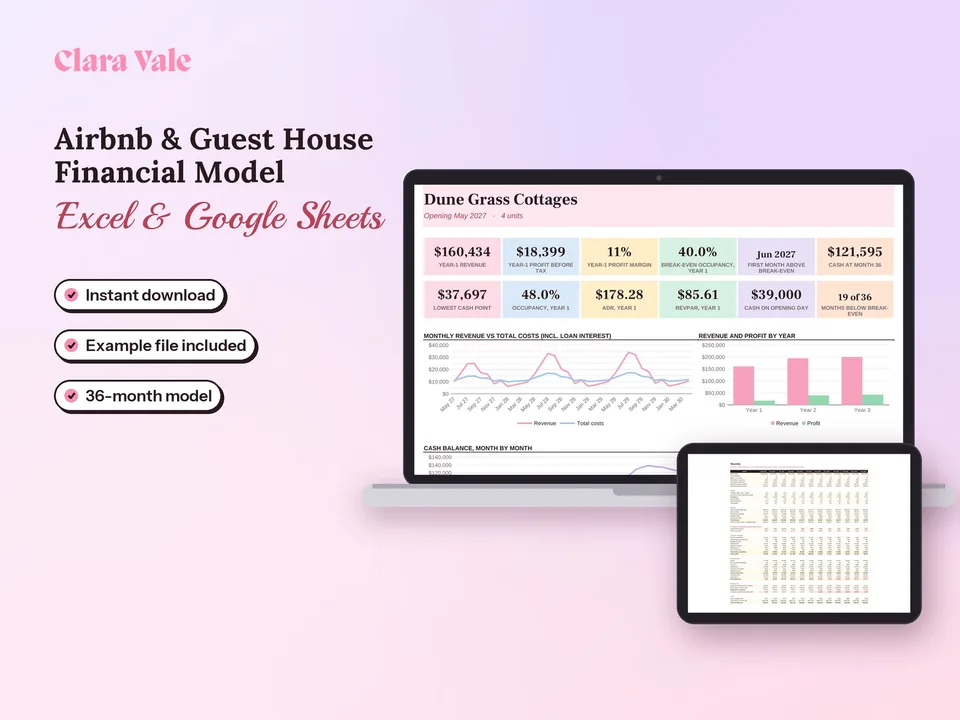
Turn units, nightly rates and seasons into 36 months of occupancy, profit and cash.
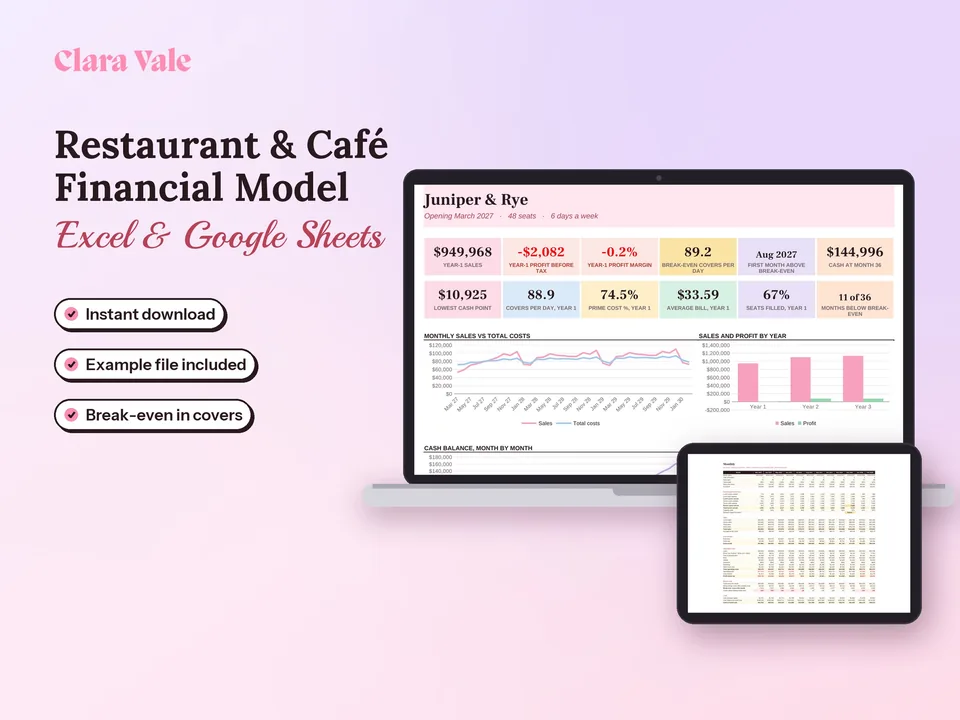
Turn seats, menu prices and staff into 36 months of covers, profit, break-even and cash.
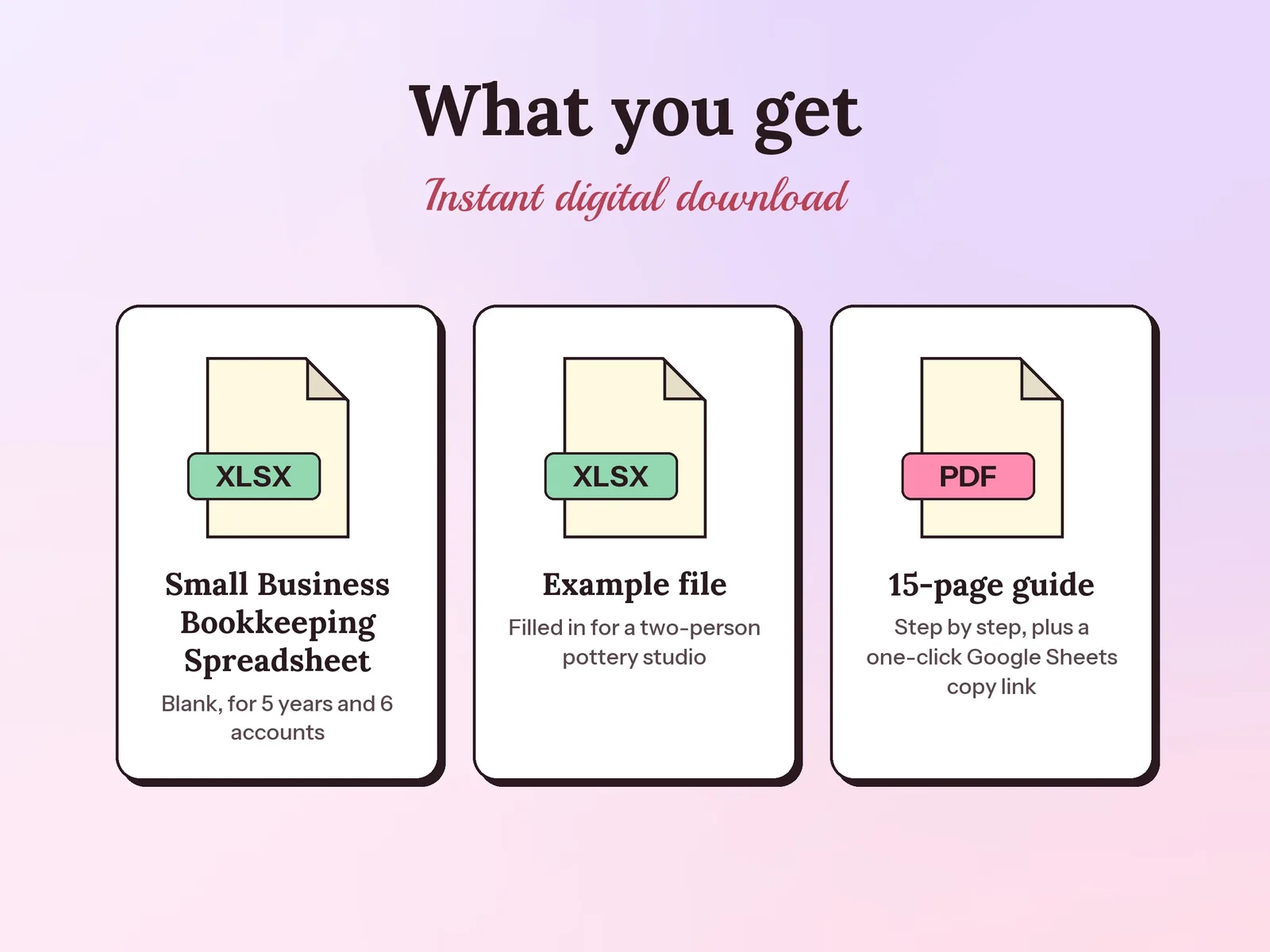
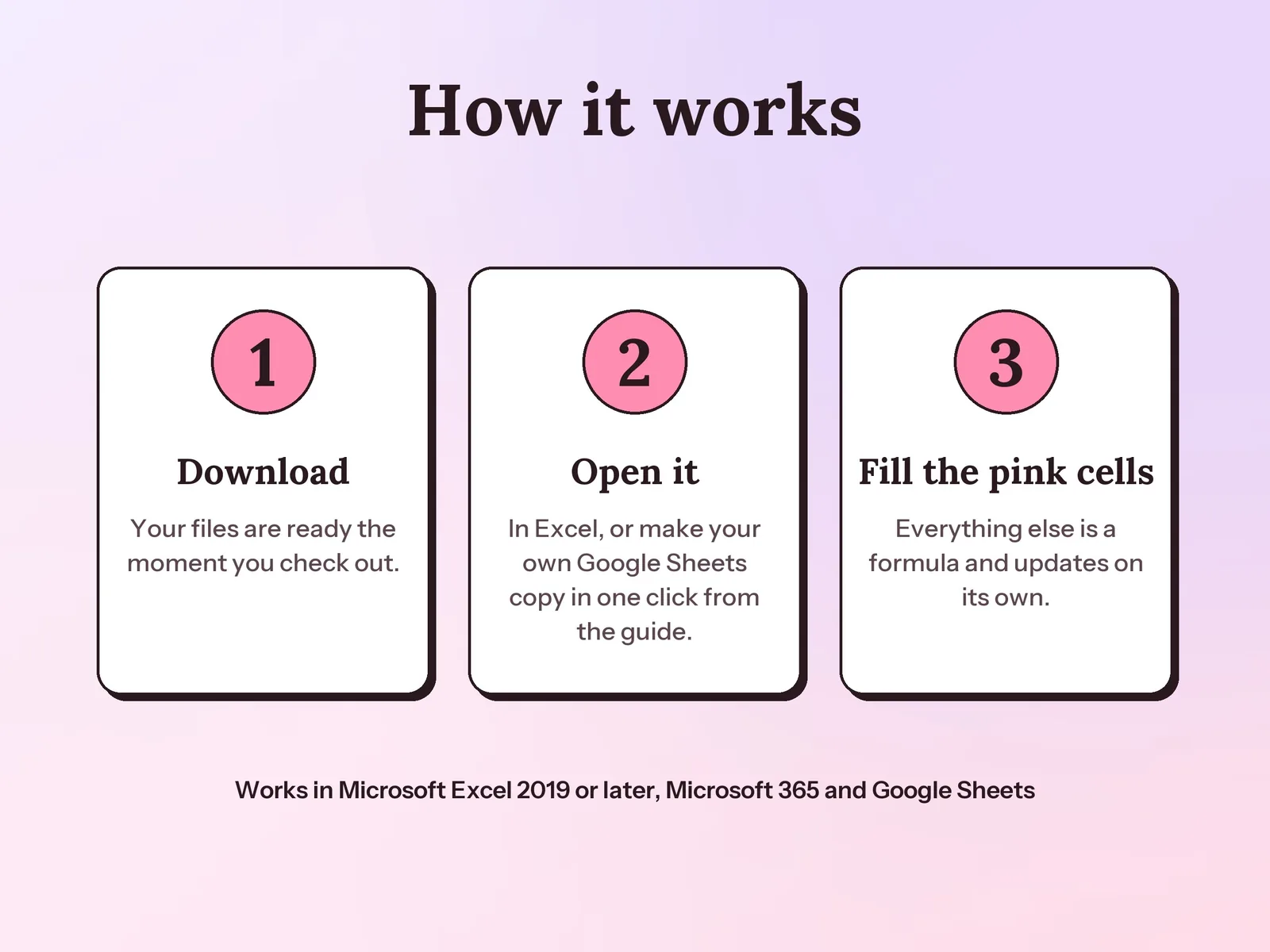
Yes. Your PDF guide has a link that makes your own Google Sheets copy in one click, with no upload needed. It also works in Excel 2019 or later and Microsoft 365.
Yes. Every expense category is mapped to a line of IRS Schedule C, which you can change. The Annual Dashboard totals what you spent and what is deductible on each line, adds your mileage deduction and payment fees, and estimates your Schedule C net profit. It is a planning tool, not tax advice.
Yes. For each account, type the statement date and ending balance and list any uncleared checks or deposits. The Bank Accounts tab shows Reconciled in green, or the exact difference in red.
That one covers one year of a side hustle and estimates the tax to set aside. This one keeps full books for an established business: five years, up to six bank and card accounts, sales tax, bank reconciliation, a general ledger and dashboards for any period.
A one-time download. You pay once, keep the files and use them for as long as you like.