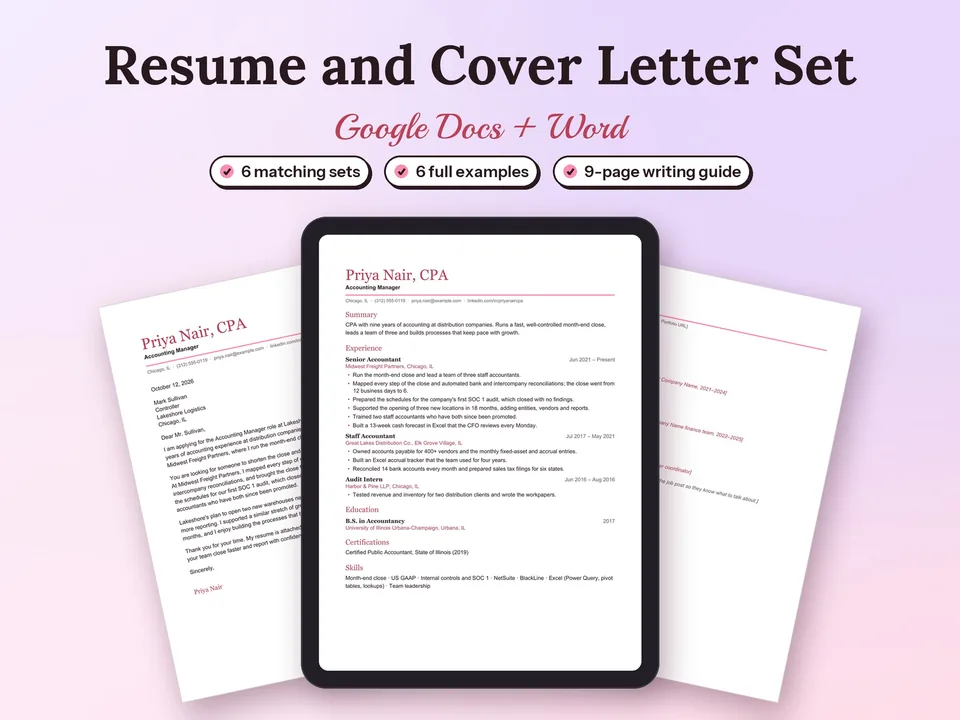
Resume and Cover Letter Templates for Google Docs
A one-page resume, a matching cover letter and a references page in one of six designs, ready to fill in.
$6.30Regular price $9-30%$9Buy now

1 / 9
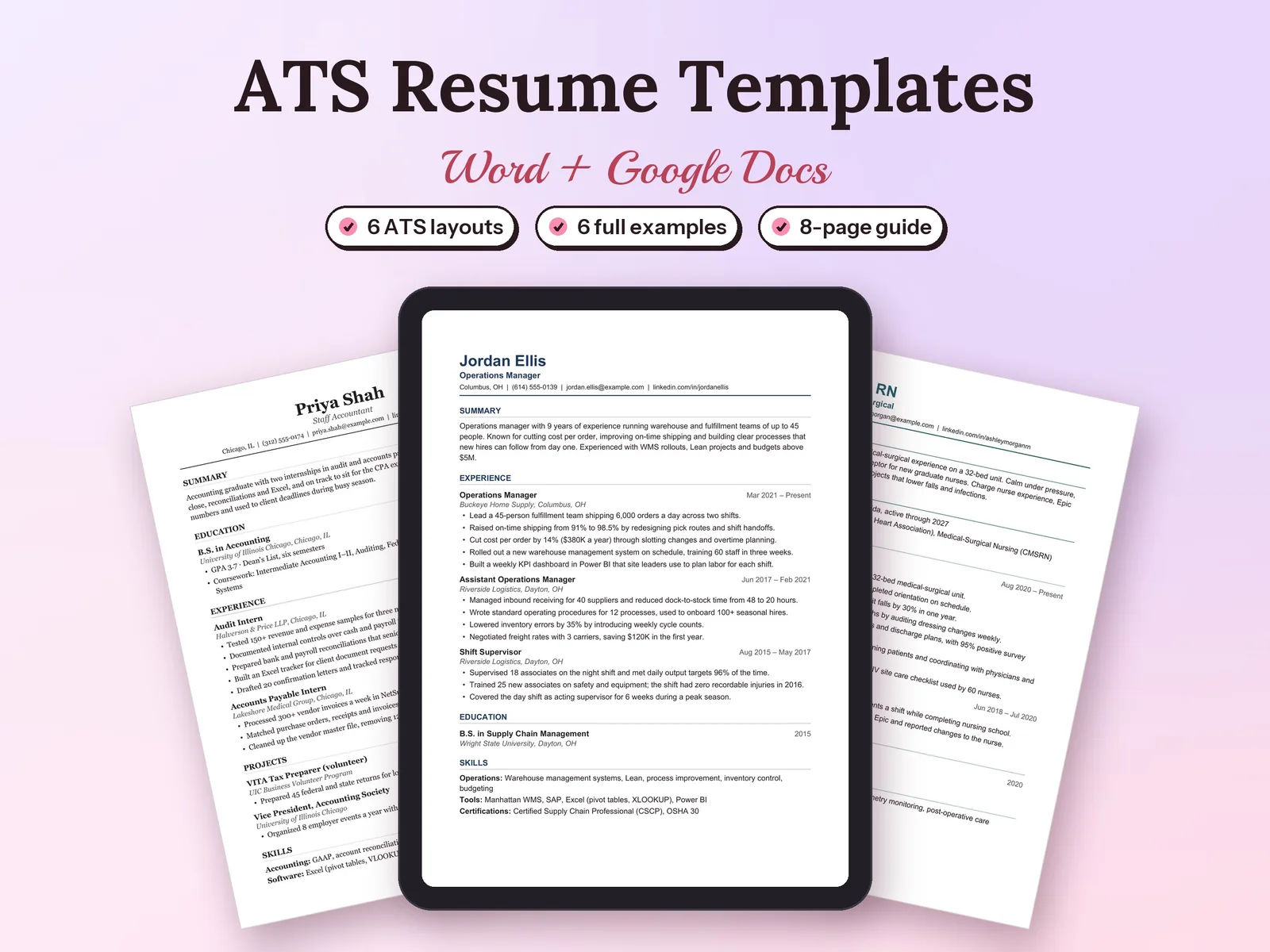
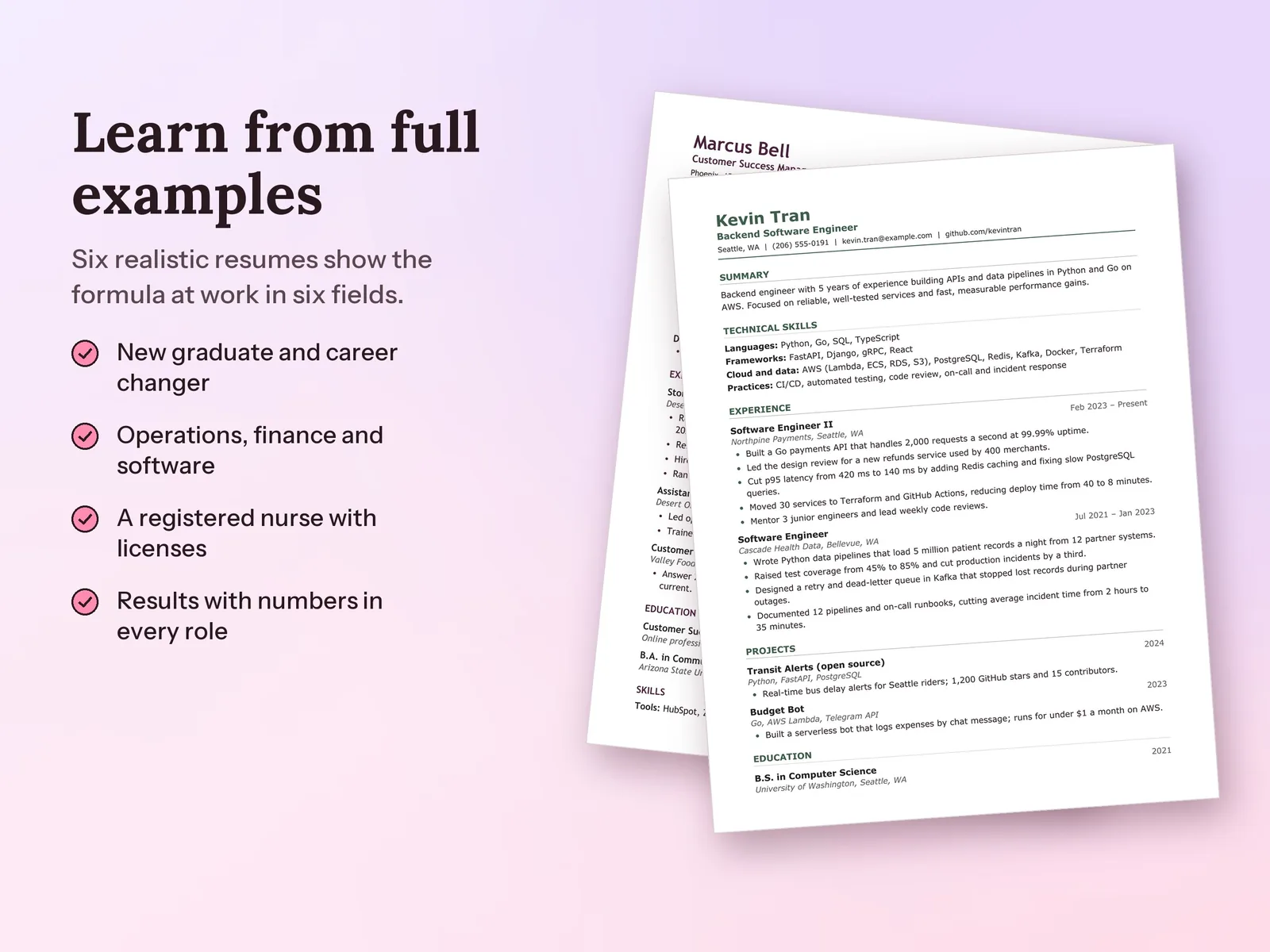
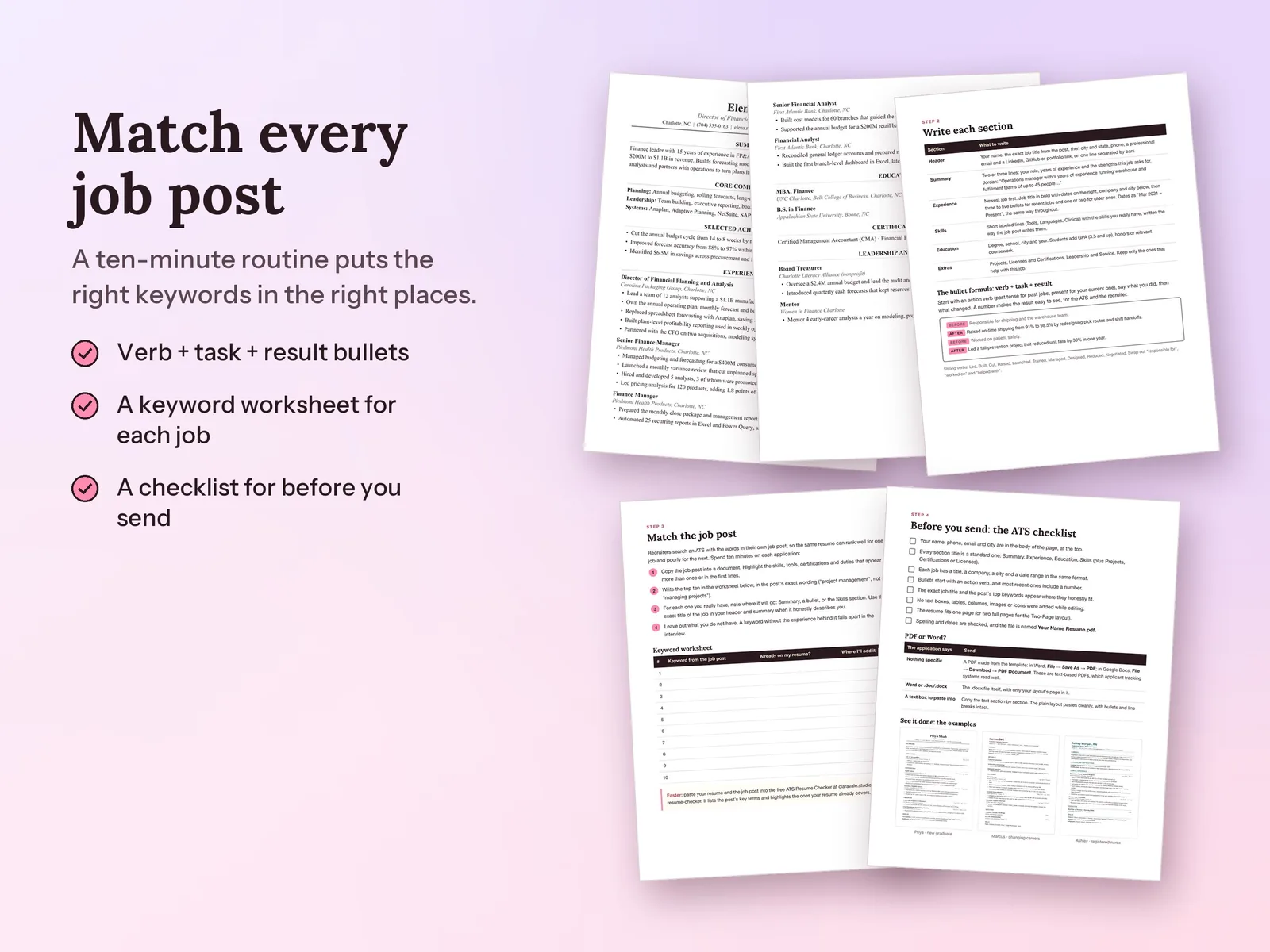
Six ATS-friendly resume layouts, one for each job-search situation, with finished examples and a keyword routine for every job post.
$4.90Regular price $7-30%$7
Fall Sale: 30% off at checkout, ends Nov 15.
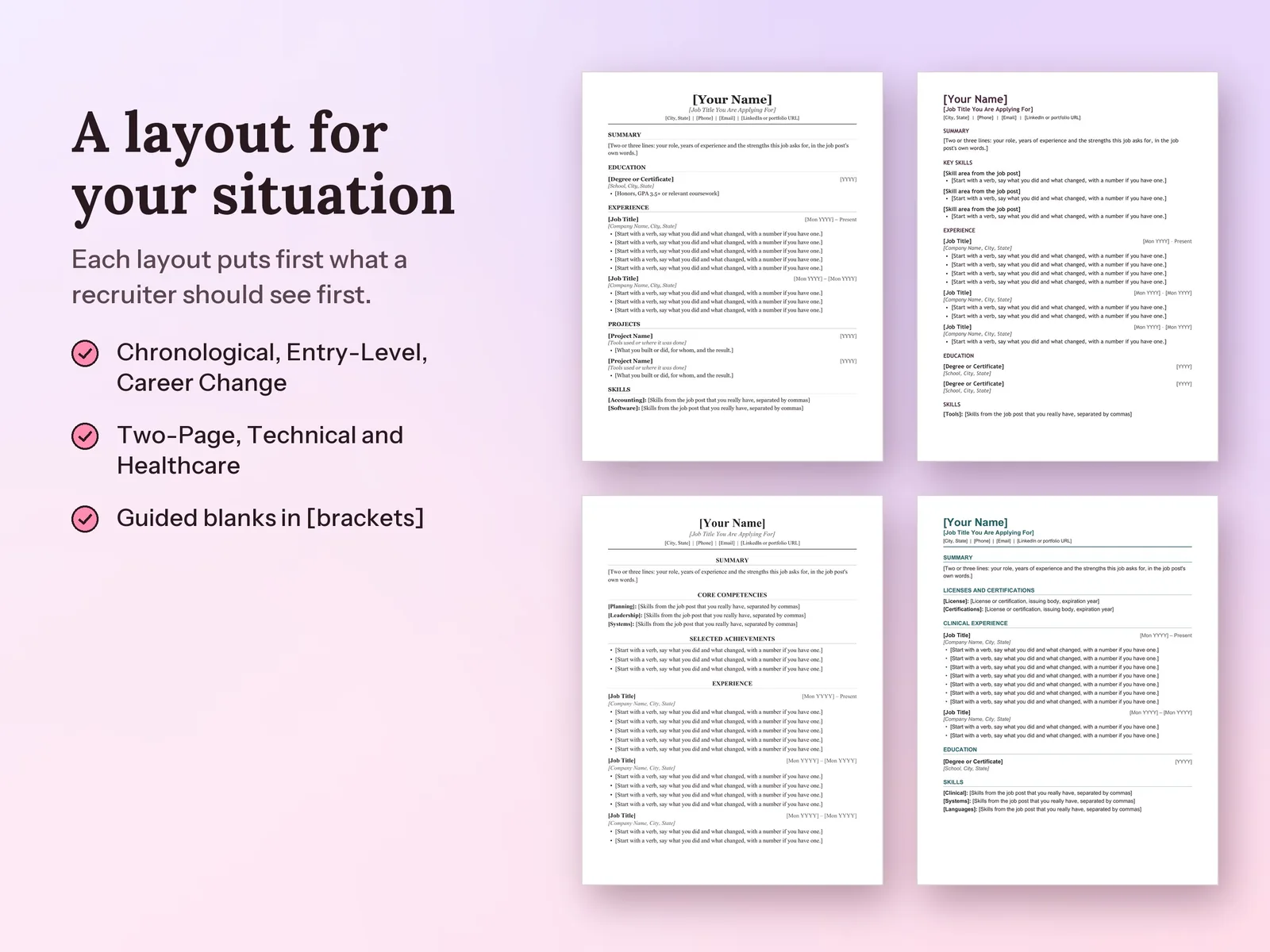
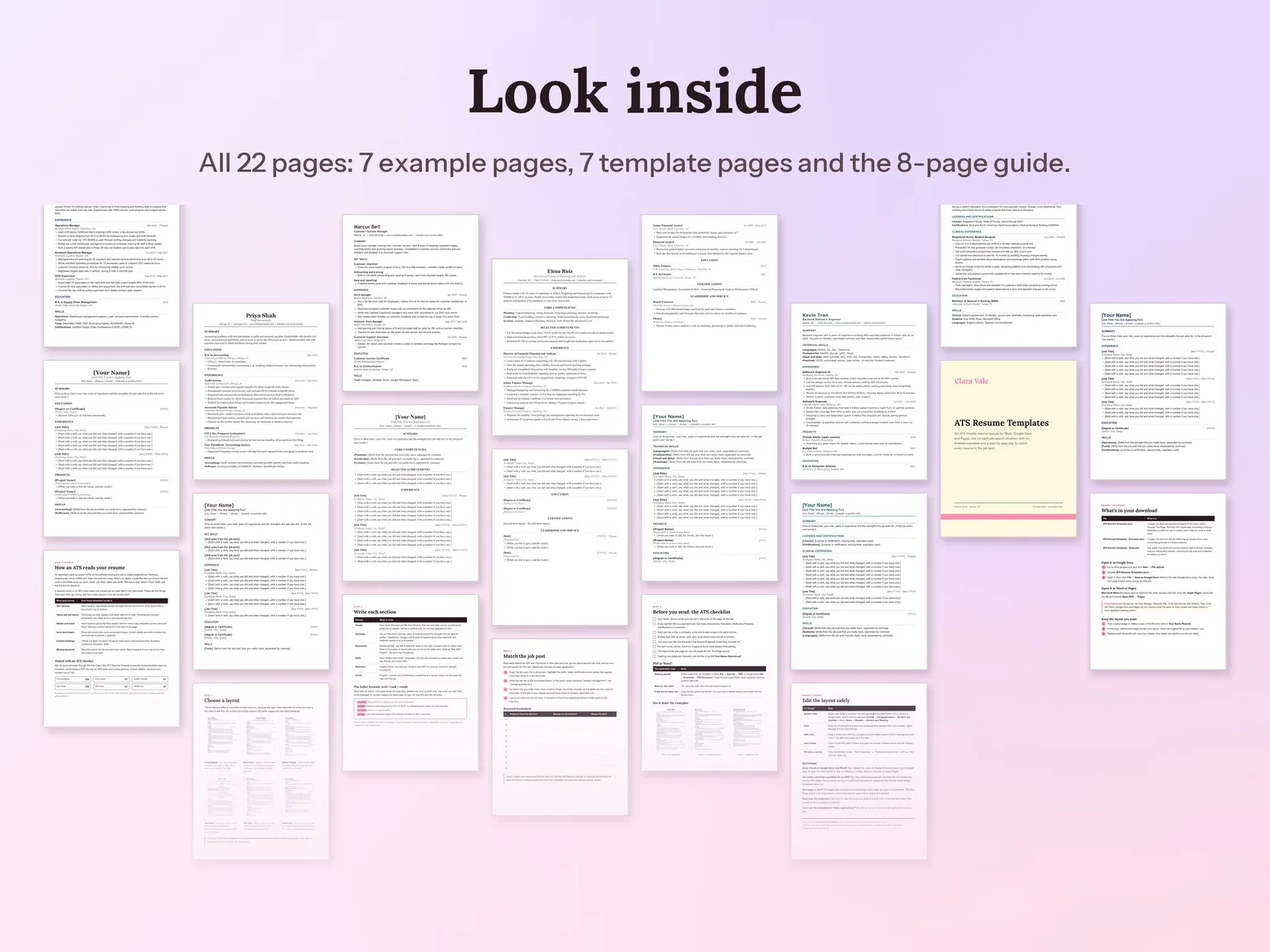
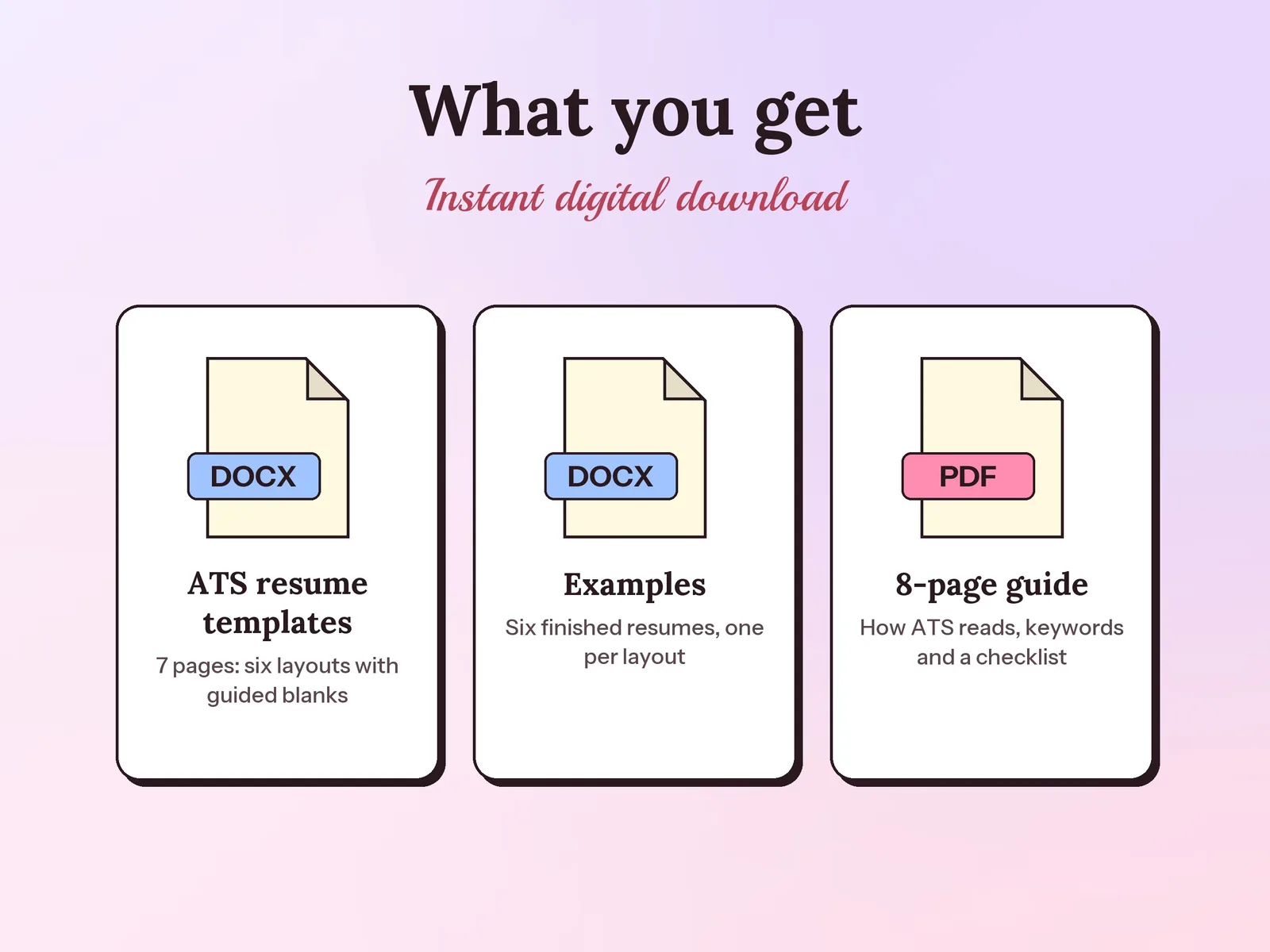
–Days––Hours––Min––SecATS-friendly resume templates for Microsoft Word, Google Docs and Apple Pages: six single-column layouts (Chronological, Entry-Level, Career Change, Two-Page, Technical and Healthcare) with guided blanks in [brackets], six finished examples that each scored 97 or higher on an ATS checker, and an 8-page guide with a keyword worksheet and a before-you-send checklist.
Format: Word + Google Docs · PDF guide
License: Personal & Business
A one-page resume, a matching cover letter and a references page in one of six designs, ready to fill in.

Every application, interview and follow-up in one spreadsheet, so you know what to do next and which job sources actually reply.
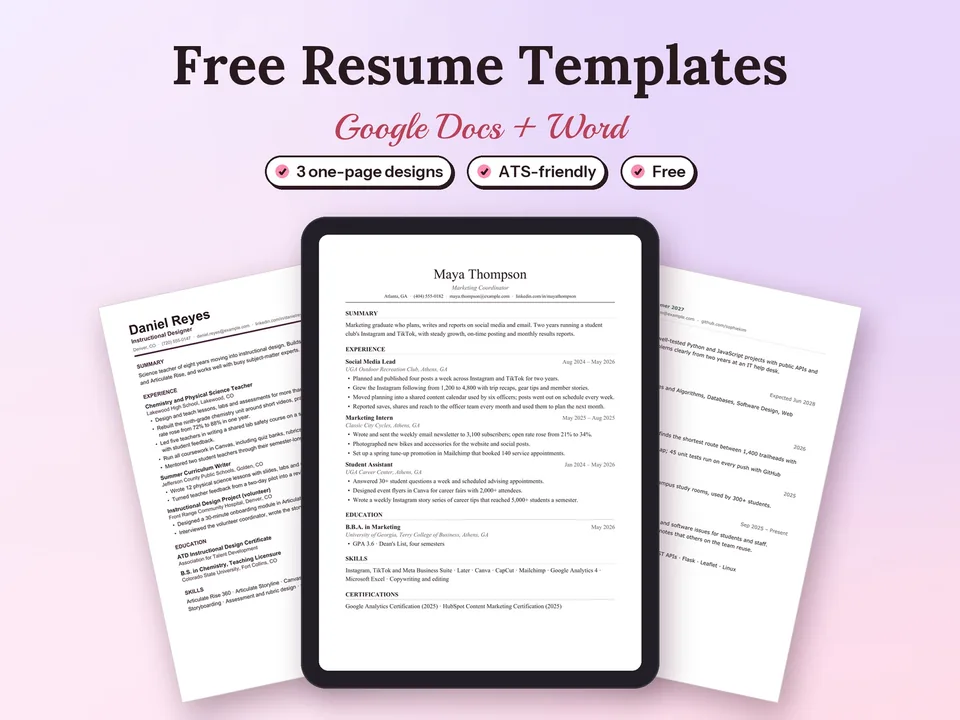
Three one-page, ATS-friendly resume designs that open in Google Docs with one click.
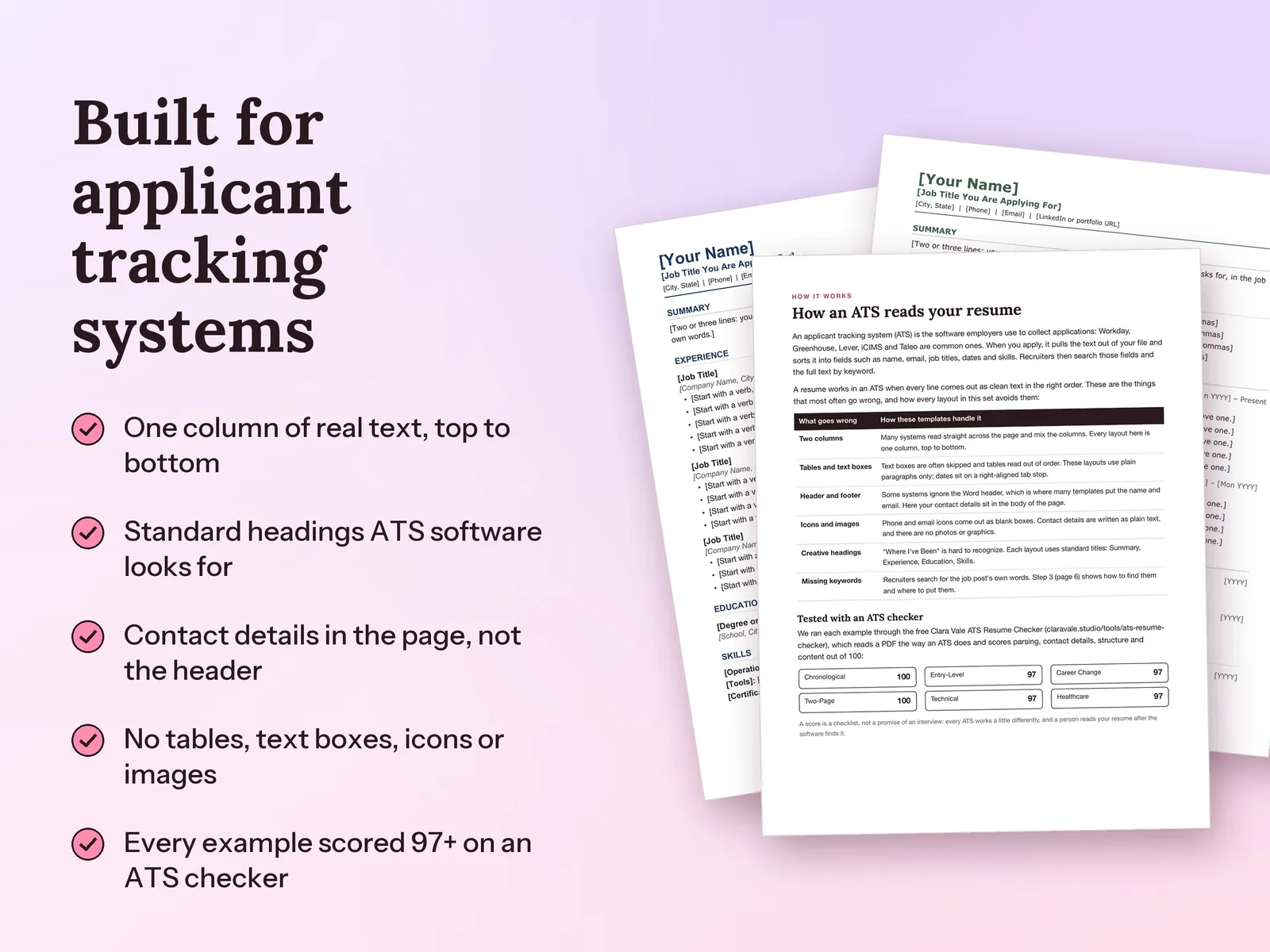
An applicant tracking system pulls the text out of your file and sorts it into fields. It reads one column of real text with standard headings best. These templates use plain paragraphs in a single column, standard section titles, contact details in the body of the page and typed bullets, with no tables, text boxes, columns, icons or images.
Chronological suits a steady work history in one field. Entry-Level puts education and projects first for students and new graduates, Career Change leads with transferable skills, Two-Page fits senior roles and long careers, Technical groups languages and tools, and Healthcare puts licenses and certifications up top.
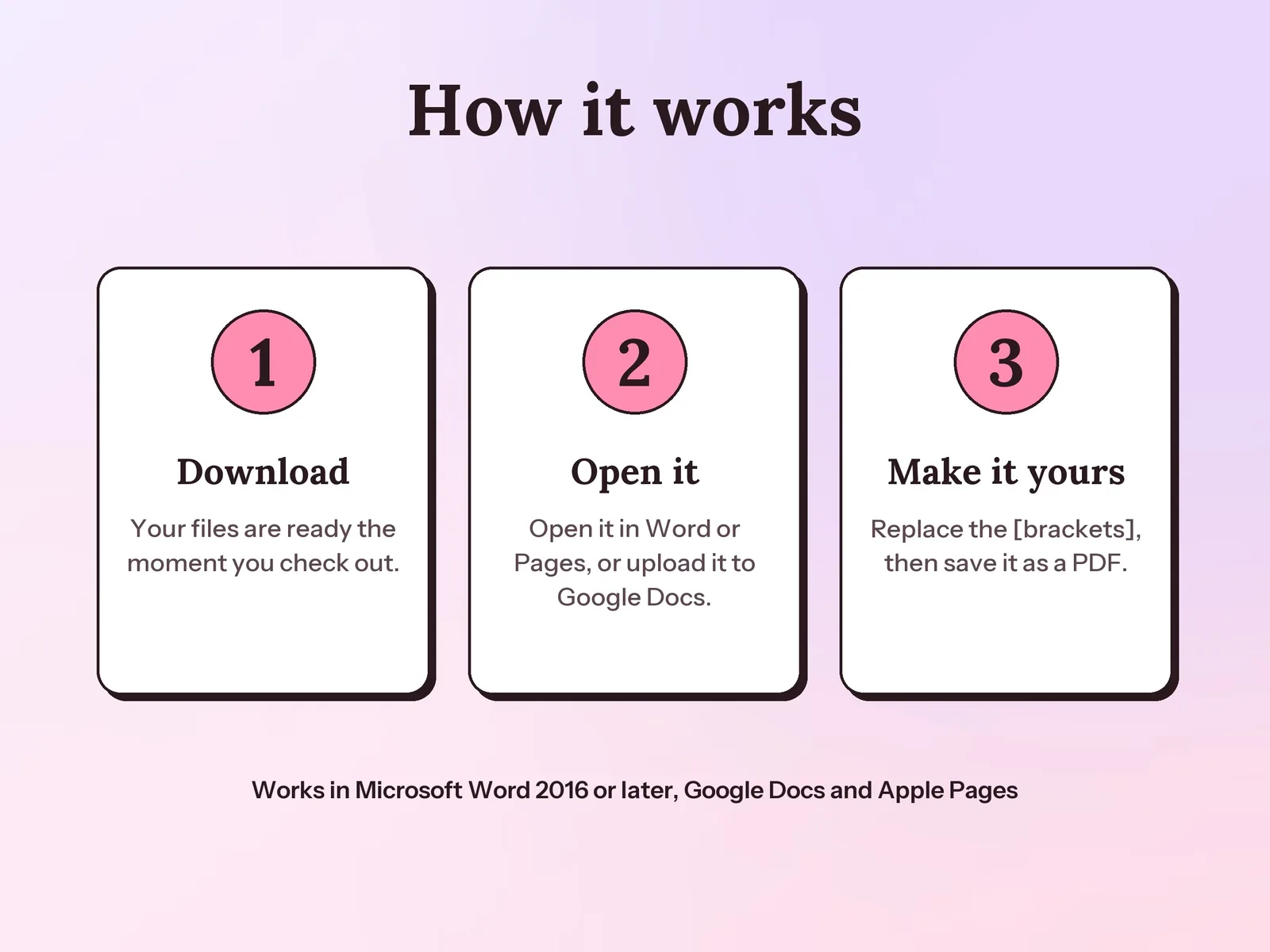
Yes. Upload the .docx file to Google Drive, open it and choose File, then Save as Google Docs. The fonts, rule lines and page breaks come across as they are. It also opens in Word 2016 or later, Word on the web and Apple Pages.
Yes. We exported each example to PDF and ran it through our free ATS Resume Checker, which reads the file the way an ATS does. All six scored 97 or higher out of 100. Every ATS works a little differently, so treat a score as a checklist rather than a guarantee.
Send a PDF saved from the template unless the job application asks for Word. Both are text-based files that applicant tracking systems read well; the guide shows how to save each one.
A one-time download. Pay once and keep the templates, examples and guide for all of your own job applications.