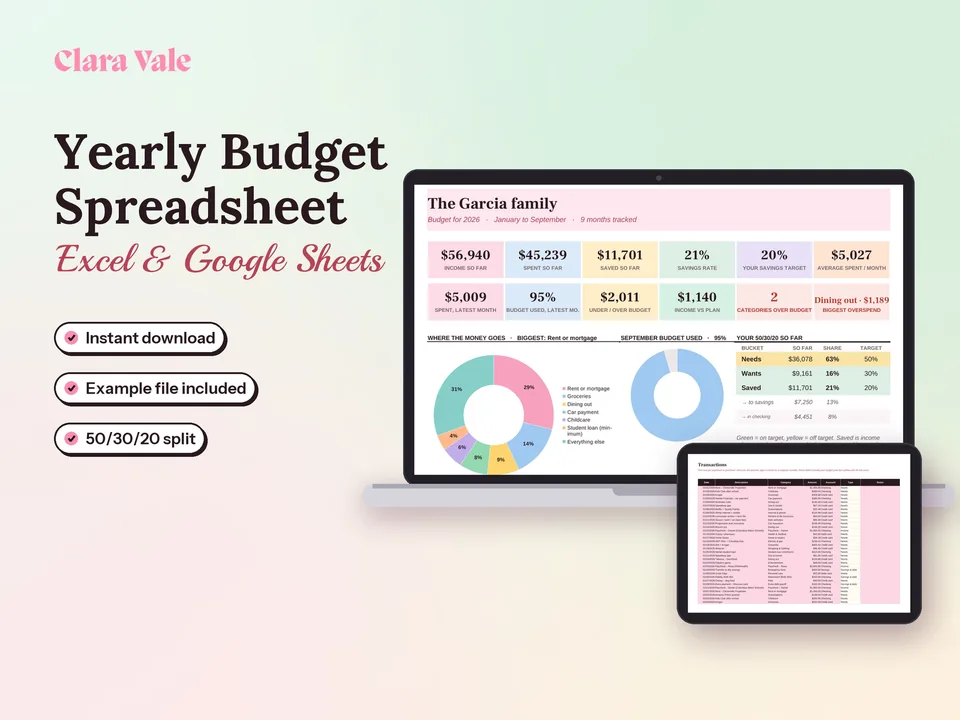
Yearly Budget Spreadsheet & Savings Tracker
Plan a whole year of household money, track every month, and see your real savings rate.
$4.90Regular price $7-30%$7Buy now

1 / 8
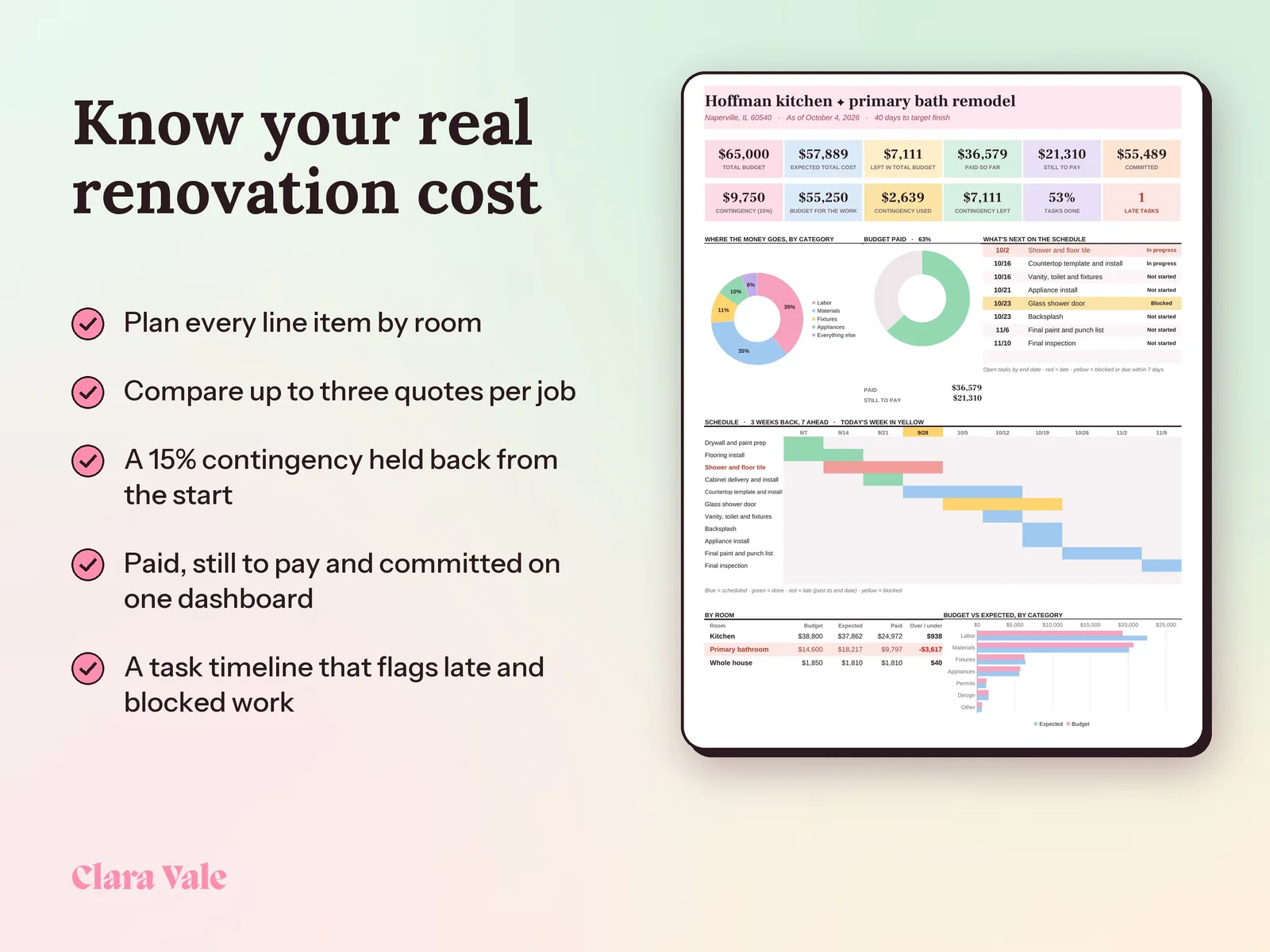
See where your remodel stands and how much cushion is left after every invoice.
$4.90Regular price $7-30%$7
Fall Sale: 30% off at checkout, ends Nov 15.
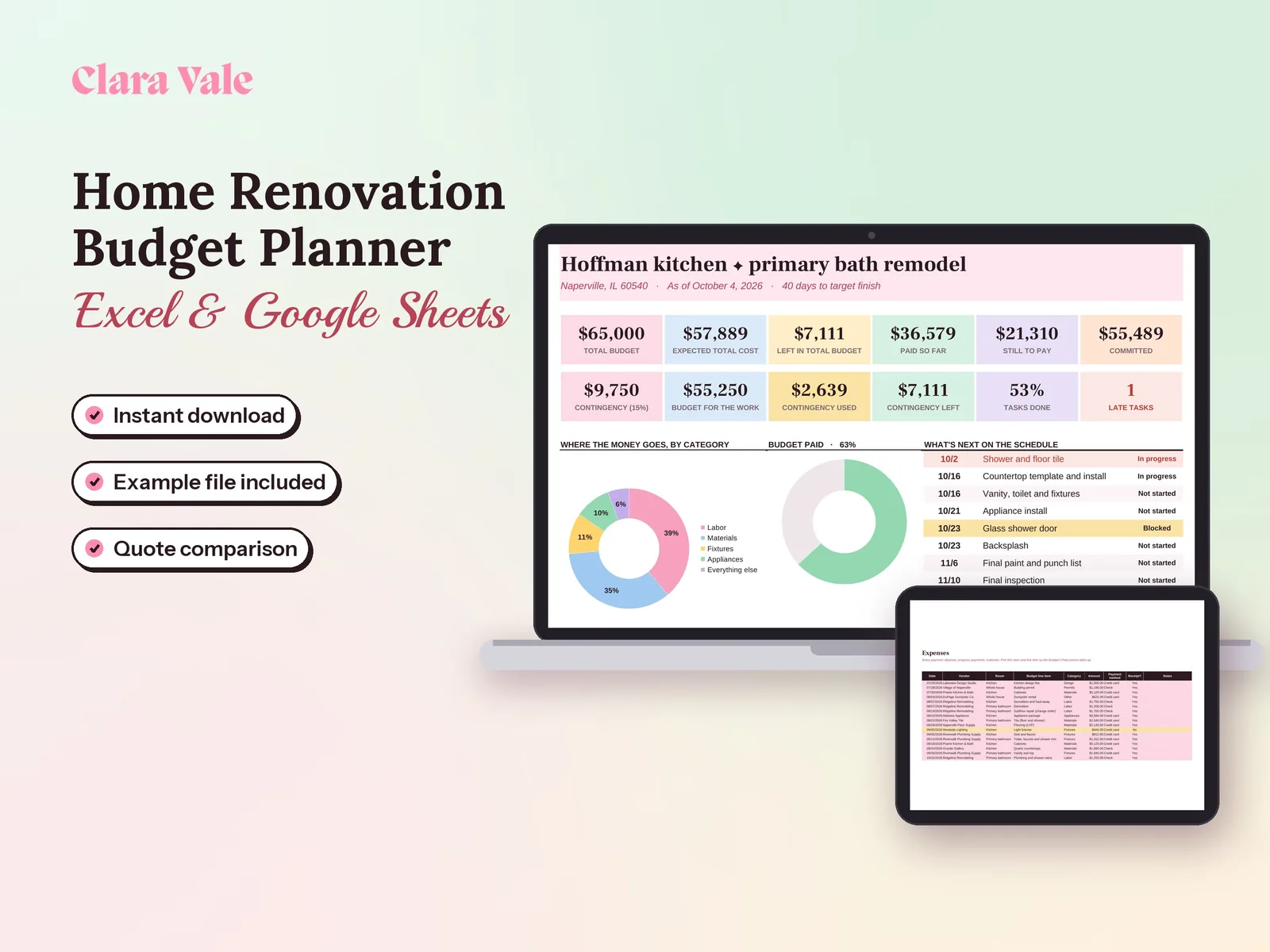
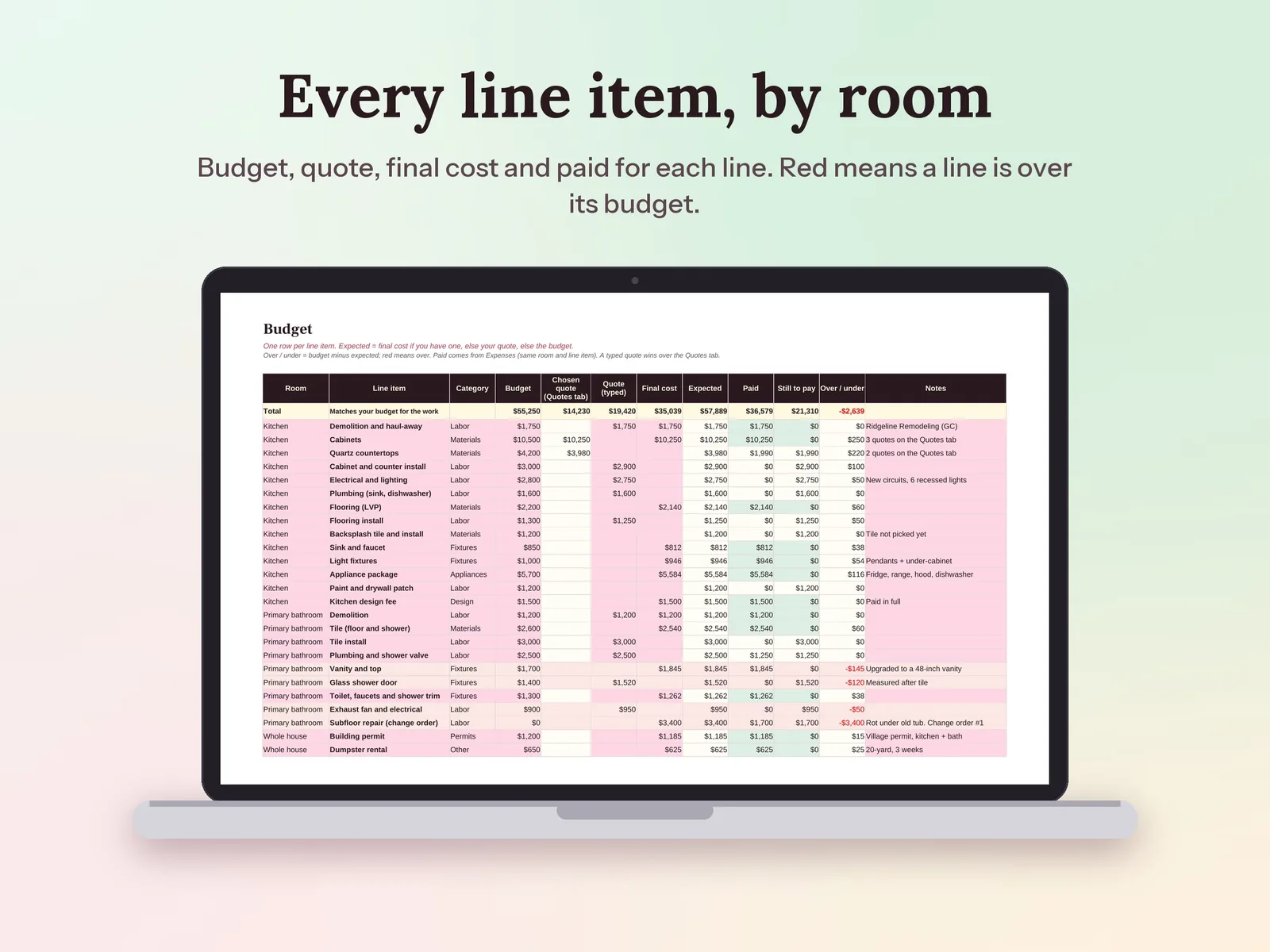
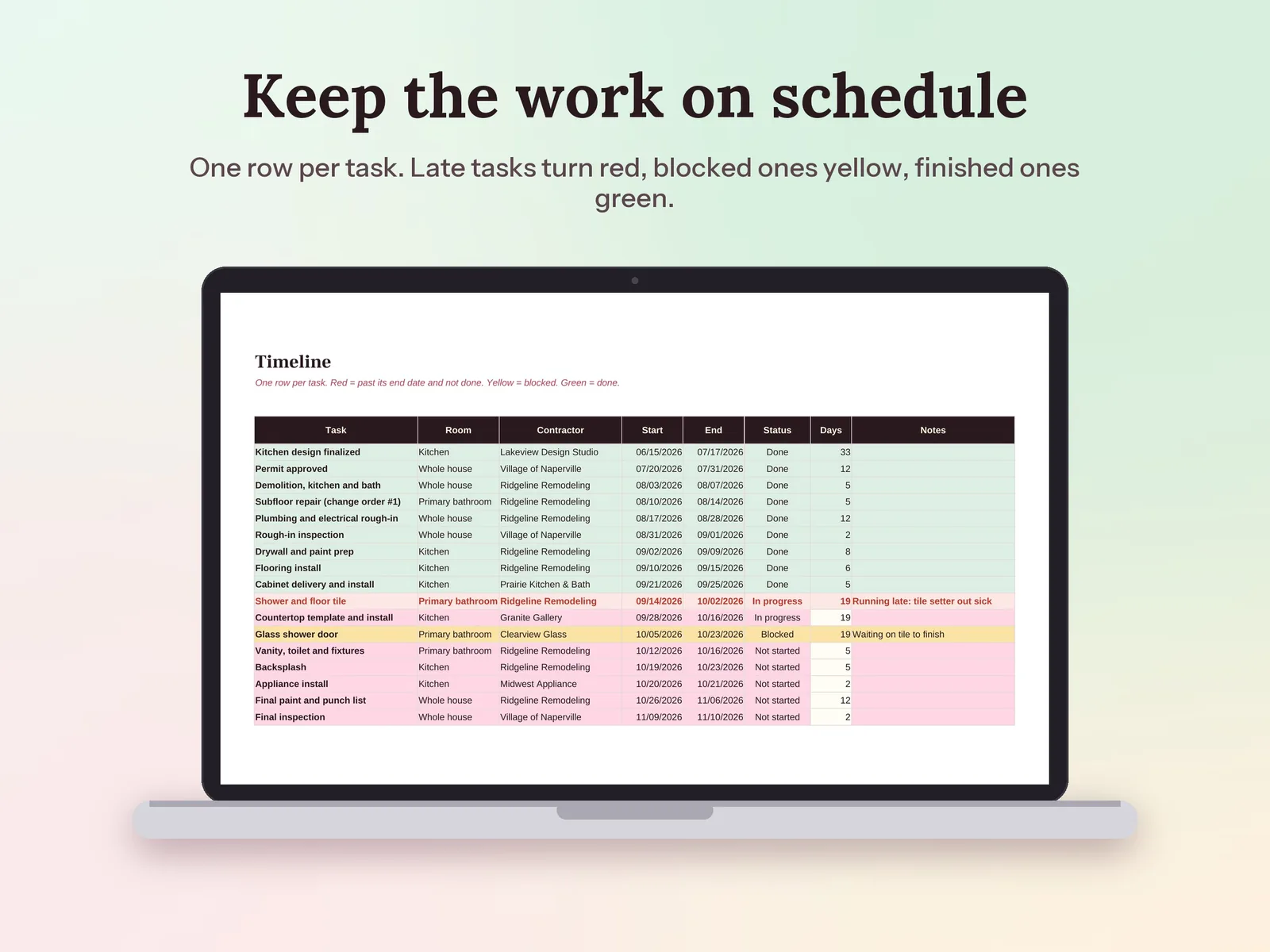
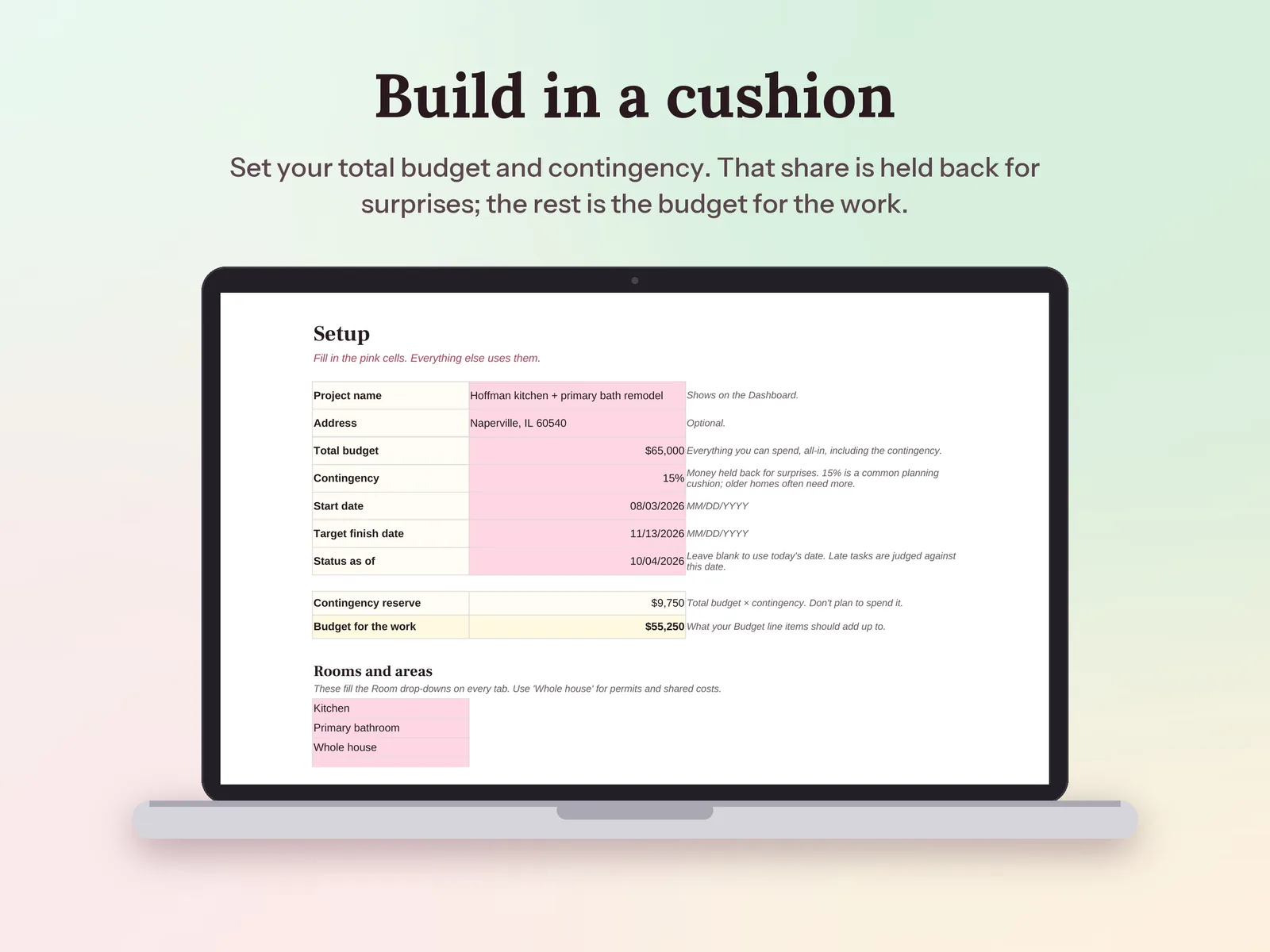
–Days––Hours––Min––SecA home renovation budget planner for kitchens, bathrooms or the whole house. Set your total budget and contingency, plan every line item by room, compare contractor quotes side by side, and log payments and tasks as the work goes. The Dashboard shows expected cost, what's paid, contingency used and spend by room.
Format: Excel + Google Sheets · PDF guide
License: Personal & Business
Plan a whole year of household money, track every month, and see your real savings rate.
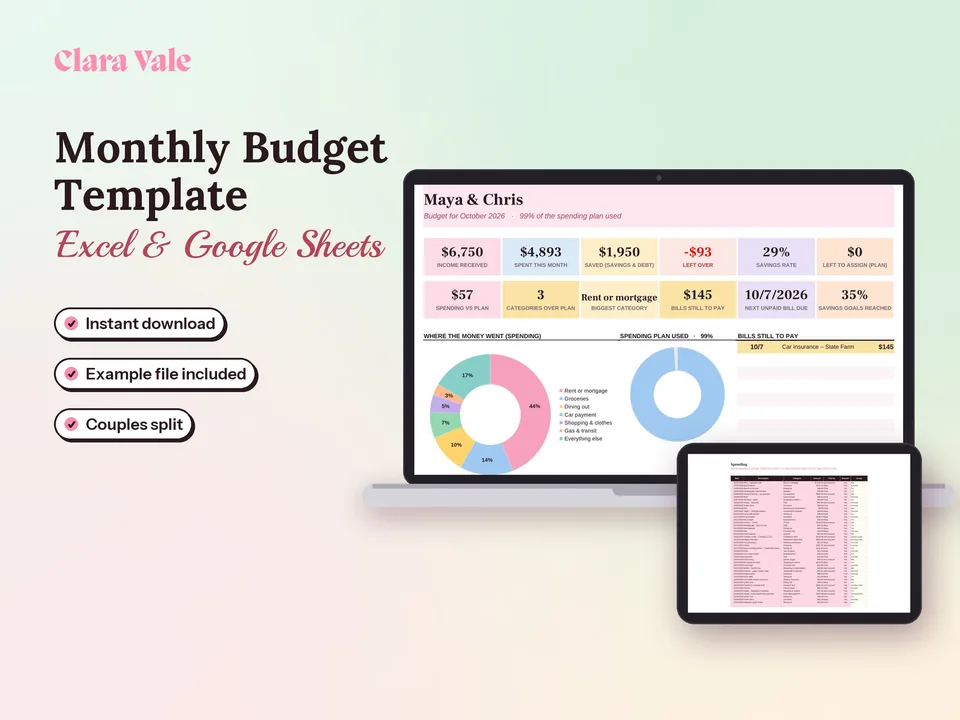
Give every dollar a job, track what you spend, and split shared costs as a couple.
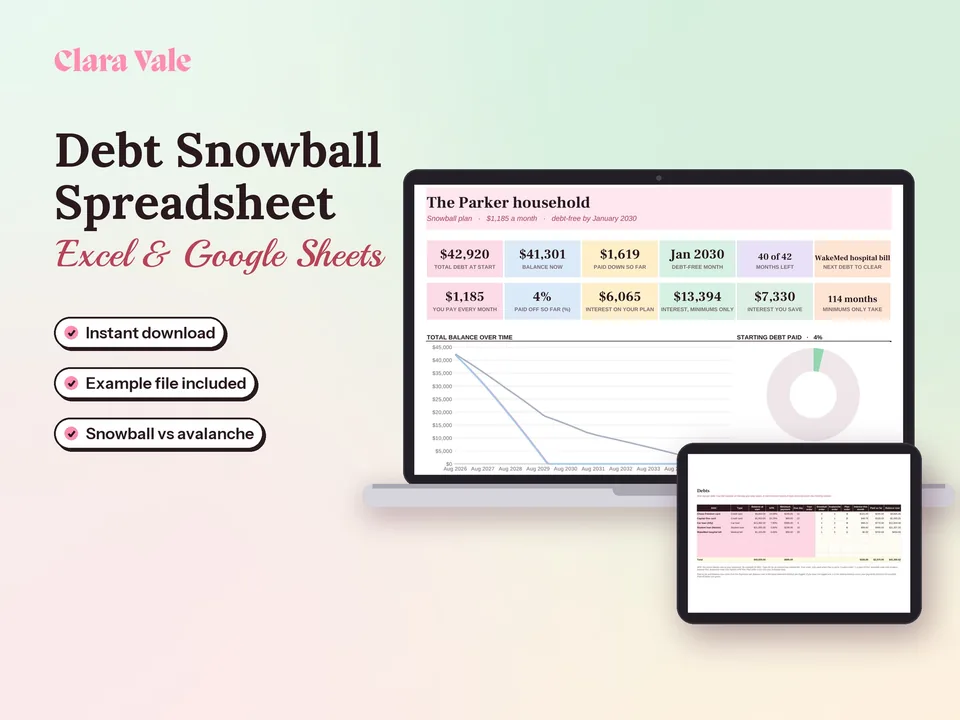
List your debts, pick snowball or avalanche, and see the month you will be debt-free.
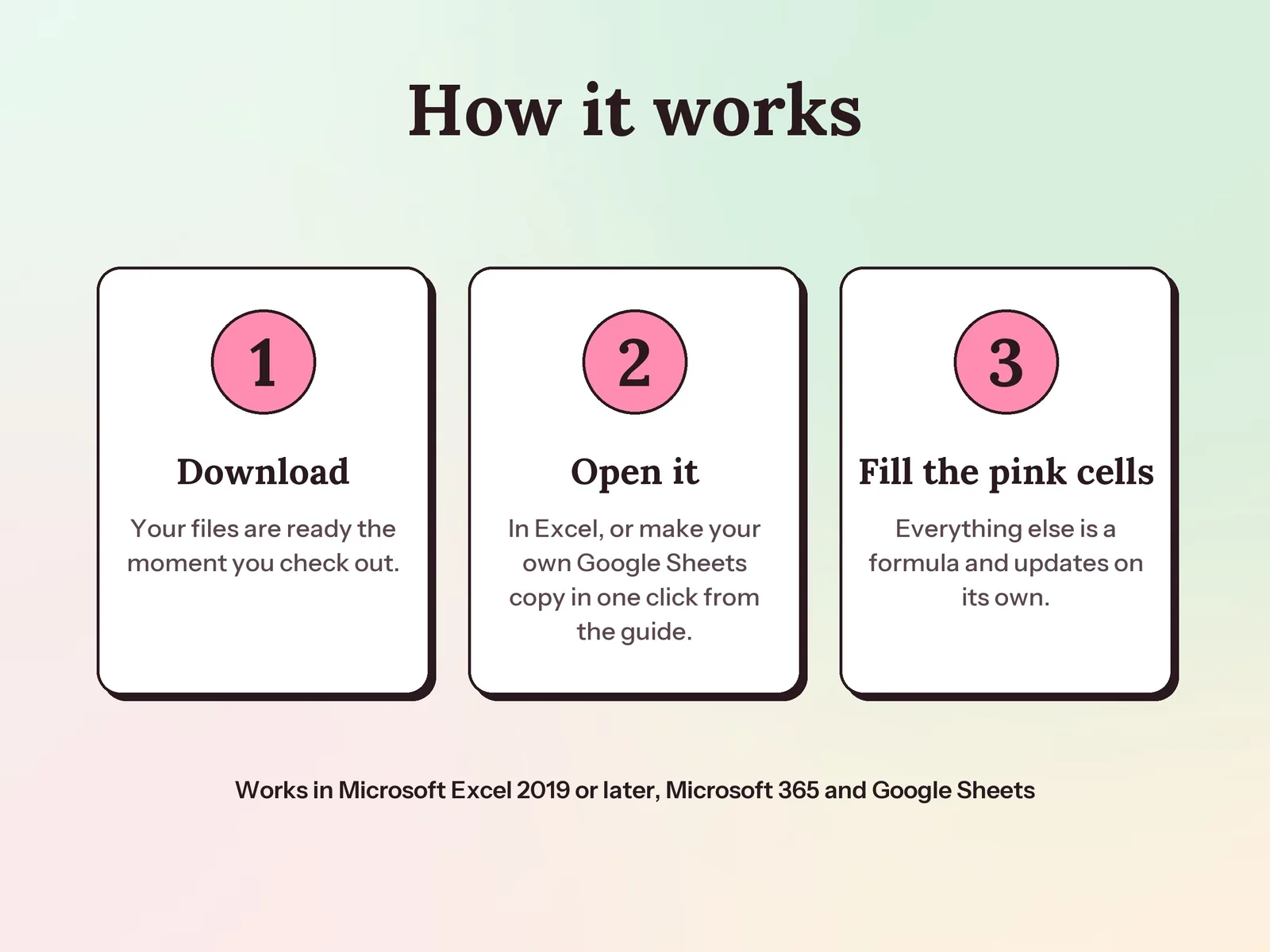
Yes. Your PDF guide has a link that makes your own Google Sheets copy in one click, with no upload needed. The formulas, drop-downs and colored alerts all work there. It also works in Excel 2019 or later and Microsoft 365.
You set a percentage on the Setup tab (it starts at 15%, a common planning cushion). That share of your total budget is held back, and your line items are planned against the rest. When costs run over, the Dashboard shows how much of the cushion you have used and how much is left.
Yes. Add up to 10 rooms or areas, 60 budget lines, 45 quotes, 200 payments and 60 tasks. A 'Whole house' area covers permits, dumpsters and other shared costs.
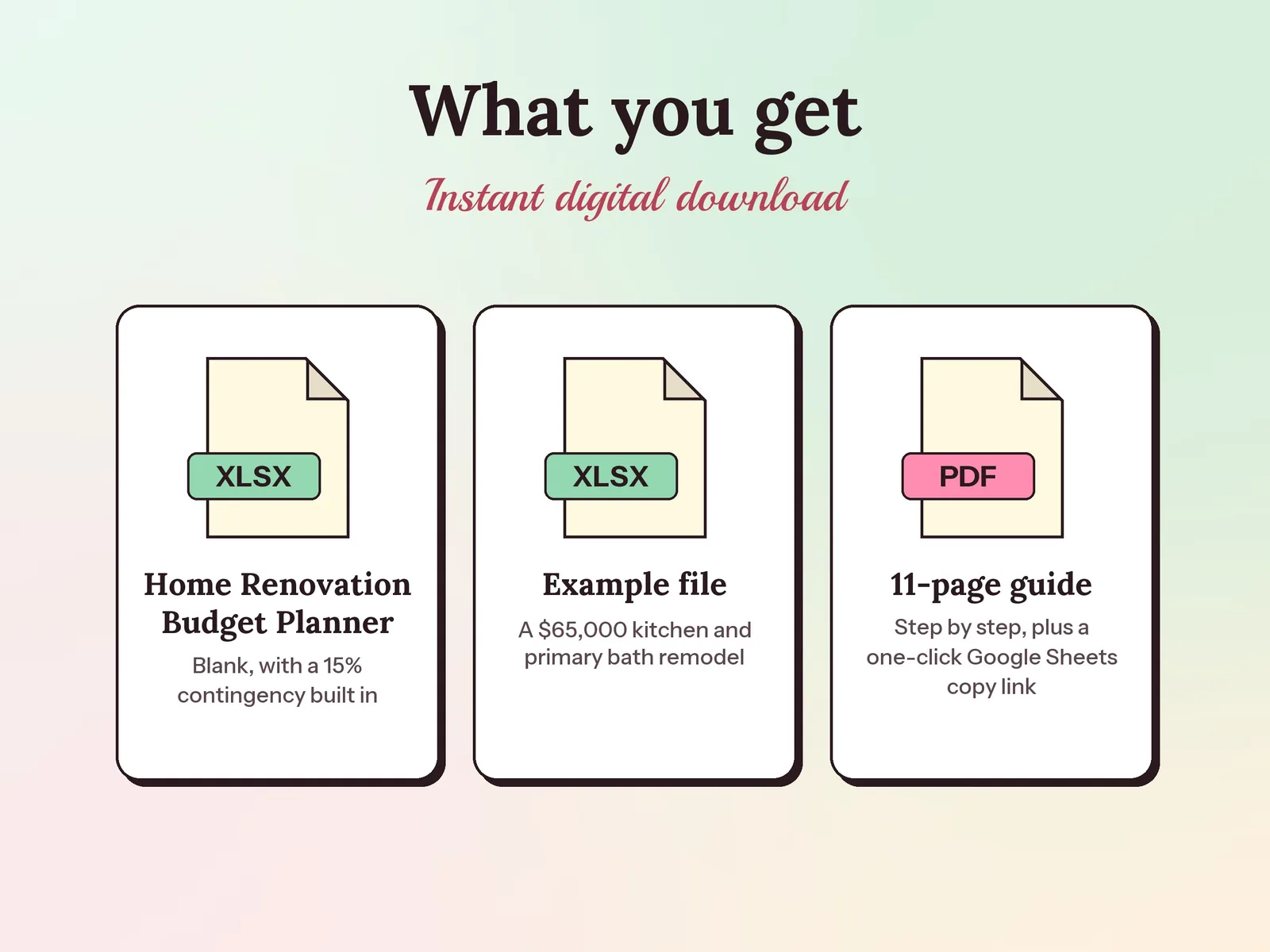
A one-time download. You get the blank spreadsheet, a filled-in example and the PDF guide, and they are yours to keep. No account or app needed.