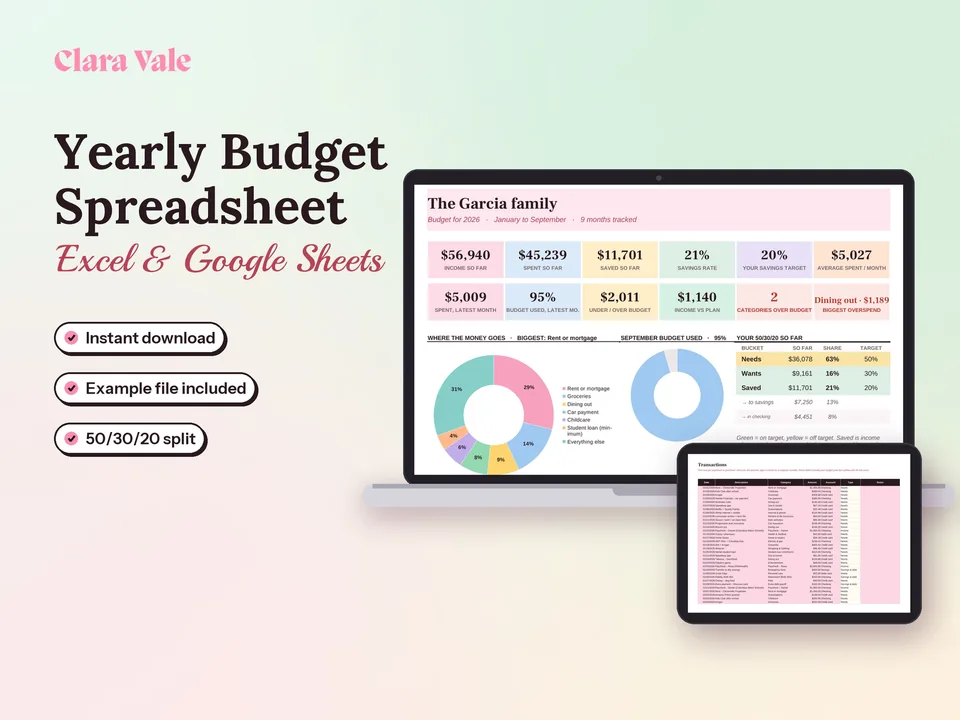
Yearly Budget Spreadsheet & Savings Tracker
Plan a whole year of household money, track every month, and see your real savings rate.
$4.90Regular price $7-30%$7Buy now

1 / 8
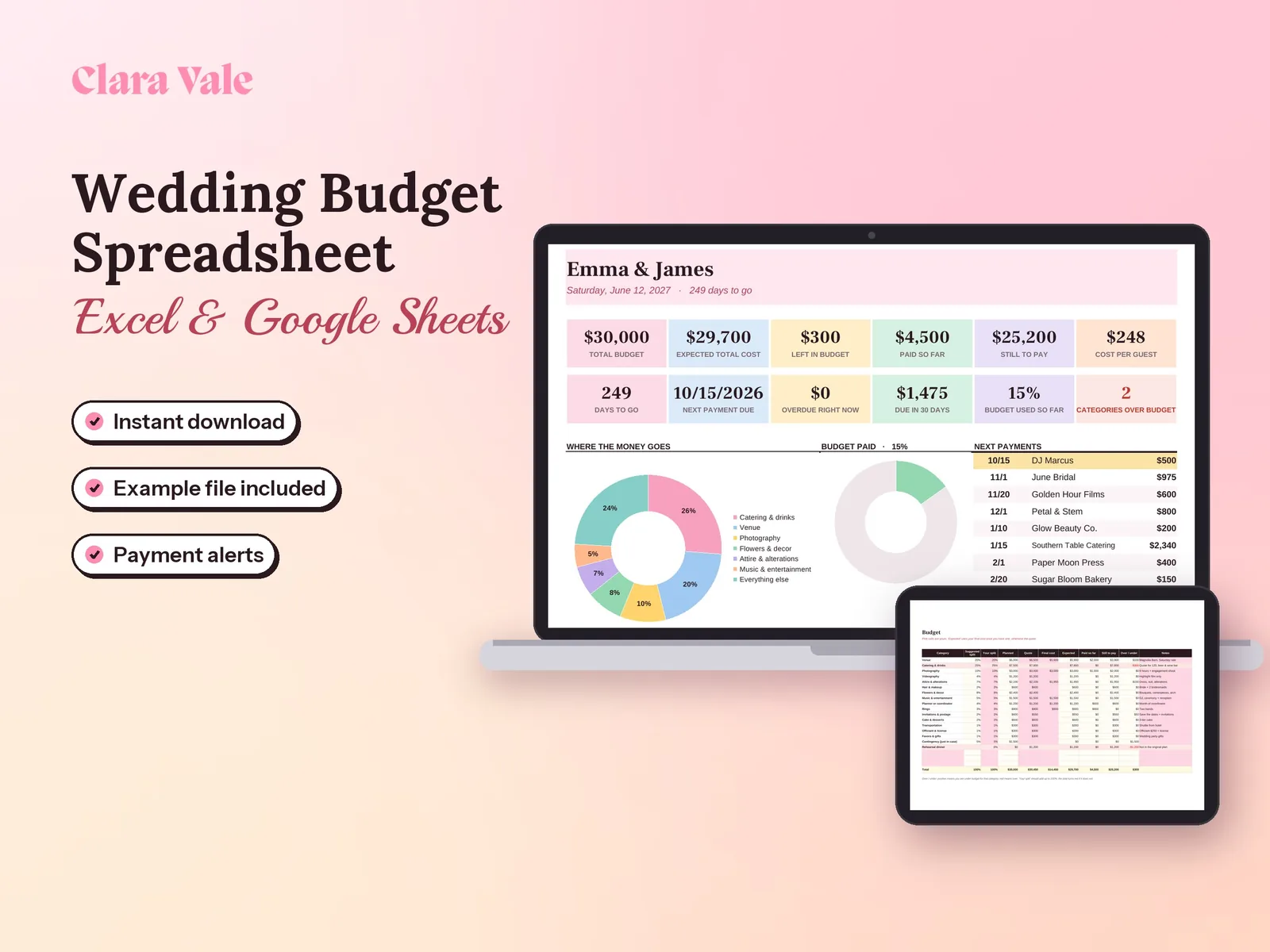
Plan every dollar of your wedding, from the first deposit to the final payment.
$4.90Regular price $7-30%$7
Fall Sale: 30% off at checkout, ends Nov 15.
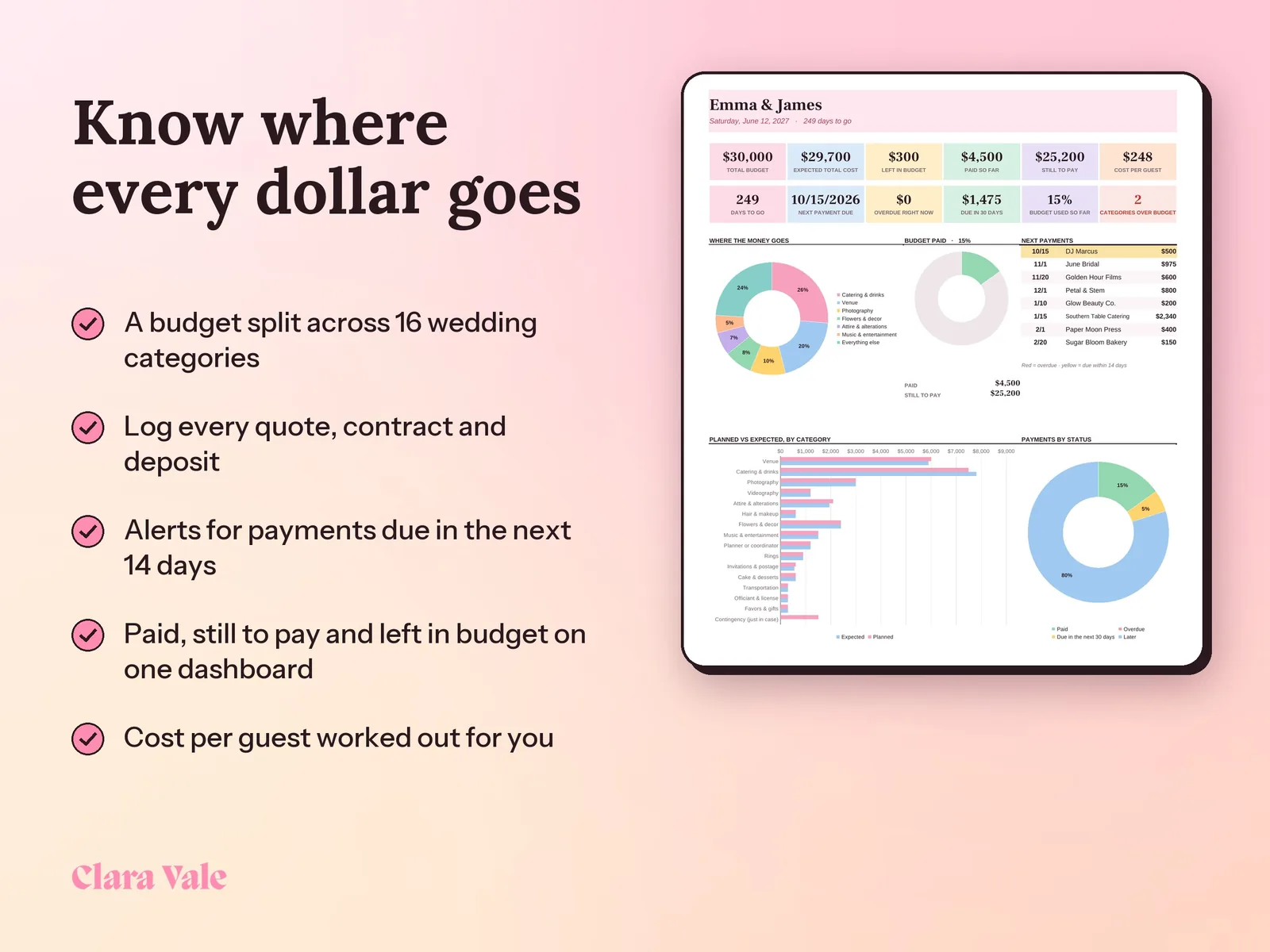
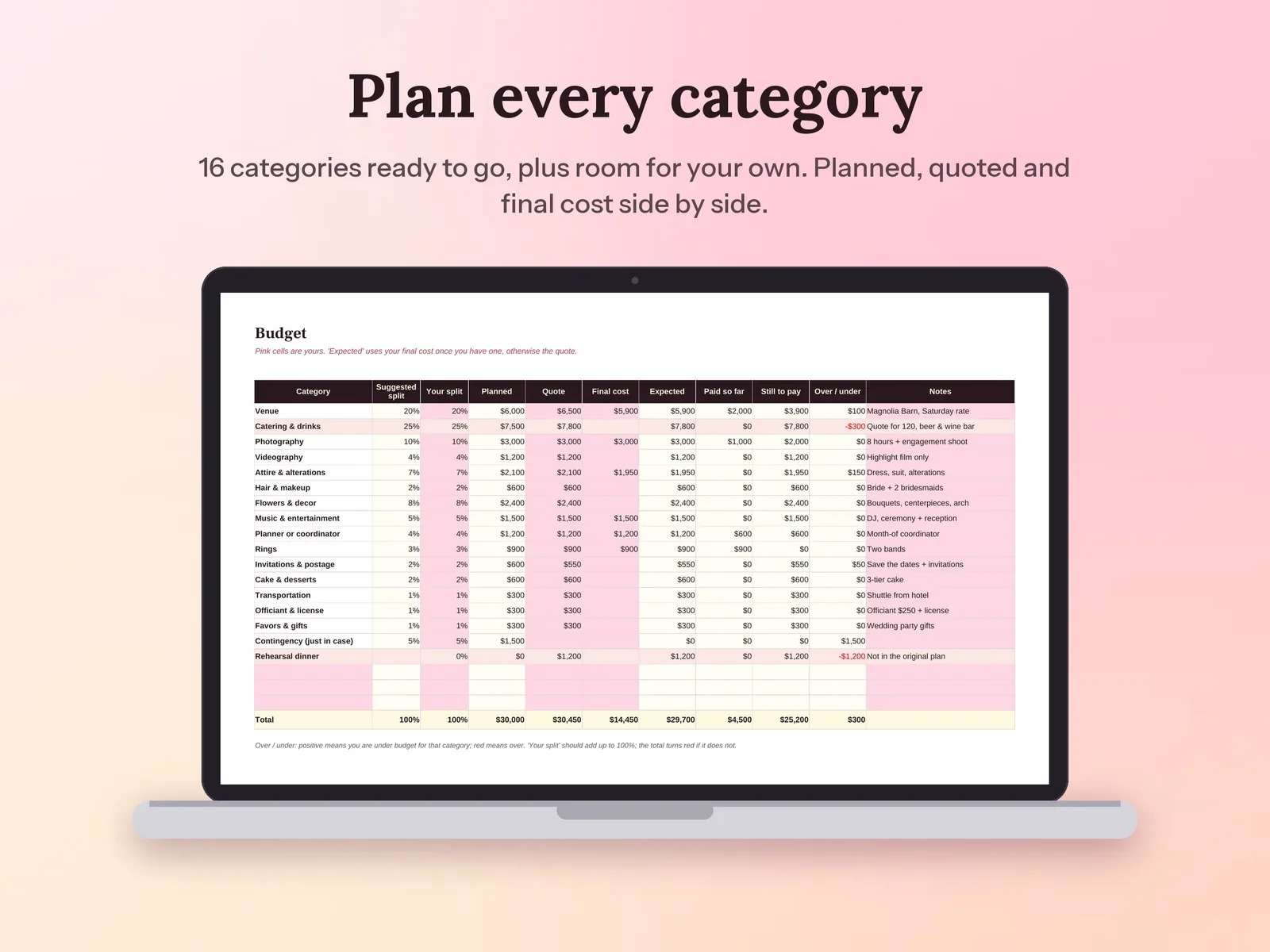
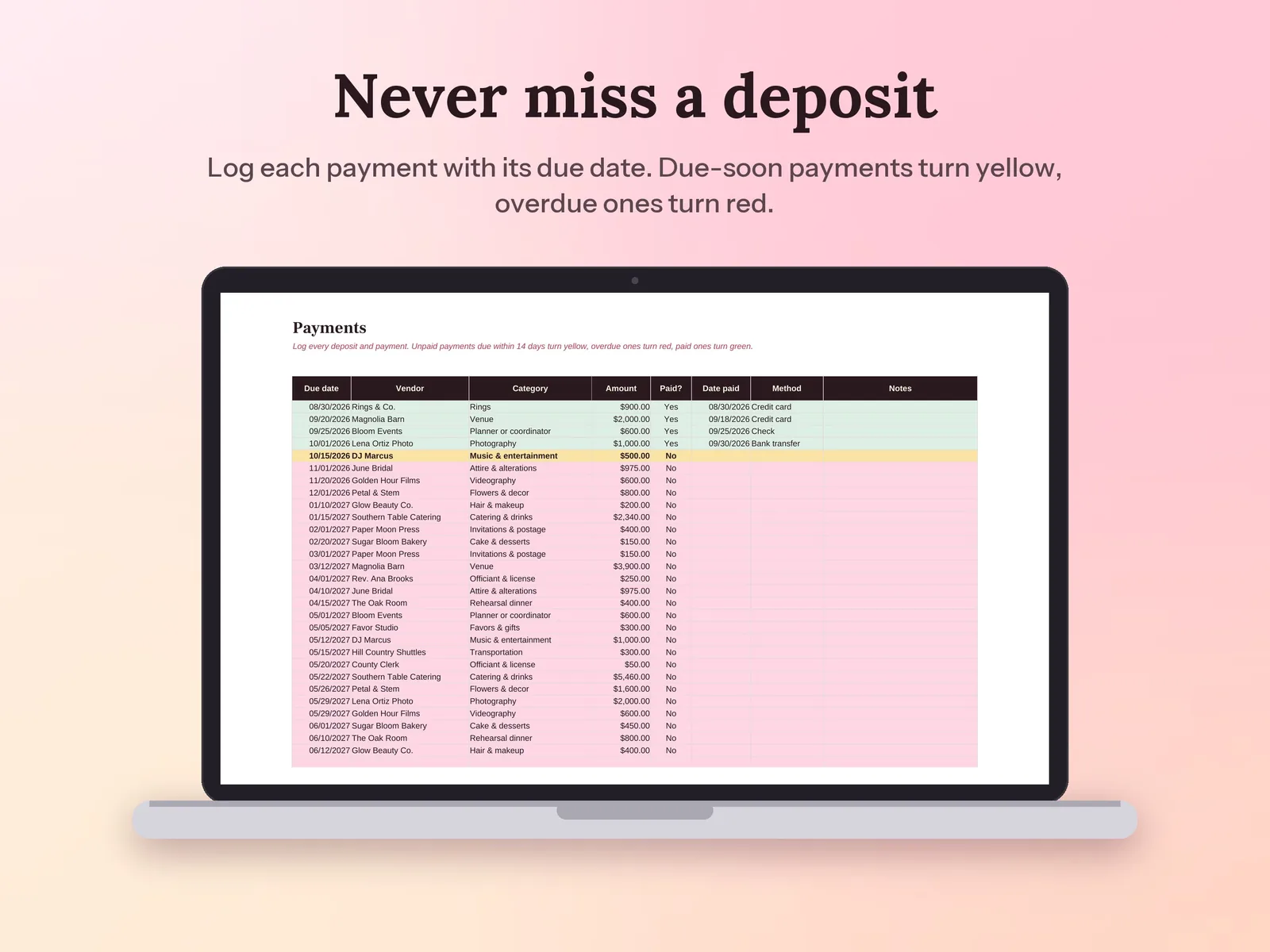
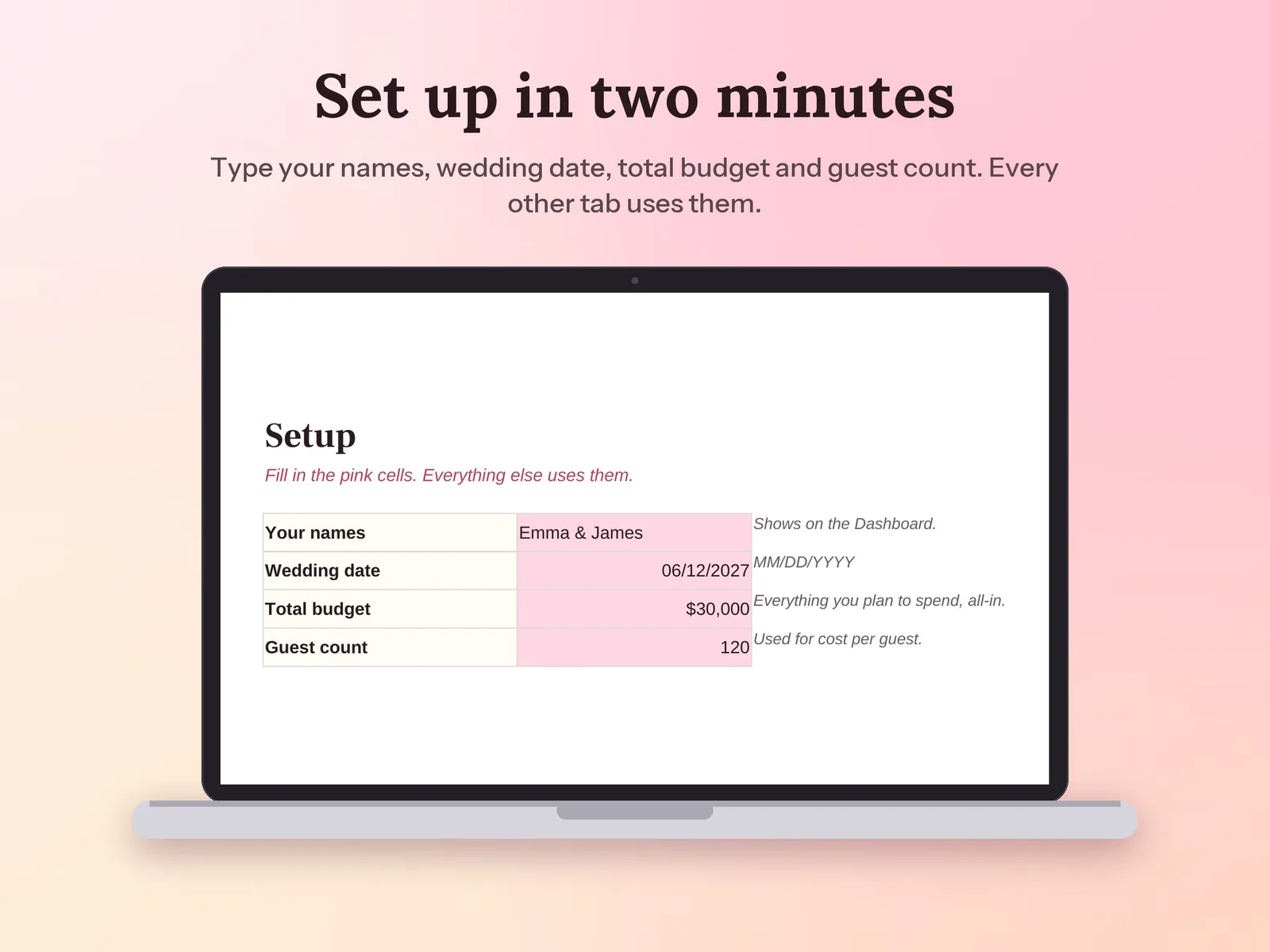
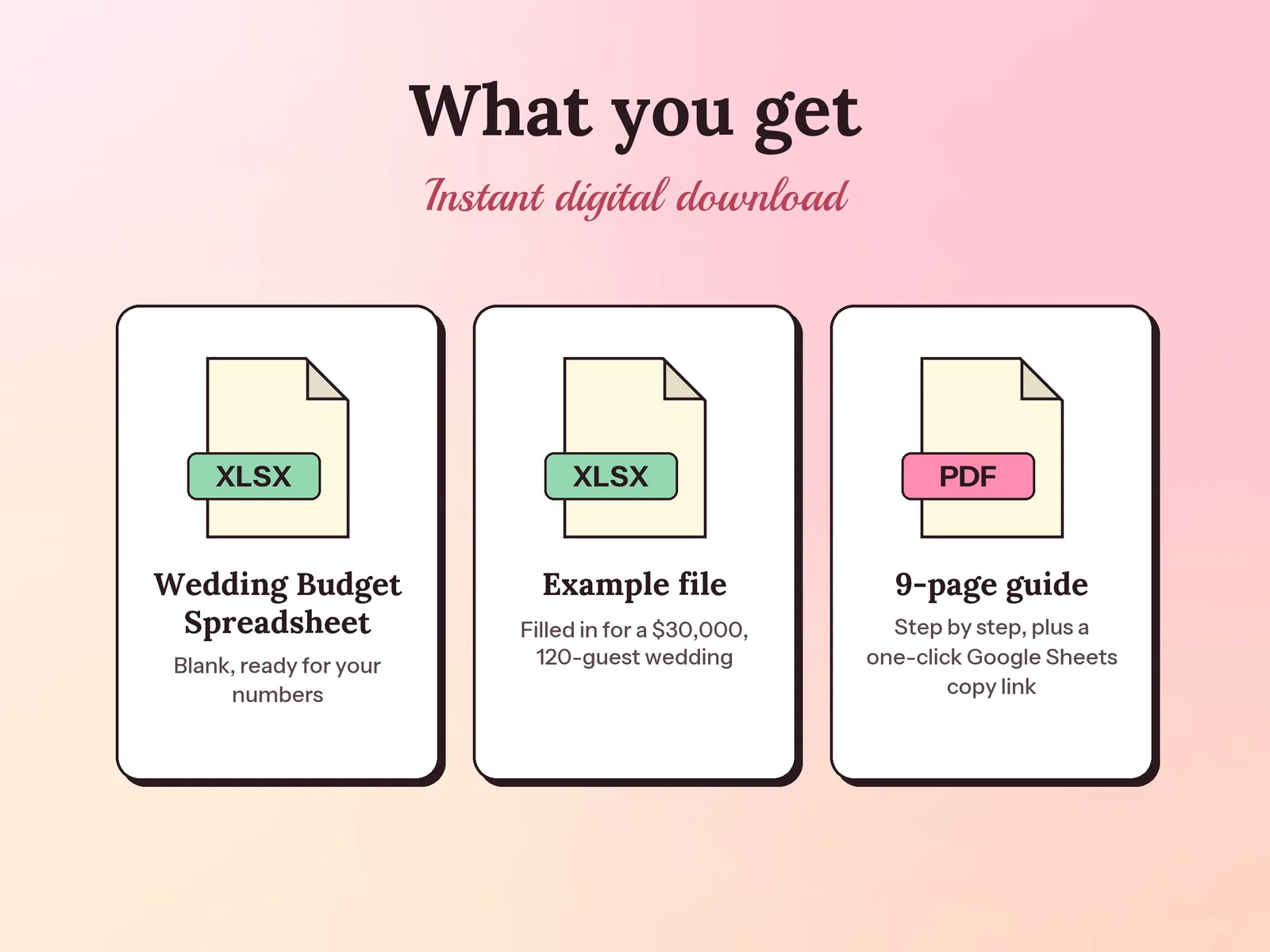
–Days––Hours––Min––SecA wedding budget spreadsheet and planner for Excel and Google Sheets. Set your total budget and split it across 16 categories, log every quote, contract and deposit, and see what you have paid, what is still due and what is left, with alerts for payments due in the next 14 days. Comes with a filled-in example for a $30,000 wedding and a step-by-step PDF guide.
Format: Excel + Google Sheets · PDF guide
License: Personal & Business
Try the free version
Type in your total budget and see a starting split for every part of the wedding, plus your budget per guest. The Wedding Budget Spreadsheet & Payment Tracker keeps it going month after month.
Open the free tool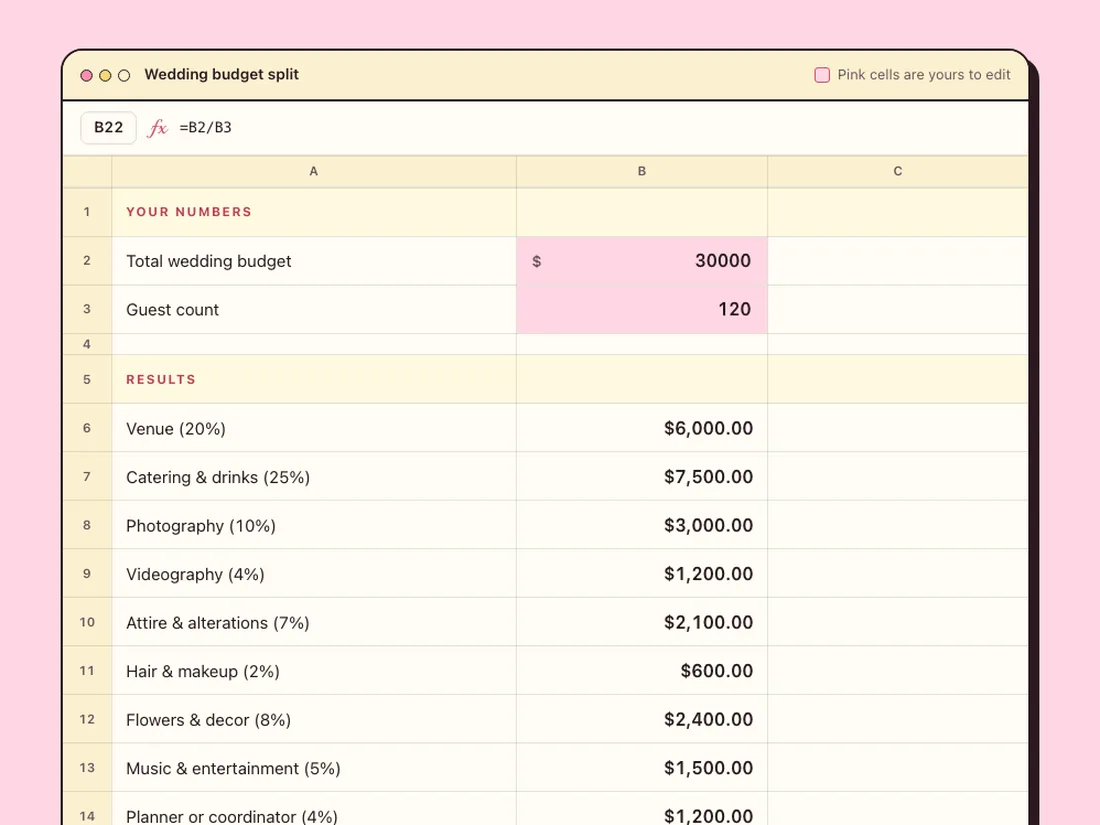
Plan a whole year of household money, track every month, and see your real savings rate.
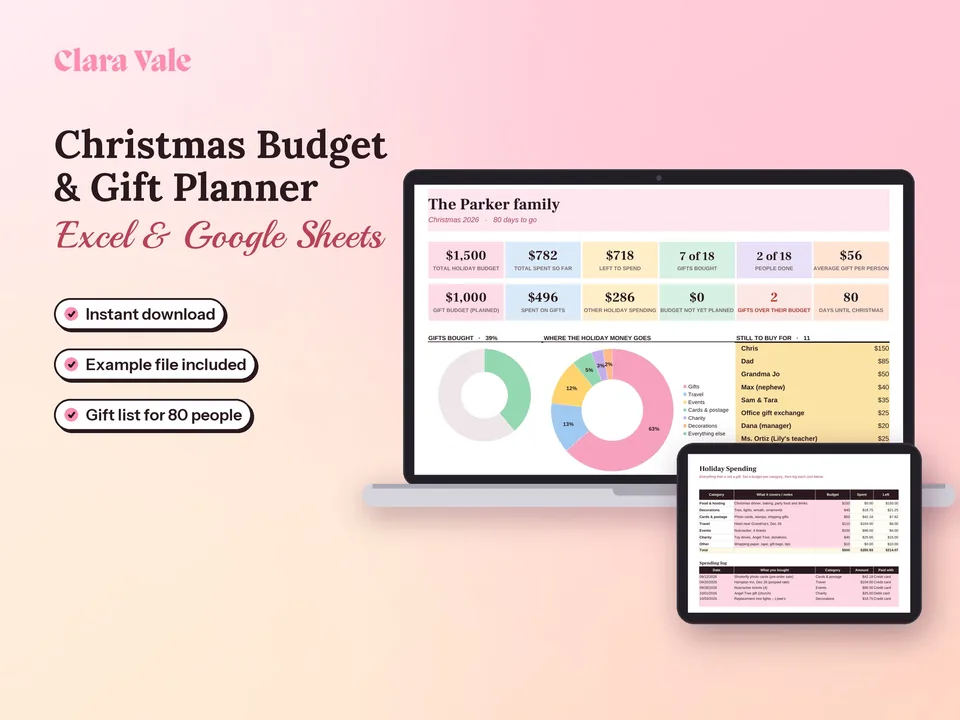
One holiday budget, a gift for everyone on your list, and no January surprise.
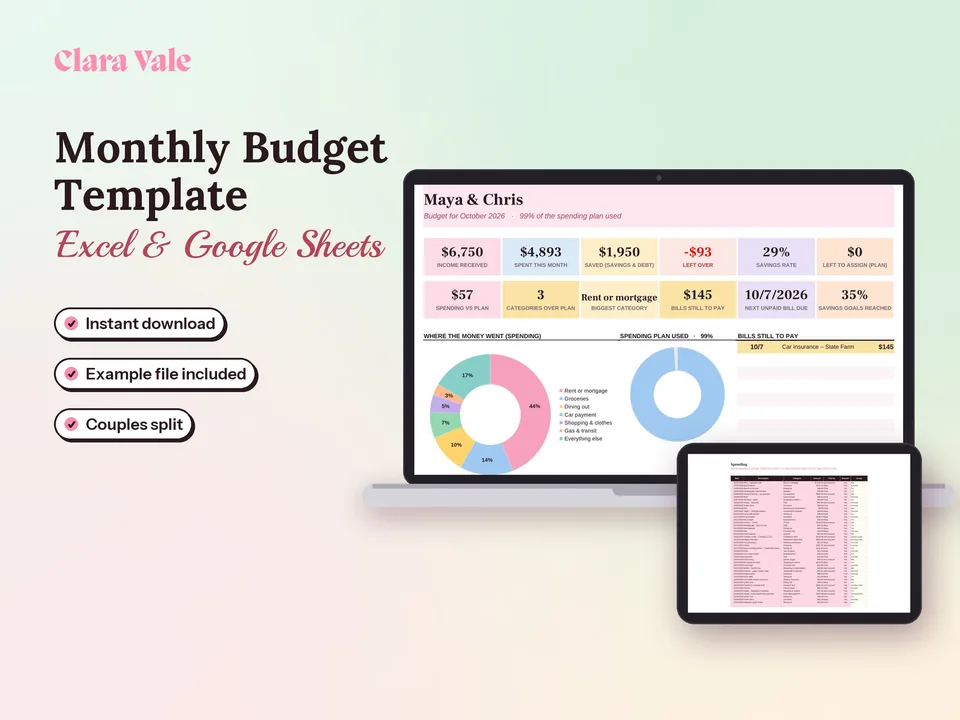
Give every dollar a job, track what you spend, and split shared costs as a couple.
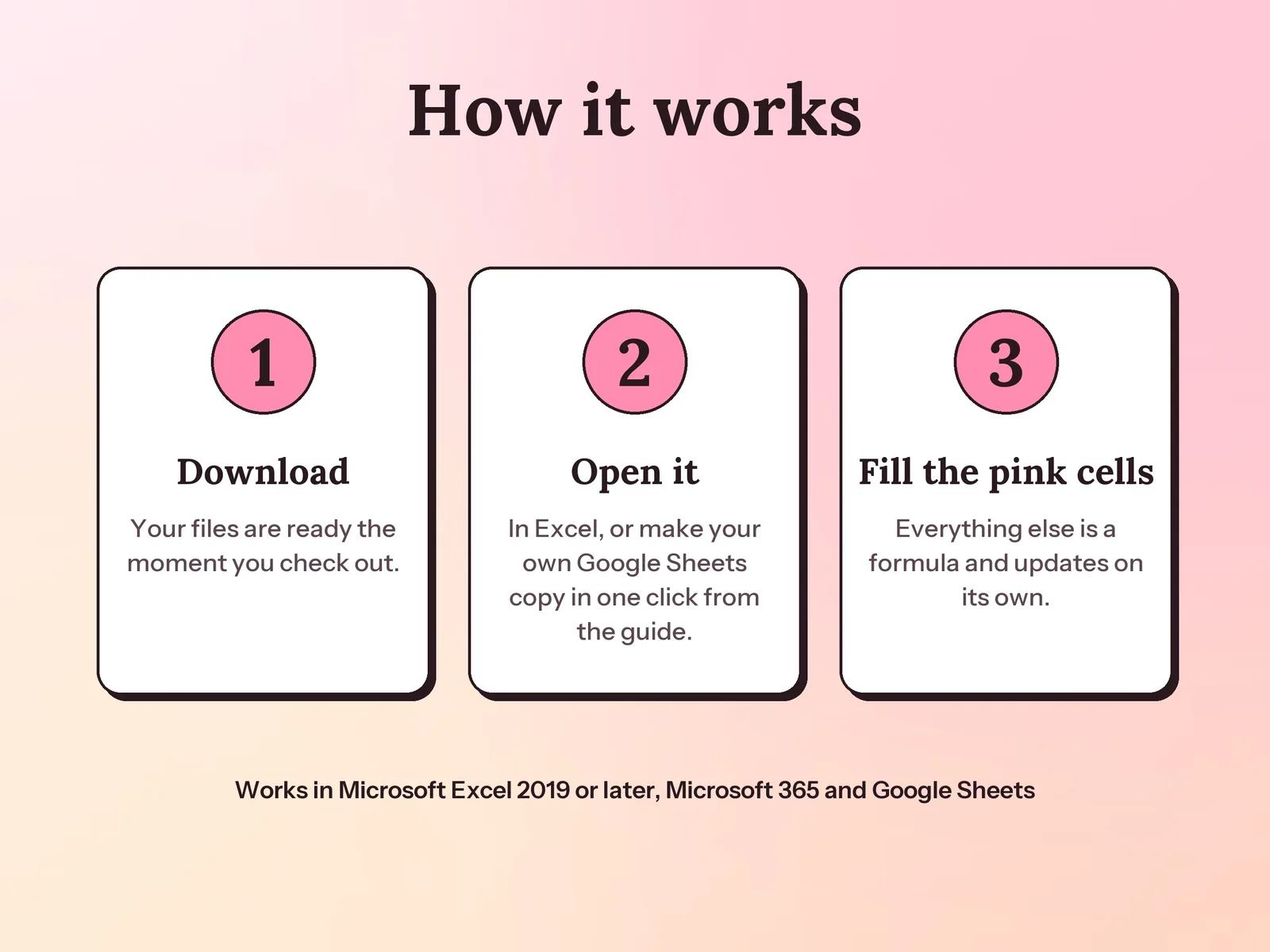
Yes. Your PDF guide has a link that makes your own Google Sheets copy in one click, with no upload needed.
Yes. Rename any category, change your budget split, or add up to four of your own in the blank rows.
A one-time download. You get the spreadsheet, the example file and the PDF guide to keep.